Top Email Marketing Platforms: 10 Picks for SaaS
Compare the top email marketing platforms for SaaS teams and makers, including features, trade-offs, pricing models, workflows, and migration guidance.
The popular advice to choose the biggest or most frequently recommended email tool is usually wrong. The right platform depends on your data and workflow, not on a generic feature checklist. A newsletter publisher, a product-led SaaS company, and a Shopify store may all need email, but they need very different systems behind it.
Start with the operating model. Does the platform charge by contacts, sends, or active profiles? Can it receive product events such as trial_started, feature_used, and subscription_upgraded? Does your sales team need a native CRM? Do ecommerce workflows depend on product feeds, order data, and revenue attribution? Can your team migrate consent records, suppressions, templates, and automations without creating a second source of truth?
The email marketing software market was valued at USD 1.7 billion in 2025 and is projected to reach USD 4.27 billion by 2034, according to Fortune Business Insights' email marketing software market analysis. That growth has produced plenty of capable tools, but also more ways to choose badly. This comparison ranks the top email marketing platforms by the operational job they need to perform, including publishing, SaaS lifecycle messaging, ecommerce automation, CRM alignment, and cost control.
SubmitMySaas can also help makers discover and evaluate relevant marketing products while they build their stack. If your team is assessing broader lifecycle tooling, its guide to the best email system for B2B growth is a useful companion to this shortlist.
1. Intuit Mailchimp
Mailchimp remains a strong default for teams that need to publish polished campaigns without building an elaborate data operation first. Its editor, templates, onboarding, prebuilt journeys, segmentation, dynamic content, and testing tools cover the practical needs of a small marketing team moving from ad hoc sends to repeatable campaigns.
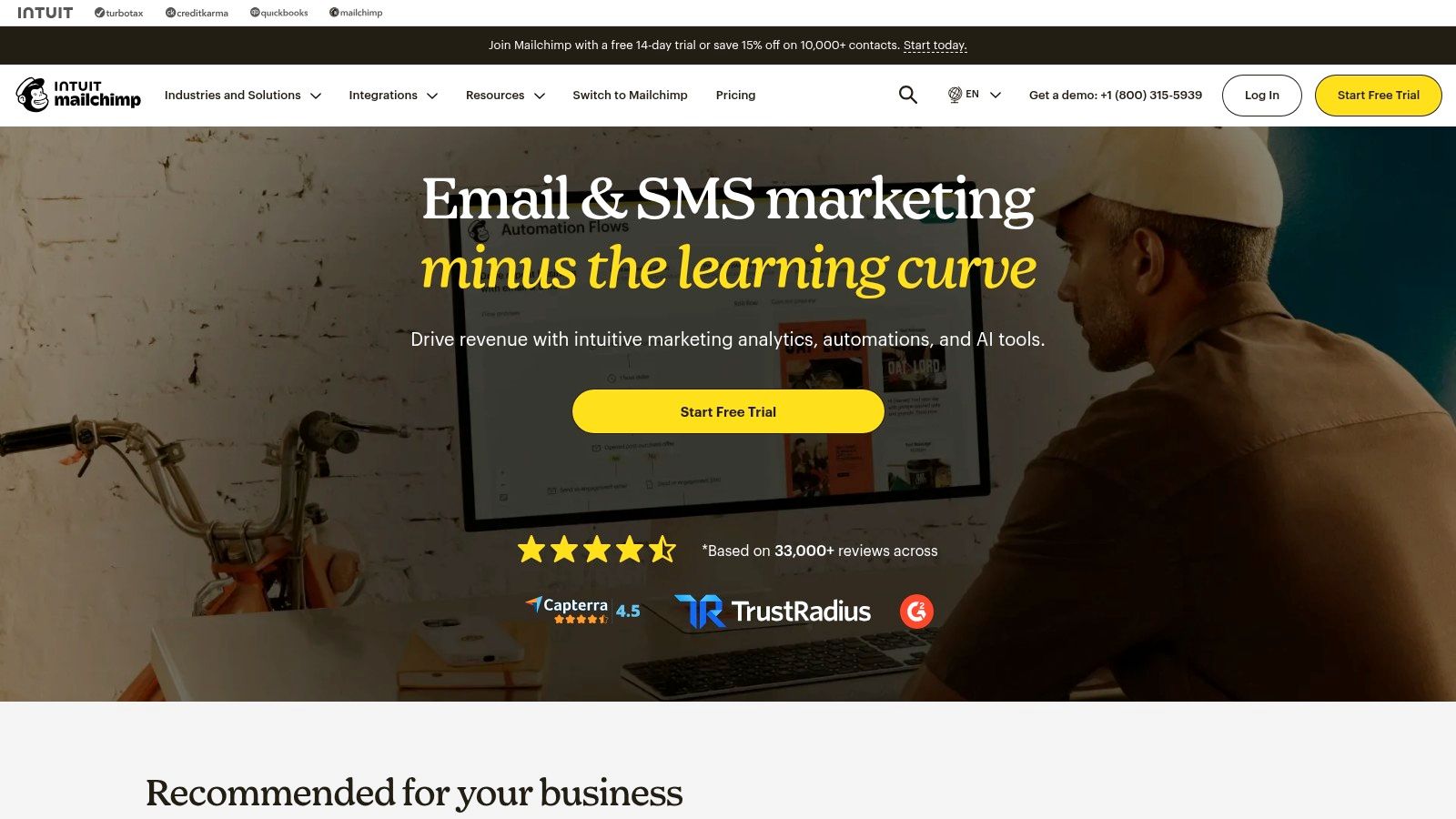
The best use case is newsletter publishing with moderate automation. A SaaS team can create a welcome series, segment trial users from paying customers, test subject lines, and connect the platform to the rest of its marketing stack. Industry and personalized benchmarking can add useful context, while AI-assisted writing helps a small team get from blank canvas to first draft faster. The broad integration ecosystem also reduces the need for custom glue code.
The trade-off is cost and operational discipline as the audience grows. Mailchimp's free tier is limited for a growing list, and contact-based pricing can become uncomfortable when you retain inactive subscribers or duplicate records. It also isn't the first choice for a product team that needs event-driven journeys with complex branching.
Practical rule: Use Mailchimp when your team values fast, reliable campaign production more than highly granular product telemetry.
Before migrating, audit audiences, tags, signup forms, and automations separately. Don't assume an imported list will preserve every journey condition. Teams moving from Mailchimp should document the fields each workflow uses, then compare the future contact model against the email marketing software comparison before selecting a replacement.
2. Klaviyo
Klaviyo is built for teams that treat email as a revenue system rather than a publishing channel. It fits ecommerce particularly well because profiles can combine browsing, purchasing, engagement, and product information. The platform also supports SMS and WhatsApp use cases, giving marketers a path from email-only campaigns to coordinated customer messaging.
Klaviyo's strongest operational job is real-time revenue automation. A store can create flows for welcome messaging, cart recovery, browsing behavior, post-purchase education, replenishment, and customer win-back. Dynamic personalization and product-aware content make these workflows more useful than a sequence of generic broadcasts. Revenue attribution and reporting help a team connect campaigns to commercial outcomes instead of judging every send by opens and clicks alone.
The same depth creates its main weakness. Klaviyo's pricing scales with active profiles, so a large database, generous data retention, or careless profile creation can increase spend. The platform also demands thoughtful implementation. If product events are incomplete, catalog data is inconsistent, or consent states are unclear, advanced segmentation won't rescue the workflow.
When SaaS teams should consider it
Klaviyo can work for product-led companies with a strong commerce-like motion, such as paid upgrades, recurring purchases, or a large catalog of plans and add-ons. It becomes less attractive for a pure B2B newsletter or a simple SaaS onboarding sequence where the team won't use deeper profile and event data.
Klaviyo earns its cost when the team builds flows around customer behavior. It is a poor value if it only sends weekly newsletters.
Plan the data model before connecting your store or application. Define profile identity, event names, product attributes, suppression rules, and revenue events first. During migration, recreate the highest-value flows before copying every campaign, then compare attribution logic rather than assuming reports will match the old platform.
3. HubSpot Marketing Hub
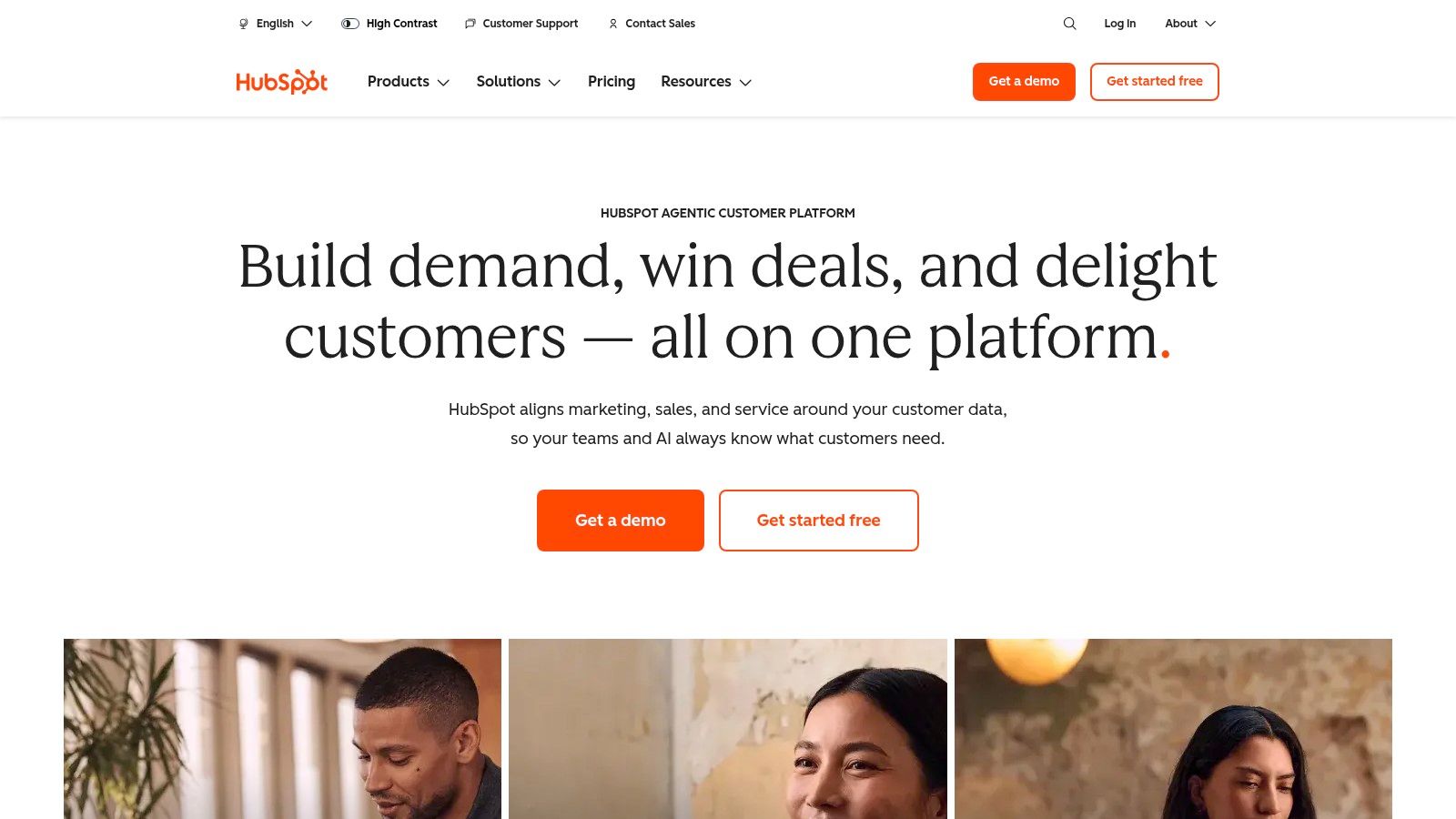
HubSpot Marketing Hub makes the most sense when email sits inside a broader sales and marketing process. Its native CRM, forms, landing pages, workflows, reporting dashboards, permissions, and multi-channel capabilities reduce the integration work that usually appears when marketing and sales use disconnected systems.
This is the strongest option on the list for CRM-centered lifecycle marketing. A B2B SaaS team can capture a lead through a form, associate that contact with a company, assign lifecycle stages, notify sales, and send nurture messages from the same customer record. Marketing can use CRM properties for segmentation, while sales and customer success can see the surrounding engagement context without importing campaign data into another system.
The downside is not capability. It's proportionality. A company that only needs a monthly newsletter may pay for governance, data structures, seats, and features it won't use. HubSpot's pricing model also requires careful planning because contacts, sends, seats, and feature tiers can all affect the commercial decision. Teams should model the complete operating cost, not just the email line item.
The migration question
HubSpot is usually a poor destination for a team that hasn't agreed on field ownership. Before implementation, decide which system owns lead status, lifecycle stage, consent, account assignment, and customer health. Otherwise, the platform becomes a large container for contradictory data.
For teams comparing CRM-led automation, the best marketing automation software discussion can help frame the choice. Choose HubSpot when reducing integration overhead and improving sales visibility matter more than finding the leanest newsletter tool. Avoid it when a focused email platform already handles your workflow cleanly.
4. ActiveCampaign
ActiveCampaign is an automation-first choice for teams that have outgrown linear email sequences but don't yet need a full marketing cloud. Its visual workflows support goals, split paths, conditions, site tracking, event tracking, lead scoring, and optional CRM-style pipelines. That combination works well for SaaS teams with meaningful behavior signals and a small operations function.
The core job here is behavior-led lifecycle messaging. A trial user might enter an onboarding sequence, branch after using a key feature, pause promotional messaging after becoming a customer, and receive an expansion campaign after reaching a usage threshold. The visual builder makes these paths inspectable, which matters when a workflow has multiple entry points and exit conditions.
ActiveCampaign's flexibility also creates a learning curve. Beginners can launch a basic automation quickly, but advanced workflows need naming conventions, entry criteria, suppression logic, and ownership. Without that discipline, a growing account can accumulate overlapping automations that send conflicting messages. Pricing rises with contact bands and feature upgrades, so the team should evaluate the workflows it will actually maintain rather than buying complexity on speculation.
A practical SaaS setup
Begin with a small event vocabulary. Use stable events for signup, activation, invitation, payment, cancellation, and meaningful product usage. Map each event to one clear automation owner, then add goals that remove people from an earlier journey when their lifecycle changes.
Workflow test: Every automation should have an entry rule, an exit rule, a suppression rule, and a named owner before it goes live.
ActiveCampaign is a better fit than a newsletter-first platform when conditional logic drives the message. It isn't ideal for a team that wants the simplest editor, the lowest operational overhead, or a purely broadcast-based program. For campaign fundamentals, teams can also review guidance on how to increase email open rates, while remembering that engagement depends on audience quality and message relevance as well as tooling.
5. Brevo
Brevo is attractive when a team has a large contact database but sends selectively. Its primary cost logic is based on monthly email volume rather than charging for every stored contact, and it also brings transactional email, SMS, simple CRM functions, and marketing automation into one platform.
That makes Brevo a practical choice for cost control and communications consolidation. A SaaS company can maintain a broad user database, send product announcements to selected segments, route transactional messages through the same provider, and add SMS when a use case justifies it. A business with dormant leads or infrequent campaign schedules may find send-based economics easier to manage than active-profile pricing.
The trade-off is depth. Brevo covers the core workflow well, but some advanced capabilities require higher tiers or add-ons. Its template and interface depth may feel less refined than Mailchimp for design-led newsletters or less specialized than Klaviyo for ecommerce revenue automation. Teams should also check whether the exact CRM, reporting, and event requirements are native or need integration work.
Where Brevo fits best
Choose it when database size and send frequency don't move together. For example, a company may need to retain many contacts for product or compliance reasons but communicate only when a user reaches a relevant lifecycle state. Volume-based pricing can make that pattern easier to budget.
Avoid choosing Brevo solely because the headline price looks appealing. Estimate campaign sends, transactional traffic, SMS usage, automation needs, and support requirements together. During migration, separate promotional and transactional streams, import consent and suppression data, and verify domain authentication before sending to the full audience.
6. Kit
Kit is designed for creators, newsletter operators, solo founders, and content-led businesses that want to turn audience attention into a dependable publishing workflow. Its forms, landing pages, sequences, visual automations, audience tags, creator profiles, and simple digital sales tools keep the system approachable.
Kit's operational job is newsletter publishing with light commerce. A maker can offer a lead magnet, tag subscribers by interest, send a welcome sequence, announce a product, and direct readers toward a digital purchase without assembling a large marketing stack. The platform's simple structure encourages consistent publishing, which is often more valuable for an early audience than a complex automation engine nobody maintains.
Design flexibility is the main compromise. Editors and templates are simpler than those found in more design-oriented platforms, and a brand with elaborate layouts may need custom work or another tool. Kit is also less suitable when a SaaS company needs detailed account-level data, complex product events, sales pipelines, or advanced operational reporting.
Who should avoid Kit
Don't choose Kit as the foundation for a multi-team B2B lifecycle program just because it handles newsletters well. It can support a founder-led product audience, but it isn't the natural choice for coordinating marketing, sales, support, and customer success around one customer record.
Kit's free entry point can be useful during audience building, but plan for the point where subscriber growth changes the economics. Before migrating, export tags, sequences, form sources, consent records, and purchase relationships. Rebuild the welcome and launch sequences first, then test links, sender identity, and subscriber movement through each automation.
7. MailerLite
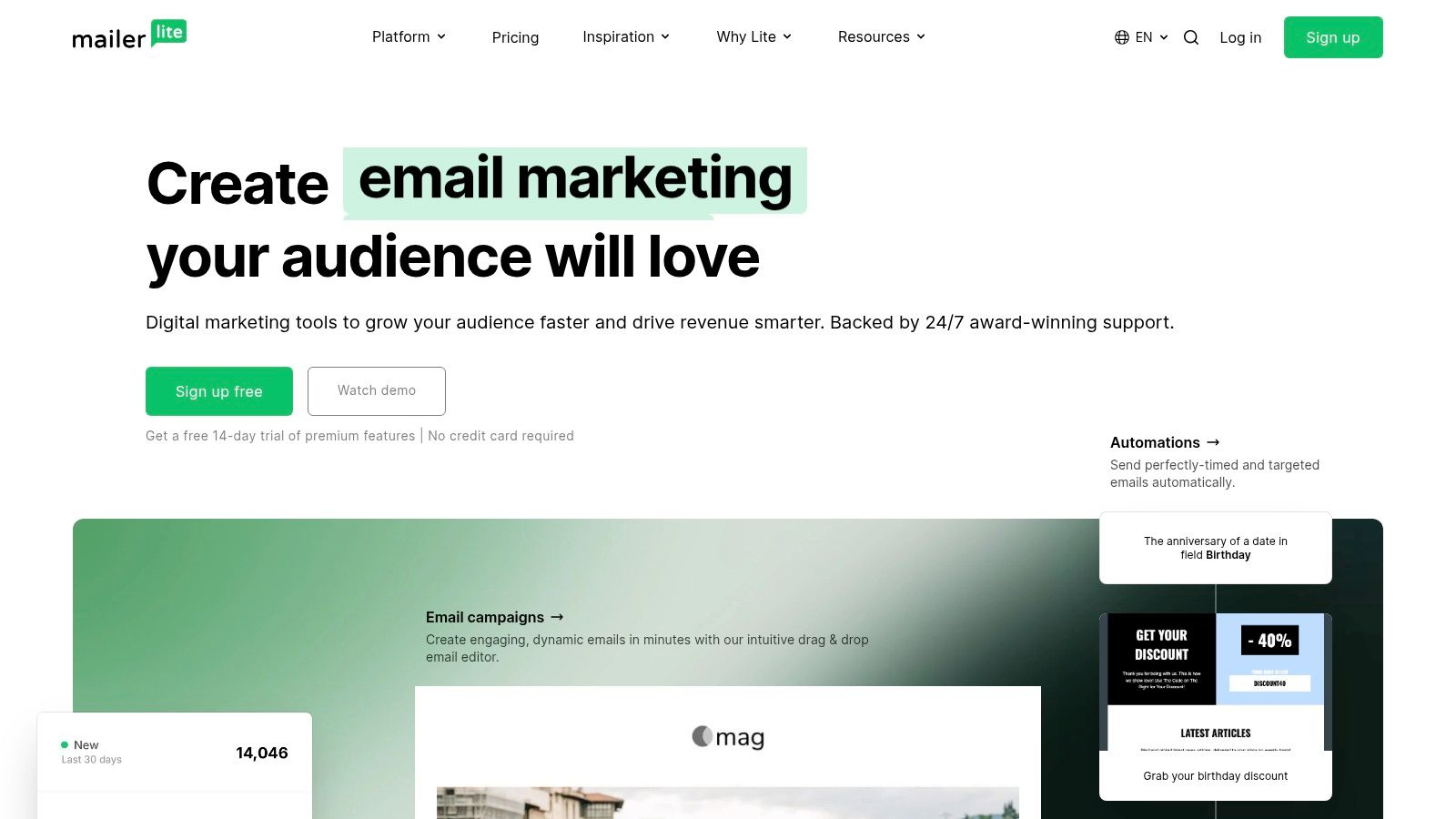
MailerLite is a lean option for indie makers and small teams that want to publish quickly without learning an enterprise marketing system. Its drag-and-drop editor, landing pages, pop-ups, segmentation, automations, and A/B testing cover the essential publishing workflow while keeping the interface relatively easy to use.
The platform works best for fast campaign production and controlled list growth. A small SaaS team can create a lead-capture page, build a welcome sequence, segment subscribers by interest, and send a product update without involving a developer for every change. That speed matters when one person handles copy, design, demand generation, and basic operations.
MailerLite becomes less compelling as the workflow requires richer event logic, deeper reporting, or a large integration surface. It has fewer advanced automation and analytics capabilities than power-user tools, and changes to free allowances mean teams shouldn't build a long-term plan around an assumption that the free tier will remain sufficient.
A good maker workflow
Use one primary audience model, not a new list for every campaign. Store durable attributes as fields, use groups or segments for changing interests, and create a short automation for each clear lifecycle moment. That structure makes future migration easier and prevents unsubscribes from being handled inconsistently.
MailerLite is a sensible starting point for a small publishing operation. It isn't the right destination if you already know you'll need complex account-level journeys, advanced revenue reporting, or tightly coordinated sales automation. Teams comparing low-cost entry options can also consult the best free email marketing software, then verify current limits directly before committing.
8. Customer.io
Customer.io is the most natural fit here for product-led SaaS teams that want email to respond to in-app behavior. Its flexible data model, profile and event-based journeys, Liquid logic, transactional messaging, data transformations, and developer-oriented controls support workflows that simpler campaign tools struggle to represent cleanly.
The platform's job is event-driven lifecycle orchestration. A team can send onboarding guidance after a user completes signup, change the sequence after activation, trigger education when a feature is ignored, and coordinate transactional and marketing messages around account state. That lets the product experience shape the communication instead of forcing every user through the same calendar-based sequence.
Customer.io requires real setup work. Engineers or technically capable marketers need to define event names, properties, identity rules, consent handling, and delivery priorities. If the application emits unreliable or ambiguous data, the platform will faithfully automate the wrong behavior. It also isn't especially friendly to a newsletter-only team that just needs attractive broadcasts.
Implementation before automation
Create a data contract before building journeys. Document event names, required properties, timestamp behavior, user identity, account identity, and the conditions that should stop a message. Keep marketing events separate from security and transactional events so that a promotional experiment can't interfere with an essential product communication.
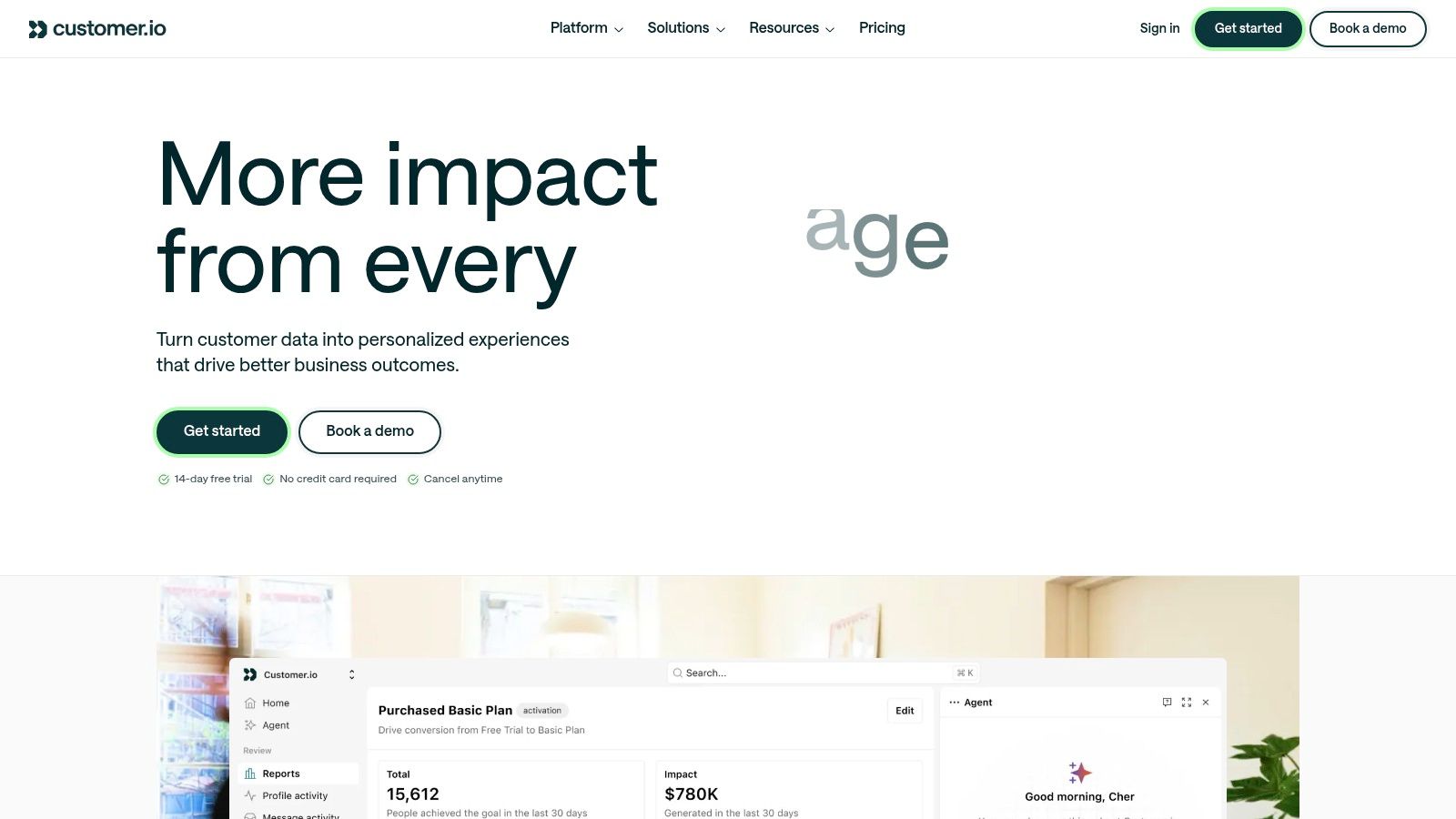
Customer.io is worth the implementation effort when activation, retention, and expansion depend on product behavior. It may be excessive for a small content audience or a SaaS business that only sends scheduled announcements. Test event delivery in a staging environment, inspect rendered messages with realistic properties, and migrate the essential journeys before importing the entire historical campaign library.
9. Omnisend
Omnisend is built for ecommerce teams that need a fast path from product and order data to automated messaging. Its prebuilt welcome, cart, post-purchase, and customer reactivation flows reduce setup time, while product content blocks, discount tools, order reporting, and email plus SMS orchestration support commerce-specific campaigns.
Omnisend's strongest operational job is revenue automation for product catalogs. A store can pull products into a message, remind a shopper about an abandoned cart, recommend a follow-up after purchase, and assess performance against order activity. That workflow is more useful than a generic newsletter tool when the business needs campaign decisions tied directly to products and transactions.
The specialization is also the limitation. Omnisend is less suitable for a pure newsletter publisher, a B2B SaaS company without a catalog, or a business whose customer model depends on account hierarchies rather than orders. Pricing and functionality scale with contacts and sends, while SMS is billed separately, so the team needs a combined forecast before switching on additional channels.
Keep the flows focused
Start with the customer moments that already have clear commercial intent. Welcome, cart recovery, post-purchase education, replenishment, and win-back flows usually deserve priority over a large collection of speculative automations. Use frequency controls and suppression rules so promotional messages don't collide with service updates.
Omnichannel suites are becoming more common, with platforms bundling email, SMS, WhatsApp, CRM, landing pages, and customer-data integrations, as discussed in recent coverage of email marketing software trends. Choose Omnisend when ecommerce data is central to the business. Avoid it when the platform's catalog assumptions don't match how your customers buy.
10. GetResponse
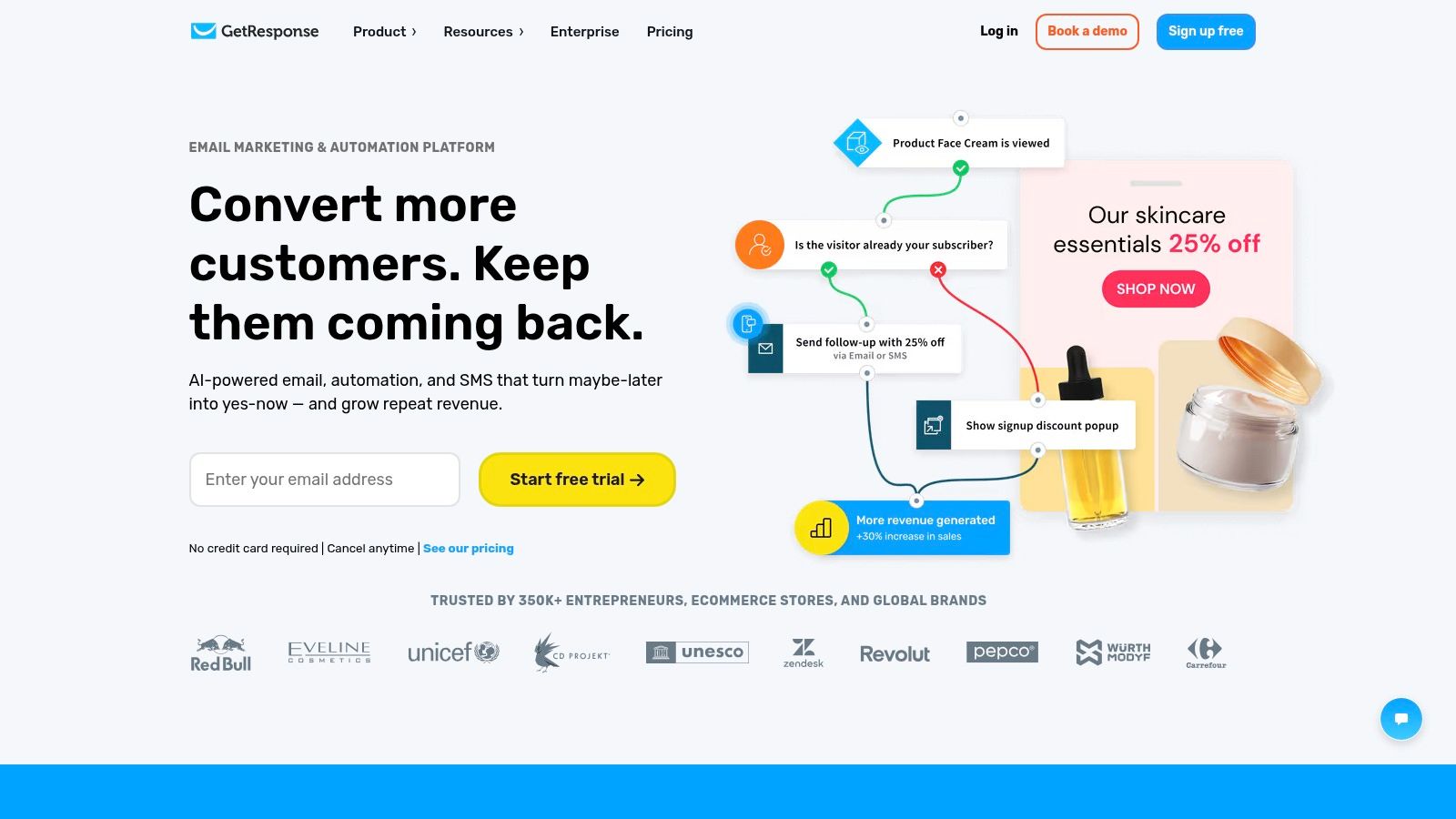
GetResponse is a broad all-rounder for teams that want email, landing pages, forms, pop-ups, funnels, and webinars in one toolkit. It can reduce the number of separate tools a small marketing operation needs, particularly when lead generation and live education are part of the same acquisition motion.
Its operational job is campaign-led demand generation with built-in funnels or webinars. A SaaS company can attract a lead through a landing page, nurture that person with email, invite them to a webinar, and continue the sequence afterward. The built-in assets are useful for teams that would otherwise stitch together a page builder, webinar service, form tool, and email platform.
The broad feature set comes with a more involved interface. Teams with complex enterprise requirements may find the reporting and workflow depth less suitable than a CRM-led platform or an event-driven system. Some advanced capabilities are also gated to higher tiers, so the comparison should focus on the exact funnel, webinar, automation, and collaboration features needed.
A sensible launch sequence
Don't build the entire funnel before testing the first conversion path. Create one landing page, one confirmation path, one short nurture sequence, and one webinar follow-up. Check that tags, registration status, attendance data, and sales handoff remain consistent before adding branches.
GetResponse is a useful compromise when an audience needs more than newsletters but doesn't need a complete CRM platform. It isn't the best choice for thoroughly instrumented product messaging or catalog-heavy ecommerce automation. For launch communications, teams can adapt the principles in this new product launch email template to keep the sequence focused and operationally clear.
Top 10 Email Marketing Platforms, Feature & Pricing Comparison
| Product | Core features ✨ | UX & Quality ★ | Price & Value 💰 | Target audience 👥 | Unique selling points 🏆 |
|---|---|---|---|---|---|
| Intuit Mailchimp | Templates, visual automations, AI writing, 300+ integrations ✨ | Beginner-friendly onboarding, polished UI ★★★★ | Limited free plan, costs grow with contacts 💰★★★ | Small teams & scaling startups 👥 | Mature templates & prebuilt journeys 🏆 |
| Klaviyo | Advanced segmentation, real-time flows, SMS, revenue attribution ✨ | Data-rich, power-user experience ★★★★★ | Pricing scales with active profiles (can be expensive) 💰★ | Ecommerce & product-led companies 👥 | Best for revenue-driven automation & attribution 🏆 |
| HubSpot Marketing Hub | Native CRM, drag‑drop emails/pages, robust workflows ✨ | Polished, enterprise-grade UX; scalable ★★★★★ | Complex tiers (contacts/seats/features) 💰★★ | Sales-led orgs and scaling businesses 👥 | All-in-one CRM + marketing stack (reduces integration) 🏆 |
| ActiveCampaign | Visual automations, lead scoring, site/event tracking ✨ | Powerful automations; steeper learning curve ★★★★ | SMB-friendly entry, pricing rises with contacts 💰★★★ | SaaS lifecycle & SMB marketers 👥 | Flexible packaging; automation-first focus 🏆 |
| Brevo (Sendinblue) | Send-volume pricing, transactional email, SMS, simple CRM ✨ | Functional UI, good deliverability ★★★ | Predictable for large lists with low send freq 💰★★★★ | Large databases with modest send cadence 👥 | Volume-based pricing + transactional tools in one 🏆 |
| Kit (ConvertKit) | Creator automations, landing pages, simple commerce ✨ | Simple, newsletter-first UX ★★★★ | Generous free plan; mid-pack once scaled 💰★★★ | Solo founders, creators, newsletters 👥 | Creator-focused growth & sales tools 🏆 |
| MailerLite | Drag-and-drop editor, landing pages, automations ✨ | Intuitive, fast to learn ★★★★ | Competitive pricing; free tier reduced 2026 💰★★★ | Indie makers & small teams 👥 | Lean UX + strong value for core features 🏆 |
| Customer.io | Event-driven journeys, transactional + marketing, Liquid logic ✨ | Developer-friendly, high control ★★★★ | Pricier; needs data plumbing to unlock value 💰★★ | Product-led SaaS & engineering-driven teams 👥 | Granular behavior-based messaging & deliverability controls 🏆 |
| Omnisend | Prebuilt ecommerce automations, product feeds, SMS ✨ | Quick time-to-value for commerce flows ★★★★ | Contact/send-based pricing; SMS billed separately 💰★★★ | Ecommerce merchants & stores 👥 | Built-in order attribution & product content blocks 🏆 |
| GetResponse | Email editor, automations, landing pages, webinars ✨ | Broad feature set; UI less modern ★★★ | Accessible pricing for bundled features 💰★★★★ | Marketers needing funnels & webinars 👥 | Integrated webinars + funnels in one toolkit 🏆 |
Choose for the Workflow You Can Maintain
The best email marketing platform is the one your team can operate consistently after the initial excitement of implementation fades. A tool with advanced automation won't create better lifecycle messaging if nobody owns the event taxonomy, reviews failed sends, updates segments, or removes obsolete branches. A simpler platform can outperform a more powerful one when it matches the team's actual publishing rhythm and data maturity.
For straightforward newsletters and content publishing, start with MailerLite, Kit, or Mailchimp. MailerLite suits makers who want a clean editor, landing pages, and basic automation. Kit is a natural choice for creator-led audiences, digital products, and newsletter-first businesses. Mailchimp is a broader option for teams that want mature templates, integrations, testing, and prebuilt journeys without immediately building a complex data operation.
For behavior-led SaaS journeys, compare Customer.io and ActiveCampaign. Customer.io is the better fit when engineers can provide reliable product events and the team needs granular control over activation, retention, and expansion messages. ActiveCampaign is more approachable for marketing-led teams that want visual workflows, conditional logic, scoring, and optional CRM capabilities without adopting a full customer platform.
Choose HubSpot when CRM alignment is the central requirement. It makes sense when sales and marketing need shared contact records, lifecycle stages, reporting, permissions, forms, pages, and workflow governance. It is excessive for a team that only needs a newsletter editor and a modest welcome sequence.
For ecommerce, Klaviyo and Omnisend are the focused choices. Klaviyo is suited to advanced segmentation, profile data, predictive analysis, multi-channel messaging, and revenue attribution. Omnisend is a strong fit when prebuilt commerce flows and fast time-to-value matter more than a highly customized data model. Neither is a good default for a business without meaningful product or order data.
Use Brevo when send-volume economics matter. Its model can suit teams with a large database and selective sending, especially when transactional email and SMS should sit alongside campaigns. Choose GetResponse when funnels, landing pages, or webinars belong in the same toolkit and the team prefers fewer connected services.
Deliverability should influence every decision. Independent 2026 testing across 15 email service providers found an average inbox placement rate of 83.1%, meaning 16.9% of messages did not reach the inbox, while the strongest platforms reached approximately 92% to 93%. The results are summarized in EmailToolTester's email deliverability test. Provider choice matters, but authentication, list hygiene, engagement, sending patterns, and suppression management still determine whether campaigns arrive.
Treat migration as a data project, not a subscription change. Before switching platforms:
- Map fields and events: Document contact identity, account identity, lifecycle stages, product events, purchase fields, consent states, and suppression reasons.
- Export consent and suppression data: Preserve opt-in sources, unsubscribe status, bounced addresses, complaints, and global exclusions before importing contacts.
- Rebuild essential automations: Prioritize welcome, onboarding, transactional, cart, post-purchase, renewal, cancellation, and lead handoff workflows.
- Test deliverability: Authenticate the sending domain, verify templates, test rendering, review links, and send to controlled audiences before scaling.
- Run a staged migration: Keep the old system available while the new platform handles a limited segment, then compare delivery, clicks, conversions, automation behavior, and support issues.
The market is fragmented despite the prominence of a few major vendors. One technology tracker identified email marketing or sending platforms on approximately 2.47 million live websites across 65 tools, with Mailchimp detected on 535,355 live websites, or 21.2% of detected sites, as reported by TechnologyChecker's email marketing category data. Adoption alone shouldn't decide your shortlist. The operational question is whether the platform can handle your data cleanly, support the messages your customers need, and remain affordable and maintainable as the workflow changes.
SubmitMySaas helps founders and makers discover SaaS, AI, marketing, productivity, and design tools through launches, categories, trending lists, and product roundups. Compare relevant products for your next marketing stack and submit your own tool for focused discovery on SubmitMySaas.