By Outrank
Marketing Software Online: 10 Tools SaaS Teams Use in 2026
A practical 2026 roundup of marketing software online for SaaS and startup teams, covering email, SEO, social, ads and design tools with honest trade-offs.
On this page
Most startup marketing stacks are buying the same tool twice. A team pays for an all-in-one suite, adds a separate email platform, then buys another automation tool because nobody mapped which system owns follow-up. The problem isn't a shortage of features. It's overlapping subscriptions and customer records that disagree.
The popular advice to buy the best tool in every category makes this worse. The better approach to marketing software online is to assign each product a job, then remove anything that duplicates that job without improving the workflow.
The choice is broad enough to justify discipline. The University of Hamburg's Marketing Technology Report documented 9,932 marketing-technology solutions worldwide in 2023. You don't need a subscription for every possible task.
Use this shortlist as a set of stack options, not a shopping list:
- Acquisition: Launch discovery, organic search, and paid traffic.
- Retention: Email, segmentation, and customer follow-up.
- Production: Content creation and social publishing.
The digital marketing tool picks from SuperX provide another perspective on individual tools. The decision below is more specific: which products should coexist, and which should replace each other?
1. SubmitMySaas
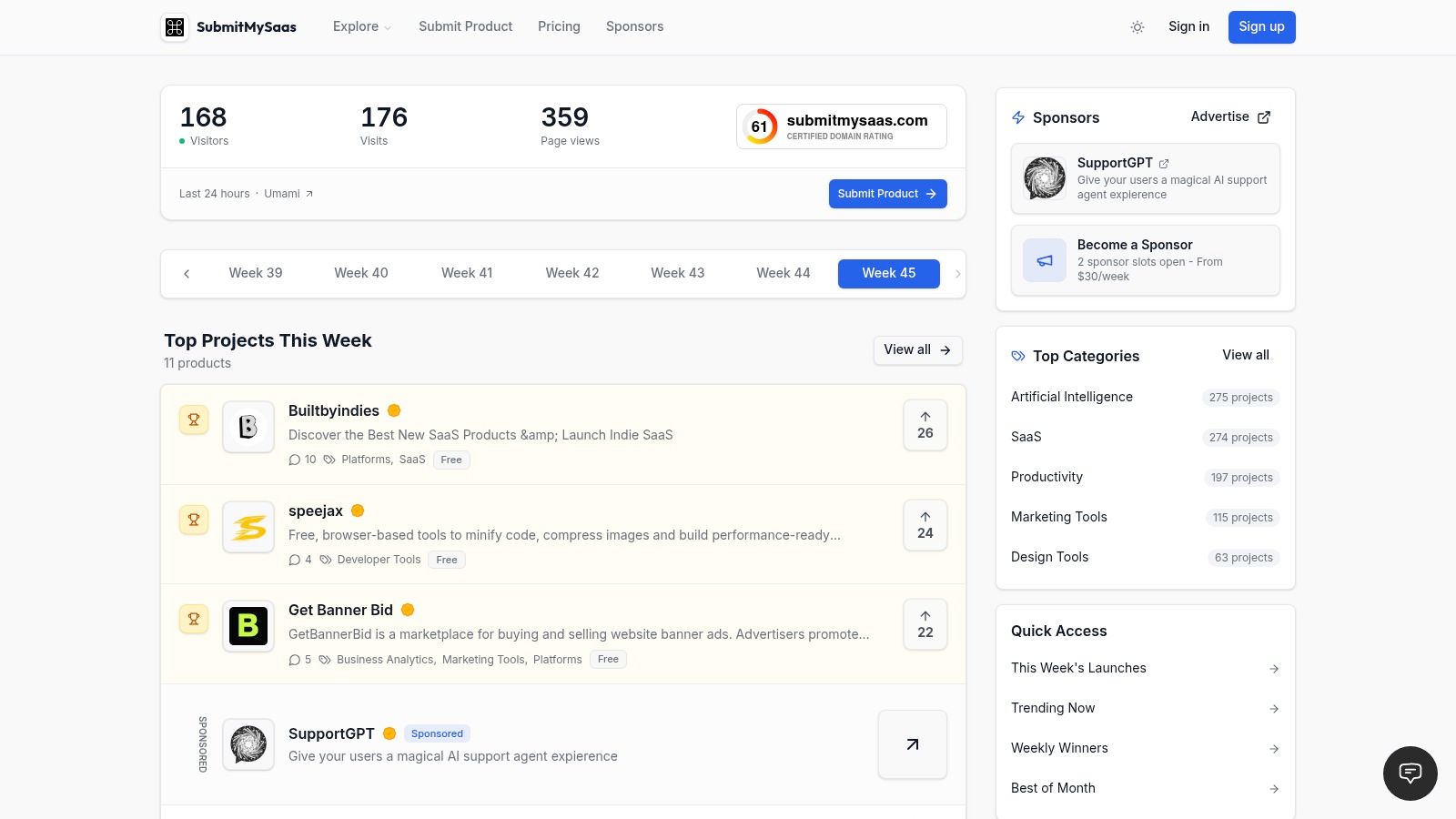
A launch directory can extend a product announcement, but it cannot replace the work of turning interest into customers. Stack slot: launch and product discovery. SubmitMySaas lets makers submit products for visibility, feedback, and a high-authority backlink, with a focus on SaaS, AI, productivity, marketing, and design tools.
Products appear in weekly rankings and monthly best-of lists. Treat those listings as one acquisition channel: placement can create an opportunity to be discovered, but does not guarantee visits or customers.
Where It Earns Its Place
A listing works best when it sends visitors to a focused landing page. Explain the product's job, show the interface, and give people a clear next step, such as starting a trial or requesting a demo. Decide what success means before publishing, then track referred visitors through to activation.
- What it complements: Your website, email onboarding, search strategy, and paid campaigns.
- What it replaces: Some manual outreach to launch directories, not your ongoing acquisition strategy.
- Free Launch: Costs $0 and includes a dofollow backlink only if the product ranks in the weekly top three and displays the SubmitMySaas badge on its site.
- Premium Launch: Costs $19 per launch and includes priority placement in an available Monday launch, plus a guaranteed high-authority dofollow backlink.
A backlink can support discovery and credibility, but it does not guarantee search rankings. Measure whether visitors take the next step, not just whether the product earns a place in a ranking.
Launch rule: A directory listing can introduce the product. Your landing page and onboarding still have to explain why someone should use it.
2. HubSpot Marketing Hub
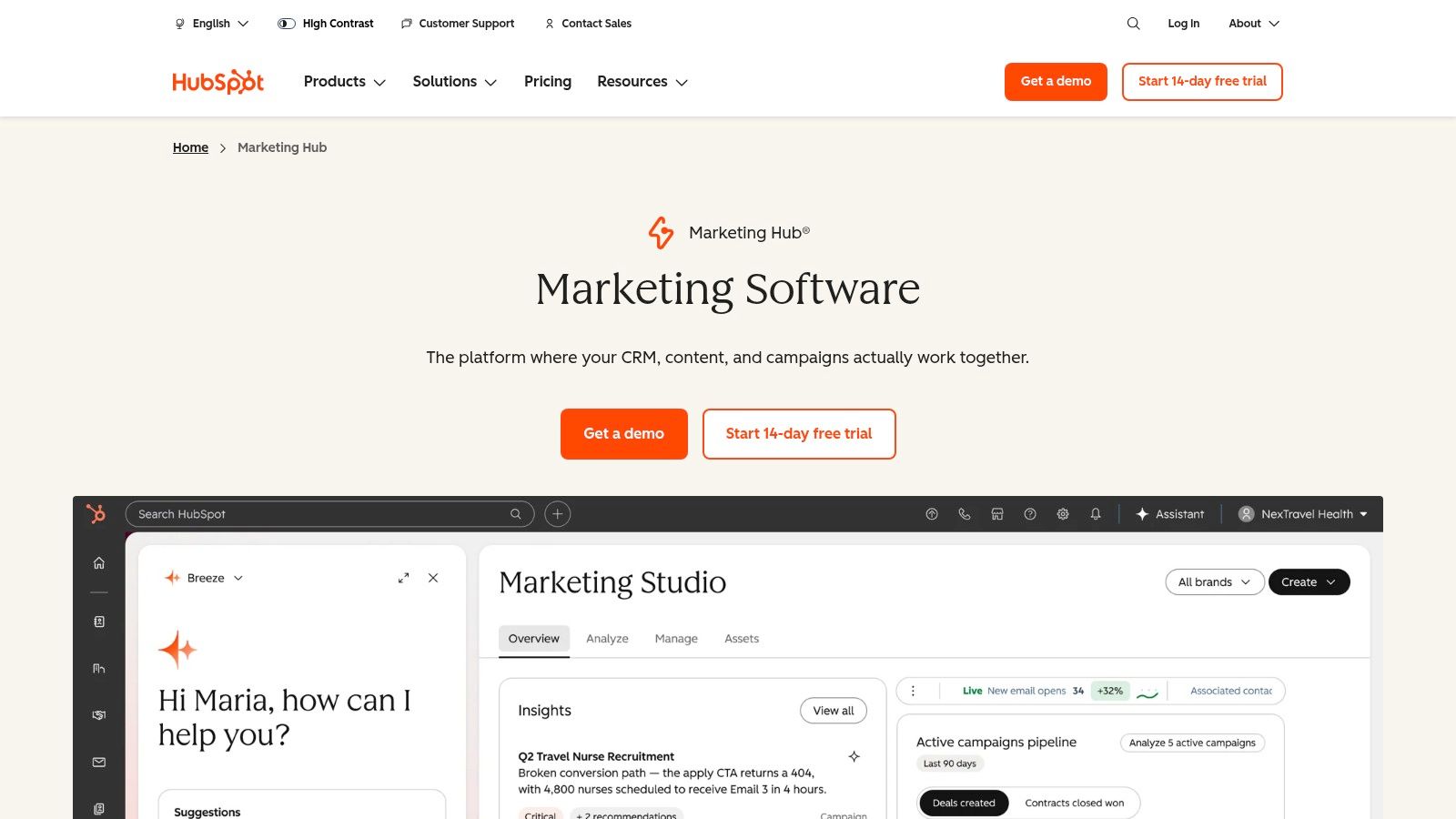
When marketing generates leads but sales can't see what those leads did, shared customer records matter more than another campaign editor. HubSpot Marketing Hub connects lead capture, email, campaign activity, and reporting with a CRM.
Stack slot: all-in-one CRM marketing. It suits a SaaS team that needs to coordinate forms, nurture campaigns, and sales follow-up around the same contact. Free tools let teams explore basic workflows, while more advanced automation depends on the selected plan.
Buy the Shared Workflow, Not Just the Email Editor
Say someone downloads a buying guide and later requests a demo. The useful workflow is to preserve that history, assign ownership, and stop sending introductory messages once the conversation changes.
HubSpot can become the system responsible for that process. But buying a broad platform doesn't automatically give you clean lifecycle stages or sensible routing.
- Strong fit: Marketing and sales need shared context and consistent handoffs.
- Trade-off: Advanced capabilities can require a substantial subscription commitment and onboarding work.
- Overlap warning: Mailchimp, ActiveCampaign, and Brevo may duplicate email and automation functions you already have.
Before adding another sender, compare your requirements against the capabilities in your actual HubSpot plan. The marketing automation software comparison is useful for separating a genuine workflow gap from a feature you haven't configured.
I'd choose HubSpot when CRM coordination justifies the platform's breadth. For a founder sending a straightforward newsletter, that breadth can create unnecessary administration.
3. Semrush
Stack slot: acquisition research. Semrush helps teams investigate keywords, competitors, backlinks, and technical site issues. It informs what to build and publish; it doesn't replace the systems that send customer campaigns.
Start with a business question. Which searches indicate buying intent? Which competitor pages explain a problem your product solves? Which technical issues prevent your useful pages from being discovered?
Turn Research Into Assigned Work
A practical workflow is to identify a relevant topic, inspect the search results, choose the appropriate page format, and assign a content brief. After publication, monitor visibility and fix weaknesses rather than repeatedly exporting fresh keyword lists.
Semrush also offers toolkits for areas such as content, social, advertising, local marketing, and AI visibility. That breadth is useful when someone owns those activities, but it's easy to buy capabilities that nobody uses.
- Best reason to choose it: You want search and competitor research with room to add related marketing capabilities.
- Main drawback: Multiple toolkits and higher usage requirements can expand the bill.
- Replacement relationship: It substantially overlaps with Ahrefs for core SEO research.
- Coexistence relationship: It complements Canva, an email platform, and Google Ads because those products execute different work.
Don't subscribe to Semrush and Ahrefs just because both appear on respected tool lists. Choose the research interface and limits that match your workflow, then add another platform only when you can name the missing task.
Research has value when someone turns it into a page, a technical fix, or a campaign decision.
4. Mailchimp
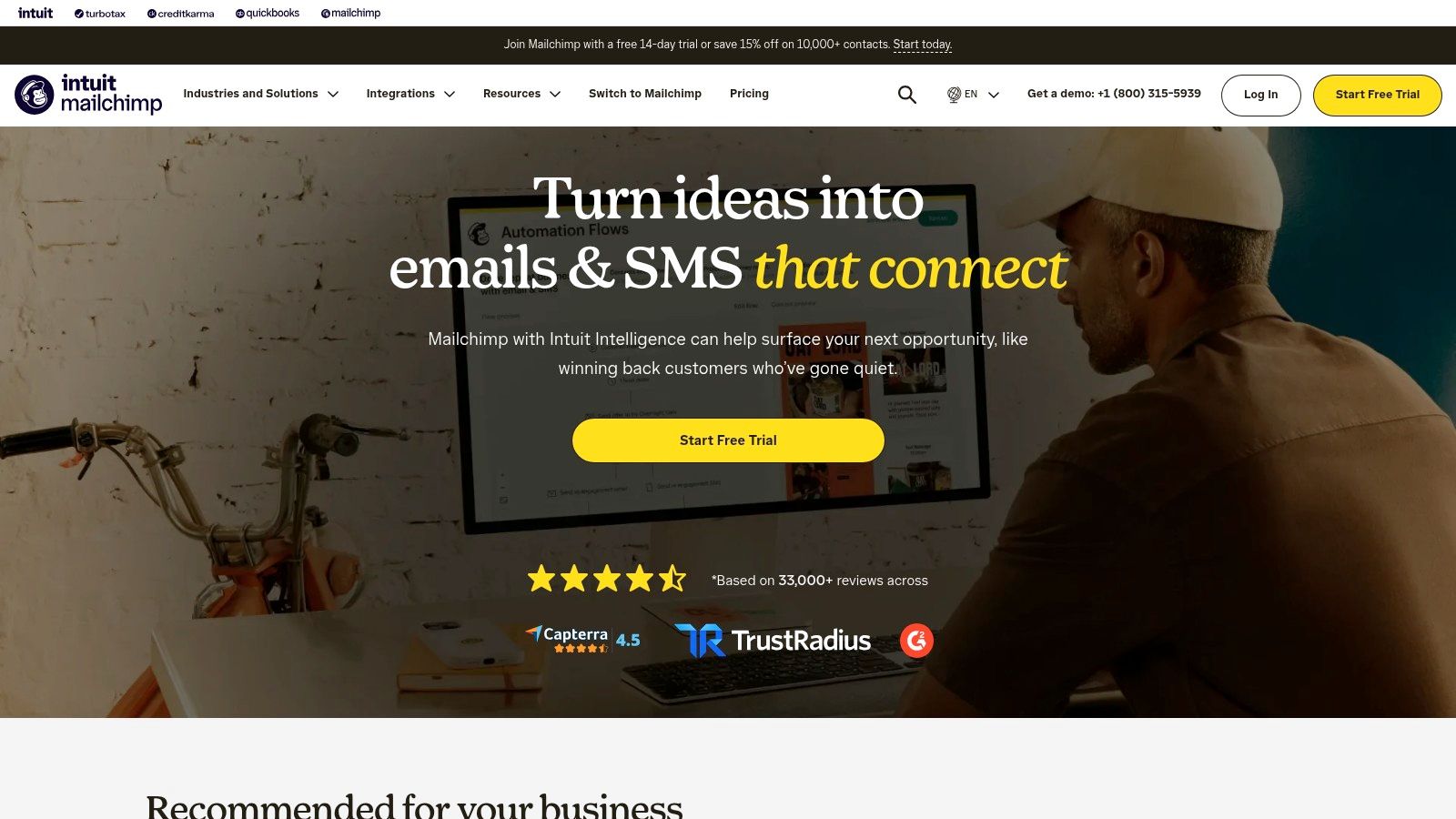
A product-update newsletter doesn't need an elaborate sales workflow. Mailchimp is an email-first option for managing an audience, creating campaigns, collecting signups, and running customer journeys according to plan capabilities.
Stack slot: email communication and straightforward retention. It's a sensible candidate when a small team needs a repeatable publishing process more than a complex automation architecture.
Keep Audience Ownership Clear
The practical setup starts with consent, contact fields, and a clear distinction between prospects and customers. Then build reusable campaign templates and decide who reviews each send.
Mailchimp also offers landing pages and other marketing features. Those can simplify a small operation, but they're not a reason to recreate pages and forms already maintained elsewhere.
- What works: Newsletters, announcements, and email-led audience development.
- What needs attention: Contact limits, feature availability, and how the subscription changes as your audience grows.
- What it won't replace: SEO research, paid-search management, or a full sales process.
- What it may replace: Basic email campaigns currently running inside a broader suite.
Use the email marketing software comparison to assess audience management and automation requirements before migrating.
The strongest reason to keep Mailchimp alongside another platform is a clearly separate audience or workflow. Sending similar campaigns to the same contacts from different systems creates avoidable consent, suppression, and reporting problems. For a small SaaS team, a single marketing sender is usually easier to maintain.
5. ActiveCampaign
Choose ActiveCampaign when the next message depends on what someone does. Its email, segmentation, automation, and CRM capabilities suit teams that need more structured follow-up than an occasional broadcast.
Stack slot: behavioral email and lifecycle automation. A useful sequence might welcome a trial user, branch according to a recorded action, and stop when the customer reaches the intended milestone.
The important dependency is the input data. An automation platform can't reliably distinguish an inactive trial from an activated account if your application never sends that information.
More Automation Means More Maintenance
Before building a workflow, write its entry condition, exit condition, exclusions, and owner. Include what happens when someone becomes a customer, unsubscribes, or qualifies for sales follow-up.
That discipline matters more than the visual complexity of the automation canvas.
- Strength: Segmented follow-up and workflows connecting marketing activity with sales processes.
- Trade-off: Contact volume and selected capabilities affect cost, while complex journeys require ongoing maintenance.
- Replacement relationship: It competes with Mailchimp and Brevo for the primary marketing-email role.
- Possible overlap: Its CRM-related workflows may duplicate parts of a HubSpot setup.
Don't automate a sequence until you can explain when it should stop.
ActiveCampaign is harder to justify for a founder who only sends release notes. It becomes more compelling when distinct customer states require different messages. Test those branches with sample contacts before enrollment, especially when a workflow changes ownership or sends a sales notification.
6. Brevo
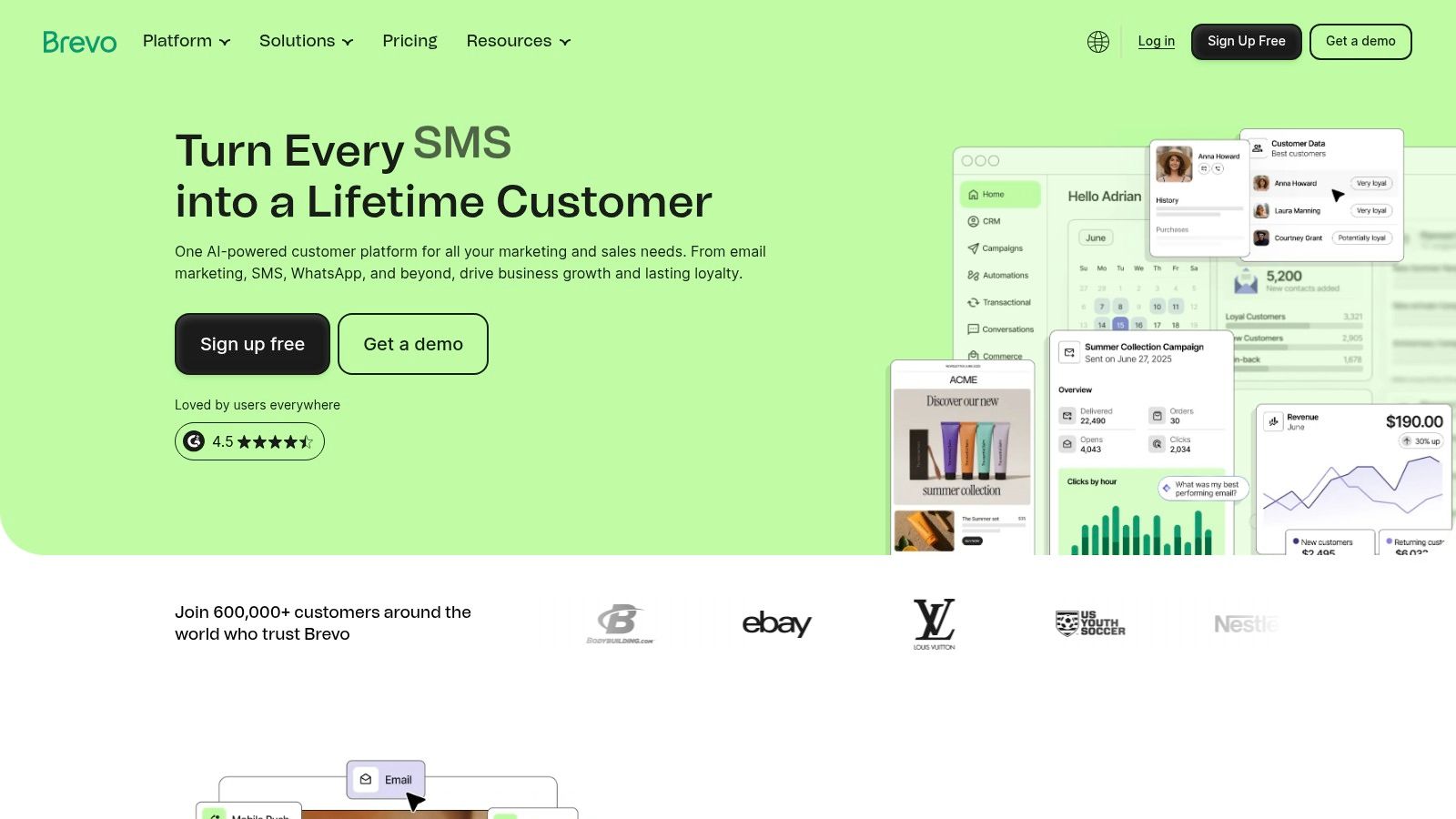
Email isn't always the only useful customer channel. Brevo combines email marketing with communication capabilities including SMS, WhatsApp, and chat, with availability and limits depending on the plan.
Stack slot: email-led, multichannel customer communication. Its free tier offers a way to test campaigns, while usage-oriented options make send requirements an important part of the comparison.
Compare Usage, Not Just Contact Counts
Start with the communication you intend to send. A newsletter, a lifecycle sequence, and a time-sensitive customer message have different audiences, frequencies, and consent requirements.
Don't buy multichannel capability merely because the channels are available. Add SMS or WhatsApp when you have a specific customer need and permission to use that channel.
- Good fit: A small team wants email plus selected customer communication channels in a shared platform.
- Cost consideration: Review send limits, channel charges, add-ons, and advanced-feature requirements together.
- Operational limitation: More channels mean more templates, preferences, and suppression rules to maintain.
- Replacement relationship: Brevo is an alternative to Mailchimp or ActiveCampaign, not an automatic addition to either.
For a fair evaluation, recreate a representative campaign and its follow-up. Check whether the chosen plan supports the segmentation, approvals, and reporting you need.
Brevo's appeal is consolidation. If you keep an existing email platform and add Brevo without moving a defined workload, you may increase administration instead. Give it ownership of a communication process, or leave it out.
7. Canva
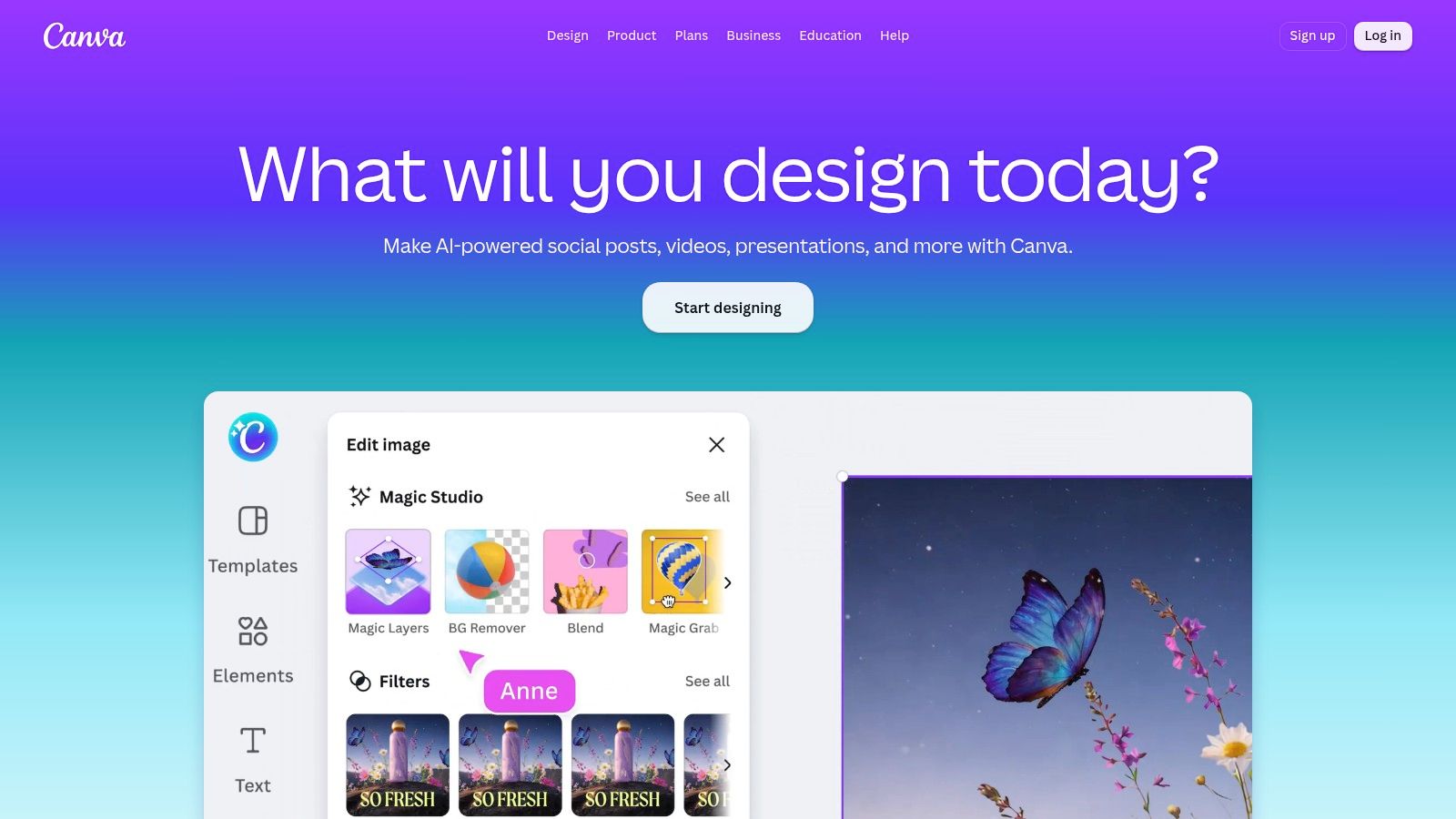
Stack slot: content and creative production. Canva helps teams create social graphics, ads, presentations, and other marketing assets in a browser. It complements campaign software rather than competing with your CRM or email sender.
The practical advantage is repeatability. Build approved layouts for product announcements, customer quotes, feature explainers, and campaign graphics, then adapt them without redesigning every asset.
Templates Need an Owner
Reusable templates work when someone maintains typography, spacing, colors, and approved assets. Without that ownership, teammates can produce inconsistent variations just as quickly as consistent ones.
Paid plans add capabilities such as Brand Kits and expanded assets or AI access. Choose those capabilities around the work your team produces, not the size of the template library.
- Strong fit: Non-designers need to produce recurring marketing assets.
- Boundary: Complex product illustration and specialized design work may still require a dedicated design workflow.
- Coexistence: Canva creates the asset; Buffer schedules it, and Google Ads distributes paid versions.
- Overlap to inspect: Content planning features may duplicate part of your scheduler's workflow.
AI-assisted production also needs review. The SAS marketers and AI report found that 85% of surveyed marketers used generative AI in 2025, but only 15% had fully integrated it into daily workflows.
For your own workflow, judge AI assistance by approved, usable output. Check product claims, visual accuracy, and brand consistency before publishing.
8. Buffer
Your social publishing bottleneck may be coordination rather than content creation. Buffer provides scheduling, a content calendar, analytics, and plan-dependent collaboration features for teams managing social accounts.
Stack slot: social distribution. Its channel-based approach makes the number of accounts you actively manage part of the buying decision.
Separate Creation From Publishing
Use Canva for reusable creative and Buffer for the publishing queue. Keep the final caption, destination URL, publishing time, and approval status together so teammates know which version is going live.
Buffer's AI Assistant can help draft or repurpose material, but product announcements still need a factual review. A polished caption that misstates availability or functionality creates work for support and sales.
- What works: Organizing recurring posts and maintaining a visible publishing schedule.
- What costs more: Additional managed channels and advanced analytics or team workflows.
- What it replaces: Manual scheduling across network interfaces, or another social scheduler.
- What it doesn't replace: An email platform, CRM, or SEO research tool.
The social media management tools comparison can help you distinguish a lightweight scheduling need from a more demanding collaboration workflow.
I'd start with the networks where your team can sustain useful participation. Scheduling posts everywhere doesn't solve weak positioning, and a full queue isn't evidence of qualified demand. Measure whether the posts bring relevant visitors and conversations, then decide which channels deserve continued production effort.
9. Google Ads
Google Ads is a way to buy distribution, not another fixed-price software subscription. Stack slot: paid acquisition, particularly when you can connect a relevant search or audience to a focused offer.
The platform provides campaign, bidding, budget, and measurement controls. Your team still has to supply the targeting, creative, landing page, and definition of a valuable conversion.
Verify the Conversion Before Scaling
A submitted form isn't necessarily a qualified lead, and a trial signup isn't necessarily an activated account. Decide which events represent progress, then reconcile advertising reports with application or CRM records.
The Supermetrics marketing-data report announcement reported that 41% of marketers identified cross-channel ROI measurement as a barrier in 2025. That's a reason to inspect your measurement setup, not to add another dashboard by default.
- Strength: Reaching people searching for relevant products and problems.
- Trade-off: Media spending is separate from creative production and campaign-management work.
- Coexistence: Semrush or Ahrefs can inform research; your CRM records what happened after acquisition.
- Failure mode: Optimizing toward an easy conversion that doesn't predict customer value.
The real-browser test of Google Ads conversion requests is useful reading when evaluating tracking behavior.
Budget safeguard: Don't increase spending because the advertising interface reports more conversions. Confirm that your own records show more of the outcomes you intended to buy.
10. Ahrefs
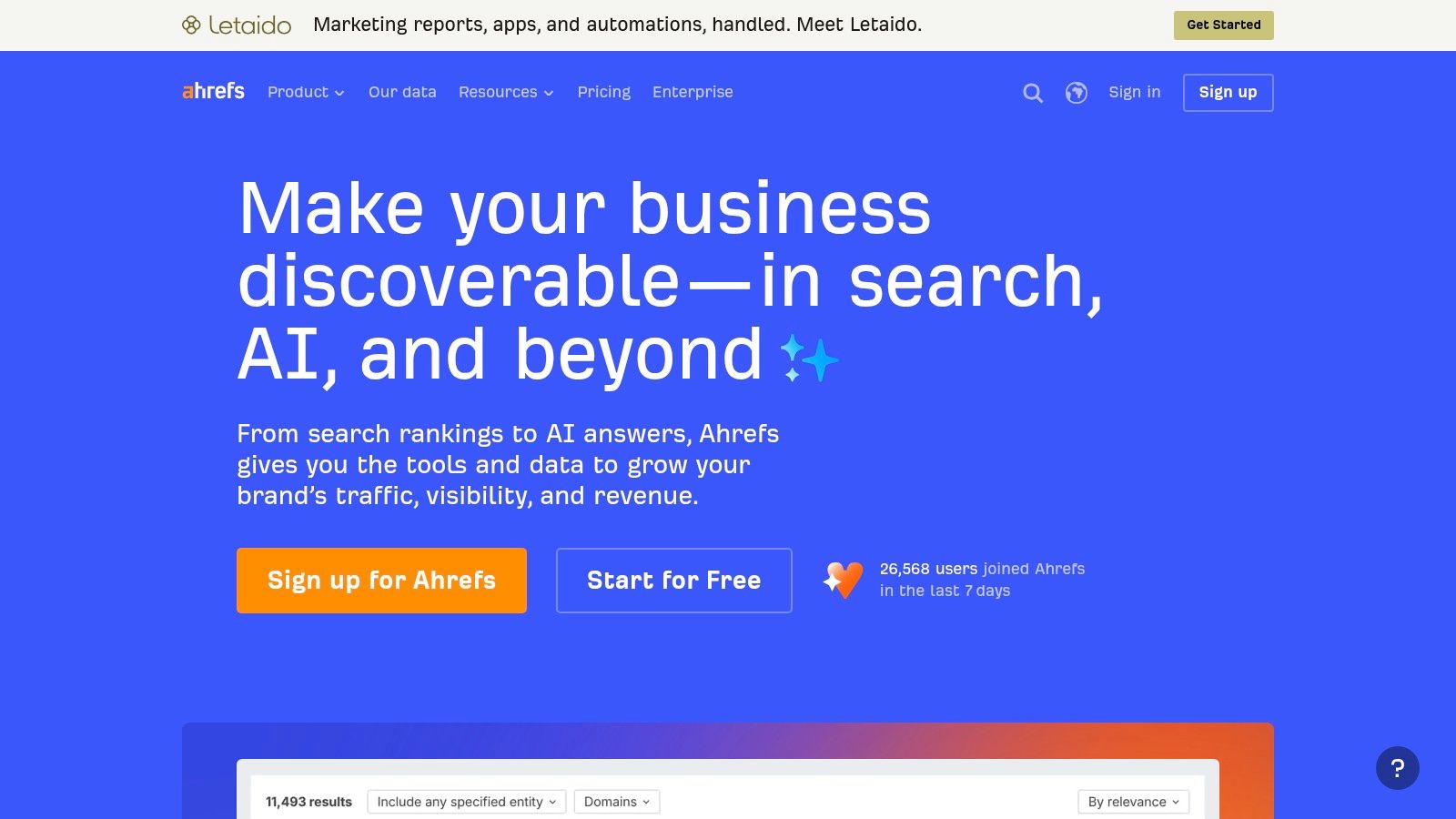
Ahrefs or Semrush is usually the decision, not Ahrefs plus Semrush. Ahrefs provides keyword research, competitor investigation, backlink analysis, site auditing, and organic visibility research.
Stack slot: SEO and web research. It suits a team that will regularly use those capabilities to choose pages, investigate competitors, improve internal linking, and resolve technical issues.
Choose by the Work You Repeat
Evaluate the tool against an actual assignment. Investigate a competitor's relevant pages, assess a target query, inspect links, and review your own site's issues.
Then ask whether the resulting recommendations are understandable enough for your writer, developer, or founder to act on. A large export isn't useful if nobody can prioritize it.
- Best reason to choose it: Your recurring work centers on organic search and backlink investigation.
- Main limitation: Research doesn't publish content, implement fixes, or guarantee rankings.
- Replacement relationship: It overlaps heavily with Semrush's core SEO functions.
- Coexistence relationship: It complements email, design, social publishing, and paid-acquisition tools.
Compare project allowances and data limits against the sites and tasks you'll manage. Don't pay for theoretical capacity while your existing content backlog remains untouched.
Ahrefs also includes capabilities related to AI-search visibility. Treat those as an additional research input, not a reason to abandon useful pages that answer buying questions. The subscription earns its place when your team repeatedly turns findings into improvements customers can encounter.
The 2026 online marketing software stack at a glance
No startup needs every marketing category from day one. The useful comparison is where each tool fits, which tools overlap, and what the free option covers.
| Tool | Category | Free plan | Best for |
|---|---|---|---|
| SubmitMySaas | Product launch and discovery | Free Launch costs $0; 10 free slots are available each week. A dofollow backlink is conditional on ranking in the weekly top 3 and displaying the SubmitMySaas badge. | SaaS and AI founders seeking launch visibility, feedback, and a high-authority backlink |
| HubSpot Marketing Hub | Marketing automation and CRM | Free tools available | Businesses connecting marketing campaigns with sales data |
| Semrush | SEO and digital marketing research | Limited free access to selected tools | Teams researching keywords, competitors, and site performance |
| Mailchimp | Email marketing | Limited free plan | Teams building and communicating with an email audience |
| ActiveCampaign | Email marketing and automation | No free plan; trial available | Businesses needing segmented campaigns and automated follow-ups |
| Brevo | Customer communications | Free tier available | Smaller teams trying email and multichannel campaigns |
| Canva | Design and content creation | Free plan available for individuals | Non-designers creating marketing assets |
| Buffer | Social media management | Free plan supports up to three channels | Creators and small teams scheduling social content |
| Google Ads | Paid advertising | No fixed-price software subscription; ad spend applies | Businesses buying targeted traffic and measuring paid acquisition |
| Ahrefs | SEO research | Limited free tools available | Teams researching keywords, backlinks, and competitors |
Semrush and Ahrefs compete for much of the same SEO research work, so a small team can usually start with one. Mailchimp, ActiveCampaign, and Brevo also overlap in email; choose among them based on how much segmentation and automation the workflow needs. Canva and Buffer cover different jobs, while Google Ads adds paid acquisition rather than replacing organic research or email.
Assembling the Stack Without Paying Twice
Build around ownership, not product count. Each customer record, campaign, and publishing workflow should have a clear home, even when several tools contribute to the result.
Start with an email-first retention system. Choose Mailchimp for straightforward audience communication, ActiveCampaign for more involved behavioral follow-up, or Brevo when selected additional communication channels matter. Choose HubSpot instead when coordinating marketing with CRM and sales activity is the central requirement.
A Lean Starting Configuration
- Retention: Select a primary sender and keep consent, suppression, and lifecycle rules there.
- Research: Choose Semrush or Ahrefs according to your recurring SEO tasks.
- Content: Use Canva for repeatable marketing assets with an agreed review process.
- Social: Add Buffer when maintaining a publishing queue becomes regular work.
- Paid: Use Google Ads only when the offer, landing page, conversion definition, and budget owner are ready.
- Discovery: Give product launches a dedicated distribution plan rather than relying entirely on your existing audience.
You don't need every category immediately. A founder without a repeatable content process won't fix that problem by buying a scheduler, and a paid campaign won't repair confusing onboarding.
Before renewing overlapping tools, trace a representative customer journey. Follow a visitor from a launch listing or campaign into signup, activation, and follow-up, then identify where data is copied manually or messages conflict.
Connect Workflows Before Adding Software
The principle behind building connected podcast marketing workflows applies beyond podcasting: connect production, distribution, and follow-up instead of treating every activity as a separate software purchase. Keep campaign naming, destination URLs, and ownership consistent across the tools you retain.
Launch visibility supports that connected stack by introducing people to the product and giving your other channels something concrete to distribute. SubmitMySaas provides that discovery layer, with weekly launches going live together every Monday at 8:00 AM UTC.
Our Free Launch has 10 slots each week with standard placement. Premium Launch costs $19 per launch, provides priority placement in an available Monday launch, and includes a guaranteed high-authority dofollow backlink; advertising costs $79 per product for a month.
A new SaaS can start with discovery before committing to a wider collection of marketing software online. Add subscriptions when a recurring task has an owner and a clear requirement, then cut the tools that perform the same job without improving the outcome.
SubmitMySaas helps founders launch products, reach people browsing relevant tools, and build visibility through curated discovery and launch placements. Visit SubmitMySaas to explore the directory, compare products for your marketing stack, or submit your own SaaS for an available launch.