10 Code Generation Tools for Modern Teams
Compare 10 code generation tools by use case, integrations, pricing considerations, strengths, limitations, and workflow fit for 2026.
One AI coding tool rarely fits an entire engineering organization. Inline completion, repository-scale reasoning, cloud-aware automation, browser-based deployment, privacy controls, and legacy modernization solve different problems, so choosing by popularity alone usually creates workflow friction and weak cost governance.
The practical question is where the tool sits in your delivery system. Does it work inside the editor your developers already use? Can it understand the right repositories and cloud resources? Who controls model access, data handling, usage limits, and deployment permissions? And can your team review, test, secure, and roll back what it generates?
This comparison organizes code generation tools by the development context they serve, then evaluates their integration model, control surface, implementation effort, and limitations. The list includes ecosystem-native assistants, editor-based agents, repository-scale systems, managed app platforms, and enterprise modernization products.
The market has moved well beyond autocomplete. A Sonar global developer survey found that 72% of developers used AI coding tools daily, while 42% of the code they produced was created with AI help, showing how quickly these products have entered routine development work. That adoption doesn't make every tool interchangeable, particularly because independent evaluations have found security weaknesses in AI-generated code and higher secret exposure in AI-assisted commits, as summarized in Stack Overflow's 2025 developer survey.
For broader discovery, SubmitMySaas is a useful place to explore emerging SaaS, AI, productivity, and developer products. It isn't one of the coding products reviewed here, but it can help teams find adjacent tools before committing to a larger workflow change.
1. GitHub Copilot
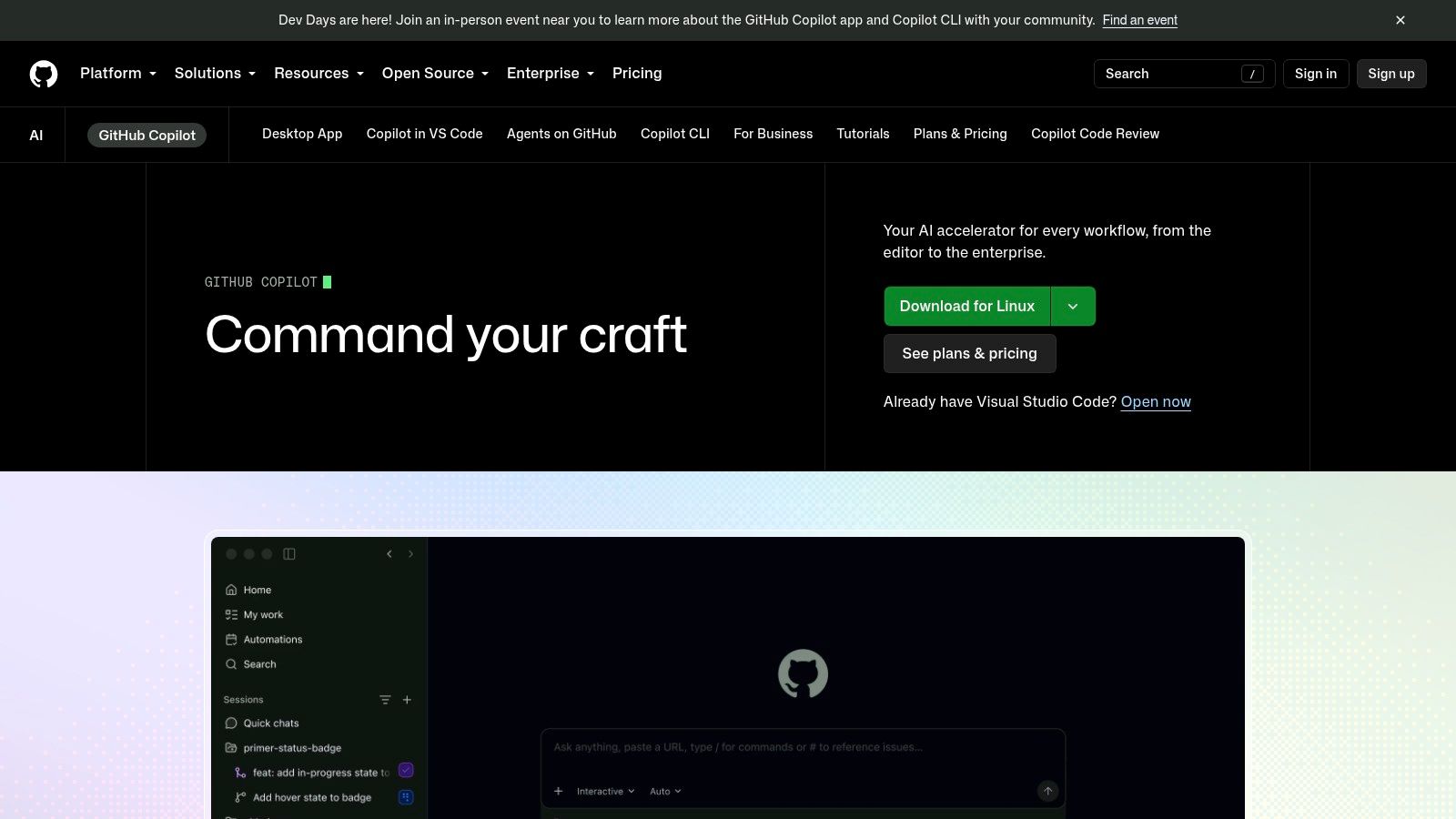
GitHub Copilot remains the most straightforward choice for teams already working in GitHub. It brings inline suggestions, chat, code review, and agentic workflows into GitHub.com and common development environments, including VS Code, JetBrains IDEs, and Neovim. That proximity matters because developers don't need to rebuild identity, repository access, pull request habits, or review processes around a separate platform.
Its strongest advantage is organizational fit. Enterprise teams can use repository indexing for more context-aware answers, policy controls, audit features, license filtering, and private-code awareness. Identity and administration also align naturally with GitHub organizations, which reduces implementation effort for teams already managing source, issues, and CI there.
Where Copilot fits
Copilot works best when developers need fast assistance without leaving their established workflow.
- Inline development: Use it for boilerplate, function completion, documentation, and routine test scaffolding.
- Repository questions: Enterprise repository indexing can improve answers about internal code, although teams still need to validate the retrieved context.
- Review workflows: Agentic features and code review can help surface issues, but they don't replace human approval or security checks.
- Governance: Organization policies and audit controls provide a stronger administrative baseline than many individual-first assistants.
The trade-off is cost visibility. GitHub's pricing and usage accounting changed in 2026, and some agent or review actions can consume other GitHub resources, such as Actions minutes. Teams should define budgets, monitor pooled AI credits, and decide which workflows may use higher-cost agentic operations before broad rollout.
For a wider view of how Copilot compares with other assistants, see this AI coding assistant comparison. Copilot is the safest default for a GitHub-native organization, but it's not automatically the best choice for teams that want a standalone editor, local models, or strict infrastructure independence. Explore GitHub Copilot.
2. Google Gemini Code Assist
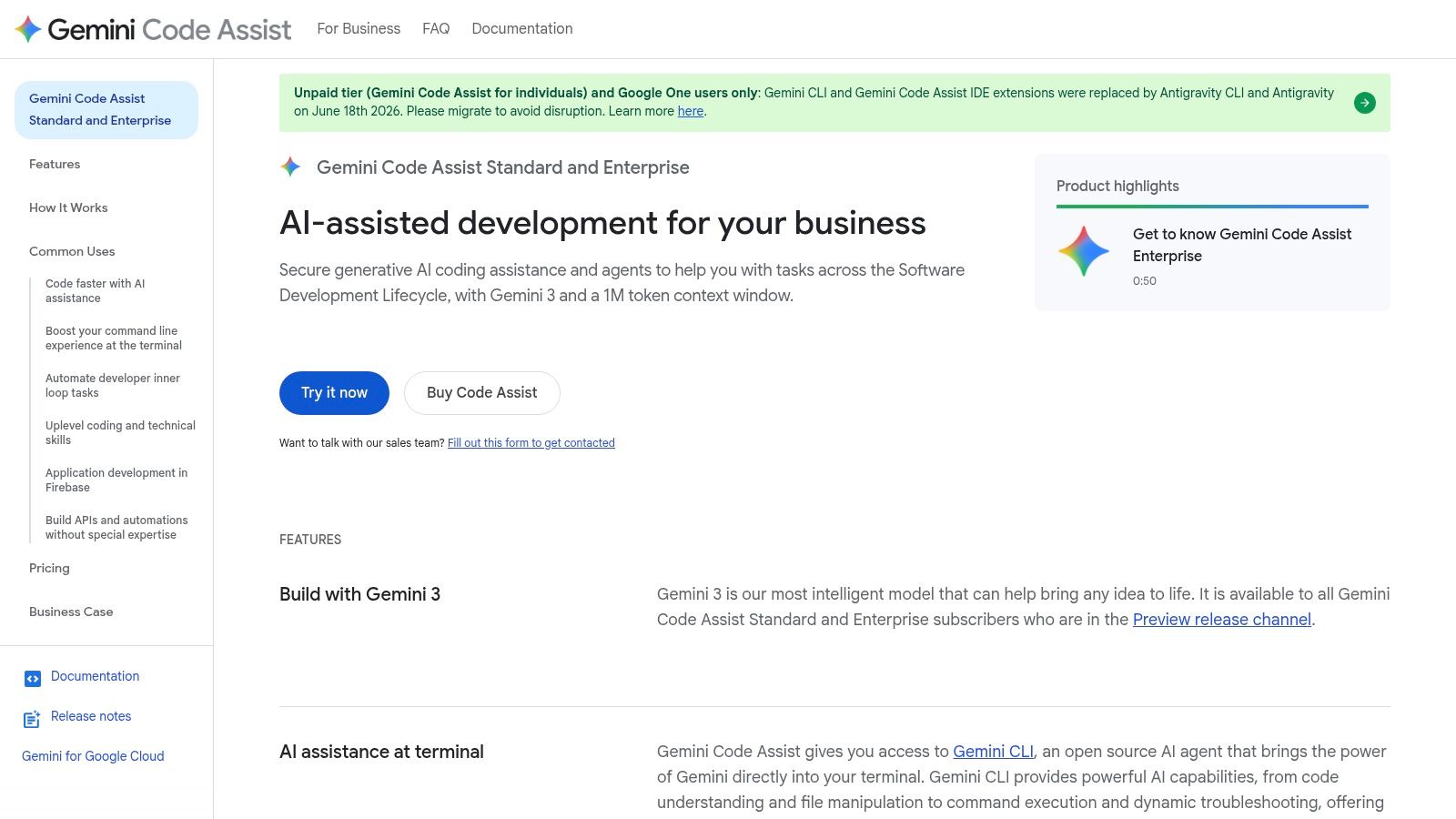
Google Gemini Code Assist is most useful when Google Cloud already forms part of the development and operations workflow. It runs in supported IDEs, Cloud Shell, and Google Cloud consoles, connecting code generation with debugging, testing, modernization, and DevOps tasks.
That platform context changes its value. A GCP team can work with an assistant alongside project resources, repositories, deployment patterns, and Google Cloud services instead of treating infrastructure as a separate concern. Connections with Gemini and Vertex AI workflows may also help organizations align developer assistance with existing cloud identity, security, and billing practices.
The practical advantage is cloud-aware context
Generic completion handles syntax and routine code in almost any editor. Gemini Code Assist becomes more distinctive when a task involves the services, configuration, and deployment model surrounding that code.
Developers can use plugins for VS Code and JetBrains environments, while Cloud Shell and console integration reduce switching during infrastructure or deployment work. Code analysis and transformation helpers can support incremental changes to older applications, where a staged modernization plan is more realistic than a rewrite. Existing Google Cloud customers can also manage identity, security, and billing through controls they already use.
The trade-off is platform dependence. Teams outside Google Cloud may gain less from resource awareness, and available features can depend on existing Cloud entitlements. A multi-cloud organization should test the assistant against real repository, infrastructure, and deployment tasks before treating integration as proof of better output.
Gemini Code Assist is therefore a platform-aligned purchase rather than only an editor extension. It suits GCP-first teams seeking connected assistance, while teams prioritizing infrastructure independence should compare its context and governance against more neutral tools. Review the current scope and account requirements on Google Gemini Code Assist, and see the product in use in this Google Gemini Code Assist example.
3. Amazon Q Developer
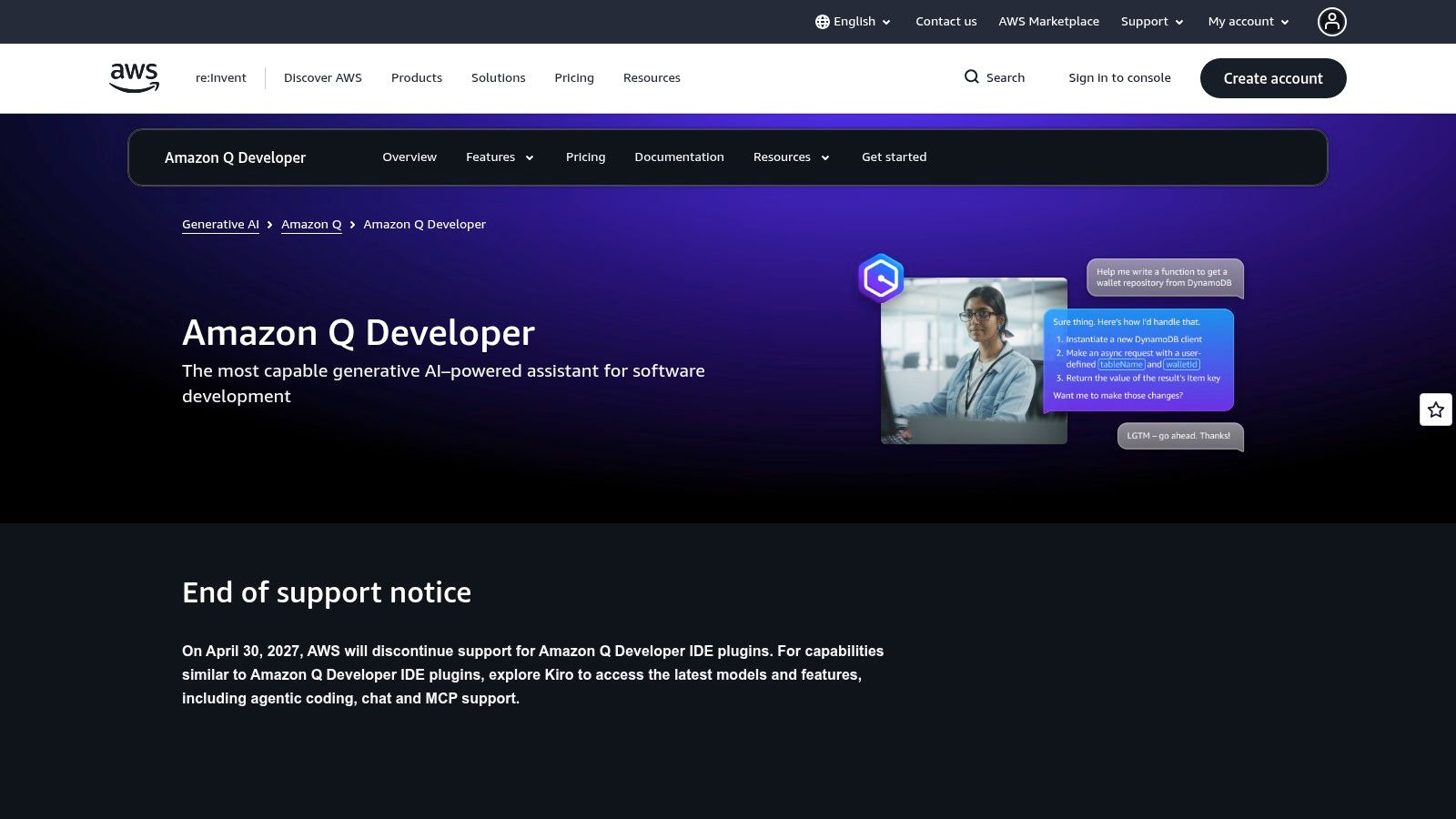
Amazon Q Developer fits teams where AWS operations are part of everyday coding. Its value comes from connecting code assistance with AWS services, infrastructure, permissions, and deployment concerns. That context can be more useful than generic autocomplete, but it also makes the tool less neutral for teams spread across several cloud providers.
A developer can use Q Developer through IDE integrations and AWS console experiences. It supports code suggestions, explanations, debugging, technical questions, and agentic tasks. Transformation and upgrade agents extend its role into modernization work, including Java upgrades, where incremental changes may be safer than assigning a full rewrite to a separate project.
Strong AWS context, with governance work attached
Q Developer can connect application changes with the AWS configuration and services around them. For example, a developer investigating a production issue may move from source code to service behavior, permissions, or configuration without changing ecosystems. That reduces context switching for AWS-native teams. It does not replace knowledge of IAM, networking, deployment controls, or service limits.
Modernization agents may help organizations upgrade older systems in smaller stages. Generated changes still require compilation, tests, dependency review, and operational validation before release.
Teams should set boundaries before wider adoption. Agent capabilities and other functions may have separate quotas, while existing AWS identity patterns can simplify administration. Repository and cloud permissions should match the developer's actual needs rather than grant broad access by default. Cost governance also depends on mapping expected use to specific workflows, because pricing and quotas differ across features.
Q Developer is a practical choice for AWS-centered development and modernization. A multi-cloud organization should test it on real repository, infrastructure, and deployment tasks, then compare the value of AWS context against the control and portability offered by other AI workflow automation tools. Review current capabilities and account requirements on Amazon Q Developer.
4. JetBrains AI Assistant
A team refactoring a large Java service in IntelliJ IDEA can ask JetBrains AI Assistant to explain an unfamiliar module, propose a structured refactor, and generate tests without leaving the project model. Developers can then validate the changes with existing inspections, navigation, and test tools. That workflow keeps context in the IDE instead of moving between a browser assistant and the codebase.
The assistant supports chat, code edits, explanations, documentation, refactoring suggestions, and test creation. It also supports multiple model providers and enterprise routing options, which can help organizations apply different data policies to different projects.
Strong for IDE-centered development, with credit governance
JetBrains AI Assistant fits teams that use IntelliJ IDEA, WebStorm, PyCharm, Rider, or another JetBrains IDE as the main development environment. Its advantage is structured, code-aware assistance for exploration and targeted changes, rather than only inline completion. Developers can explain unfamiliar code, request documentation, or create tests while retaining the project's symbols, inspections, and navigation.
Administrators and developers must track the credit system. Plans use AI Credits, with an optional AI Ultimate tier, so teams should map expected usage to actual workflows and define what happens as users approach their limits.
Provider flexibility and enterprise routing give organizations more control over how assistance is configured. The trade-off is platform coverage. Teams standardized on VS Code will not receive the same integrated experience, and organizations seeking background agents across repositories may need a different tool. JetBrains AI Assistant is therefore a strong choice for ecosystem-native, editor-based work, but a weaker fit for mixed editor estates or repository-scale automation.
Before wider adoption, test representative refactoring, test-generation, and documentation tasks in the IDEs developers already use. Compare the resulting context retention, review effort, credit consumption, and deployment controls with other web development apps. Review current capabilities and plan details on JetBrains AI Assistant.
5. Tabnine
Tabnine fits teams that rank privacy, deployment flexibility, and model control above broad autonomous-agent features. It supplies IDE completions and code-aware chat, while higher-tier deployments can support self-hosted or VPC arrangements, policy controls, and model selection.
Its main value appears in environments where source code cannot move casually through a public SaaS workflow. Security-sensitive organizations can keep tighter control over where assistance runs and which models handle requests. The trade-off is a narrower user experience than newer editor agents provide.
A controlled fit for governed development
Tabnine works inside developers' existing IDEs, so adoption does not require a new editor. Fast completions handle routine code across multiple languages, and headless or automation options can support scripted and CI-oriented workflows. Those workflows still need strict permissions, review gates, and clear ownership for generated changes.
The practical decision comes down to operating constraints:
- Deployment control: Self-hosted and VPC options can support stricter data-residency requirements.
- Policy flexibility: Model selection and organization controls help security teams define acceptable use.
- Editor continuity: Developers retain their current IDE workflow.
- Enterprise cost: Privacy and governance features may require higher-tier plans.
- Agent depth: Chat and agent functions are developing, while some competitors offer broader autonomous workflows.
A controlled pilot should measure more than completion quality. Test deployment operations, access logging, model routing, incident response, and administrator workload against representative development tasks. This makes Tabnine easier to assess as an enterprise modernization or governed editor-assistance choice, rather than treating it as a general-purpose coding agent.
Teams comparing it with other coding products can browse the best AI tools directory. Review current deployment options directly on Tabnine.
6. Cursor
Cursor takes a different approach by making the editor itself the product. Built on VS Code, it focuses on repository-aware chat, inline completion, multi-file edits, background work, and agentic workflows. Developers who want to move quickly across a greenfield repository often prefer this model because the assistant can operate over a wider project context rather than answering one narrow prompt at a time.
Cursor's model choice is also part of its appeal. Auto selection can route work across available models, while usage is metered against model API rates and included monthly pools. That gives technical teams a clearer connection between context size, model selection, and expenditure than a simple per-seat model.
Powerful repository edits require disciplined boundaries
Cursor is particularly effective for changes that span several files. A developer can ask it to trace a feature, modify related components, investigate a bug, and propose or apply a coordinated patch. Background and parallel agents can extend that workflow, but they also increase the need for branch isolation, permission limits, and review discipline.
Practical rule: Give an agent a bounded task, a clear definition of done, and a validation command before allowing it to make broad repository changes.
The cost model deserves equal attention. Included pools can make normal usage predictable, but overages are possible, especially when agents consume large contexts or repeat failed attempts. Teams should set budget caps, monitor per-user and per-repository usage, and make expensive models an intentional choice rather than an unnoticed default.
Cursor also requires adopting Cursor as the editor. That can be a feature for teams willing to standardize, but a drawback for organizations with established JetBrains, terminal, or remote-development workflows. It suits fast-moving product teams and greenfield work more naturally than heavily governed estates that need a vendor-neutral editor layer. Learn more about Cursor.
7. Sourcegraph Cody
Sourcegraph Cody is built for codebases where finding the relevant code is harder than generating a function. Its code graph and semantic search can connect repositories, symbols, dependencies, and related implementation patterns, helping developers ask questions across large monorepos or polyrepos.
That repository-scale context is the product's main distinction. A small editor assistant may produce a plausible answer from the open file and nearby context. Cody is intended to reason over a much broader software estate, identify where behavior is implemented, and support targeted edits based on a richer view of the organization.
Choose it when repository navigation is the bottleneck
Cody can help with tasks such as tracing an API through services, locating duplicated logic, explaining unfamiliar subsystems, and planning changes that cross repository boundaries. IDE extensions for VS Code and JetBrains products, together with a web interface, let teams use the same underlying repository intelligence in different work settings.
Its enterprise orientation creates both strengths and constraints.
- Large-codebase context: Code-graph indexing is valuable when local file context isn't enough.
- Governance: Administrative controls and usage metering support organization-wide deployment.
- Model flexibility: Some enterprise arrangements allow teams to bring their own LLMs or control routing.
- Commercial complexity: Pricing, credits, and deployment terms vary by configuration.
- Individual access: Cody is less attractive as a lightweight personal tool after plan consolidation.
Implementation effort is higher than installing an editor plugin. Repository indexing, permissions, source visibility, model routing, and retention policies all need deliberate design. The payoff comes when teams repeatedly lose time locating the right code or understanding dependencies across a large estate. For small repositories, Cody's enterprise machinery may outweigh its benefits. See Sourcegraph Cody.
8. Replit Agent
Replit Agent is a managed, browser-based development environment for people who want to move from an idea to a running application without assembling a local toolchain and deployment stack. The agent can plan, write, run, and deploy code, while the platform provides live preview, hosting, data services, and real-time collaboration.
This makes Replit different from an editor assistant. The product owns more of the environment, so the user spends less time configuring local runtimes, deployment credentials, hosting, and collaboration. Founders, small teams, educators, and hackathon groups can use that convenience to validate an idea quickly.

The fastest path to a prototype isn't always the best production path
Replit Agent works well when the primary goal is a usable prototype, internal tool, learning project, or early product experiment. Real-time multiplayer editing allows several people to work in one environment, and quick deployment avoids the DevOps overhead that can stall a small team before it has validated the product.
The same abstraction can limit teams with specialized requirements. Developers may have less control over local toolchains, infrastructure topology, deployment pipelines, and low-level runtime decisions than they would in a local IDE connected to their own cloud account.
Usage also needs active management. Complex agent tasks can consume more effort than expected, so teams should establish hard caps and define which projects may use autonomous workflows. An enterprise SKU can provide additional policy and budget controls, but those controls don't remove the need to inspect generated dependencies, secrets, authentication logic, and data handling.
Use Replit Agent for managed speed, not as a blanket replacement for a mature engineering platform. Teams exploring adjacent autonomous products can browse this AI agents directory. Visit Replit when browser-based creation and deployment are central to the project.
9. IBM watsonx Code Assistant
IBM watsonx Code Assistant targets organizations where modernization, operational automation, and governance matter more than rapid greenfield experimentation. Its specialized offerings cover areas such as mainframe development, Ansible automation, and application modernization, including workflows that explain, refactor, and transform legacy code.
That specialization is important for large enterprises with systems that can't easily be replaced. COBOL-to-Java transformation, for example, isn't just a code-generation problem. Teams need to understand business rules, dependencies, data behavior, operational constraints, and migration risk. IBM combines generative assistance with static analysis and domain-specific tooling to address more of that surrounding work.
Modernization needs accountability, not just translation
watsonx Code Assistant is suited to regulated, legacy-heavy organizations that need procurement support, enterprise deployment options, and governance across a large transformation program. Air-gapped deployment options can also matter where connectivity and data handling requirements exclude ordinary cloud-first assistants.
A modernization program still needs:
- Business-rule validation: Generated transformations must be checked against the behavior users and downstream systems depend on.
- Static analysis: Syntax correctness isn't enough for maintainability, security, and operational safety.
- Migration sequencing: Teams should move through bounded components with rollback plans.
- Human ownership: Domain experts and engineers remain accountable for the resulting system.
The limitation is scale of commitment. Smaller teams may find IBM's procurement model, entitlements, resource units, and implementation planning disproportionate to their needs. watsonx Code Assistant is best evaluated as part of an enterprise modernization strategy, not as a casual autocomplete subscription. Learn more about IBM watsonx Code Assistant.
10. Aider
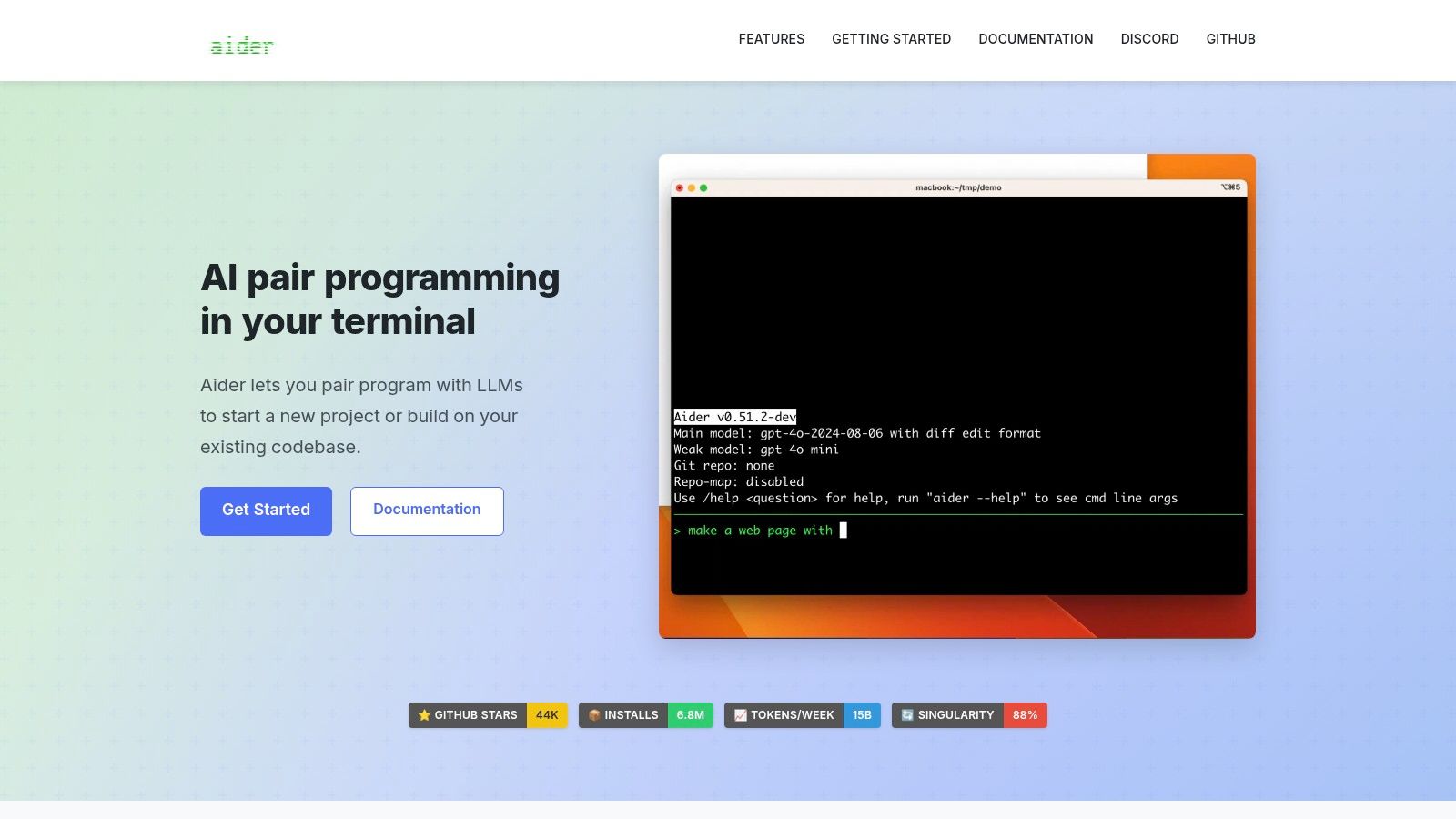
Aider is an open-source, terminal-first coding agent for developers who want to keep control of the repository, editor, model, and Git history. It works directly with a local Git repository, supports multi-file edits, shows diffs, and can create commits that make changes easier to inspect and reverse.
The workflow is intentionally lightweight. Developers can use Aider alongside an existing editor or IDE, choose a hosted or local LLM, and structure work through chat modes such as architect and editor. It also supports capabilities including voice-to-code and documentation scraping, which can be useful when a task depends on external technical context.
Control comes with configuration work
Aider is attractive because the software itself is free and open-source under the Apache-2.0 license. The team pays for the chosen LLM, or operates a local model, rather than accepting a bundled vendor model and editor environment. Git diffs, commits, and undo paths also give developers a transparent record of what changed.
A good agent should leave you with a reviewable change, not a mysterious workspace.
The trade-off is that the user owns setup and operations. Model configuration, API keys, repository instructions, context selection, and troubleshooting are largely DIY. There is no vendor support layer to design the workflow for you, and community documentation may not answer every enterprise question.
Aider fits experienced developers who value terminal workflows, local repositories, BYO-LLM flexibility, and reversible Git changes. It may be a poor fit for teams seeking centralized procurement, polished dashboards, managed identity, or nontechnical users. Before adoption, define allowed models, secret handling, branch policy, and CI validation. Explore Aider.
Top 10 Code Generation Tools Comparison
| Product | Core focus & USP ✨ | Target audience 👥 | UX / Quality ★ | Value / Pricing 💰 | Top strength(s) 🏆 |
|---|---|---|---|---|---|
| GitHub Copilot | ✨ Inline completions, chat, agents; repo-aware Enterprise indexing | 👥 GitHub orgs, engineering teams | ★★★★★ | 💰 Usage-based + pooled org credits; needs governance | 🏆 Best for GitHub-native workflows & org controls |
| Google Gemini Code Assist | ✨ GCP-integrated coding, Vertex AI alignment, Cloud Shell plugins | 👥 Teams on GCP / Cloud-native shops | ★★★★ | 💰 Best value if on GCP; entitlement-dependent | 🏆 Strong cloud/resource awareness |
| Amazon Q Developer | ✨ AWS-native code + infra assistant; transformation agents | 👥 AWS-centric teams, modernization projects | ★★★★ | 💰 Feature-specific quotas; review pricing | 🏆 Tight AWS service & deployment integration |
| JetBrains AI Assistant | ✨ Deep in-IDE edits, refactors, multi-model routing | 👥 JetBrains IDE users, backend/frontend devs | ★★★★ | 💰 Credit-based plans; optional AI Ultimate tier | 🏆 IDE-first refactor & code-exploration tools |
| Tabnine | ✨ Privacy-first completions; self-host & VPC options | 👥 Privacy-conscious teams, on-prem shops | ★★★★ | 💰 Tiered enterprise pricing; higher for advanced features | 🏆 Low-latency, deployable completions & control |
| Cursor (AI Code Editor) | ✨ Agentic multi-file workflows; model-choice pricing transparency | 👥 Fast-iterating teams, greenfield repos | ★★★★ | 💰 Usage-metered at model API rates; monthly pools | 🏆 Powerful agent workflows for multi-file edits |
| Sourcegraph Cody | ✨ Code-graph context & semantic search across repos | 👥 Large monorepo/polyrepo enterprises | ★★★★ | 💰 Enterprise-first pricing; deployment-dependent | 🏆 Excellent at repo-scale code understanding |
| Replit Agent | ✨ Browser IDE + agentic deploys; realtime collaboration | 👥 Founders, small teams, educators, hackathons | ★★★★ | 💰 Managed plans; usage caps recommended | 🏆 Fast path from code → live app with minimal ops |
| IBM watsonx Code Assistant | ✨ Mainframe & Ansible specialization; air-gapped deploys | 👥 Regulated enterprises, modernization programs | ★★★ | 💰 Enterprise entitlements; planning required | 🏆 Deep domain coverage for legacy systems |
| Aider | ✨ Open-source, terminal-first agent; BYO-LLM & Git-native edits | 👥 Devs who prefer CLI, BYO-LLM, and Git control | ★★★ | 💰 Free OSS; pay only for chosen LLM usage | 🏆 Transparent, reversible Git edits and light footprint |
Choose by Context, Control, and Cost
There isn't one universal winner among code generation tools. The right choice depends on where your repositories live, how developers work, how much autonomy you want to allow, and who will absorb the cost of model usage, review, remediation, and security operations.
Choose GitHub Copilot when GitHub is already the center of identity, source control, pull requests, and policy management. Select Google Gemini Code Assist for a GCP-first organization that wants developer assistance connected to Google Cloud projects, Cloud Shell, and Vertex AI workflows. Amazon Q Developer is the parallel choice for AWS-heavy teams, particularly when application work overlaps with infrastructure and modernization.
Editor preference should guide the next decision. JetBrains AI Assistant is the natural fit for teams that rely on IntelliJ-based IDEs and want integrated refactoring, explanations, and test creation. Cursor is better for developers willing to adopt a VS Code-based editor built around repository-aware and background agent workflows. Cursor's model-linked usage accounting can be useful, but only if administrators set caps and monitor context-heavy work.
Repository size changes the evaluation. Sourcegraph Cody deserves attention when developers struggle to move through large monorepos, polyrepos, or complex dependency relationships. Its enterprise controls and repository indexing add implementation work, so smaller teams should confirm that repository-scale reasoning solves a frequent problem rather than adding infrastructure for occasional questions.
Use Replit Agent when managed environments, rapid prototypes, collaboration, and quick deployment matter more than local toolchain control. Move toward a conventional development platform when the product needs specialized infrastructure, strict deployment ownership, or a mature operational model. IBM watsonx Code Assistant belongs in a different category, where mainframe work, Ansible automation, regulated environments, and application modernization justify enterprise planning.
For privacy and deployment control, evaluate Tabnine, especially when self-hosted or VPC options are requirements. For open-source, terminal-first workflows with local Git ownership and BYO-LLM flexibility, Aider offers the most direct control, but your team must provide the setup, model governance, support, and operational discipline.
A serious pilot should use representative repositories, not a toy project. Give each candidate bounded tasks that reflect normal feature work, debugging, refactoring, testing, infrastructure changes, and legacy maintenance. Define data policies before developers connect production code, and require review gates for generated changes that touch authentication, authorization, secrets, payments, personal data, or deployment configuration.
Keep compilation, static analysis, unit tests, integration tests, and CI checks in the path. Review generated dependencies and permissions as carefully as the source code. The security evidence is a warning against measuring success by completion speed alone. Stack Overflow's survey and the independent evaluations summarized alongside it describe widespread adoption together with vulnerabilities in tested AI-generated code and higher secret exposure in AI-assisted commits. The practical buying question is whether a tool reduces delivery effort after review and remediation, not whether it writes code quickly.
Use this integration checklist during the pilot:
- Authentication: Connect the tool through least-privilege identity, organization accounts, and approved repositories.
- Repository context: Define which branches, repositories, documents, and services the assistant may access.
- CI validation: Require builds, static analysis, tests, dependency checks, and security scanning before merge.
- Human review: Assign an accountable engineer to inspect behavior, architecture, data handling, and rollback safety.
- Usage budgets: Set per-user, team, repository, and agent limits, then review actual consumption.
- Rollback procedures: Keep changes isolated, preserve Git history, and document how to disable or reverse agent actions.
- Ongoing measurement: Track review time, failed builds, security findings, rework, and operational incidents alongside developer satisfaction.
The best tool is the one your team can govern after the novelty wears off. Start with one workflow, validate the full delivery path, and expand only when the generated output remains understandable, testable, secure, and affordable.
SubmitMySaas helps founders and teams discover SaaS, AI, productivity, marketing, and developer tools through launches, categories, and curated product listings. If you're evaluating new code generation tools or adjacent developer software, visit SubmitMySaas to explore emerging products and submit your own tool for discovery.