By Outrank
10 AI Workflow Automation Tools for Smarter Operations
Compare 10 ai workflow automation tools by use case, integrations, pricing, strengths, limits, and implementation guidance for modern teams.
On this page
A founder usually doesn't start with a grand AI strategy. They start with a queue of leads that need enrichment, support tickets that need triage, research that must be summarized, or back-office work nobody wants to repeat. The hard part is choosing an automation platform that moves quickly without sacrificing reliability, data control, approval gates, or a predictable bill when AI usage grows.
That's why the best AI workflow automation tools aren't interchangeable. Zapier and Make reduce setup time. n8n gives technical teams more control. Power Automate and UiPath fit organizations with serious RPA and governance requirements. Pipedream helps developers ship agent tools, while Bardeen handles browser-based work that traditional integrations often miss.
Evaluate each platform against the workflow you need to run. Check trigger reliability, failure handling, human approval points, integration depth, audit logs, deployment controls, pricing meters, and the maintenance burden after launch. SubmitMySaas can also serve as a discovery resource for finding and comparing emerging SaaS and AI products, but product discovery should support, not replace, a hands-on technical evaluation.
1. Zapier
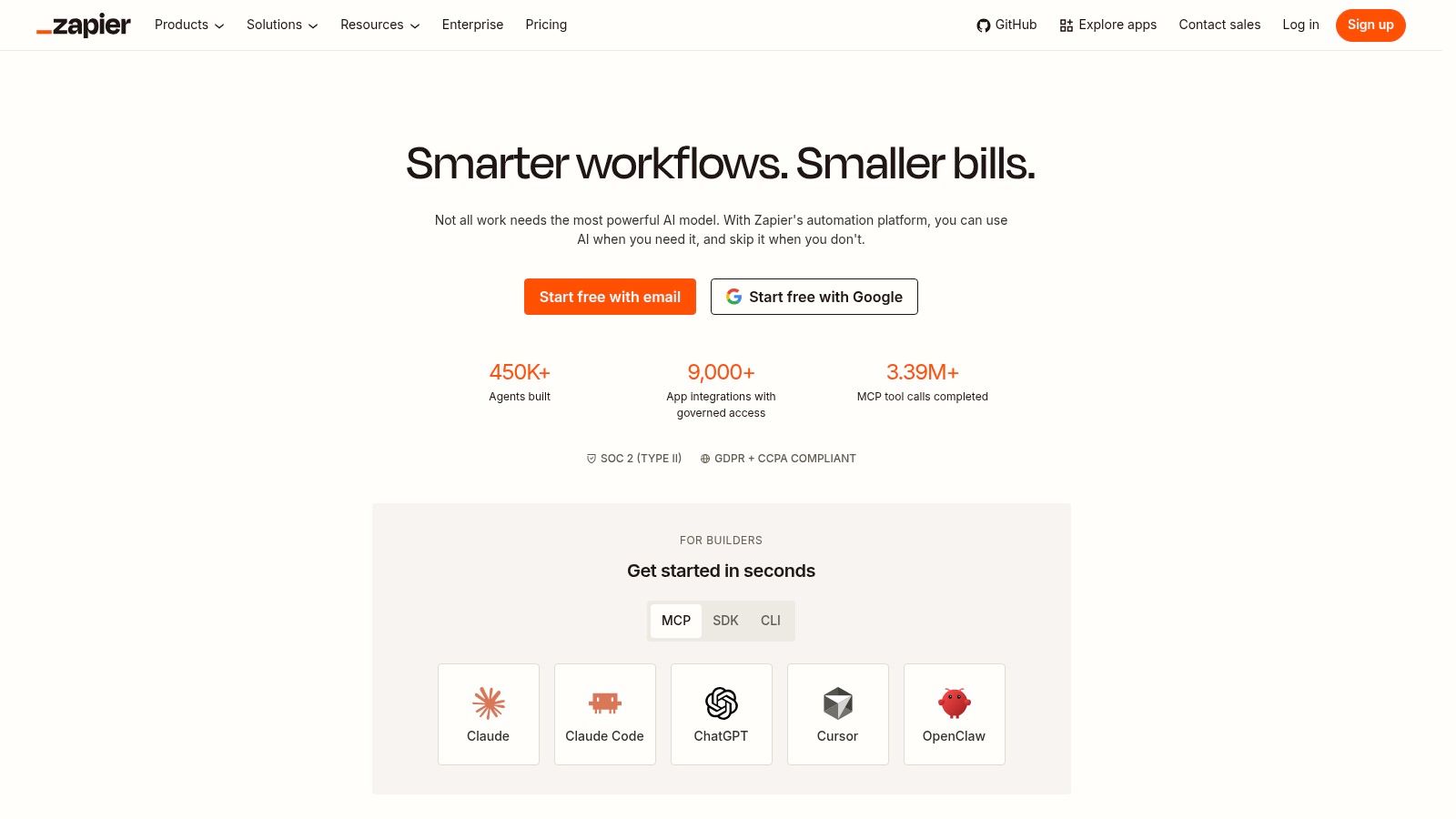
Zapier remains the practical starting point for teams that need an automation running today rather than a platform project. Its large app ecosystem makes it especially useful for startups, marketing teams, sales operations, and founders connecting lead forms, CRMs, email systems, spreadsheets, and AI services without waiting for engineering capacity.
The platform now extends beyond conventional multi-step Zaps. Its Model Context Protocol, or MCP, endpoints let AI agents access Zapier's integrations, while AI Guardrails can check for personally identifiable information, prompt injection, toxicity, and sentiment inside an automation. Zapier also provides first-party data tools through Tables and Forms, which can help a small team build a lightweight operational system without adding another database product. Explore those capabilities through the Zapier automation platform.
Practical rule: Use Zapier when connector coverage and speed matter more than deep runtime customization.
Zapier's main trade-off is its usage meter. Task-based pricing counts AI steps, code, and SDK usage, so a workflow that looks inexpensive during a small test can become harder to forecast when it processes frequent events or repeatedly calls models. Advanced governance and observability also become more relevant as multiple teams build automations across the same workspace.
For a lead workflow, Zapier is strong at receiving a form submission, enriching the record, classifying intent, routing it to a salesperson, and recording the result. It's less attractive when the workflow needs complex branching, custom state management, extensive retry logic, or highly specialized deployment controls.
Best fit
Choose Zapier for fast no-code adoption, broad app connectivity, and AI-assisted workflows where a business team owns the build. Add approval steps before sending sensitive messages, changing customer records, issuing refunds, or triggering irreversible actions.
2. Make
Make is the better choice when a workflow resembles a process map rather than a simple trigger-and-action recipe. Its visual builder supports branches, transformations, routers, filters, and multi-system sequences that would quickly become awkward in a simpler interface.
The platform includes Make AI Agents, knowledge files, toolboxes, an AI Provider, and options to connect OpenAI, Anthropic, or Gemini with your own keys. MCP toolboxes can expose Make tools to external agents, which makes the platform useful as both an automation builder and a controlled tool layer. Its credit and token accounting also gives teams more visibility into what AI steps consume, even if the calculation takes time to understand. The Make platform is a strong option for builders who want visual control without writing every integration from scratch.
Make works particularly well for research and operations workflows. A request can enter through a form, split into several research paths, normalize the returned data, ask an AI model to classify or summarize it, then route different outcomes to different systems. That degree of branching is where Make feels more capable than a basic app connector.
The cost is implementation effort. Credits can be non-intuitive at first, and AI steps or embeddings may consume usage differently from ordinary operations. Teams should model the full path, including error handling and retries, before committing to a high-volume process. The most useful observability features also require paid tiers.
Best fit
Make suits founders, operations specialists, and automation consultants who need fine-grained orchestration. If you're still deciding between a simple builder and a more flexible system, this guide to building an app without code offers useful context, but don't confuse a visual canvas with automatic reliability. Define every failure path before publishing.
3. n8n
n8n earns its place when data sovereignty, custom logic, and deployment control matter more than the shortest possible learning curve. It combines deterministic nodes with AI Agent nodes, memory, guardrails, and human-in-the-loop checkpoints. Teams can run it in the cloud or self-host it, giving technical operators more control over where workflow data and credentials are processed.
That flexibility changes the operating model. A developer can use standard connectors for common systems, insert JavaScript or Python when a node isn't enough, and expose workflows to external AI platforms. n8n also provides patterns for tracing and observing agent behavior in production, which matters when an agent's decision needs to be explained after the fact. Review the deployment options at n8n.
Self-hosting can improve control and cost predictability, but it transfers responsibility to your team. Someone must manage upgrades, secrets, backups, access control, runtime health, and incident response. Cloud deployment removes much of that work, although lower-tier cloud plans may provide limited credits for built-in AI assistance.
A self-hosted workflow still needs an owner. Data control doesn't remove the need for patching, monitoring, access reviews, and documented recovery procedures.
n8n is especially effective for mixed workflows. Keep customer status changes, database writes, and notifications deterministic, then use an AI step only where unstructured text requires interpretation. That design usually creates a more testable system than asking an agent to control the entire process.
Best fit
Choose n8n for technical teams, privacy-sensitive workloads, and custom orchestration. It's more demanding than pure no-code tools, but that effort buys deeper control and a cleaner path to combining rules with agentic behavior.
4. Microsoft Power Automate
Power Automate is designed for organizations that already live inside Microsoft 365, Azure, Teams, SharePoint, and Dataverse. Its advantage isn't just the workflow editor. It brings cloud flows, desktop RPA, process and task mining, Copilot-assisted building, and Copilot Studio agents into an ecosystem many enterprises already administer.
That makes it a credible choice for workflows that cross modern APIs and older desktop applications. A finance team might combine document intelligence with approvals and a desktop process. An IT team might connect service requests to identity systems, notifications, and controlled desktop actions. AI Builder adds document processing, predictions, and form intelligence, while Dataverse entitlements and Microsoft's administration stack support centralized controls. See the Microsoft Power Automate platform.
Copilot Studio agents use Copilot Credits, and that introduces a separate usage consideration from ordinary Power Automate licensing. Licensing can also involve per-user, per-bot, hosted process, and add-on choices. The platform may be a strong technical fit while still producing a difficult procurement conversation.
Deployment considerations
Power Automate makes the most sense when security, compliance, and Azure alignment are already part of the operating environment. Administrators can apply policies and manage access centrally, but teams should map which department owns each flow and agent. Otherwise, an automation built by one group can become a hidden dependency for another.
The platform's breadth can also create overengineering. A straightforward SaaS-to-SaaS notification probably doesn't need desktop RPA, process mining, and an agent runtime. Start with the smallest component that solves the problem, then add capabilities only when the workflow requires them.
Best fit
Pick Power Automate for Microsoft-centered enterprises, regulated back-office work, and processes that need both API automation and desktop RPA. Treat licensing analysis as part of the technical design, not an administrative task after the pilot.
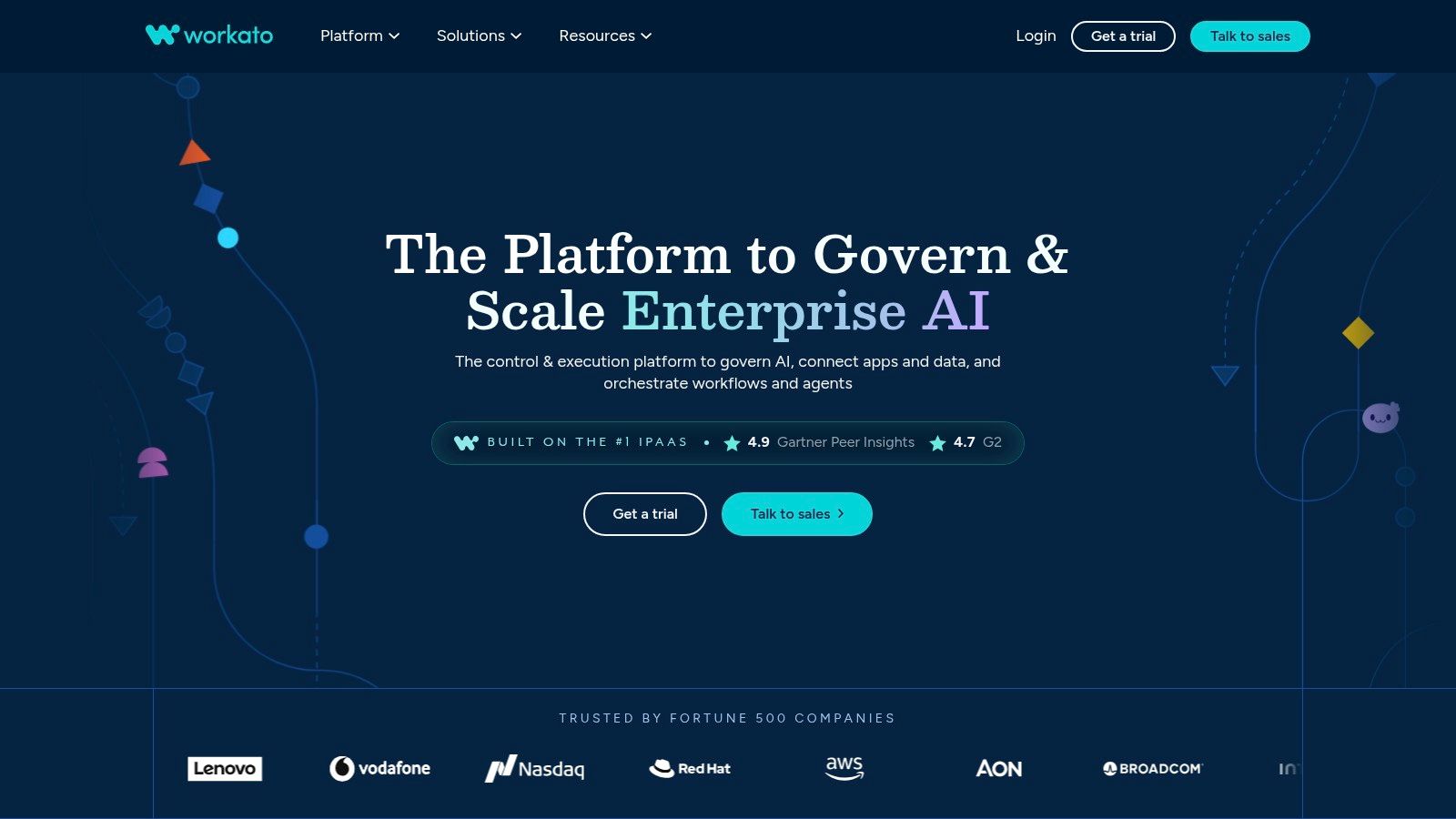
5. Workato
Workato fits the point where automation stops being a departmental experiment and becomes shared enterprise infrastructure. Its recipe-based integration model supports cross-functional orchestration, while Copilot-assisted building, AI@Work capabilities, Workbot, and AIRO extend the platform into AI-supported operations.
The standout feature for agentic deployments is its enterprise MCP platform. It can connect agents such as ChatGPT or Claude to governed tools rather than allowing unrestricted access to every connected system. Monitoring, data usage controls, and security features help administrators manage how agents act across business applications. The Workato platform is therefore more relevant to an IT-led rollout than to a founder building a single internal helper.
Workato's strength is governance depth. The trade-off is commercial complexity. Many enterprise packages use sales-led pricing, and the strongest agent capabilities are generally associated with higher tiers. A team that only needs a few straightforward integrations may find the platform difficult to justify, even if it handles those integrations well.
Governed tool access beats broad tool access. An agent should receive the smallest useful set of actions, with permissions and approvals designed around the business process.
Workato is well suited to marketing, sales, finance, and operations workflows where multiple systems of record must stay synchronized. It can provide a central operating model, but that model requires ownership, standards, and an integration team capable of maintaining shared assets.
Best fit
Choose Workato for enterprise orchestration, governed agent access, and mature integration operations. Teams comparing it with lighter tools should calculate the cost of administration and controls, not just the cost of the first workflow.
For marketing teams still defining their broader stack, this comparison of marketing automation software can help separate campaign tooling from enterprise workflow infrastructure.
6. Tray
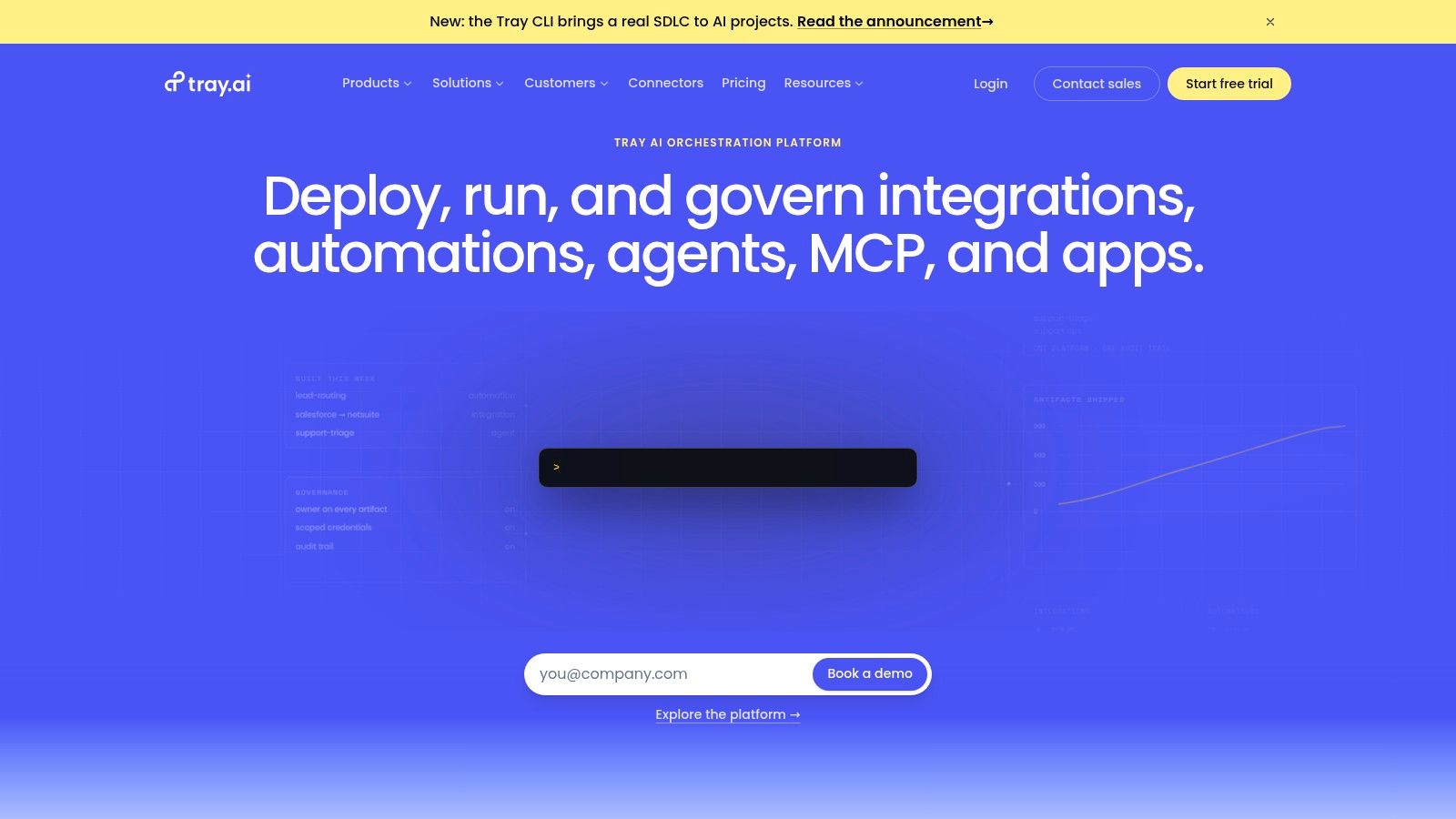
Tray, also known as Tray.ai or Tray.io, targets teams that need centralized control over complex integrations and AI automations. Its visual builder supports enterprise connectors, multi-system workflows, embedded integration scenarios, and governance controls across workspaces.
Tray's AI capabilities include Merlin AI, agent-building features, transient automations, and document intelligence. Centralized usage dashboards and AI token accounting help teams understand how AI activity is being consumed. That's useful when an organization needs to allocate access, monitor usage, and place boundaries around multiple workspaces rather than letting each department operate independently. Explore the Tray platform.
The platform has a clear enterprise orientation. Public list pricing generally isn't available, so evaluation tends to be sales-led. That can slow down early-stage experimentation, especially for a small team that wants to compare several tools before involving procurement.
Tray also has a smaller connector library than some SMB-focused platforms. The relevant question isn't whether it has the largest catalog. It's whether the connectors you need provide the operations, authentication model, and data depth required by your workflow. A shallow connector can force custom API work, regardless of the platform's overall breadth.
Control versus convenience
Tray is a strong candidate when IT needs entitlement management and a shared governance layer. It's less compelling when the process is a simple notification, record update, or form-to-email sequence that a lighter tool can manage.
For AI agents, keep the first deployment narrow. Grant access to specific tools, define what the agent can read and write, and require approval before actions affecting customers, payments, permissions, or regulated records.
Best fit
Use Tray for centralized enterprise integration control, embedded workflows, and complex environments where workspace governance matters as much as builder usability.
7. UiPath
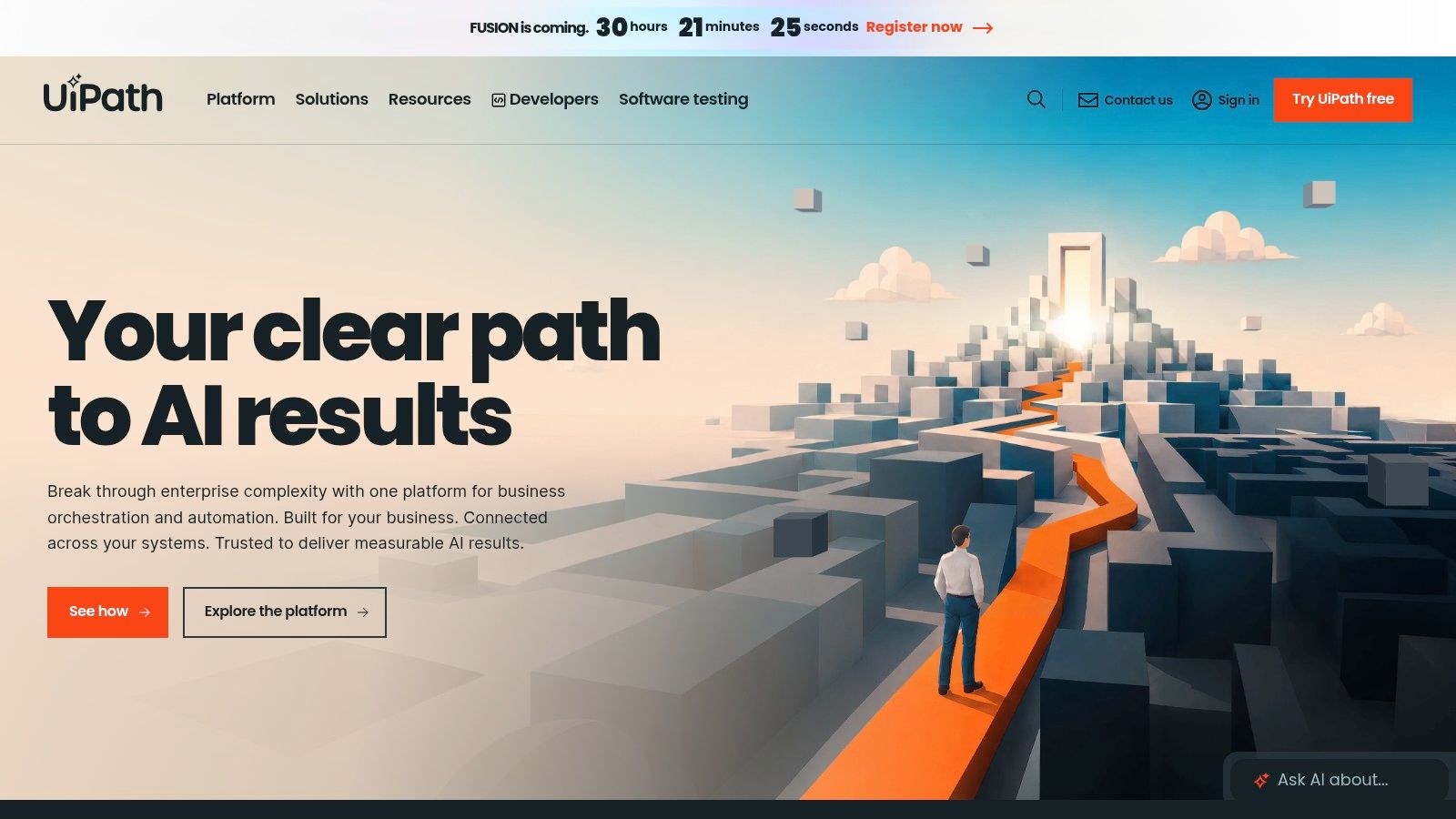
UiPath is the specialist to consider when automation must interact with desktop applications, legacy interfaces, documents, and established back-office processes. Its RPA heritage remains important because many enterprise workflows don't expose clean APIs. Autopilot adds an AI layer across UiPath products, while agentic automation features extend the platform beyond conventional screen-based bots.
The platform supports model routing and governance, unified AI and agentic usage pools, enterprise orchestration, process mining, and coding-agent integrations. Its AI Trust Layer supports bring-your-own-model approaches, which gives organizations more control over third-party model use. Review the UiPath automation platform.
UiPath is stronger than lightweight iPaaS tools when the process depends on desktop interaction or formal operational controls. It can support approval modes, model controls, and flexible deployment options, but those capabilities bring more licensing and implementation complexity. Unified pools and tiers can make budgeting difficult unless the team maps expected workloads and ownership before signing up.
Where UiPath earns its complexity
A process involving desktop finance software, document extraction, human review, and downstream system updates may justify UiPath's depth. A simple webhook that creates a CRM task probably doesn't. The platform should be assessed against the hardest part of the workflow, not the easiest demo.
Teams should also distinguish between automating a bad process and stabilizing a good one. Process mining can help identify bottlenecks, but the organization still needs to decide which steps deserve automation and which require a person.
Best fit
Choose UiPath for regulated back-office operations, desktop automation, document-heavy processes, and enterprise deployment control. Its broader capabilities can deliver value, but only when the organization is prepared to operate an automation program rather than a collection of personal shortcuts.
This overview of process automation benefits provides useful business context, but UiPath selection should remain grounded in process maps, exception rates, permissions, and support ownership.
8. Automation Anywhere
Automation Anywhere is built for organizations that want agent-driven automation with centralized reasoning, orchestration, and human collaboration. Its AI Agent Studio supports goal-based agents with guardrails and evaluations, while the Process Reasoning Engine handles planning and reasoning across process steps. Mozart provides the orchestration layer for coordinating the work.
That combination makes the platform more suitable for enterprise process programs than for isolated app connections. It also offers a centralized credit model across Document Automation and AI services, which can reduce the number of separate usage concepts procurement and operations teams need to track. A private cloud agent runtime and enterprise security posture support deployments where data handling and control require close attention. See Automation Anywhere.
The central risk is complexity. Goal-based agents require more testing than deterministic bots because the system may choose different paths depending on context. Human-in-the-loop collaboration and evaluations should be designed before the agent receives authority to update records or execute consequential actions.
Pricing is often quote-based and can be premium for smaller businesses. That doesn't make the platform unsuitable for an SMB, but it raises the bar for business justification. A team should define the process outcome, expected usage, approval model, and operational owner before requesting a proposal.
Best fit
Automation Anywhere fits large organizations standardizing on agentic automation, especially where document automation, process reasoning, auditability, and private runtime controls are central requirements.
Use it when the workflow needs outcome-oriented orchestration. Don't choose it because an agent demo looks impressive. The production design must specify permitted actions, fallback behavior, review queues, logs, and a way to disable the agent safely.
9. Pipedream
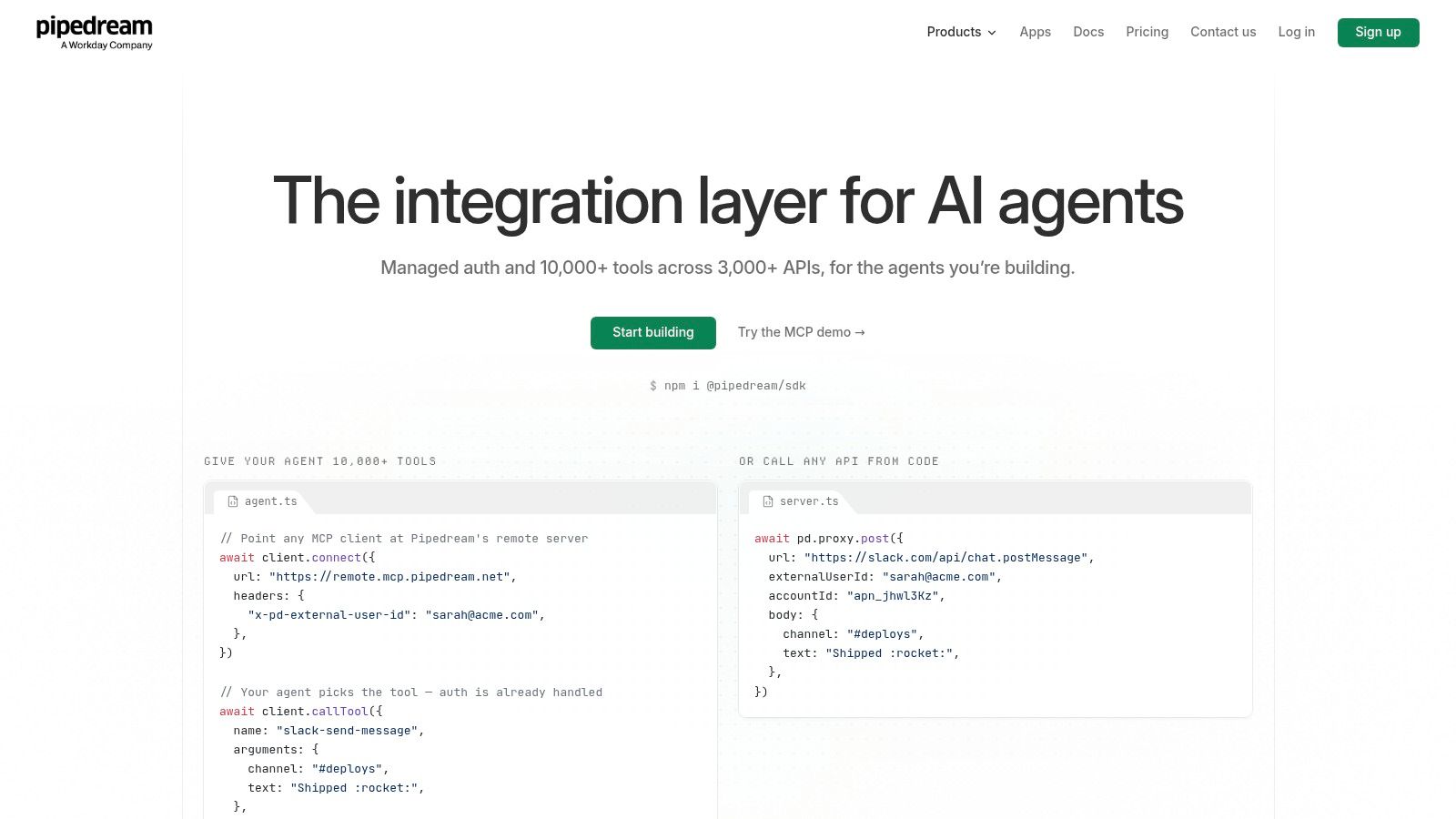
Pipedream is aimed at engineers who need an integration runtime for applications and AI agents. It provides managed authentication, OAuth storage, API actions and triggers, MCP servers, and a catalog of connectors that developers can expose as agent tools without building every SDK and credential flow themselves. Visit the Pipedream developer platform.
The key advantage is speed at the infrastructure layer. A product team can assemble a tool catalog, expose it through MCP, and let an agent call approved actions while Pipedream manages much of the authentication plumbing. Its raw API proxy and source-available components also give developers a practical fallback when a prebuilt action doesn't cover the required operation.
Pipedream is not a no-code tool in disguise. Developers need to understand APIs, authentication, payloads, error handling, permissions, and runtime behavior. That's a benefit for engineering teams and a barrier for operations users who want to build workflows independently.
Production control
The Conduit gateway adds enterprise controls such as SSO, policies, and audit capabilities. Those controls matter because an agent's tool catalog is effectively an operational permission surface. Exposing a read-only search action is a different risk from exposing a write, delete, send, or payment action.
Pricing has changed over time, so teams should confirm current credits and tiers before modeling production costs. Start with a narrow agent toolset, instrument every call, and test invalid, ambiguous, and malicious inputs before expanding access.
Best fit
Choose Pipedream for developer-built AI products, MCP tool catalogs, managed authentication, and API-heavy integrations. It's a poor fit if the primary requirement is a drag-and-drop experience for nontechnical users.
Teams evaluating the broader ecosystem can also review these API integration tools, then validate connector depth and deployment controls against the intended product architecture.
10. Bardeen
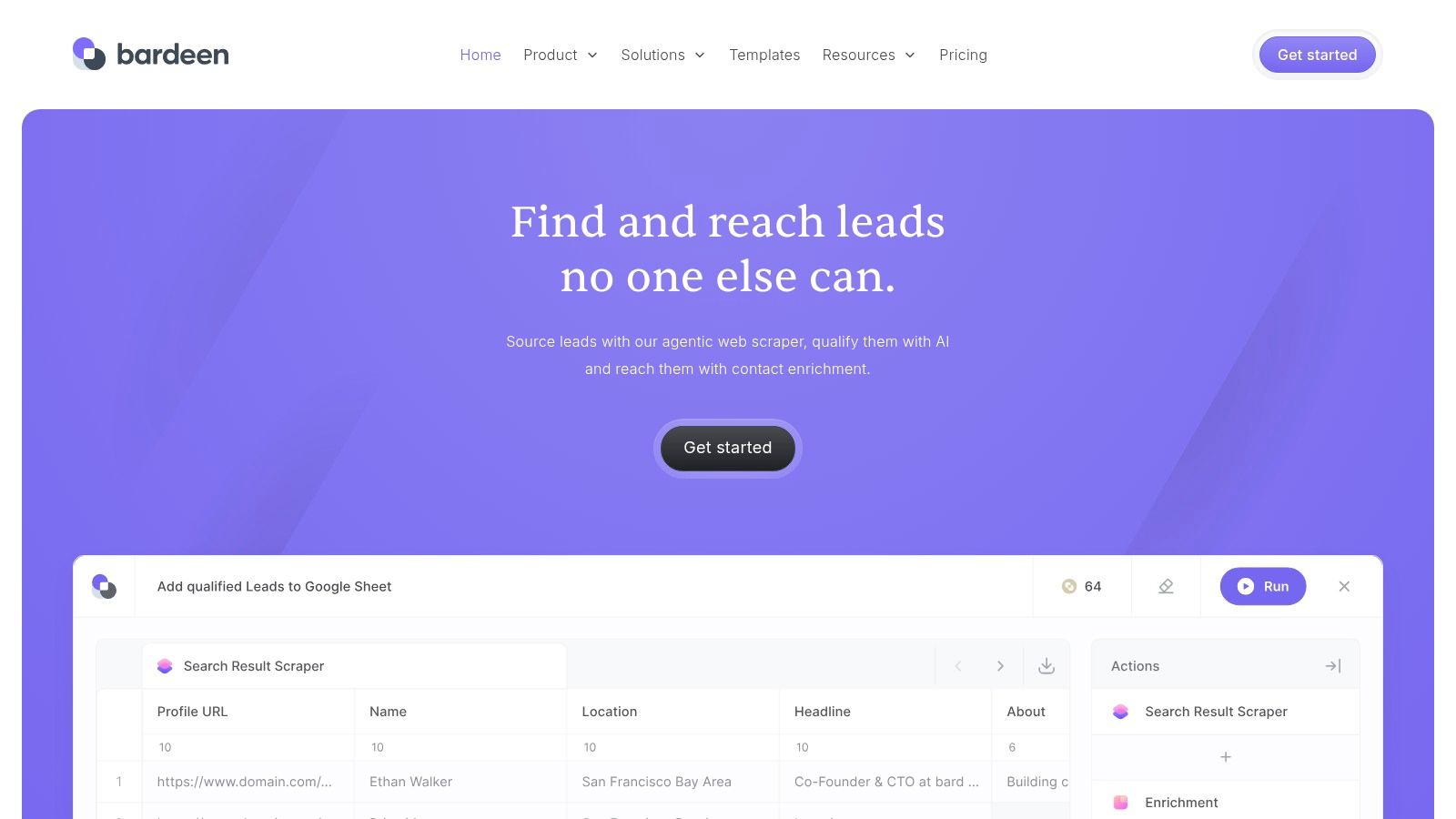
Bardeen solves a problem that API-first automation often misses: repetitive work performed directly in a browser. Growth, operations, recruiting, sales, and SEO teams frequently research websites, collect information, enrich records, update SaaS applications, and move data between browser tabs. Bardeen turns those actions into playbooks and browser agents without requiring a team to build a scraper or backend service first.
Its browser agent can automate across websites and learn patterns. Playbooks support go-to-market tasks, while BardeenAgent handles structured research. The Automation Assistant and Magic Box translate natural-language instructions into actions, and integrations connect browser activity with systems such as CRMs, Google Sheets, and Notion. Explore Bardeen.
Bardeen's value comes from low setup friction. A marketer can automate prospect research or content operations from the same environment where the work already happens. That makes it more approachable than an iPaaS when the process depends on on-page context rather than a clean event in a connected database.
The limitation is equally clear. Browser automation depends on page structure, permissions, login state, dynamic elements, and site restrictions. A website redesign can break a playbook, and a workflow that works reliably on one site may require fine-tuning on another. Complex backend orchestration, durable state, and enterprise-wide system coordination usually belong in an iPaaS or developer runtime.
Best fit
Pick Bardeen for browser-first research, enrichment, prospecting, and content operations. Keep a human review step for extracted data that will influence outreach, customer records, or published content.
For teams comparing browser automation with broader productivity software, this guide to AI productivity tools can help frame the use case, but test the exact websites and account permissions your team relies on.
Top 10 AI Workflow Automation Tools Comparison
| Product | Core strengths ✨ / Highlights 🏆 | Quality ★ | Target 👥 | Pricing & Value 💰 |
|---|---|---|---|---|
| Zapier | ✨ MCP endpoints + 9,000+ integrations; AI Guardrails for safety; 🏆 fastest no-code onramp | ★★★★ | 👥 Startups, GTM teams, non-technical makers | 💰 Free + usage/task-based; can spike for high-frequency AI |
| Make (Integromat) | ✨ Visual multi-branch builder; BYO-LLM & agent toolboxes; 🏆 best for complex flows | ★★★★ | 👥 Founders, ops teams, builders needing fine-grained orchestration | 💰 Credit/token model; transparent but learning curve |
| n8n | ✨ Open-source, self-host + cloud; agent nodes with HIL & guardrails; 🏆 data sovereignty | ★★★★ | 👥 Indie devs, early-stage teams, privacy-conscious orgs | 💰 Free self-host; cloud plans with AI credits; predictable costs |
| Microsoft Power Automate | ✨ Copilot Studio, RPA & Dataverse integration; 🏆 enterprise governance & compliance | ★★★★ | 👥 Enterprises on M365/Azure, IT & automation teams | 💰 Complex per-user/bot licensing; Copilot credits for agents |
| Workato | ✨ Enterprise MCP + WorkbotGPT and monitoring; 🏆 strong governance for agents | ★★★★ | 👥 Scaling teams, enterprises needing deep governance | 💰 Sales-led pricing; Pro/Enterprise tiers (contact sales) |
| Tray (Tray.ai / Tray.io) | ✨ Visual builder with Merlin AI; centralized governance & dashboards; 🏆 IT control | ★★★★ | 👥 IT-led teams, enterprises with complex integrations | 💰 Sales-led; custom quotes for enterprise packages |
| UiPath | ✨ Autopilot AI layer, BYO-model trust & process mining; 🏆 RPA/desktop automation leader | ★★★★ | 👥 Large enterprises, regulated industries, back-office ops | 💰 Complex licensing (pools/tiers); enterprise pricing |
| Automation Anywhere | ✨ Agent Studio + Process Reasoning Engine; human-in-loop & auditability; 🏆 outcome-first APA | ★★★★ | 👥 Enterprises standardizing agent-driven processes | 💰 Quote-based; premium for SMBs |
| Pipedream | ✨ Developer-first MCP, 3k+ APIs & managed auth; 🏆 fastest for engineering-led agent tooling | ★★★★ | 👥 Engineers, product teams building agent features | 💰 Free dev tier; production plans & credit changes, confirm before scaling |
| Bardeen | ✨ Browser-first agents & playbooks; Magic Box to NLU→actions; 🏆 quickest for on-page automation | ★★★★ | 👥 Growth, ops, SEO, GTM teams working in-browser | 💰 Freemium; great value for browser tasks, limited for backend orchestration |
Turn the Shortlist Into a Safe Pilot
The market has moved beyond novelty. Independent reporting citing McKinsey data has placed organizational AI use at 88% in at least one business function by 2026, compared with 55% in 2023, while other reporting put the corresponding 2026 figure at 78%. The figures differ by source and framing, but both point to the same operational shift, AI is becoming part of routine work rather than a side experiment. The same automation statistics summary reported generative AI use rising to 72% from 33% the prior year, which helps explain why workflow platforms increasingly combine deterministic automation with AI-assisted execution.
Low-code and no-code adoption reinforces that transition. Gartner-based reporting projected that 75% of new applications would use low-code or no-code technologies by 2026, compared with less than 25% in 2020, and that 40% of enterprise applications would include task-specific AI agents by the end of 2026, up from under 5% in 2025, according to AI workflow automation research. The direction is clear, but adoption doesn't make every agent a safe choice for every process.
Start with one workflow, not an enterprise-wide promise.
- Define the outcome: Choose a process with a clear owner and a measurable result, such as faster lead routing, fewer manual ticket handoffs, or more consistent document classification.
- Classify the data: Identify personal, financial, confidential, regulated, and public information before choosing a cloud, self-hosted, private runtime, or browser-based deployment.
- Map triggers and failure states: Document what starts the workflow, what the system needs to read, what happens when data is missing, and how the process stops safely.
- Place approval gates deliberately: Require human approval before high-impact actions, including permission changes, customer commitments, financial actions, or irreversible updates.
- Model realistic usage: Count AI calls, retries, branches, embeddings, browser runs, workflow executions, and concurrent users. Compare task, credit, token, execution, bot, and enterprise quote models rather than comparing headline subscription tiers.
- Pilot the smallest viable build: Use deterministic steps wherever rules are sufficient. Add context-based AI only when the workflow depends on emails, calls, tickets, documents, or other unstructured material.
The global AI workflow automation market was estimated at USD 10.8 billion in 2026, with North America expected to lead and finance and IT service requests identified as strong application areas in market research from Meticulous Research. That scale makes vendor choice more important, but it also makes restraint more valuable. A mature organization may need Power Automate, UiPath, Workato, Tray, or Automation Anywhere. A startup may need Zapier, Make, n8n, or Bardeen. An engineering team building an AI product may get more value from Pipedream.
Security and governance shouldn't wait until after the demo. Guidance on enterprise AI agents identifies prompt injection, tool misuse, privilege abuse, secret leakage, and resource exhaustion as concrete risks, with recommended controls including minimum permissions, centralized logs, sandboxing, human validation for critical actions, and malicious-input testing in enterprise agent security guidance. Those controls also explain why autonomous workflows are often slowed by governance and review requirements. Build them into the pilot so the production path doesn't require redesign.
Document ownership, monitor outputs, review usage costs, and revisit the shortlist as your systems and risk requirements change. SubmitMySaas can support ongoing discovery of new SaaS and AI products, but the final decision should come from workflow tests, permission reviews, failure simulations, and an operating model your team can maintain.
SubmitMySaas helps founders, makers, and technology teams discover new SaaS, AI, productivity, marketing, and design products through daily launches, trending lists, and curated roundups. Visit SubmitMySaas to compare emerging tools and find potential additions to your workflow automation stack, then validate each product through a responsible technical pilot.