The 12 Best AI Productivity Tools Discovery Platforms for 2026
Discover the best AI productivity tools with our curated list of 12 platforms. Find, compare, and implement the right AI software for your startup today.
The AI productivity landscape is exploding, with new tools launching daily. For founders, marketers, and indie makers, the challenge isn't a lack of options-it's the overwhelming noise. How do you find the signal? Instead of another generic list of individual apps, this guide tackles a more critical question: where do you discover, vet, and compare the best AI productivity tools for your specific needs?
This article is your strategic map. We've compiled the definitive list of 12 discovery platforms, marketplaces, and curated directories that serve as the primary sources for cutting-edge software. You'll learn how to navigate these ecosystems to build a powerful, future-proof AI toolkit, with each entry featuring screenshots, direct links, and a breakdown of its unique value.
From spotting early-stage disruptors on launchpads like SubmitMySaas and Product Hunt to comparing enterprise-grade solutions on G2, you will learn where the pros look first. When exploring these vast platforms, you might even discover hyper-specialized solutions, such as the best AI tools specifically for pitch decks, which solve very specific workflow bottlenecks.
This resource is designed to be comprehensive and scannable. We cut the fluff to help you move from searching to implementing. Below, you will find detailed analyses of each platform, including their ideal user profiles, key features, pricing insights, and honest assessments of their pros and cons. Let’s dive into where you can find the AI tools that will actually move the needle for your business.
1. SubmitMySaas
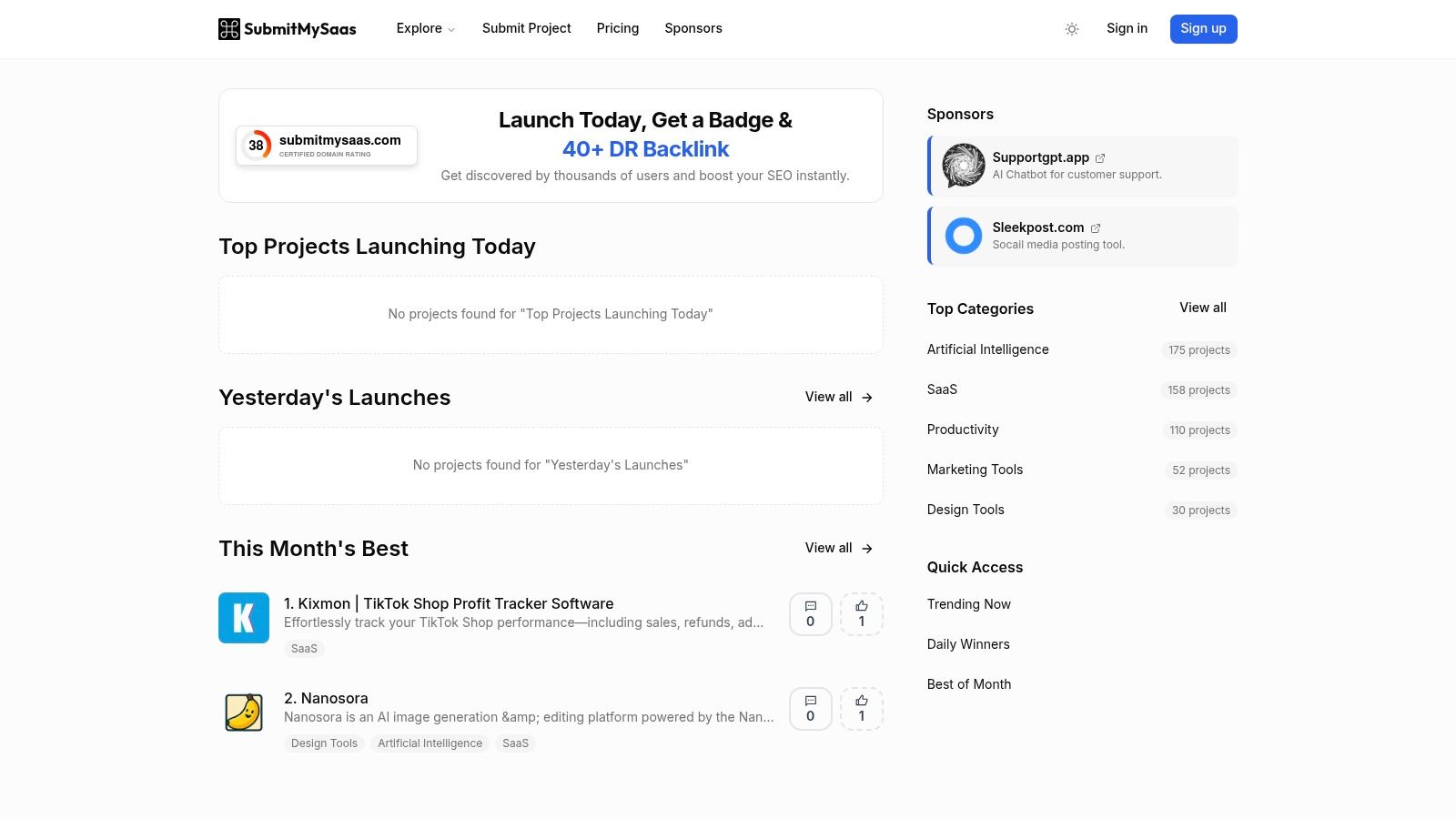
SubmitMySaas is a unique discovery platform that curates and lists new SaaS, AI, and productivity tools daily. Unlike traditional software directories that list established players, its core focus is on showcasing brand-new and early-stage products, making it an invaluable resource for finding emerging solutions before they hit the mainstream. This positions it as a go-to starting point for anyone hunting for the absolute newest AI productivity tools.
For users, the platform offers a clean, filterable interface to browse daily launches, trending tools, and "Best of the Month" collections. For founders and makers, it provides a straightforward submission process with paid packages that offer guaranteed listings, valuable backlinks for SEO, and increased visibility through sponsored placements. This dual focus creates a dynamic ecosystem where new tools gain crucial early traction and users get a first look at innovative software.
Key Details & Use Cases
- Ideal User: Founders, indie makers, and early adopters looking for the latest AI tools and launch platforms.
- Pricing: Free for browsing. Paid packages for makers submitting their products start from $49 for a basic listing with a dofollow backlink, scaling up for more prominent placement and promotion.
- Recommended Use Case: Use SubmitMySaas as a daily or weekly discovery habit. Check the "Top Projects Launching Today" section to stay ahead of the curve and find innovative, niche AI productivity tools that haven't yet been widely covered.
| Pros | Cons |
|---|---|
| Surfaces fresh, early-stage tools daily. | Product information can be limited. |
| Maker-friendly process with SEO benefits. | Many tools are nascent and may lack polish. |
Website: https://www.submitmysaas.com/
2. Product Hunt
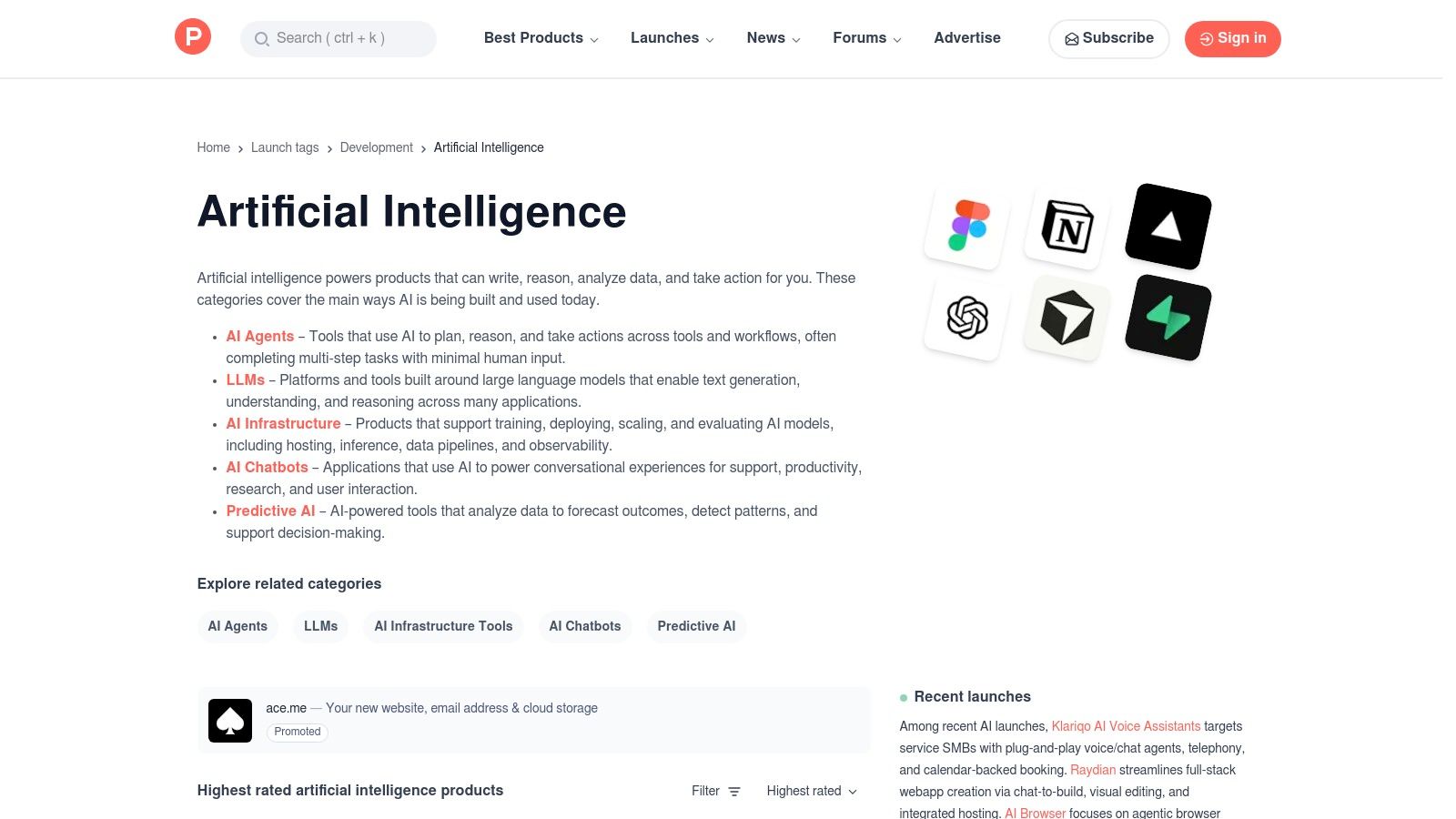
Product Hunt is the quintessential daily discovery platform for new technology products, making it a cornerstone for anyone tracking the latest trends. Its daily leaderboard system, powered by community upvotes and comments, creates a competitive and engaging environment where the most exciting new tools rise to the top. The platform has a dedicated and highly active Artificial Intelligence hub, which aggregates everything from AI agents and chatbots to developer infrastructure, ensuring a constant stream of innovation.
This community-driven approach provides invaluable social proof, as the comments and discussions from other early adopters can quickly help you vet a new tool's utility and potential. For founders, a successful launch on Product Hunt can provide a massive initial wave of traffic, feedback, and users. It serves as both a launchpad for makers and a curated daily newspaper for tech enthusiasts looking for the best AI productivity tools.
Key Details & Use Cases
- Ideal User: Tech enthusiasts, product managers, investors, and anyone wanting to discover and vet brand-new AI tools with the help of community feedback.
- Pricing: Free to browse, comment, and upvote. Makers can launch their products for free.
- Recommended Use Case: Make checking the "Artificial Intelligence" topic page a daily habit. Read the comments on the top-ranked products to gain insights into real user experiences and identify potential red flags or standout features before you even click through to the product's website. While it's a primary launch destination, it's worth exploring other Product Hunt alternatives to diversify your discovery strategy.
| Pros | Cons |
|---|---|
| Excellent for discovering what's new in AI productivity. | Quality is uneven and hype can skew rankings. |
| Community feedback helps vet tools quickly. | Limited long-term comparison data on listings. |
Website: https://www.producthunt.com/topics/artificial-intelligence
3. G2
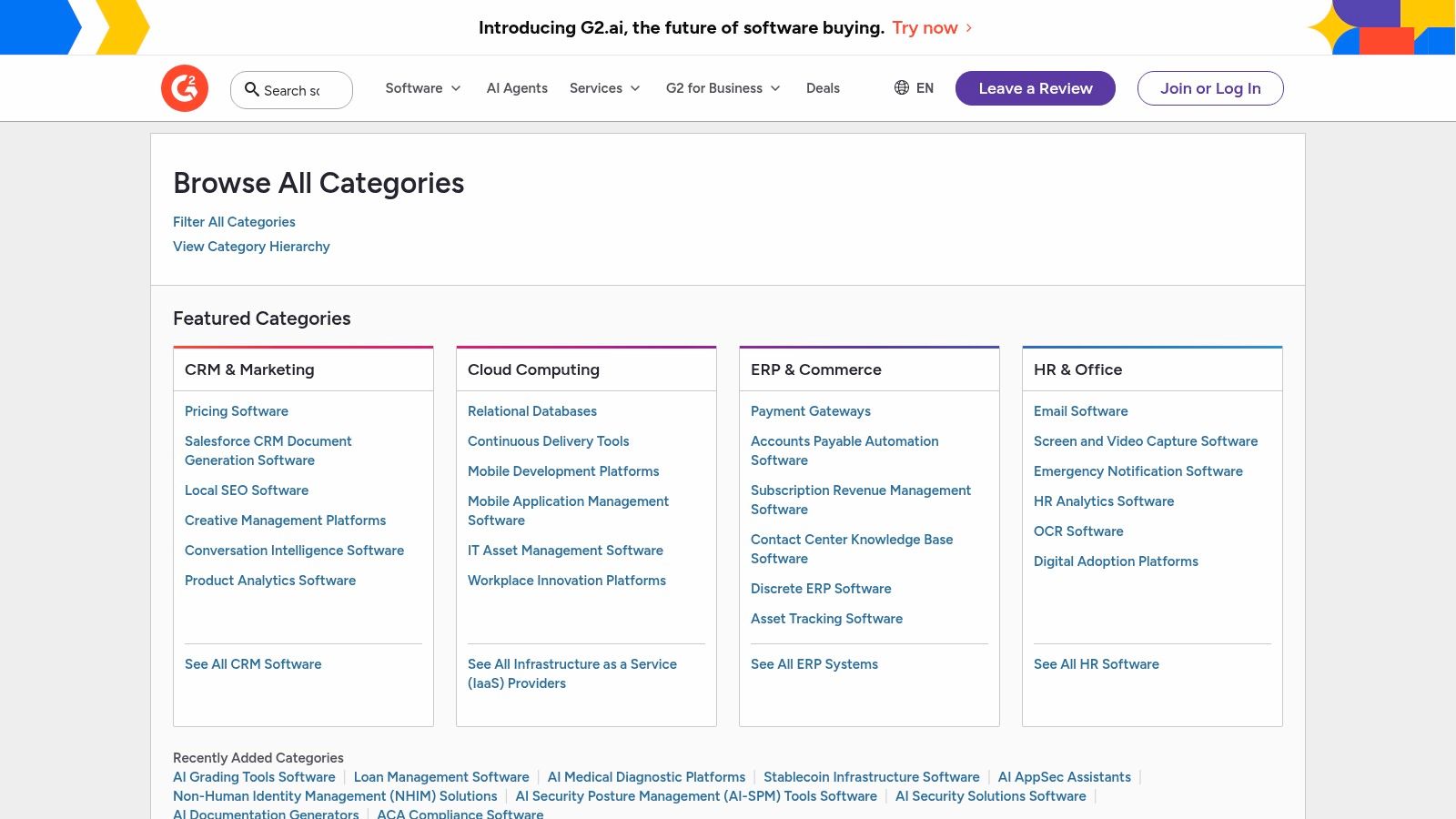
G2 is a massive, buyer-focused software review and comparison platform. While not exclusively an AI tool directory, its structured taxonomy and peer-review system make it a powerhouse for evaluating established vendors. It excels at helping users compare mature AI productivity tools for procurement decisions, moving beyond discovery to deep-dive analysis. The platform provides detailed ratings, market reports, and comparison grids that are invaluable for teams needing to vet and select enterprise-ready software.
Its strength lies in the depth of its user-generated data. G2 categorizes software with granular detail, allowing users to filter by company size, industry, and specific features. This makes it an essential resource for comparing market leaders head-to-head based on verified user experiences, rather than just marketing claims. For anyone making a significant software investment, G2 offers the social proof and structured data needed for a confident decision.
Key Details & Use Cases
- Ideal User: Procurement managers, IT decision-makers, and enterprise teams needing to compare and purchase established AI software.
- Pricing: Free for browsing and comparing software. Vendors pay for premium profiles and marketing services.
- Recommended Use Case: Use the G2 comparison grid feature to create a side-by-side evaluation of your top three AI tool candidates. Filter reviews by company size and role to see feedback from users with similar needs, ensuring the tool is a good fit for your organization's scale and workflow.
| Pros | Cons |
|---|---|
| Rich, structured data for procurement decisions. | Sponsored placements can affect list ordering. |
| Good for enterprise-level comparison and filtering. | Some AI categories are new and still filling out. |
Website: https://www.g2.com/categories
4. Capterra
Capterra is a comprehensive software directory and buyer's guide that functions as a massive, searchable database for business technology. While it covers all types of software, its detailed categories and filters make it an excellent resource for comparing established AI productivity tools. Unlike discovery platforms focused on new launches, Capterra excels at providing in-depth profiles, user reviews, and comparison data for mature solutions, particularly for small to mid-sized businesses.
The platform allows users to navigate deep directories for specific software types, such as "AI Writing Assistants," and apply filters for features, pricing models, and deployment options. Its vendor profiles often include pricing snapshots, screenshots, and direct comparisons to alternatives. This structure helps teams move from broad exploration to a narrowed-down shortlist by providing the necessary data points for an informed purchasing decision.
Key Details & Use Cases
- Ideal User: Small business owners, IT managers, and marketing teams needing to compare established AI software with user reviews and pricing data.
- Pricing: Free to browse and use for software discovery and comparison.
- Recommended Use Case: Use Capterra when you have a specific need (e.g., "AI chatbot for customer service") and want to compare the top 3-5 established players in that category. Filter results based on your required features and budget, then read user reviews to identify potential red flags or standout benefits before committing to a demo.
| Pros | Cons |
|---|---|
| Clear pricing fields when available. | Sponsored listings appear at the top by default. |
| Strong small-business focus and comparisons. | Review depth can vary significantly by product. |
Website: https://www.capterra.com/artificial-intelligence-software/
5. AppSumo
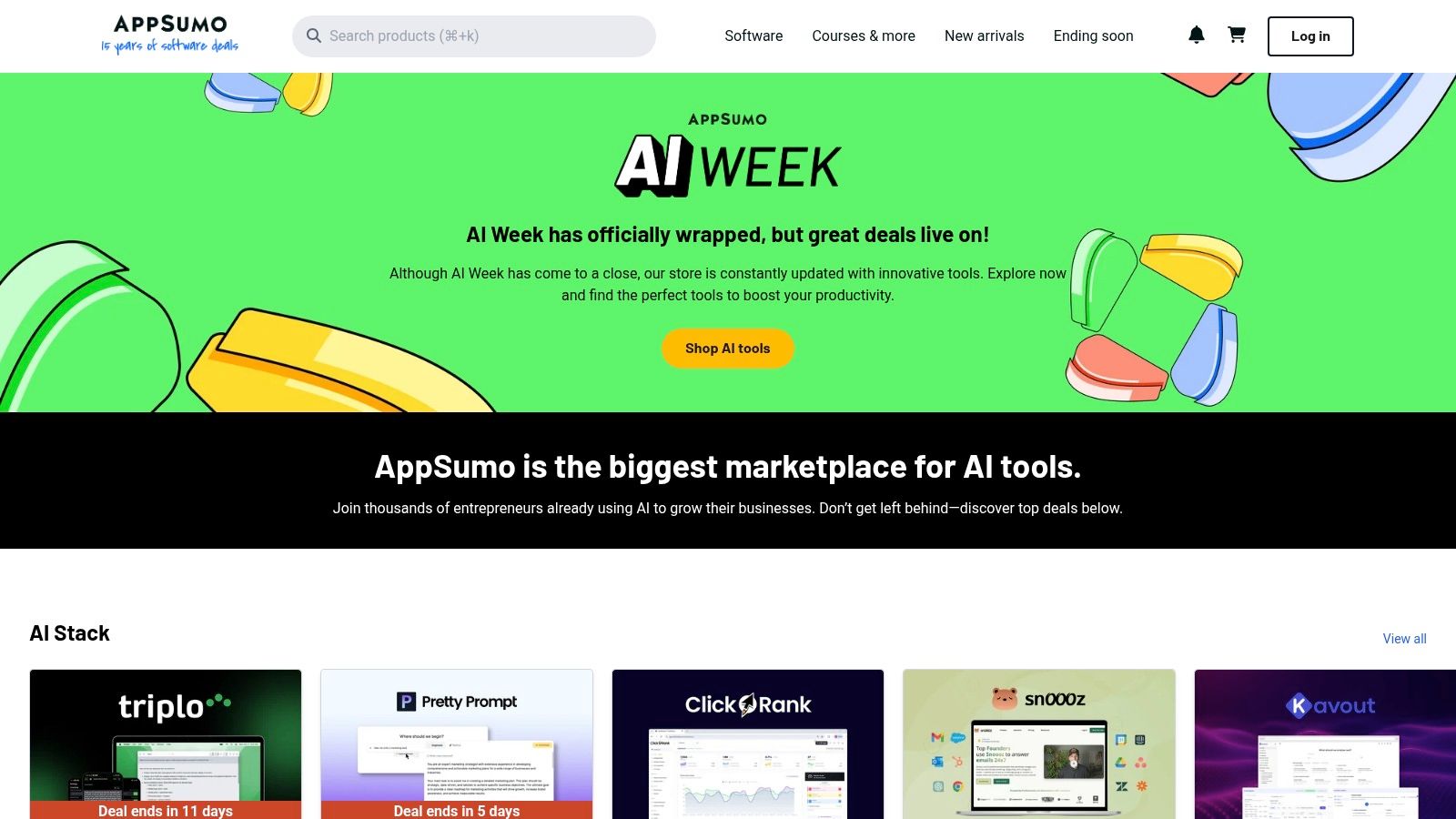
AppSumo is a well-known deals marketplace that frequently features lifetime and deeply discounted subscription deals for software, including a vast array of AI productivity tools. Instead of being a single tool, it’s a platform where founders and teams can acquire a suite of new applications for a fraction of their standard cost. This makes it an essential destination for budget-conscious startups looking to experiment with emerging AI solutions in areas like content generation, email assistance, and project automation without committing to expensive monthly subscriptions.
The platform stands out by offering curated collections like the "AI Stack" and hosting events such as "AI Week," which aggregate the best AI deals available. User reviews and a Q&A section on each product page provide valuable, unfiltered community feedback. This allows potential buyers to gauge a tool's real-world performance and support quality before purchasing, making it one of the best places to find and vet new AI productivity tools at an affordable entry point.
Key Details & Use Cases
- Ideal User: Startups, freelancers, and small businesses looking to build their software stack on a budget.
- Pricing: Free to browse. Deals are typically one-time payments for lifetime access (LTDs) or heavily discounted annual plans. AppSumo Plus membership offers additional discounts.
- Recommended Use Case: Regularly check AppSumo for AI tools that solve a specific, immediate need. Before buying, thoroughly read user reviews and research the founding team's history to assess the product's long-term viability. Take advantage of the refund window to test if the tool truly fits your workflow.
| Pros | Cons |
|---|---|
| Significant discounts and one-time pricing. | Lifetime deals on AI can be risky if vendor costs outpace revenue. |
| Easy refund windows on many deals. | Some products may get abandoned or change terms post-deal. |
Website: https://appsumo.com/a/ai-week/
6. Google Workspace Marketplace
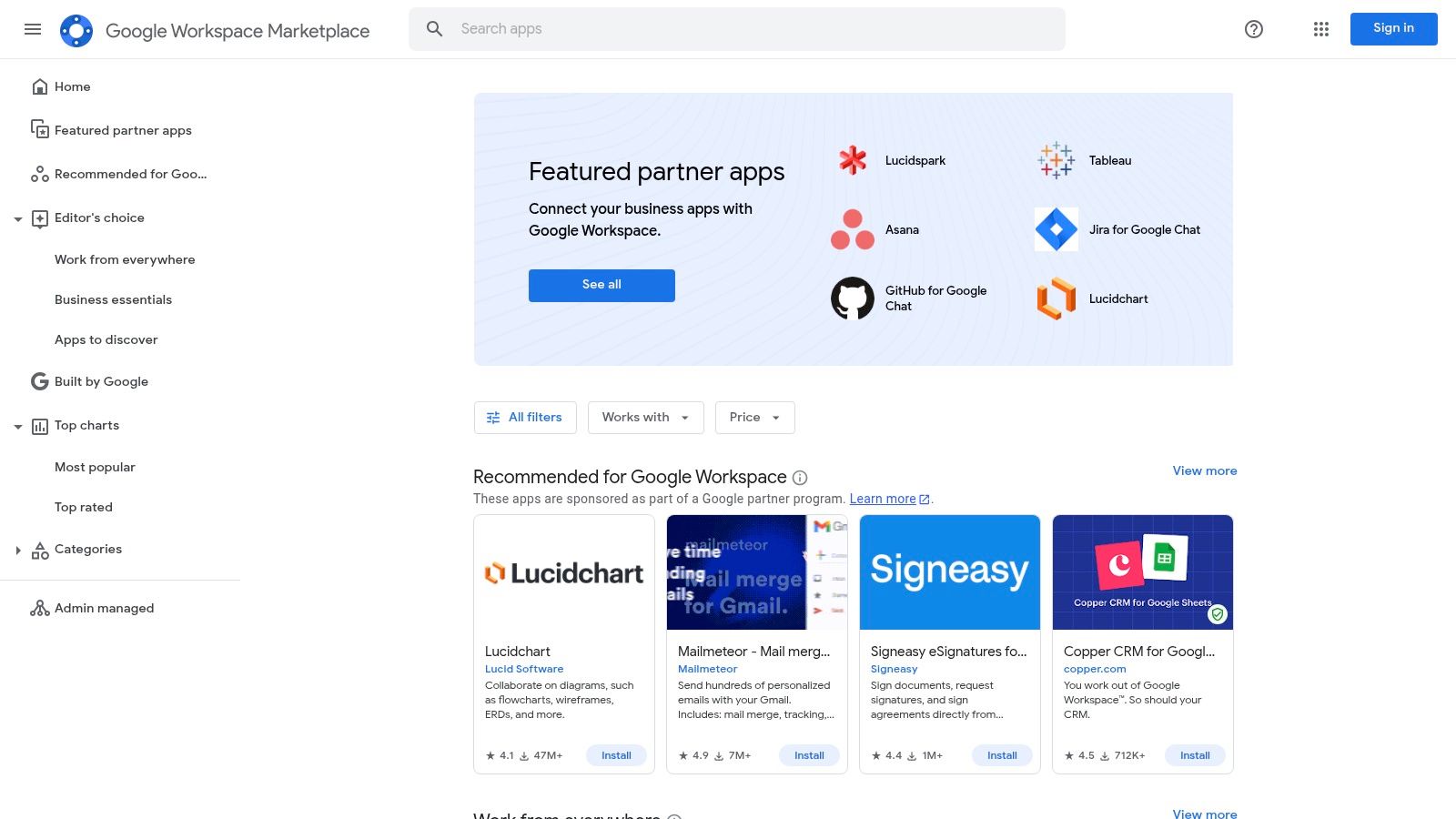
Google Workspace Marketplace is the official app store for enhancing Google's suite of productivity apps like Gmail, Docs, and Sheets. Instead of forcing users to adopt entirely new platforms, it allows them to integrate powerful AI capabilities directly into their existing workflows. This makes it one of the best AI productivity tools ecosystems for teams deeply embedded in Google's environment, offering everything from Gemini-powered writing assistants in Docs to AI data cleaners in Sheets.
The marketplace’s core strength is its enterprise-readiness and seamless integration. Admins can vet, approve, and deploy add-ons across an entire organization with just a few clicks, ensuring security and standardization. For users, the one-click install process tied to their Google account makes adding new functionality incredibly simple. This approach brings sophisticated AI into familiar interfaces, boosting productivity without a steep learning curve.
Key Details & Use Cases
- Ideal User: Teams and enterprises using Google Workspace who want to add AI features without disrupting established workflows.
- Pricing: Free to browse and install many add-ons. However, many of the most powerful AI tools require a separate subscription with the third-party developer.
- Recommended Use Case: Browse the "Works with Gemini" or app-specific collections (e.g., "Works with Sheets") to find a vetted AI tool that solves a specific pain point. For example, install an AI add-on to automate email summaries in Gmail or to generate complex formulas from plain text in Sheets.
| Pros | Cons |
|---|---|
| Improves existing workflows, not adds new ones. | Quality and support vary by third-party developer. |
| Enterprise-ready with admin controls and security. | Many powerful add-ons require a separate subscription. |
Website: https://workspace.google.com/marketplace/
7. Microsoft AppSource
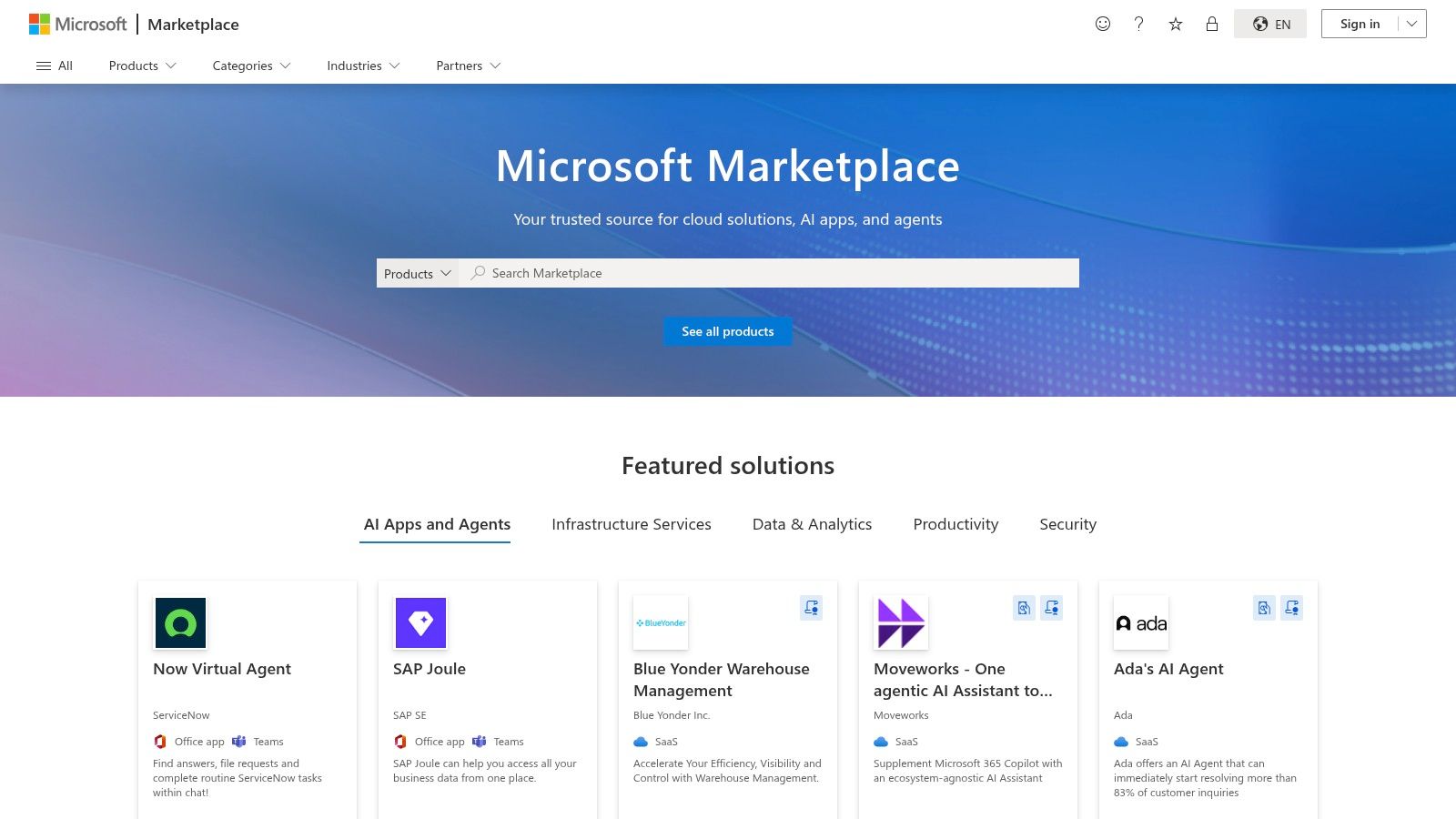
Microsoft AppSource serves as the official marketplace for business applications, AI assistants, and Copilot extensions that integrate directly into the Microsoft ecosystem. Unlike broad-based app stores, its strength lies in offering vertically-focused solutions designed to work seamlessly with Microsoft 365, Teams, Dynamics 365, and the Power Platform. This makes it an essential resource for organizations already standardized on Microsoft technologies, ensuring compatibility, security, and streamlined deployment.
The platform is curated to feature Copilot-compatible add-ins and industry-specific tools that extend the functionality of core Microsoft products. It provides a centralized hub where IT administrators can discover, trial, and deploy applications across their entire organization through their Microsoft tenant. This focus on enterprise-grade integration and governance distinguishes it from more consumer-focused or platform-agnostic directories, positioning it as a key discovery channel for some of the best AI productivity tools for corporate environments.
Key Details & Use Cases
- Ideal User: IT administrators, business analysts, and teams operating within a Microsoft-centric environment.
- Pricing: Varies by application. Many apps offer free trials or freemium tiers, while others require subscriptions or enterprise licensing tied to Microsoft 365 plans.
- Recommended Use Case: Browse the "Apps for Copilot" category to find verified extensions that enhance your existing AI assistant. Use it to find and deploy industry-specific solutions that integrate directly into Microsoft Teams or Power BI for unified workflows.
| Pros | Cons |
|---|---|
| Strong admin deployment and compliance capabilities. | Navigation can be fragmented across categories. |
| Deep integration into Microsoft 365 and Power Platform. | Some solutions require enterprise licensing. |
Website: https://appsource.microsoft.com/
8. Chrome Web Store
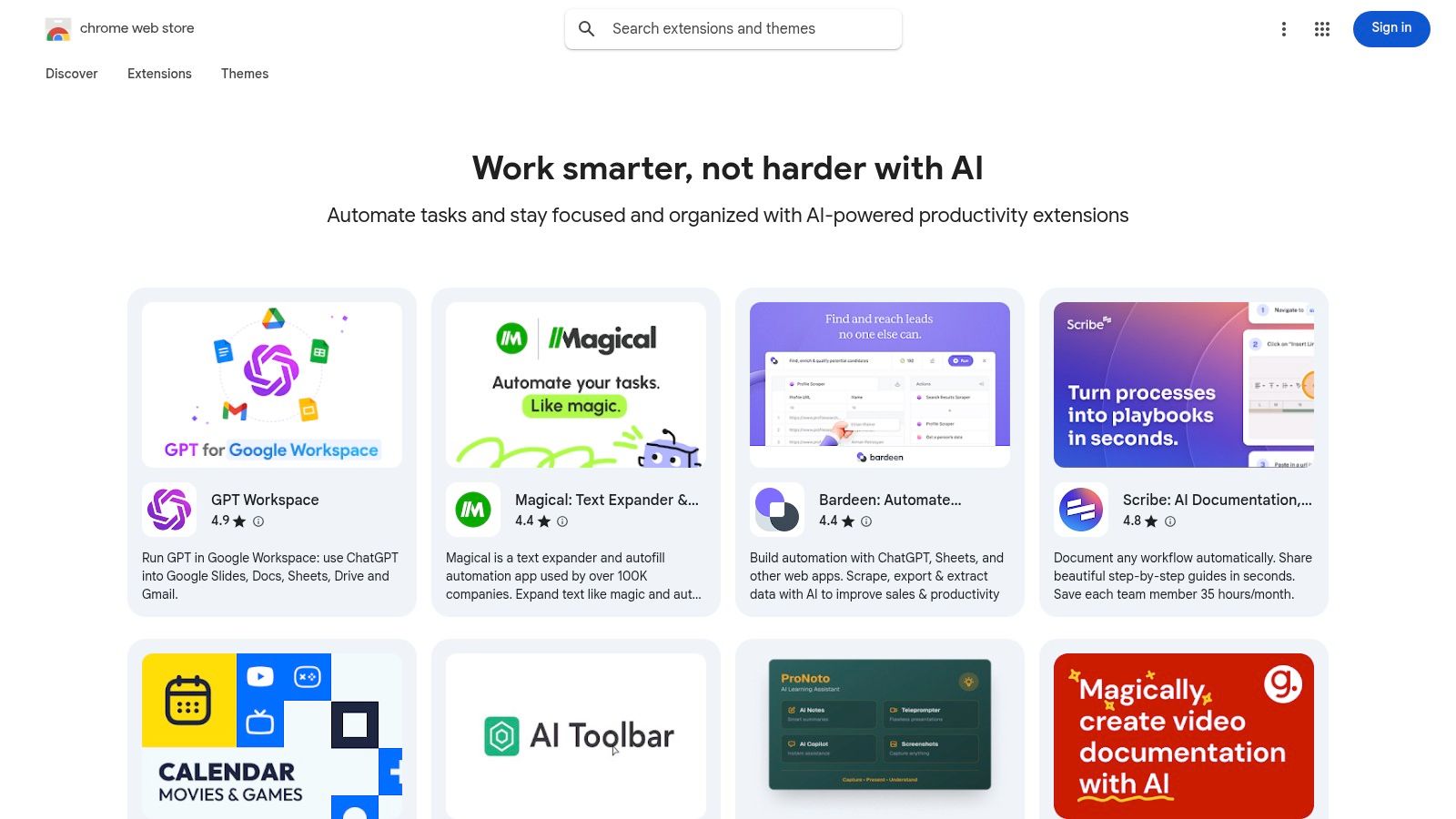
While not a single tool, Google's Chrome Web Store is a massive gateway to some of the best AI productivity tools, especially through its curated collections like "Work smarter with AI." This official marketplace allows users to augment their browser with powerful, lightweight extensions for summarization, writing assistance, tab management, and automating repetitive tasks directly within their workflow. It excels at offering specialized, single-purpose AI helpers that integrate seamlessly into existing web applications.
The platform's strength lies in its accessibility and the sheer volume of options. Users can quickly trial different AI tools with a single click, guided by star ratings, user counts, and transparent permission requests. This makes it an ideal environment for experimenting with AI-powered enhancements for tasks like drafting emails, summarizing long articles, or capturing meeting notes without committing to a full-fledged, standalone application.
Key Details & Use Cases
- Ideal User: Anyone who works primarily in a browser and wants to add lightweight AI capabilities to their existing workflows without switching apps.
- Pricing: Free for most extensions, with many offering premium features through a freemium model that often links to a paid web app.
- Recommended Use Case: Browse the "Work smarter with AI" collection to find a specialized tool for a specific pain point. For example, add an AI-powered email assistant to Gmail or a webpage summarizer to reduce reading time, and test it for a week to see if it improves your efficiency.
| Pros | Cons |
|---|---|
| Fast way to trial lightweight AI tools in the browser. | Extension sprawl can slow the browser if not curated. |
| Clear permission prompts and a large catalog of options. | Many extensions are free trials that upsell to paid web apps. |
Website: https://chromewebstore.google.com/collection/ai_productivity
9. Apple App Store
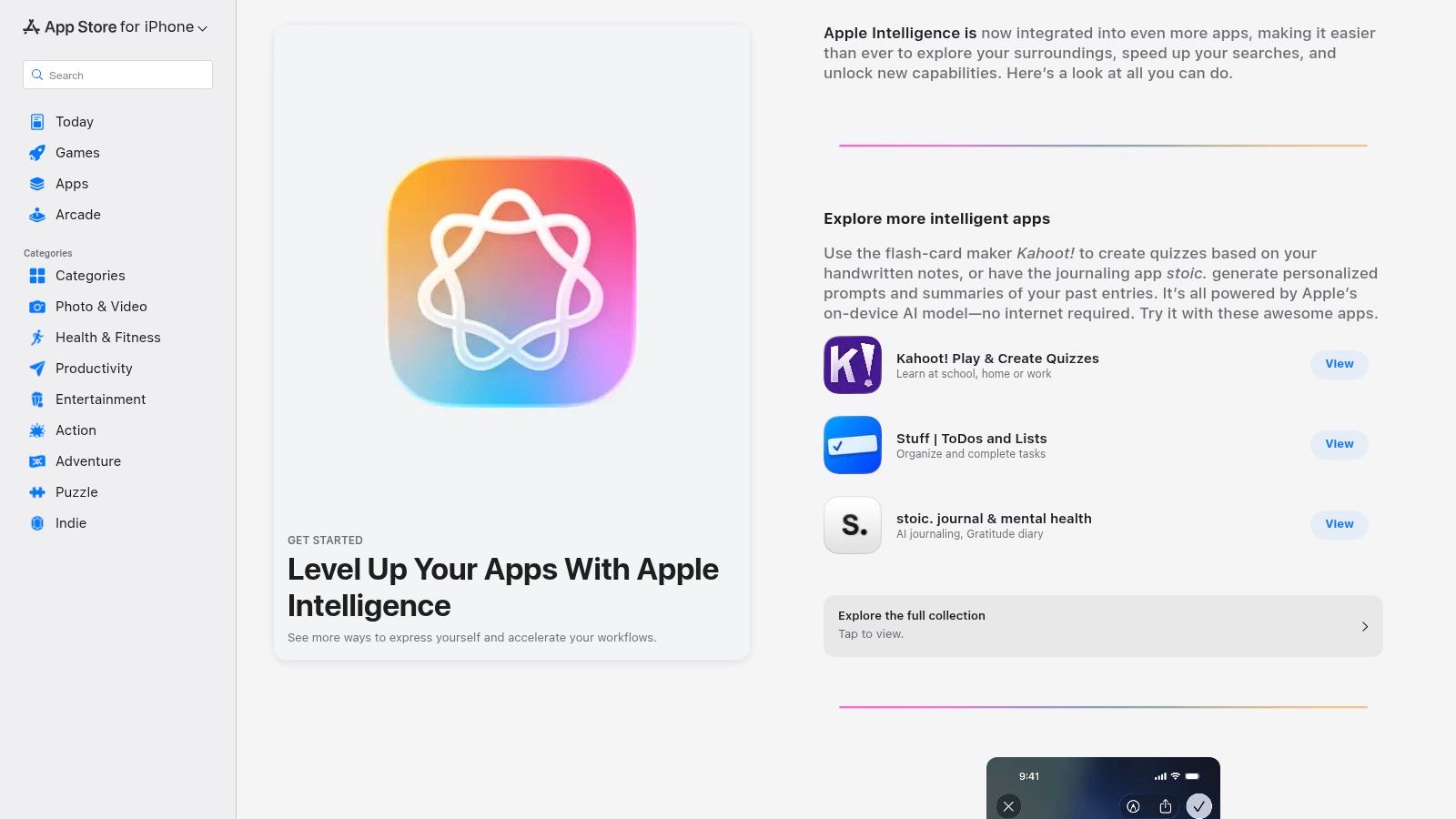
While a massive distribution platform rather than a single tool, the Apple App Store has become a critical resource for discovering AI-enhanced productivity apps. Its strength lies in editorial curation, where Apple’s teams frequently create collections and stories that spotlight innovative applications leveraging AI. With the introduction of Apple Intelligence, the App Store will increasingly highlight apps that integrate seamlessly with native OS features, offering a vetted, high-quality starting point for users within the Apple ecosystem.
This curated approach helps cut through the noise, presenting apps with clear use cases, transparent privacy labels, and user ratings. For anyone on an iPhone, iPad, or Mac, the App Store provides a trusted and streamlined way to find powerful, AI-driven tools that are optimized for their devices. It simplifies the discovery process by grouping the best AI productivity tools for specific tasks like writing, task management, or creative work.
Key Details & Use Cases
- Ideal User: iPhone, iPad, and Mac users looking for vetted, secure, and well-integrated AI productivity apps.
- Pricing: Free to browse. Apps vary from free and ad-supported to one-time purchases or subscriptions with in-app purchases.
- Recommended Use Case: Browse the "Apps" tab and look for editorial stories like "Supercharge Your Productivity with AI." Use these curated lists to discover high-quality, secure AI tools that are specifically recommended and optimized for your Apple devices.
| Pros | Cons |
|---|---|
| Strong privacy disclosures and reliable reviews. | Discovery relies heavily on Apple's curation. |
| Smooth installation and updates across devices. | Some AI features require newer OS versions. |
Website: https://apps.apple.com/us/iphone/story/id1828261619
10. Setapp
Setapp is a subscription service for macOS and iOS that provides access to a curated collection of over 260 applications for a single monthly fee. It stands out by bundling numerous premium tools, including a dedicated and growing suite of the best AI productivity tools, making it a cost-effective alternative to purchasing dozens of individual software licenses. Its integrated AI Assistant can even recommend the right app for a specific task, streamlining workflow discovery.
For founders and teams heavily invested in the Apple ecosystem, Setapp eliminates the friction of finding, vetting, and paying for individual apps. The platform includes everything from AI-powered writing assistants and image enhancers to intelligent code editors and project management tools. This "all-you-can-eat" model offers incredible value and encourages the discovery of new solutions that can enhance productivity without additional costs.
Key Details & Use Cases
- Ideal User: Mac and iOS users, startup teams, and developers looking for a high-value software bundle that includes a vetted collection of AI applications.
- Pricing: Starts at $9.99/month for one Mac. Team plans are available. AI features may require additional AI+ credit plans for heavy usage, with a 7-day free trial offered.
- Recommended Use Case: Use Setapp as your primary software library on macOS. Instead of searching the App Store for a tool to solve a problem, search within Setapp first to leverage its curated AI toolkit and find a premium solution that's already included in your subscription.
| Pros | Cons |
|---|---|
| Cost-effective access to 260+ premium apps. | Exclusive to macOS/iOS, excluding Windows users. |
| Curated collection of high-quality AI tools. | Heavy AI usage may require upgrading to an AI+ plan. |
Website: https://setapp.com/ai
11. Futurepedia
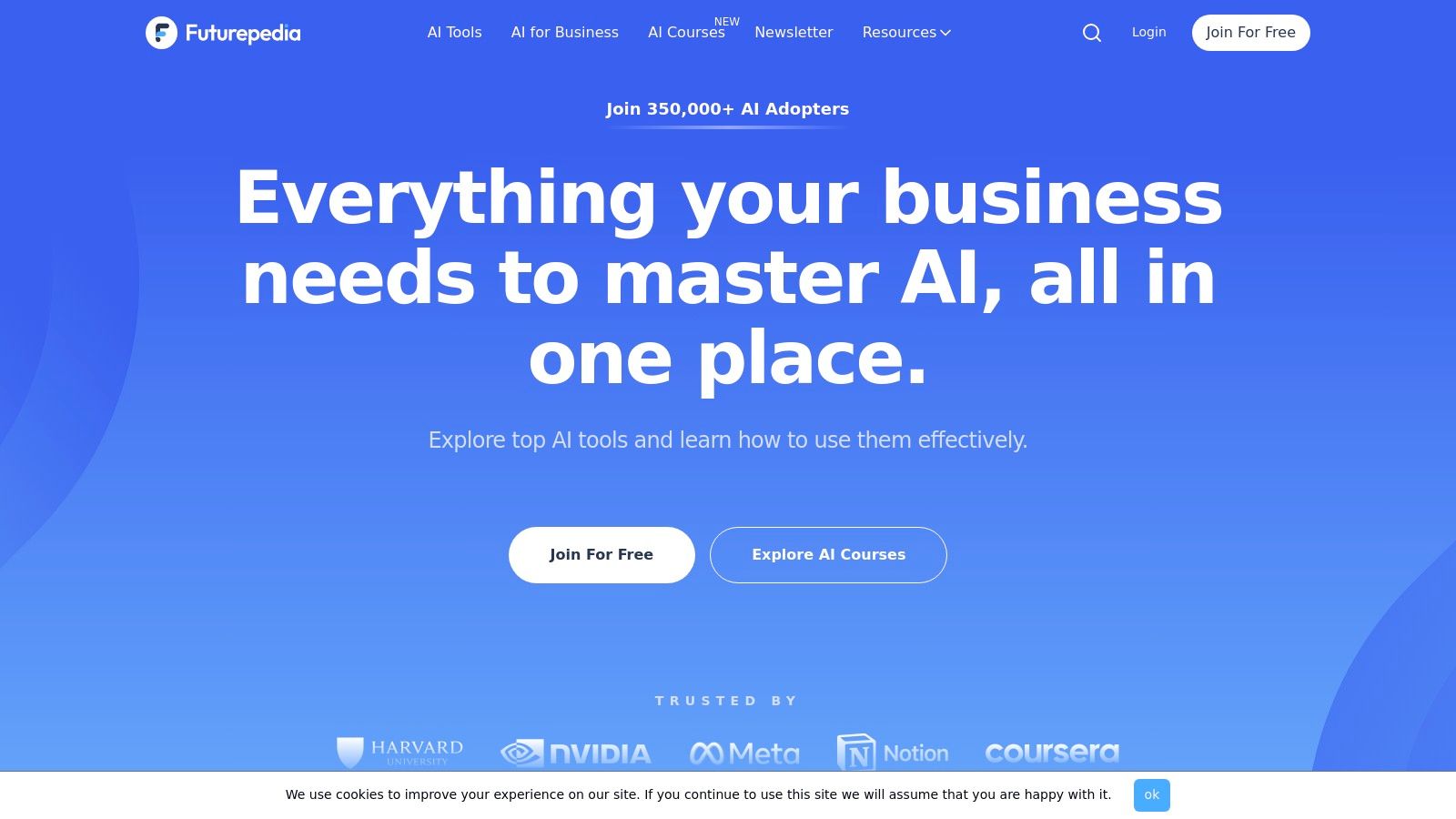
Futurepedia is one of the largest and most comprehensive AI tools directories available, functioning as an expansive library for discovering new software. While it covers countless categories, its dedicated 'AI Productivity' section is particularly robust, making it a powerful resource for anyone looking to streamline their workflows. The platform goes beyond simple listings by offering editorial reviews, implementation guides, and video content to help users learn about, compare, and ultimately choose the right tool for their specific needs.
This educational layer sets it apart from more straightforward directories. Instead of just presenting a list, Futurepedia aims to guide the user's decision-making process with filters for specific capabilities and use cases. The inclusion of how-to content and accompanying YouTube videos provides a practical dimension, showing users not just what a tool is, but how to integrate it effectively. For founders, getting featured on a major platform like this is a key part of their strategy, which you can read about in this guide on websites to promote your startup.
Key Details & Use Cases
- Ideal User: Anyone from solo developers to marketing teams and founders looking for a comprehensive directory with educational resources to compare the best AI productivity tools.
- Pricing: Free for browsing. Tool submission has both free and paid options for expedited review and increased visibility.
- Recommended Use Case: Use Futurepedia when you have a specific productivity problem to solve but aren't sure which AI tool is the best fit. Use its filters to narrow down options by capability (e.g., "document editing" or "meeting summaries") and then dive into the guides and videos to see which solution best matches your workflow.
| Pros | Cons |
|---|---|
| Combines discovery with educational content. | The sheer breadth of the directory can be overwhelming. |
| Frequently updated with broad coverage of new tools. | Quality signals depend heavily on editorial curation. |
Website: https://www.futurepedia.io/
12. There's An AI For That
There's An AI For That is one of the largest and most comprehensive AI tool directories available, functioning less as a single tool and more as a massive, searchable encyclopedia. Its core strength lies in its task-oriented organization. Instead of browsing by a tool's name, users can search for the specific job they need to accomplish, like "generate ad copy" or "create a presentation," and receive a list of relevant AI solutions.
This approach makes it an incredibly efficient starting point for anyone who has a problem but doesn't know which AI tool can solve it. The platform aggregates thousands of tools, providing quick descriptions and direct links to each product's website. For founders and marketers, it’s a vital resource for competitive analysis and for discovering the sheer breadth of the AI landscape, making it one of the best AI productivity tools for research and discovery.
Key Details & Use Cases
- Ideal User: Anyone looking for an AI tool to solve a specific problem, from marketers and developers to students and creatives.
- Pricing: Free to use for browsing and discovering tools.
- Recommended Use Case: When you have a specific task in mind (e.g., "summarize a PDF," "generate a business name"), use the search bar to instantly find a curated list of specialized AIs. It's the fastest way to go from problem to potential solution. For more details, you can learn more about There's An AI For That on SubmitMySaaS.
| Pros | Cons |
|---|---|
| Task-first organization speeds up discovery. | Depth of information on each tool varies. |
| Extremely broad coverage of AI tools. | Lacks advanced side-by-side comparison features. |
Website: https://theresanaiforthat.com/
Top 12 AI Productivity Resources Comparison
| Platform | Core features ✨ | Quality ★ | Value / Price 💰 | Target audience 👥 | Unique selling point |
|---|---|---|---|---|---|
| SubmitMySaas 🏆 | Daily curated launches; category discovery; maker submissions & launch badges | ★★★★ | 💰 Paid launch packages + SEO/backlink value | 👥 Makers, early-stage founders, early adopters | ✨ Immediate SEO boost (35+ DR backlinks) & focused launch exposure |
| Product Hunt | Daily leaderboard; topical hubs; upvotes & comments | ★★★★ | 💰 Free discovery; community-driven visibility | 👥 Makers, early adopters, product enthusiasts | ✨ Strong social proof & viral discovery |
| G2 | Peer reviews; feature ratings; comparison grids | ★★★★★ | 💰 Free for buyers; sponsored placements for vendors | 👥 Buyers, procurement teams, enterprises | ✨ Structured reviews for procurement decisions |
| Capterra | Category filters; Shortlist pages; vendor profiles | ★★★★ | 💰 Pricing snapshots; sponsored listings | 👥 SMBs & buyers evaluating software | ✨ Buyer guides + clear pricing fields |
| AppSumo | Deal marketplace; lifetime/subscription offers; Q&A | ★★★ | 💰 Big discounts & one-time deals (risk vs reward) | 👥 Budget-conscious buyers, SMBs, makers | ✨ Deep discounts + refund windows on many deals |
| Google Workspace Marketplace | One-click installs; app collections; admin controls | ★★★★ | 💰 Mix of free add-ons and paid subscriptions | 👥 Teams using Google Workspace | ✨ Seamless in-app AI integrations with admin deployment |
| Microsoft AppSource | Copilot add-ins; M365 & Power Platform integrations | ★★★★ | 💰 Enterprise licensing common | 👥 Microsoft-centric organizations | ✨ Tenant-level deployment & compliance features |
| Chrome Web Store | Browser extensions collection; ratings & permissions | ★★★ | 💰 Mostly free with in-extension upsells | 👥 Individual browser users & freelancers | ✨ Fast trials of lightweight AI productivity helpers |
| Apple App Store | Editorial collections; privacy labels; cross-device apps | ★★★★ | 💰 Paid apps & in‑app purchases | 👥 iOS/iPad/macOS users | ✨ Apple curation + privacy disclosures |
| Setapp | Single subscription access to curated Mac/iOS apps | ★★★★ | 💰 Subscription bundling = cost-effective for Mac users | 👥 Mac power users & teams | ✨ Curated app bundle + AI assistant recommendations |
| Futurepedia | Massive AI directory; editorial guides & videos | ★★★★ | 💰 Free discovery; educational resources | 👥 Learners, researchers, tool explorers | ✨ How‑to guides and video walkthroughs |
| There's An AI For That | Task-organized directory with quick product links | ★★★ | 💰 Free; quick links to vendors | 👥 Users seeking tools for specific tasks | ✨ Fast task-first discovery across many niches |
From Discovery to Deployment: Building Your AI-Powered Workflow
Navigating the expansive universe of AI productivity tools can feel overwhelming, but this guide has equipped you with the map. We've moved beyond a simple list of apps and instead focused on the strategic discovery platforms that act as your compass. The journey from identifying a need to implementing a solution is no longer about sifting through endless options; it's about knowing where to look.
From the vibrant, early-adopter communities on Product Hunt to the in-depth, user-verified reviews on G2 and Capterra, you now have a curated directory for any stage of your search. For founders and indie makers aiming to make a splash, platforms like SubmitMySaas offer a direct line to critical launch-day visibility. Meanwhile, curated directories like Futurepedia and There's An AI For That serve as your daily pulse on the bleeding edge of innovation. The key takeaway is that a multi-platform approach is not just beneficial, it's essential for building a truly effective AI stack.
From Aspiration to Integration: Your Actionable Next Steps
Adopting the best AI productivity tools isn't a one-time setup; it's a dynamic process of continuous improvement. The goal is to build an intelligent, interconnected workflow that saves you time, enhances creativity, and drives tangible business results. Here’s how to translate the insights from this article into action.
First, audit your current workflow. Identify the most significant bottlenecks and time-consuming manual tasks. Are you spending hours on content creation, data analysis, or project management? Pinpoint these specific pain points before you even start searching for a tool. This needs-first approach ensures you’re solving a real problem, not just adopting new technology for its own sake.
Second, match the platform to your purpose. Based on your audit, select the right discovery platform.
- Seeking bleeding-edge innovation? Start with Futurepedia or Product Hunt.
- Need an enterprise-grade, validated solution? Dive into the comparison data on G2.
- Looking for a deal on an emerging tool? Keep an eye on AppSumo.
Third, evaluate tools with a critical eye. As you discover potential solutions, don't just look at the feature list. Consider the following:
- Integration Ecosystem: Does it connect seamlessly with the tools you already use, like your CRM, Google Workspace, or Slack? A powerful tool that creates data silos is a liability, not an asset.
- Learning Curve: How much time and training will be required to get your team up to speed? Look for tools with intuitive interfaces and strong support documentation.
- Scalability and Pricing: Will the tool grow with your business? Scrutinize the pricing tiers to ensure the costs won't become prohibitive as your usage or team size increases.
Finally, implement and iterate. Start with a pilot project or a small team to test a new tool's real-world impact. To effectively build your AI-powered workflow, it's crucial to grasp the capabilities of various AI tools; for example, gaining a deeper understanding AI copywriting can help you set realistic expectations and craft better prompts for content-generation tools. Gather feedback, measure the impact on key metrics, and be prepared to adjust your stack as your needs evolve and new, better tools emerge.
The true power of AI in productivity lies not in any single app but in the strategic synergy of a well-chosen toolkit. By using these discovery platforms to find, vet, and integrate the right solutions, you are not just adopting new software. You are fundamentally redesigning how you work, reclaiming your most valuable resource, and positioning your business for a more efficient, innovative, and automated future.
Ready to get your own AI tool in front of the right audience? SubmitMySaas automates the tedious process of submitting your product to over 30 AI directories and SaaS marketplaces, helping you gain the crucial visibility needed to attract early adopters. Stop manually submitting and start building momentum by visiting SubmitMySaas today.