By Outrank
Incident Management Software: 10 Tools Compared for 2026
Compare 10 incident management software tools for 2026: pricing tiers, integrations, on-call features and use cases for startups and enterprises.
On this page
It's 2 a.m. and your phone won't stop buzzing. A monitor says checkout latency is spiking, but nobody's sure who owns the service, whether a deploy just landed, or who's supposed to tell support. The response spreads across three chat channels, a spreadsheet of phone numbers, and a postmortem doc somebody will reconstruct from memory on Friday.
That's the ultimate test of incident management software. On a feature page, most tools promise paging, escalations, and postmortems. Under pressure, they differ in how fast they find the right person, how clearly they assign roles, and whether the timeline writes itself or becomes more toil.
Tool sprawl is normal, not a personal failure. Atlassian's 2021 State of Incident Management study of more than 500 U.S. software developers and IT professionals found organizations used an average of 3.8 tools across the end to end incident management process. Your choice is therefore about orchestration as much as alerting, including how runbooks stay current alongside documentation software options for MSPs and your wider support stack.
I've grouped these ten tools by how teams respond, not by feature count. You'll find chat-first coordination, web-first command, observability-bundled, service-desk-led, and budget alert-routing options, with the pricing gates and wrong-fit cases called out plainly. If a tool needs an add-on to do the job in the headline, I'll say so.
1. PagerDuty
When paging cannot fail, PagerDuty is still the default many operations teams measure others against. It's a mature, web-first command platform built around dependable on-call schedules, escalation policies, and multi-channel notifications. If you've got several services, rotations, and override rules, that maturity shows in the details.

What You Actually Get
- On-call and escalations: Schedules, layered escalation policies, and notifications across push, SMS, voice, and email.
- Integrations: Deep connections to monitoring, chat, and ticketing tools across the operations stack.
- Incident workflows: Structured response, post-incident reviews, and analytics on paid tiers.
- Reliability add-ons: Automation, AIOps, and status pages extend the core platform.
The free tier for up to five users is useful for a first rotation, and flexible notification rules suit teams spread across time zones. It's also a sensible shortlist starting point if you're browsing broader DevOps tools and categories alongside your monitoring choices.
The catch is packaging. The product range and add-ons make total cost hard to judge from a pricing page, and AIOps and automation cost extra. A five-person startup that only needs someone paged will pay for breadth it doesn't use. I recommend PagerDuty when established on-call operations and ecosystem depth matter more than a simple entry price.
2. incident.io
If your engineers already live in Slack, incident.io removes the context switch that slows most responses down. You declare, coordinate, assign roles, and resolve inside Slack or Microsoft Teams, while the platform builds the timeline in the background. For chat-centered teams, that design isn't cosmetic. It's the whole point.
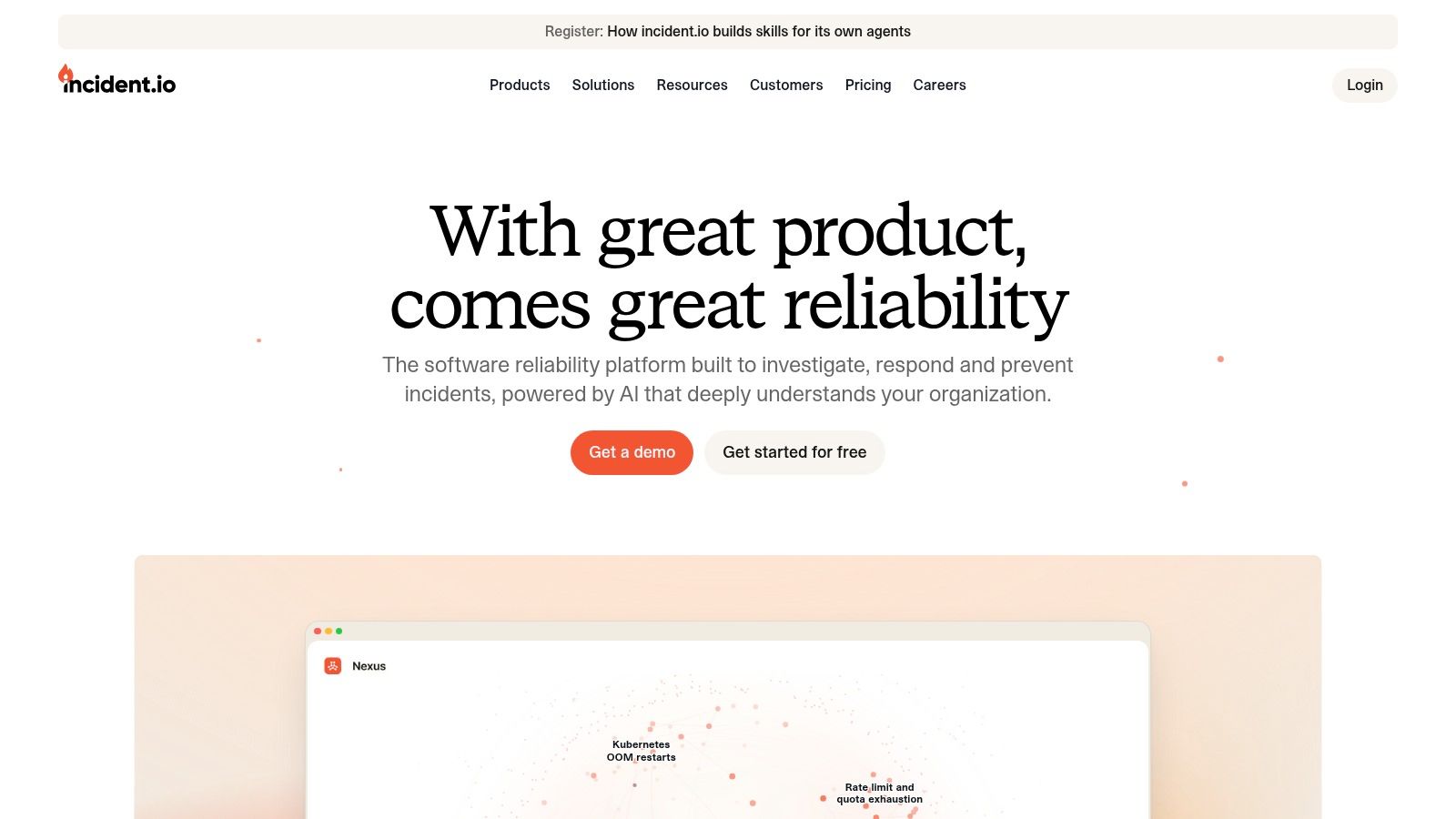
Response, workflows, and post-incident processes sit in one flow, with policies that nudge teams toward consistent severity and communication habits. On-call scheduling, alert routing, and alert grouping are available as products or add-ons, and status pages plus advanced insights arrive on higher plans.
Practical rule: Pick a chat-first tool only if chat is where decisions really happen. If leadership still expects a web dashboard as the source of truth, you'll end up maintaining both.
The pricing gate to watch is on-call. A free Basic plan helps you test the workflow, but on-call adds to the cost of paid plans, so model responders and on-call users separately. Separate pricing can work well when many people join incidents but few carry the pager. It stings when everyone's in both groups.
Advanced controls and enterprise security sit on higher tiers, which is normal but worth confirming early. I'd choose incident.io for a SaaS team that wants response and communication in the same place, and I'd skip it if your responders strongly prefer a web-first incident command experience.
3. Rootly
Rootly takes a modular route that I wish more vendors offered. Incident Response and On-Call are separate products, so you can start with coordination, keep your existing pager, or buy both when you're ready. That flexibility matters during a migration, because ripping out paging and process in the same quarter is how teams break trust in both.
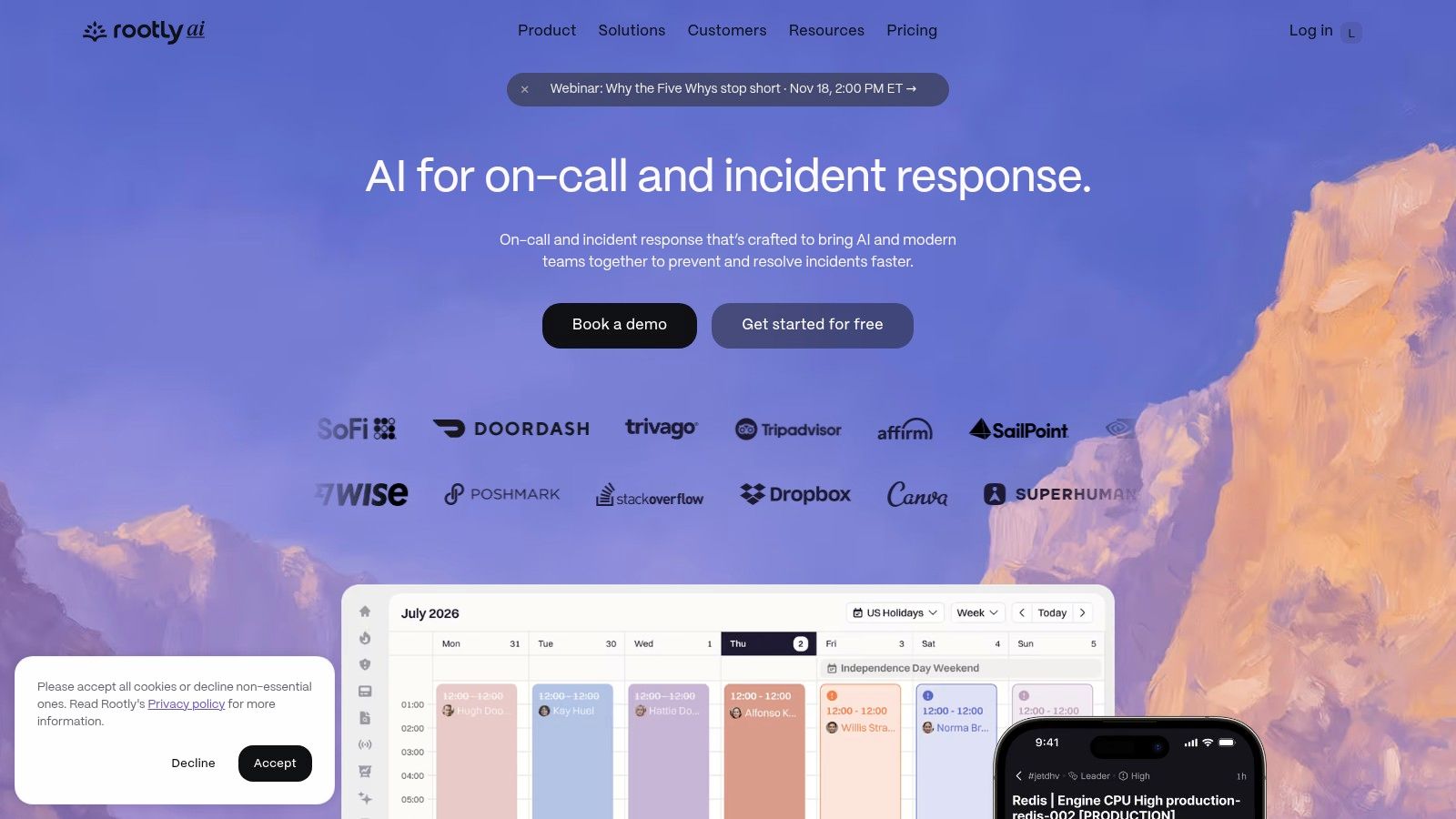
Incident work runs in Slack, Teams, or Google Chat, which gives Rootly wider chat coverage than Slack-only rivals. Workflows, playbooks, and a service catalog give responders ownership context, while AI-assisted timelines, scribing, and retrospectives cut the manual note-taking that usually falls on the incident commander.
Where the Bill Changes
- Per-product pricing: Buying only one product keeps the starting cost contained.
- Both products together: The combined per-user cost climbs, so compare against bundled rivals.
- Enterprise gates: AI SRE and some enterprise controls require a sales conversation or enterprise plan.
- Startup help: Advertised startup discounts and a pay-what-you-can program may help eligible companies.
Don't evaluate the AI features from a demo alone. Run a past incident through it and check whether the generated timeline names the right decisions, not just the loudest messages. Rootly suits teams that want chat-native handling without being forced into one vendor for paging on day one.
4. FireHydrant
Structure beats heroics, and FireHydrant is built around that belief. It combines incident management with runbooks, a service catalog, status pages, and Signals for on-call and alerting. If your current pain is not knowing which service is affected or who should lead, this bundle attacks the right problem.
That emphasis is backed by operational evidence. FireHydrant's analysis of 50,000 incidents found attaching incidents to affected services was associated with a 36% reduction in MTTR, and incidents with assigned roles showed 42% lower MTTR. Treat that as observational guidance, not a guarantee, but it's a strong reason to keep your catalog accurate.
The free plan supports up to 10 responders, published Pro pricing helps budgeting, and a 14-day Pro trial without a credit card lowers evaluation friction. A Slack or Teams chatbot keeps coordination close to responders, while Signals handles schedules and escalation policies.
Watch two gates before you commit. SMS and voice notifications are available for purchase on Pro, and advanced AI, analytics depth, and private incidents push you toward Enterprise. If you only need basic paging, this broader platform is more than you need. I recommend it for growing teams that want runbooks, catalog, and on-call to reinforce each other.
5. Better Stack
For a small SaaS team, the best tool is often the one you don't have to integrate four times. Better Stack bundles incident management with uptime monitoring, on-call, and status pages, so a failed check can become an incident, page the right person, and update customers without duct tape between vendors.
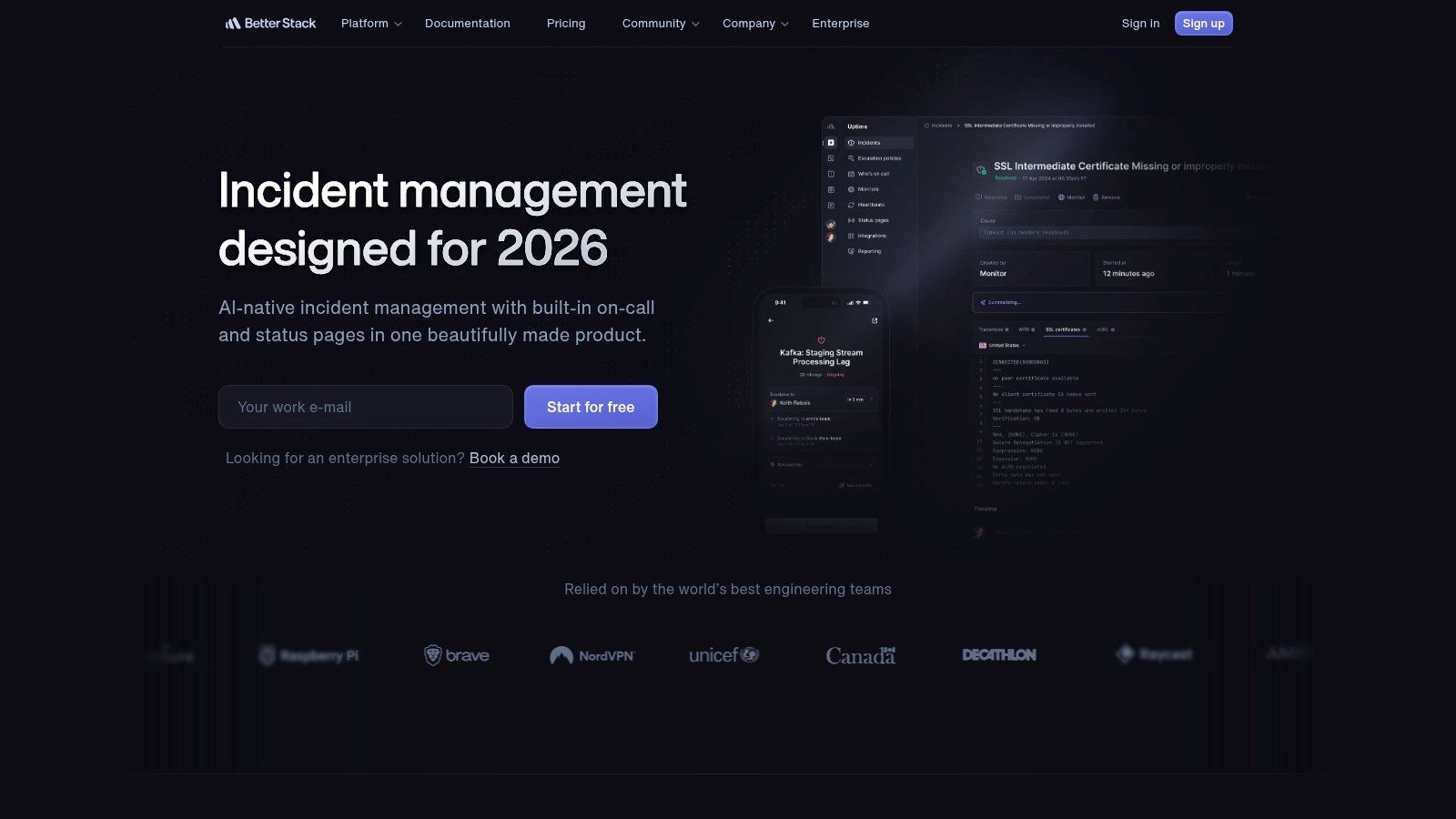
You get incident workflows, on-call scheduling, escalation policies, and alert notifications, plus Slack integration and synchronization with its dashboard. Because monitoring and response share a home, setup is faster and there's less argument about whether an alert should have created an incident.
A bundle only saves money if you'd have bought the pieces anyway. Price the monitors, responders, and status pages you'll actually use, not the brochure total.
That's the main caution. Plan limits and pricing depend on your mix of monitoring, on-call, and status-page features, and the pricing page combines multiple products. Map your check volume and responder count before you compare headline prices against a standalone pager.
Better Stack is a practical, compact stack for startups and indie teams that want service checks, alerts, schedules, and customer updates in one place. If you need complex enterprise governance, private incidents, or detailed approval chains, a specialized platform will serve you better.
6. Datadog Incident Management
Already paying for Datadog? Then Datadog Incident Management is the observability-bundled option you should evaluate first, because telemetry context is already in the room. Responders can move from a monitor to an incident timeline with roles, tasks, and analytics attached, instead of pasting graph links into chat and hoping they still make sense tomorrow.
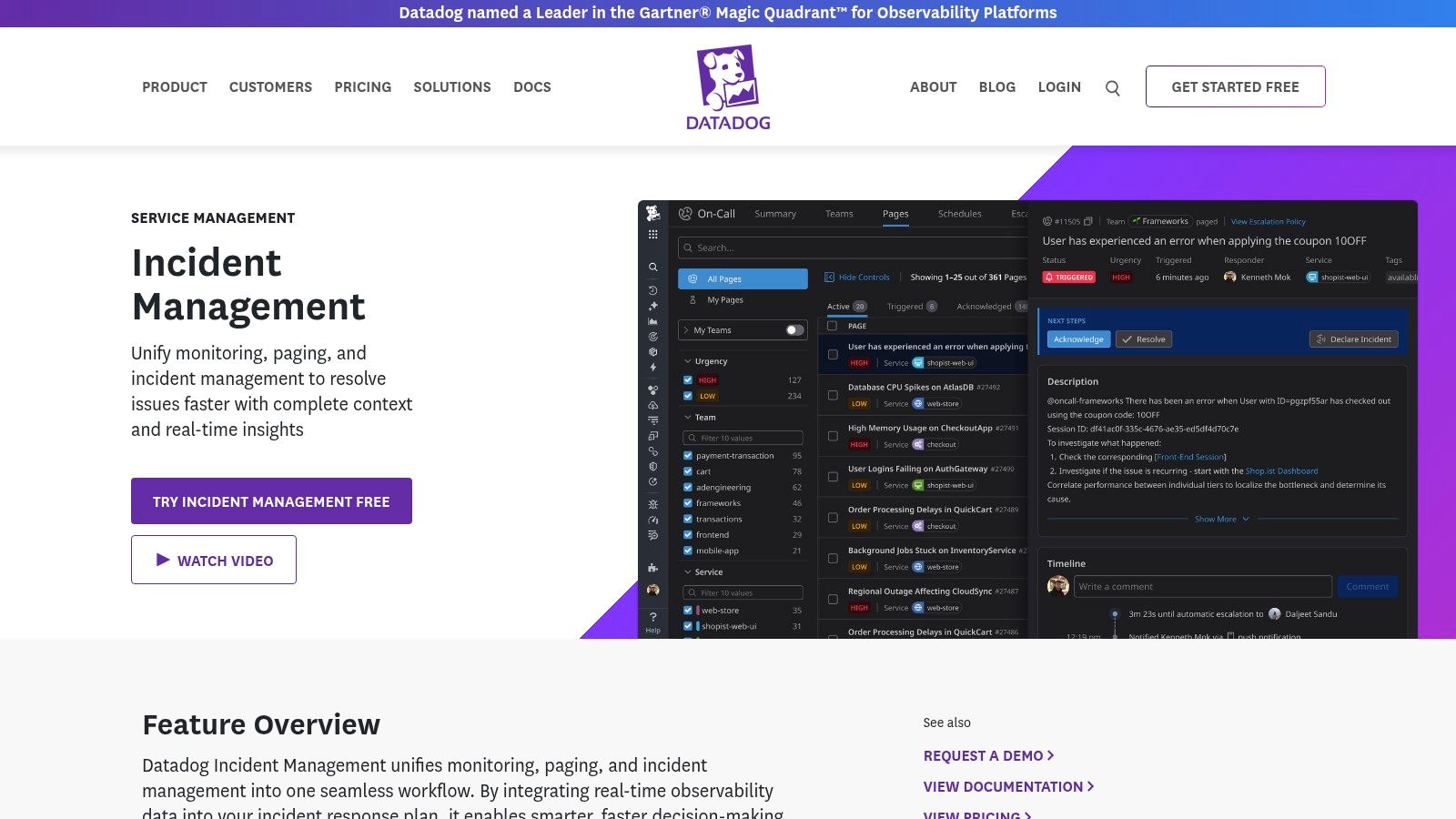
Integrations cover Slack, Jira, ServiceNow, and conferencing tools, and the offering includes AI-generated postmortems and status pages. On-call brings schedules, escalations, routing, and notifications. Incident management and on-call are sold separately or as a combined Incident Response bundle, and that choice drives your bill.
Cost Traps to Check
- Separate products: Costs add up if the same people need both instead of the bundle.
- Rotating responders: Seat assignment and billing rules need attention when people rotate on and off call.
- Stack fit: The value drops sharply if Datadog isn't already your observability home.
If you're weighing that wider stack decision, this Datadog and Grafana comparison is worth reading before you consolidate. I'd recommend Datadog's incident tools to existing Datadog customers who want response next to telemetry. I wouldn't buy the observability platform just to get incident management.
7. Jira Service Management
Some incidents start with a monitor. Others start with an employee who can't log in, a customer escalation, or a facilities request gone wrong. Jira Service Management is the service-desk-led entry here, combining a service portal, queues, request workflows, and SLA management with incident and problem management.
That breadth suits organizations that need employee support and major-incident handling in one system, especially if Jira and Confluence already run your work. Post-incident reviews connect naturally to follow-up tasks, and integrations reach monitoring and chat tools beyond Atlassian.
- Service operations: Portal, queues, SLAs, and request workflows for support teams.
- Incident depth: Incident and problem management with post-incident reviews.
- Plan gates: On-call management and advanced incident capabilities depend on paid tiers.
- Free start: A free plan supports up to three agents.
Compare it against support-first alternatives using this guide to the best customer support software, and factor in Freshservice cost considerations if Freshworks is also on your shortlist. The trade-off is weight. Configuration and workflow administration take time, and a small engineering team that only wants fast ChatOps will feel the service-management machinery. Choose JSM when the desk and the incident bridge are the same operation.
8. xMatters
Distributed teams fail at handoffs, not at dashboards. xMatters focuses on incident response, alerting, and automated communications across teams, systems, and regions, which makes it relevant when your responders, vendors, and stakeholders don't share one office or one monitoring tool.
Its strengths are reach and connection. You get on-call and multi-channel notifications, a mobile app, international SMS and voice support, more than 200 pre-built integrations, and an integration builder for the awkward internal system nobody wants to replace. Automated workflows can coordinate people who'll never open the same console.
A free plan and published paid-tier pricing make initial evaluation easier than sales-only rivals. Still, verify user limits on lower tiers against your real responder count, including managers and communications staff who only join major incidents. Headcount surprises usually appear at renewal, not at signup.
Advanced enterprise capabilities require contacting sales, and the platform may be more involved than a small team needs for basic alerting. I recommend xMatters when global notification coverage and cross-system coordination are the hard part. If your whole rotation sits in one Slack workspace, a chat-first tool will feel lighter.
9. AlertOps
Sometimes you don't need a platform story. You need the right phone to ring, an escalation if nobody answers, and a price you can defend. AlertOps is the clearest alert-routing budget option in this list, built around alert management, on-call scheduling, escalation, and workflow automation.
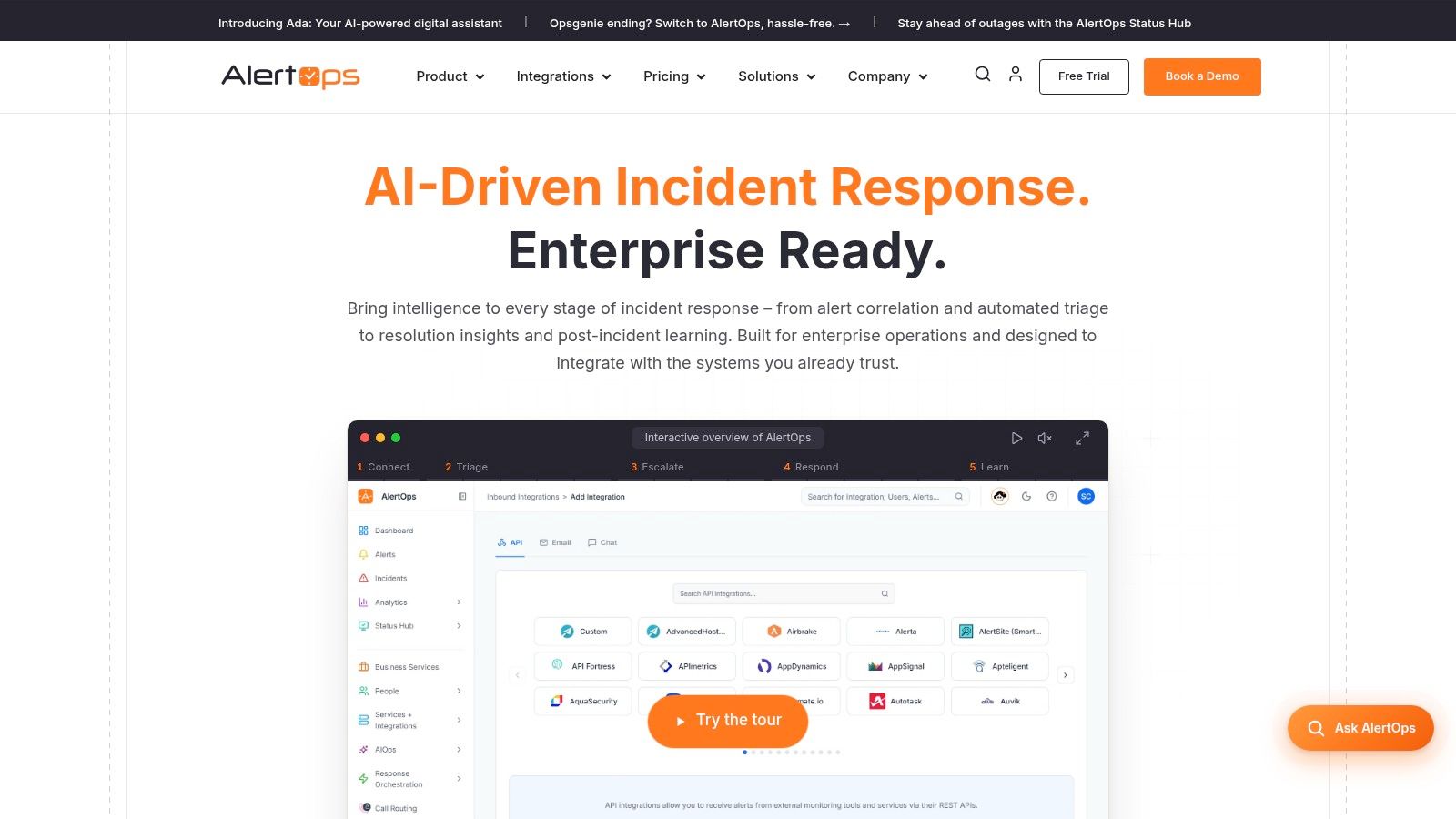
Public pricing is comparatively straightforward, and the free plan supports up to five users. Multi-channel notifications, a mobile app, configurable escalations, and broad integration support cover what most small rotations use in their first year.
Read the Fine Print
- Add-ons: Some status-page, AI, and phone-routing features are add-ons or plan-dependent.
- Allowances: Check alert-volume and notification limits against your noisiest month, not your average.
- Enterprise step-up: Advanced capabilities and support may require a sales discussion.
That allowance check matters more than feature envy. Count your alerts for ninety days, including flapping monitors you plan to fix later, because later rarely arrives before the invoice. AlertOps suits budget-conscious teams prioritizing routing and on-call over rich postmortems. If retrospectives and service context are your bottleneck, spend the extra money elsewhere.
10. Squadcast
Squadcast is built for SRE and DevOps teams that treat incidents as engineering events, not support tickets. It ingests alerts from monitoring and observability tools, then adds incident tracking, resolution workflows, mobile response, analytics, and reporting.
The feature that matters in messy environments is webhook ingestion. When an internal scheduler, batch job, or homegrown service can send a JSON payload but has no polished integration, a webhook gives you a route into the same on-call and escalation flow. That is useful only if the payload is disciplined. Standardize severity, service name, and runbook link before you connect custom sources. Without those fields, you automate noise.
For teams whose incidents arrive as alerts first, Squadcast is a middle path: more response workflow than a pure pager, less bundled observability than Datadog. Commercial terms need attention. Squadcast offers a 14-day trial and a limited free plan. The free plan caps notification allowances and does not include a service-level agreement. Before a rollout, get paid tier limits, notification ceilings, and support terms in writing, because those details decide whether the tool fits a 24/7 rotation.
I would shortlist Squadcast for engineering teams with a mix of standard monitoring and custom event sources, especially those that want response orchestration without moving their whole stack into an observability suite. I would not put customer-critical paging on the free tier. Use the trial to test webhook payloads and escalation behavior, then price the paid tier against your noisiest month rather than your average one.
How the 10 Incident Management Tools Compare on Free Plans, Best Use Cases, and Main Limitations
| Item | Free plan | Best for | Main limitation |
|---|---|---|---|
| PagerDuty | Up to five users | Teams needing established on-call paging and broad integrations | Add-ons can make costs and plan choices difficult to assess |
| incident.io | Basic plan available | Chat-centered teams coordinating incidents in Slack or Teams | On-call and advanced controls may require paid tiers |
| Rootly | Free plan details not provided | Teams seeking chat-native incident response with flexible product choices | Buying both incident response and on-call increases costs |
| FireHydrant | Up to 10 responders | Teams wanting incident response, runbooks, and on-call together | Some advanced features require Enterprise |
| Better Stack | Free plan details not provided | Small teams seeking monitoring and incident response in one suite | Pricing and limits depend on the product bundle |
| Datadog Incident Management | Free plan details not provided | Teams already using Datadog observability | Less compelling as a standalone tool; seat billing needs attention |
| Jira Service Management | Up to three agents | Organizations combining IT support requests with incident management | Configuration takes time, and advanced features depend on the plan |
| xMatters | Free plan available; verify user limits | Distributed teams coordinating alerts across tools and regions | Advanced enterprise capabilities require contacting sales |
| AlertOps | Up to five users | Budget-conscious teams prioritizing alert routing and on-call | Some features are add-ons or plan-dependent |
| Squadcast | Limited free plan with notification allowances | SRE and DevOps teams needing flexible alert ingestion | Free plan has limited notifications and no service-level agreement |
Matching Your Incident Tool to How Your Team Actually Responds
Start with behavior, not branding. If decisions happen in Slack or Teams, shortlist incident.io and Rootly and test whether responders can declare, escalate, and resolve without leaving chat. If your culture wants a formal command surface, PagerDuty and FireHydrant fit better, while existing Datadog customers should price the bundled route before adding another vendor.
Your existing stack narrows the field fast. Service-desk-led teams already on Atlassian should trial Jira Service Management, global operations with messy handoffs should look at xMatters, and small teams that mainly need reliable routing should start with AlertOps, Better Stack, or Squadcast. Don't buy enterprise governance to solve a five-person paging problem.
The money case is real, but keep it honest. G2's 2025 analysis of incident management products cites an IBM Global Services survey stating midsize firms and enterprises can lose more than $400,000 per hour when systems are unavailable, and reports only 69% of purchased licenses are used on average. Your own downtime cost will differ, so calculate it from revenue, support load, and contractual exposure instead of borrowing a headline number.
Measure whether the tool improves response, not just records it. In a 2025 survey of 100 IT leaders, 72% cited mean time to repair as a metric for evaluating detection and response, yet only 18% said their organizations consistently met MTTR objectives 100% of the time. Track p50 and p95 resolution times too, because averages hide the incidents your customers remember.
Run every finalist against one real past incident. Replay the original alert, assign the same roles, page a backup, publish a status update, and produce the postmortem without manual reconstruction. You'll learn more in that hour than in three vendor demos, especially about mobile acknowledgment, override handling, and who can see private or security-sensitive incidents.
Don't split security and reliability into disconnected workflows. NIST's April 2025 revision of SP 800-61 reframes incident response as an organization-wide risk management activity, so define one severity model that can bring in legal, security, and communications when needed. For darker scenarios, the GoSafe Dark Web monitoring response guide is a useful companion when you map escalation ownership.
Before you sign, get the exact plan features, seat or responder limits, notification allowances, and renewal terms in writing. Budget separately for SMS and voice, AIOps, automation, status pages, and extra on-call seats, because those are the gates that turn a cheap pilot into an expensive standard. Pick the tool your tiredest on-call engineer can operate correctly at 2 a.m., then make everyone practice with it while it's still daylight.
If you're building or evaluating tools in this space, SubmitMySaas helps founders launch new SaaS products to an audience actively hunting for their next tool, with daily launches, trending lists, and curated categories that make discovery easier. Submit your incident, DevOps, or AI product to get in front of early adopters, earn credible backlinks, and turn launch attention into your first serious users.