The 12 Best Landing Page Builders of 2026: An In-Depth Review
Discover the 12 best landing page builders to boost conversions. Our in-depth guide covers features, pricing, and pros/cons to help you choose wisely.
Choosing the right landing page builder is one of the highest-leverage decisions a marketer can make. Get it right, and you unlock faster campaign launches, better conversion rates, and clearer data. Get it wrong, and you're stuck fighting a clunky interface while leads slip away. This guide cuts through the noise to help you find the best tool for your specific needs, preventing costly mistakes and lost conversions.
We've analyzed the market's top tools, focusing on what truly matters: speed, conversion features, ease of use, and scalability. This isn't a list of generic descriptions. It's a comprehensive resource designed to help you make an informed decision, whether you're a startup founder launching an MVP, an agency managing high-volume ad spend, or a marketer needing to connect campaigns directly to a CRM. Of course, to get the most out of these platforms, it helps to have a solid grasp of the fundamentals; understanding what a landing page is and its core purpose is the first step toward building one that converts.
This in-depth review will help you find the perfect fit. We will examine the best landing page builders, from conversion powerhouses like Unbounce and Instapage to design-forward platforms like Webflow and minimalist tools like Carrd. Each review includes screenshots, direct links, and a practical breakdown of who the tool is truly for. We provide the honest, real-world insights you need to make a confident decision and start building pages that actually work. Let’s find the right builder for you.
1. Unbounce
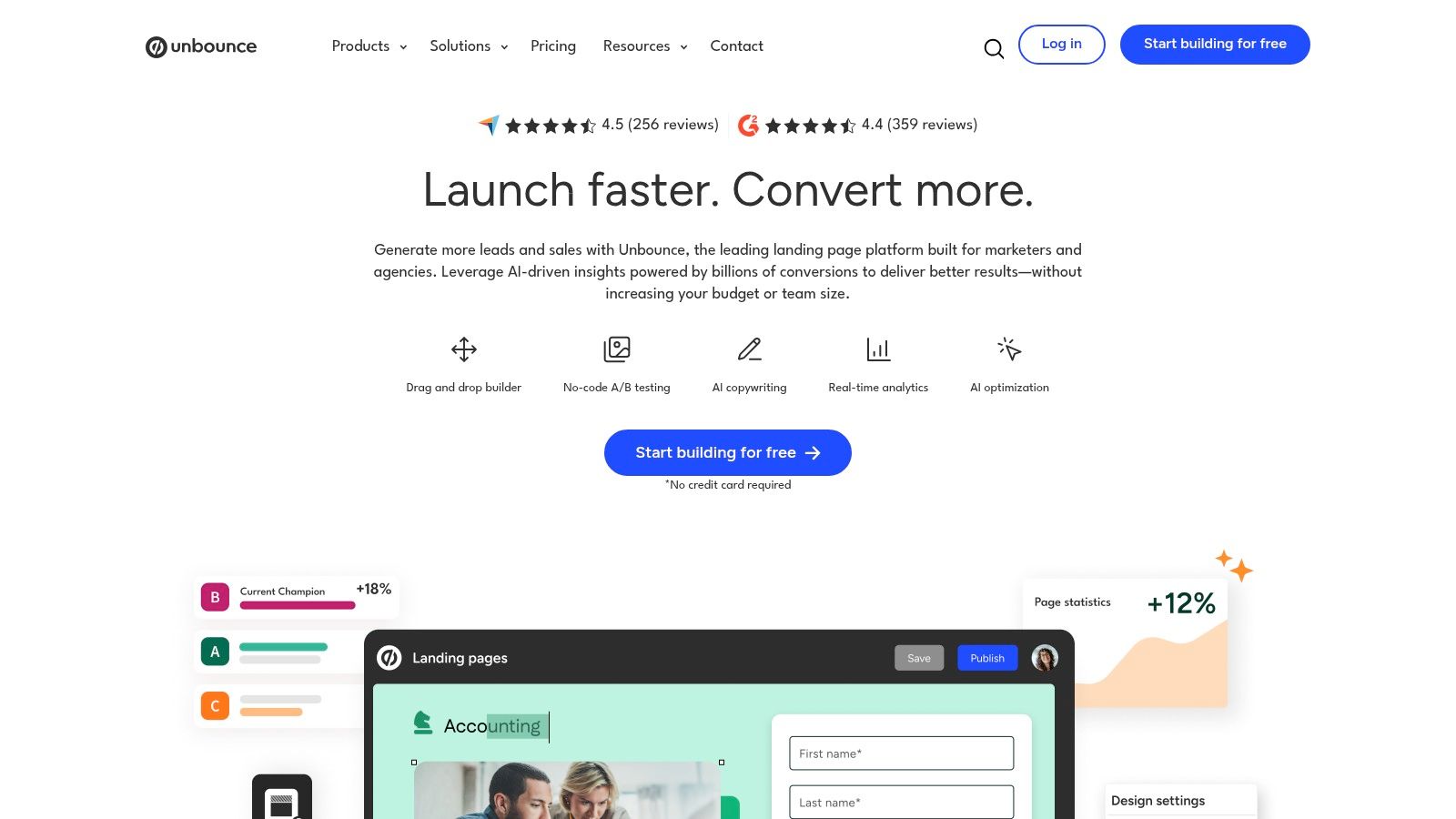
Unbounce is a powerful, conversion-focused platform that has cemented its reputation as one of the best landing page builders for marketers and agencies. Its core strength lies in its robust optimization and testing capabilities, making it ideal for performance-driven campaigns, particularly those tied to paid advertising where maximizing return on ad spend (ROAS) is critical. The platform moves beyond simple page creation, offering a suite of tools designed for high-velocity experimentation.
Key Features & Use Case
Unbounce's standout feature is Smart Traffic, an AI-powered optimization tool that automatically routes visitors to the landing page variant most likely to convert for them. This goes a step beyond traditional A/B testing, where traffic is split evenly. For agencies managing multiple client accounts or marketers running high-volume PPC campaigns, this feature alone can significantly lift conversion rates without constant manual adjustments. You can also create unlimited popups and sticky bars to capture leads across your entire web presence, not just on Unbounce-built pages.
Pros & Cons
| Pros | Cons |
|---|---|
| Excellent for A/B testing: Advanced tools for experimentation. | Higher price point: May be expensive for solo founders. |
| AI-driven optimization: Smart Traffic feature is a major advantage. | Visitor-based pricing: Plans have traffic limits with overage fees. |
| Extensive integrations: Connects with over 1,000 other tools. | Learning curve: More advanced features require some setup. |
Who It's For
Unbounce is best suited for performance marketing teams, digital agencies, and SaaS companies that rely heavily on paid channels like Google Ads or Facebook Ads. If your primary goal is rapid experimentation and data-backed optimization to improve conversion rates, Unbounce provides the specialized toolkit you need. While it can help with organic traffic, its real value emerges when you need to squeeze maximum performance from paid campaigns. For those focused on a more organic approach, learning how to increase website traffic organically can complement a strong landing page strategy.
Website: https://unbounce.com
2. Leadpages
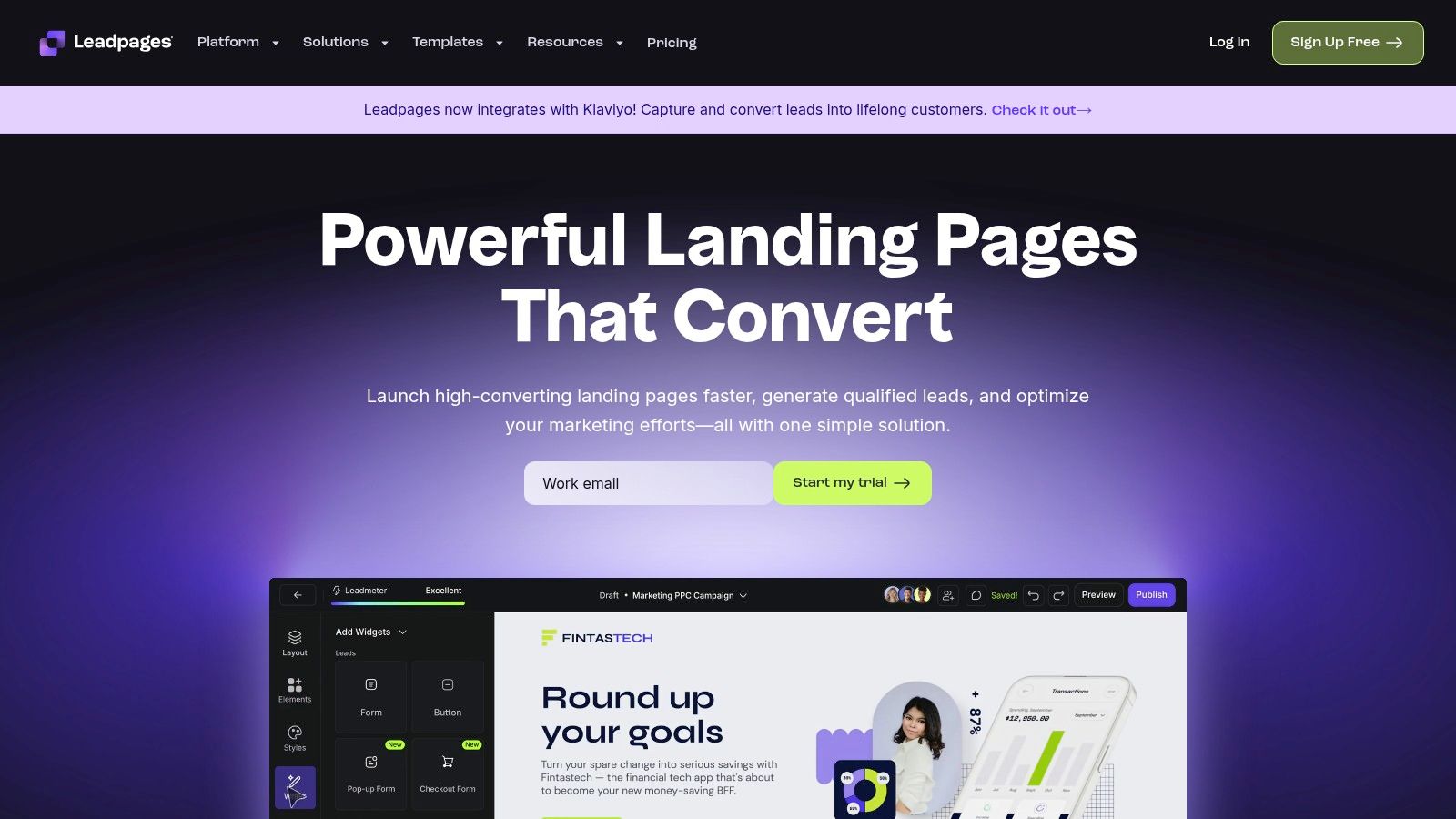
Leadpages is a highly accessible and cost-effective landing page builder, making it a strong contender for small businesses, course creators, and solopreneurs. Its main appeal lies in its straightforward interface and generous pricing model, which offers unlimited traffic and leads on every plan. This removes a significant barrier for growing businesses concerned about visitor-based pricing, allowing them to scale their lead generation efforts without worrying about surprise overage fees. The platform is designed for rapid deployment, helping users get from an idea to a live page quickly.
Key Features & Use Case
Leadpages stands out with its unlimited traffic and lead collection policy, a significant differentiator in a market where many competitors cap visitors. The platform also includes tools for creating full websites, blogs, pop-ups, and alert bars, making it an all-in-one solution for a business's core online presence. With over 250 mobile-responsive templates, users can quickly find a starting point for their campaign, whether it’s for a webinar, an ebook download, or a sales page. The drag-and-drop editor is intuitive, requiring minimal technical skill to customize pages and launch them fast.
Pros & Cons
| Pros | Cons |
|---|---|
| Excellent value: Unlimited traffic and leads on all plans. | Limited A/B testing: Only available on higher-tier plans. |
| Easy to use: Simple drag-and-drop interface for non-designers. | Template design: Some templates can feel less modern than competitors'. |
| All-in-one tool: Includes website, pop-up, and alert bar builders. | Support can be mixed: User experiences with support vary. |
Who It's For
Leadpages is the ideal choice for small business owners, freelancers, and entrepreneurs who need a reliable, easy-to-use tool to generate leads without a hefty price tag. If your priority is publishing functional, high-converting pages quickly without getting bogged down in complex features or worrying about traffic limits, Leadpages delivers exceptional value. It's particularly well-suited for those in consulting, coaching, or digital product sales who need to rapidly deploy pages for new offers, courses, or events.
Website: https://www.leadpages.com
3. Webflow
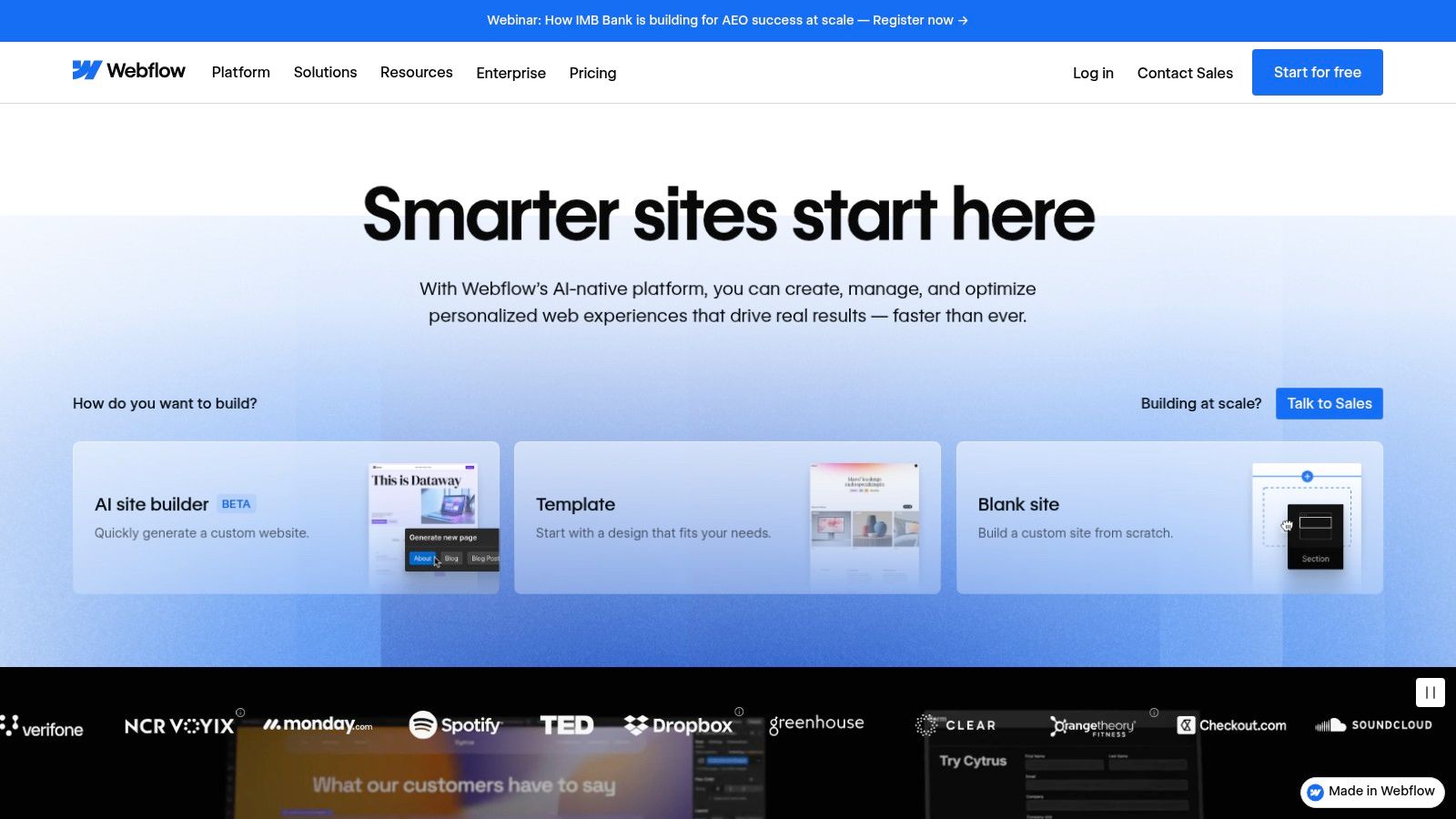
Webflow is a powerful visual development platform that blurs the line between a traditional website builder and a professional-grade design tool. It offers pixel-perfect control without requiring users to write code, making it a favorite among designers who want to build production-ready websites. For marketing teams, it serves as one of the best landing page builders by enabling the creation of high-fidelity, custom pages that are seamlessly integrated into a larger, scalable website ecosystem.
Key Features & Use Case
Webflow's core strength is its visual canvas, which gives designers unparalleled control over layout, interactions, and animations. A key feature for marketing teams is the ability for designers to create governed components and templates. This allows marketers to quickly assemble new landing pages using pre-approved, on-brand elements without needing design support for every campaign. Its robust CMS allows for dynamic content on landing pages, perfect for case studies or personalized content, while its production-grade hosting ensures fast load times and reliability for high-stakes campaigns.
Pros & Cons
| Pros | Cons |
|---|---|
| Pixel-level design control: Unmatched creative freedom. | Learning curve for non-designers: Can be complex initially. |
| Scalable for complex sites: Grows from landing pages to full sites. | Nuanced pricing structure: Site plans vs. Workspace plans can be confusing. |
| High-performance hosting: Excellent speed and uptime included. | Not a "quick" builder: Best for quality over pure speed of creation. |
Who It's For
Webflow is best suited for design-led marketing teams, startups, and agencies that prioritize brand consistency and custom design over drag-and-drop simplicity. If your company has design resources and needs landing pages that feel like a core part of a polished, professional website, Webflow is the ideal solution. It excels where template-based builders fall short, offering the flexibility to build truly unique digital experiences. It's less ideal for individuals or teams needing to launch a simple page in minutes without any design background.
Website: https://webflow.com
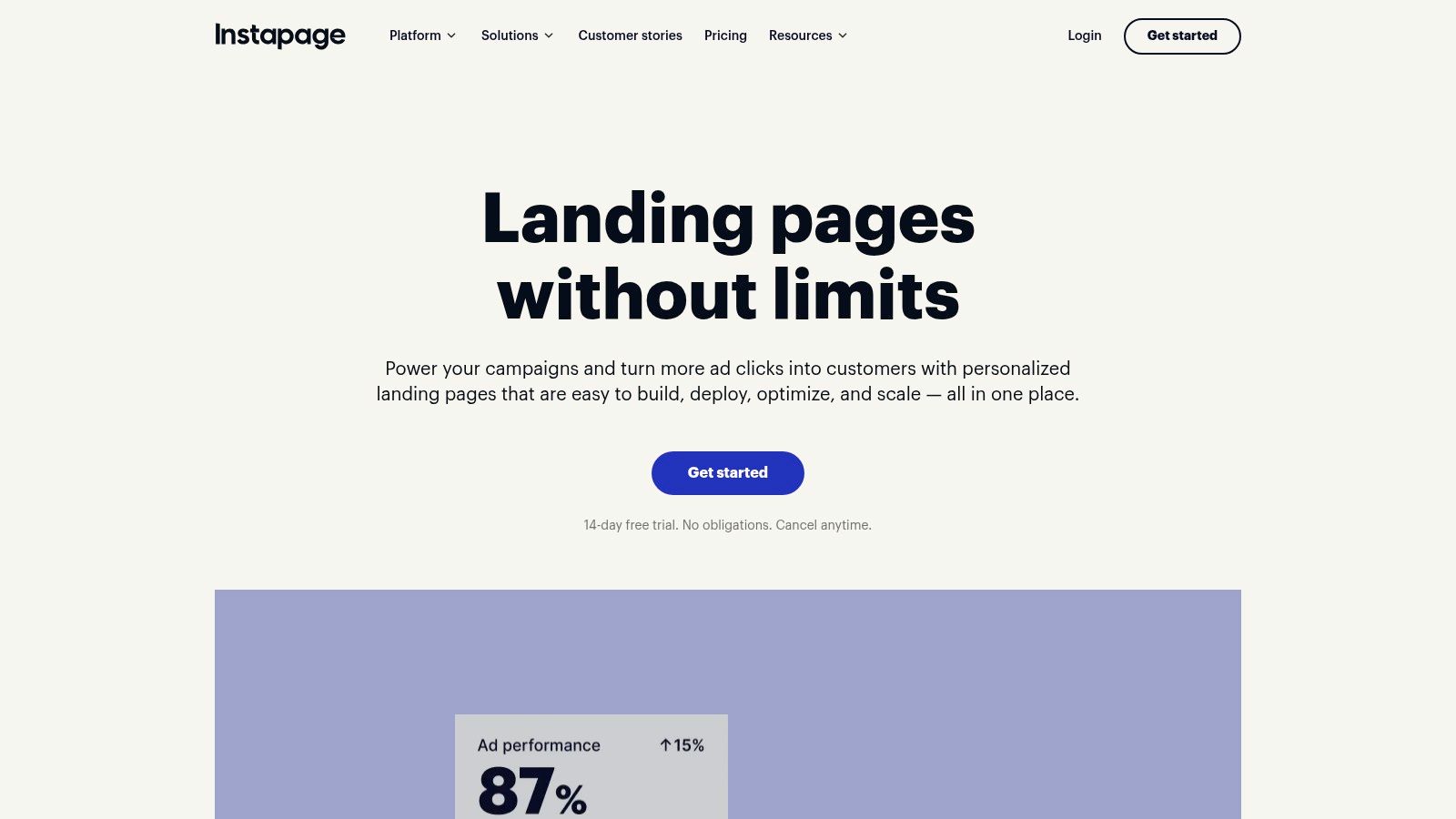
4. Instapage
Instapage positions itself as an advanced post-click optimization platform, making it one of the best landing page builders for large-scale advertising operations. It’s built for enterprise teams that require sophisticated personalization, collaboration, and performance analytics to maximize their return on ad spend. The platform’s ecosystem is designed not just to build pages, but to manage the entire post-click experience, ensuring message match from ad to landing page.
Key Features & Use Case
Instapage’s standout feature is AdMap, which allows marketers to visualize and connect their ad campaigns to unique, personalized landing page experiences. This ensures every audience segment sees a highly relevant page, which is critical for improving ad Quality Scores and conversion rates. For large teams, the platform offers robust collaboration tools, including real-time editing and secure review workflows, which streamline the approval process. Its emphasis on enterprise-grade governance makes it a reliable choice for organizations with strict brand and security protocols.
Pros & Cons
| Pros | Cons |
|---|---|
| Built for large ad programs: Scales effectively for complex campaigns. | No public self-serve pricing: Requires a sales-led process. |
| Strong post-click optimization: Advanced personalization and analytics. | Overkill for solo users: Best suited to larger marketing teams. |
| Excellent collaboration tools: Streamlines feedback and approval. | Higher price point: Generally more expensive than other builders. |
Who It's For
Instapage is ideal for enterprise marketing departments, large digital agencies, and companies with substantial paid advertising budgets. If your team manages hundreds of ads across various channels and needs to ensure a consistent and personalized post-click experience at scale, Instapage provides the necessary infrastructure. Its feature set is geared towards optimizing every dollar of ad spend through granular control and deep analytics, making it less suitable for small businesses or solo founders.
Website: https://instapage.com
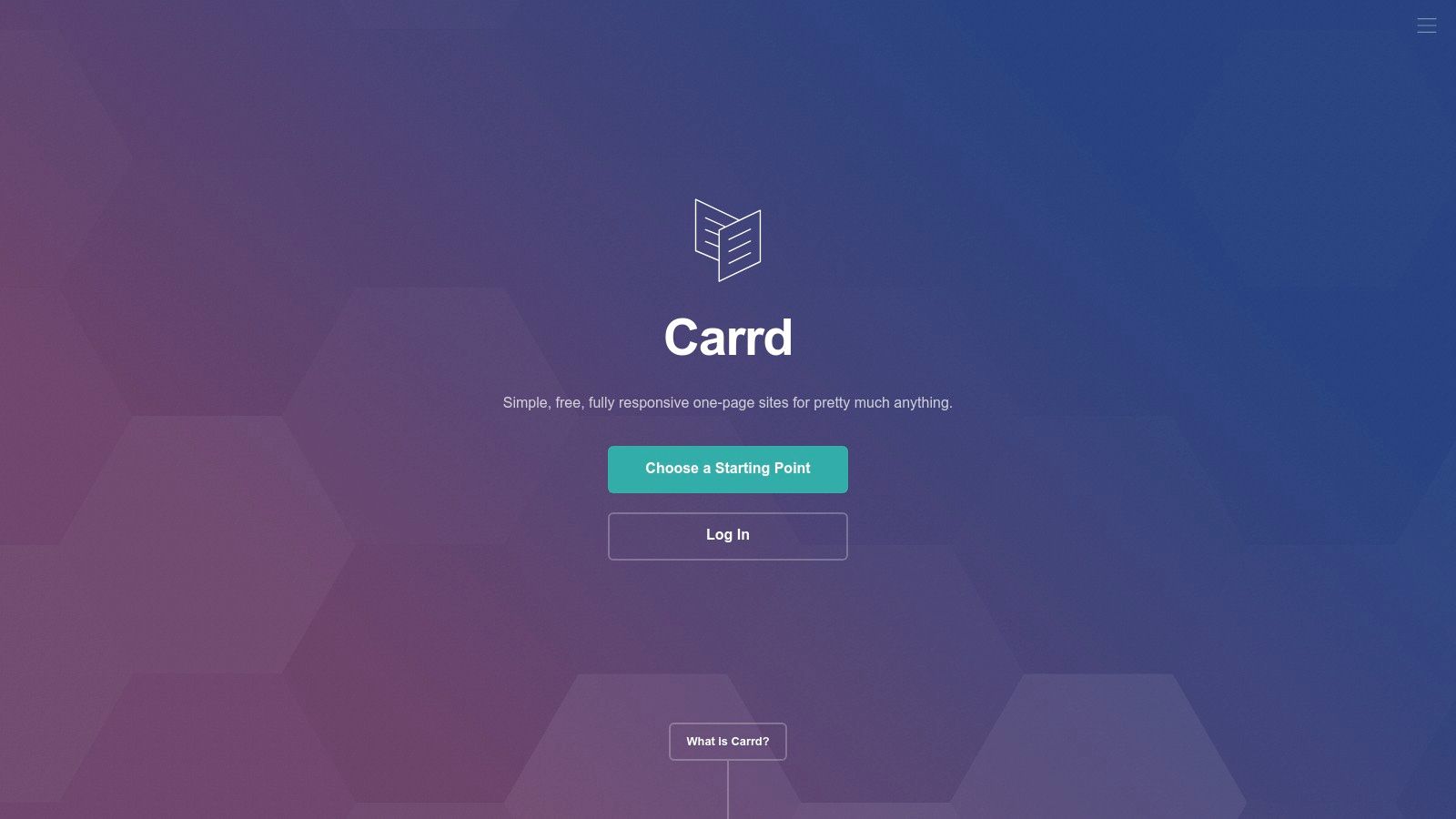
5. Carrd
Carrd has carved out a unique niche as the go-to platform for creating simple, elegant, and incredibly fast one-page websites. It’s not trying to compete with feature-heavy builders; instead, its strength lies in its minimalism and efficiency. This makes it one of the best landing page builders for indie makers, validating new ideas, creating personal portfolios, or launching a waitlist page for a new product without any complexity or high costs.
Key Features & Use Case
Carrd’s primary feature is its focused, single-page builder that is intuitive and lightning-fast to use. You start with a responsive template and can publish a site in minutes. While the free tier is generous, the extremely affordable Pro plans unlock custom domains, no branding, Google Analytics, and the ability to embed third-party widgets and forms. This is perfect for capturing leads via an external service, which is where knowing the best form builder software becomes particularly useful. Carrd is the ideal tool for shipping a minimum viable product (MVP) landing page quickly.
Pros & Cons
| Pros | Cons |
|---|---|
| Extremely low cost: Pro plans are a fraction of competitors' prices. | Single-page focus: Not suitable for complex, multi-page websites or blogs. |
| Very fast and easy to use: Minimal learning curve; publish in minutes. | Limited native features: Lacks built-in A/B testing or advanced analytics. |
| Generous free plan: Build up to three sites for free. | Fewer direct integrations: Relies on embeds and widgets for extensibility. |
Who It's For
Carrd is built for indie makers, solo founders, freelancers, and anyone who needs to launch a professional-looking single-page site with minimal time and financial investment. It's the perfect solution for creating a "link-in-bio" page, a personal portfolio, a project waitlist, or a simple landing page to validate a business idea. If your goal is speed, simplicity, and affordability over advanced conversion optimization tools, Carrd is an unbeatable choice.
Website: https://carrd.co
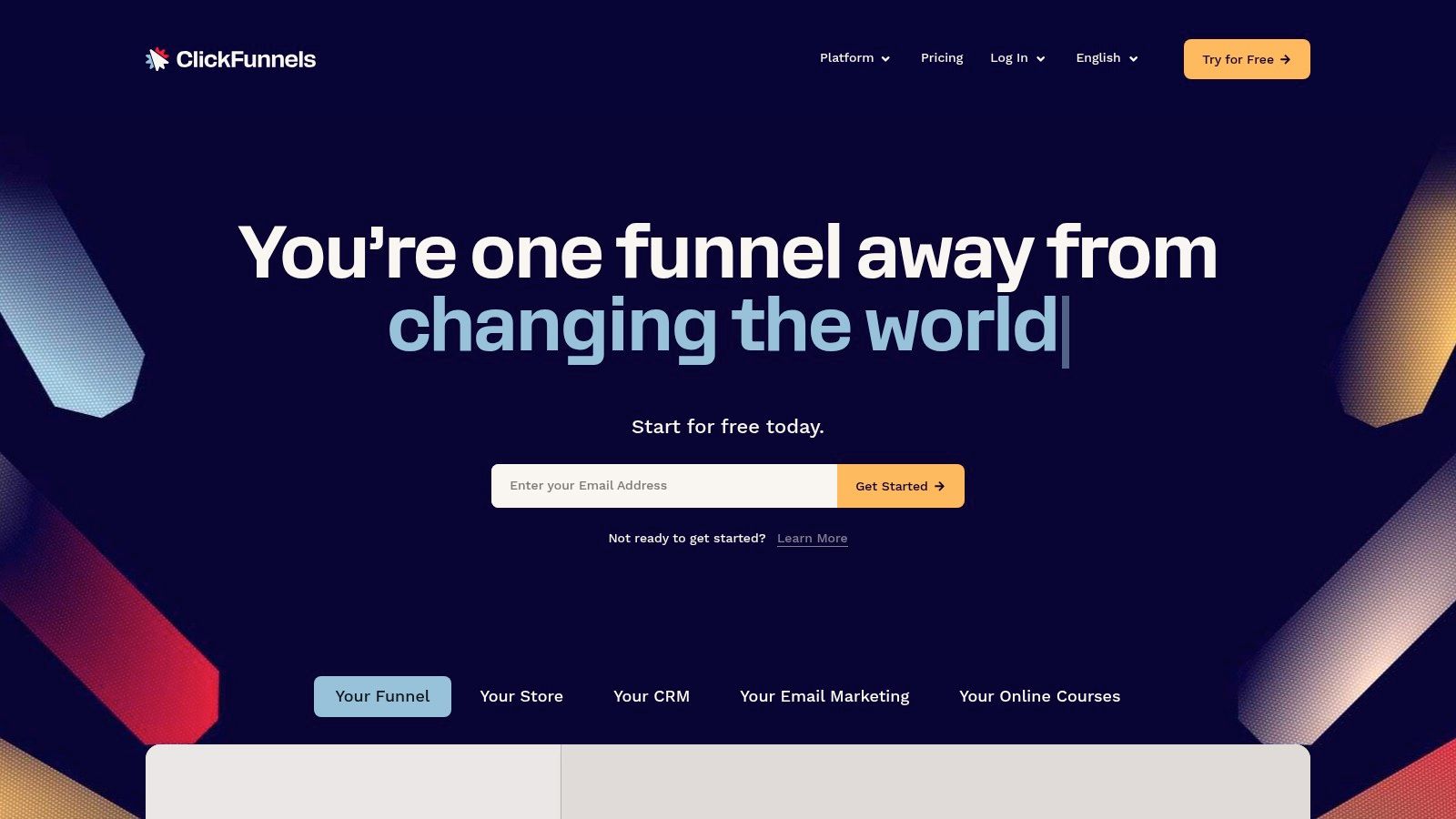
6. ClickFunnels
ClickFunnels positions itself as much more than just a landing page tool; it's an all-in-one marketing platform designed around the concept of sales funnels. While many builders focus solely on the initial page, ClickFunnels provides a connected ecosystem that guides a visitor from lead capture through to purchase, upsells, and membership areas. This integrated approach makes it a powerful choice for entrepreneurs and businesses selling products or services directly online.
Key Features & Use Case
The core strength of ClickFunnels is its drag-and-drop funnel builder, which lets you visually map out and connect every step of a customer's journey. This includes landing pages, sales pages, order forms, and one-click upsell/downsell pages. The platform’s true value is its native integration of monetization tools, such as shopping carts, affiliate management systems, and membership site functionality. For course creators or consultants, this means you can build your lead magnet page, sales page, and deliver the final product without stitching together multiple third-party tools.
Pros & Cons
| Pros | Cons |
|---|---|
| All-in-one monetization: Combines pages with sales and delivery. | Overkill for simple needs: Can be complex if you only need a basic page. |
| Funnel-centric approach: Optimized for guiding users to a sale. | Higher cost: Pricing reflects its broader feature set beyond just pages. |
| Strong community & training: Extensive resources for marketing education. | Design limitations: Can feel less flexible than dedicated page builders. |
Who It's For
ClickFunnels is ideal for infopreneurs, coaches, course creators, and e-commerce businesses that need a cohesive system for selling and delivering digital or physical products. If your primary goal is to build a complete sales process, from ad click to customer conversion and beyond, its integrated toolkit simplifies the entire workflow. It’s one of the best landing page builders for those who want to avoid the technical hassle of integrating separate payment gateways, email marketing services, and affiliate platforms.
Website: https://www.clickfunnels.com
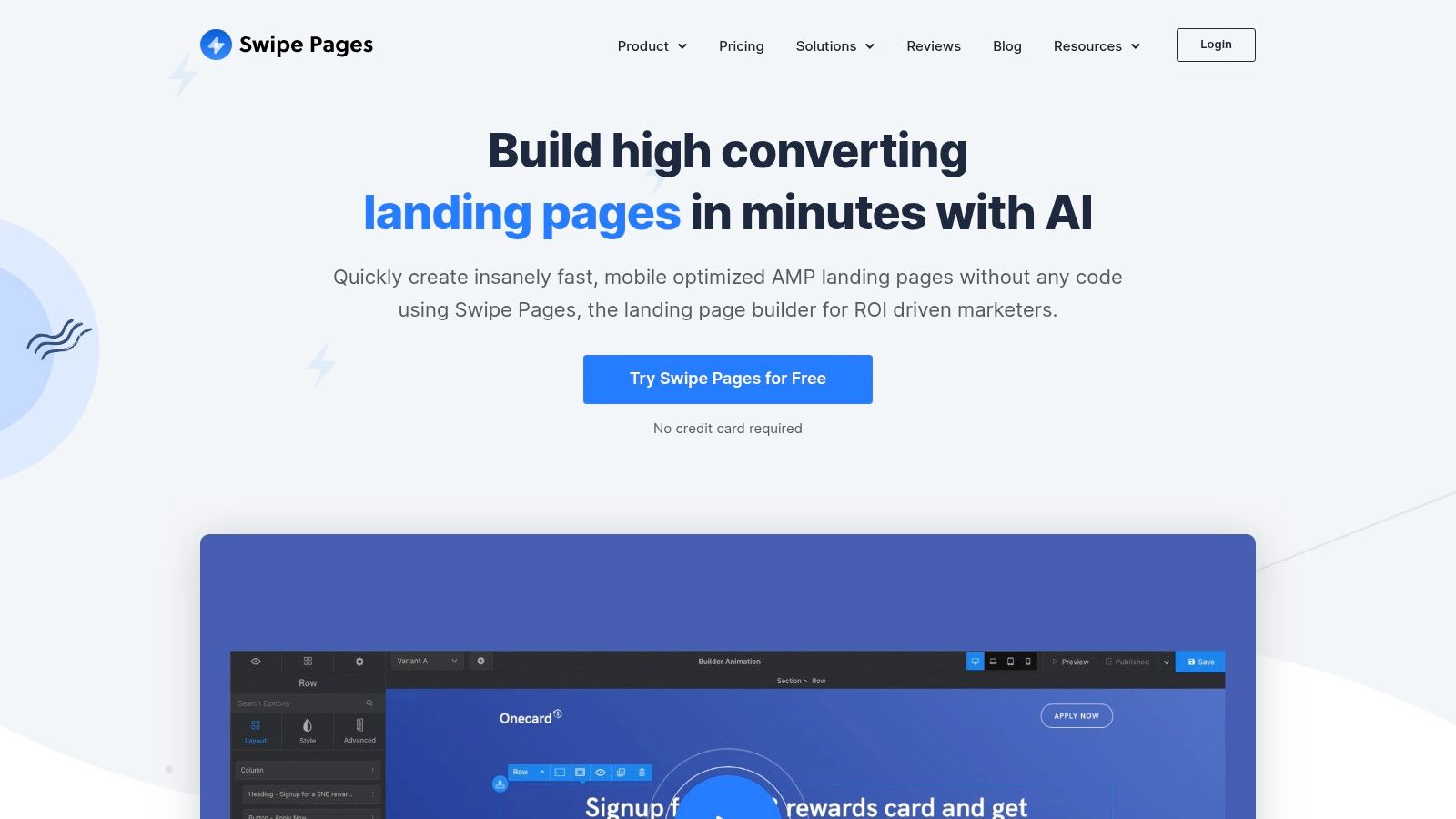
7. Swipe Pages
Swipe Pages is a mobile-first landing page builder designed for speed and performance, making it a powerful choice for marketers who prioritize a fast user experience. Its primary differentiator is its native support for Google AMP (Accelerated Mobile Pages), which allows for near-instant loading times on mobile devices. This focus on speed, combined with its performance-oriented CDN hosting, makes Swipe Pages an excellent tool for paid ad campaigns where every millisecond counts towards improving conversion rates and Quality Score.
Key Features & Use Case
The standout feature of Swipe Pages is its AMP page publishing, a critical advantage for mobile-heavy paid search campaigns on platforms like Google Ads. It also offers powerful server-side A/B testing, which is more reliable and SEO-friendly than typical client-side methods. For those running highly targeted ads, the Dynamic Text Replacement feature allows you to match the headline of your landing page to the user's search query, significantly boosting ad relevance. This suite of features makes it one of the best landing page builders for high-performance, mobile-focused marketing.
Pros & Cons
| Pros | Cons |
|---|---|
| Exceptional mobile speed: AMP support provides a major edge. | Traffic-based pricing: Plans come with visitor caps and overage fees. |
| Great value for features: Competitive pricing for SMBs and agencies. | Plan-dependent feature limits: Some advanced tools are on higher tiers. |
| Built-in sales funnels: Includes multi-step funnels and checkouts. | Newer platform: Smaller template library than established players. |
Who It's For
Swipe Pages is best for performance marketers, PPC specialists, and small-to-medium-sized agencies that need lightning-fast, mobile-optimized landing pages. If a significant portion of your traffic comes from mobile users via paid channels, the AMP functionality alone makes this platform worth considering. Its straightforward interface and competitive pricing also make it accessible for businesses looking for an effective yet affordable solution to boost their ROAS without the complexity of more enterprise-level tools.
Website: https://swipepages.com
8. HubSpot Landing Pages (within HubSpot)
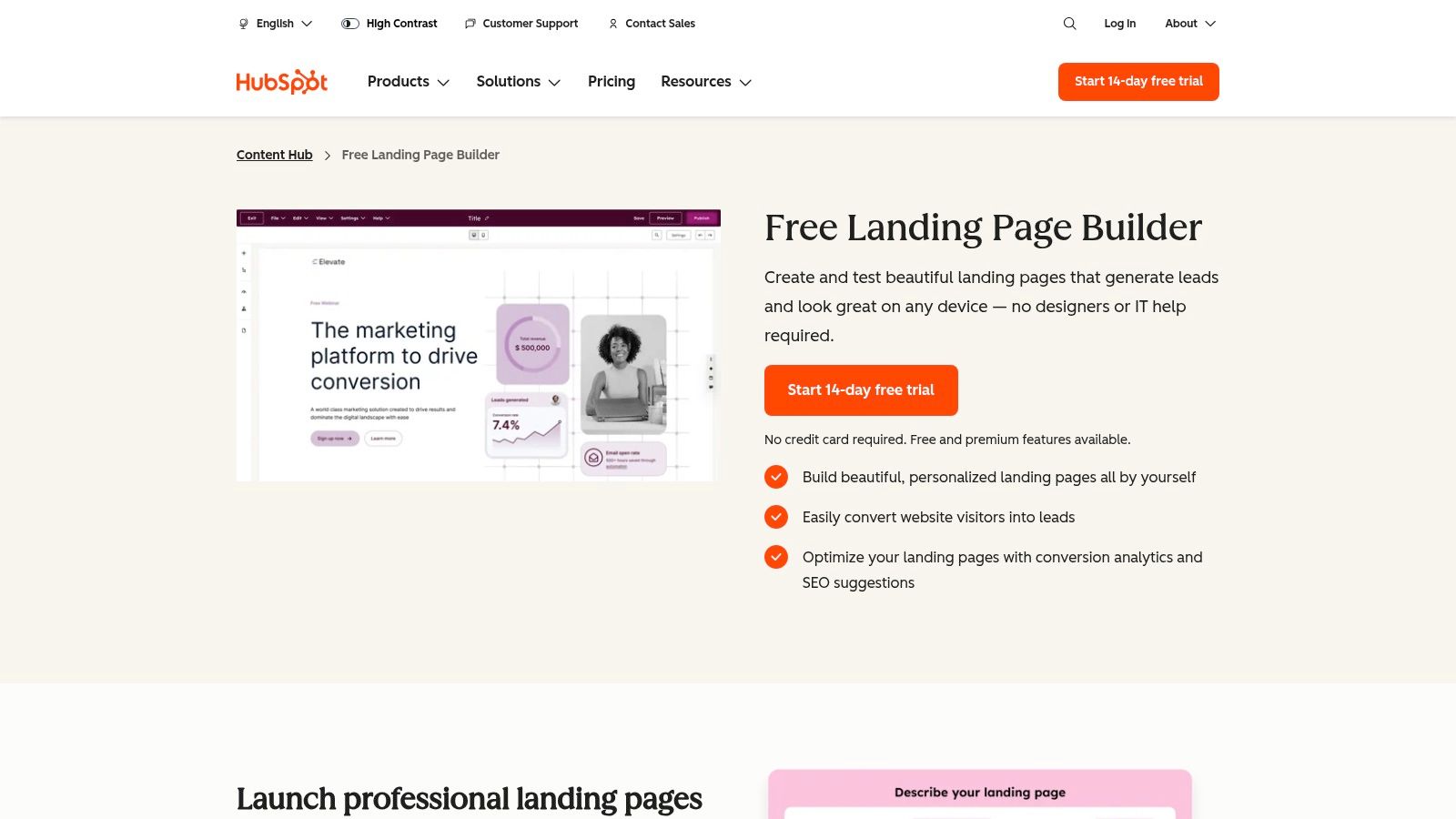
For businesses already invested in or considering the HubSpot ecosystem, its native landing page builder is an incredibly compelling option. It's not just a page creator; it's a fully integrated component of a powerful CRM and marketing automation platform. This direct connection eliminates the need for third-party integrations to sync leads, making it one of the best landing page builders for teams that prioritize seamless data flow and a single source of truth for customer interactions. The value proposition is simple: build, capture, and nurture all in one place.
Key Features & Use Case
HubSpot's core advantage is its native CRM integration. Every lead captured on a landing page is automatically added to your HubSpot CRM, where you can trigger automated email sequences, score leads, and track their entire journey. While a free version is available, paid tiers (Marketing Hub Professional and above) unlock advanced features like adaptive testing, HubSpot's version of multi-variant testing, and smart content, which personalizes page content based on visitor data stored in the CRM. This is ideal for creating highly targeted campaigns that adapt to different audience segments.
Pros & Cons
| Pros | Cons |
|---|---|
| Seamless CRM integration: Lead data flows directly into workflows. | Advanced features are expensive: Key tools are on higher-tier plans. |
| Scalable all-in-one platform: Grows with your marketing needs. | Contact-based pricing: Costs can rise quickly as your list grows. |
| Free version available: Accessible for getting started with basics. | Less design flexibility: Compared to dedicated, design-first builders. |
Who It's For
HubSpot's landing page tool is perfect for B2B companies, service-based businesses, and any organization committed to building a robust inbound marketing engine. If your strategy relies on lead nurturing, complex sales funnels, and detailed analytics on the entire customer lifecycle, the convenience of having your landing pages tied directly to your CRM is unmatched. While the initial setup might be more involved than a standalone builder, the long-term operational efficiency and data insights are a significant payoff for marketing and sales teams.
Website: https://www.hubspot.com/products/landing-pages
9. Mailchimp Landing Pages
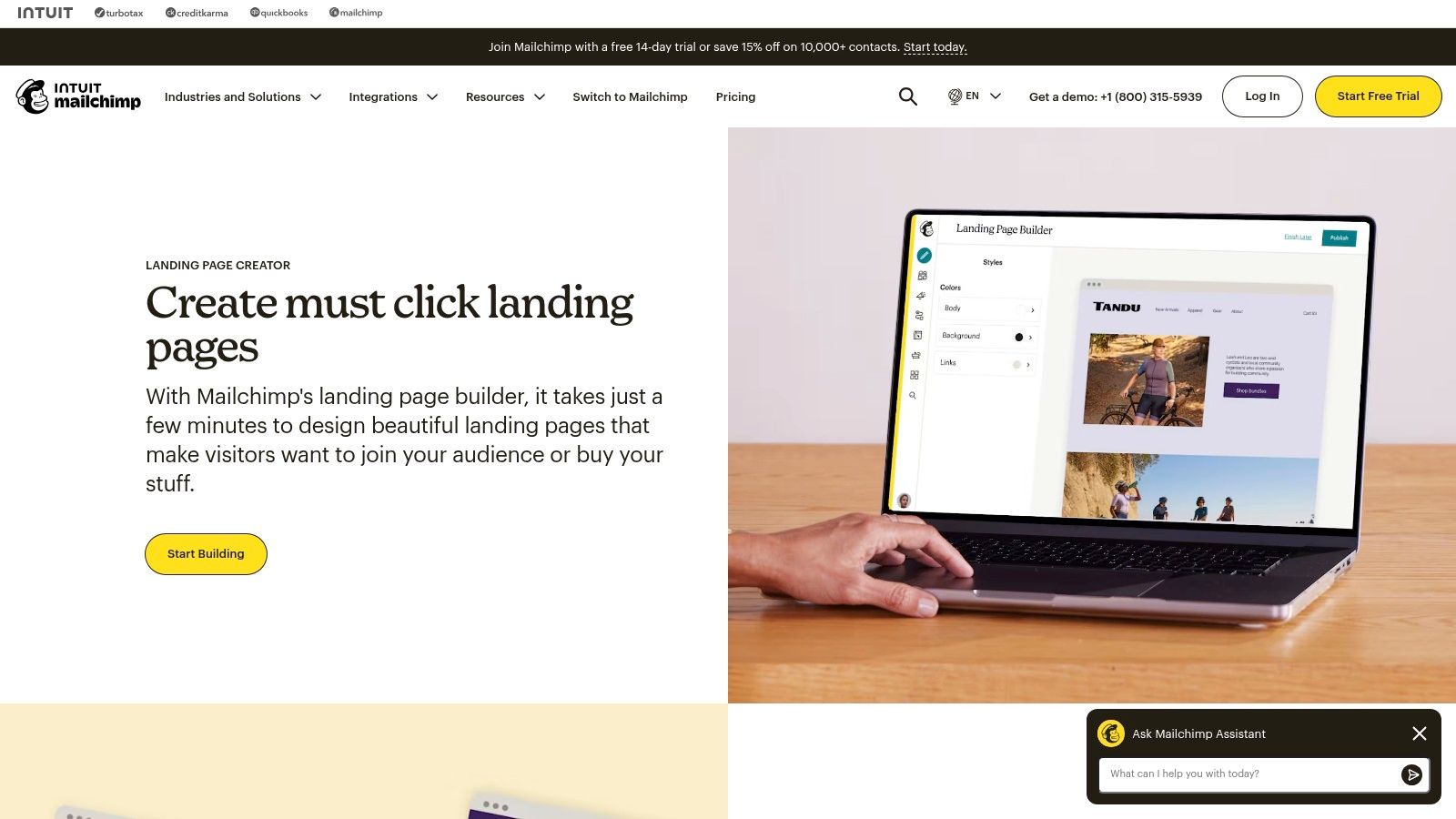
For teams already embedded in the Mailchimp ecosystem, its landing page builder offers a seamless and convenient way to capture leads and promote products. Rather than being a standalone powerhouse, its strength lies in its native integration with Mailchimp’s email marketing, audience management, and automation tools. This makes it an excellent choice for straightforward campaigns like event sign-ups, lead magnet delivery, or product announcements where the primary goal is to grow an existing email list.
Key Features & Use Case
The primary advantage of Mailchimp's builder is its simplicity and direct connection to your marketing campaigns. You can create unlimited landing pages on any plan, including the free one, and immediately tag new subscribers for automated email sequences. The editor uses a familiar block-based system, allowing you to easily add sign-up forms, product blocks from a connected e-commerce store, and basic design elements. It's purpose-built for speed and efficiency, eliminating the need to configure third-party integrations for simple lead capture funnels.
Pros & Cons
| Pros | Cons |
|---|---|
| Seamless Mailchimp integration: Connects directly to email lists and automations. | Limited design flexibility: Not suitable for complex or highly custom layouts. |
| Cost-effective: Unlimited pages are included on all plans, even free. | Custom domain requires paid plan: A paid Websites & Commerce plan is needed. |
| Easy to use: Simple drag-and-drop editor is great for beginners. | No support for custom HTML/iframes: Restricts advanced functionality. |
Who It's For
Mailchimp Landing Pages are ideal for small businesses, content creators, and marketers who are already using Mailchimp as their central marketing hub. If your main objective is to quickly create a simple page to grow your email list or promote a single offer without leaving your marketing platform, this is one of the most efficient tools available. For those exploring more advanced automation capabilities, learning about the best marketing automation software can provide a broader perspective on what’s possible.
Website: https://mailchimp.com/features/landing-pages/
10. Framer (Framer Sites)
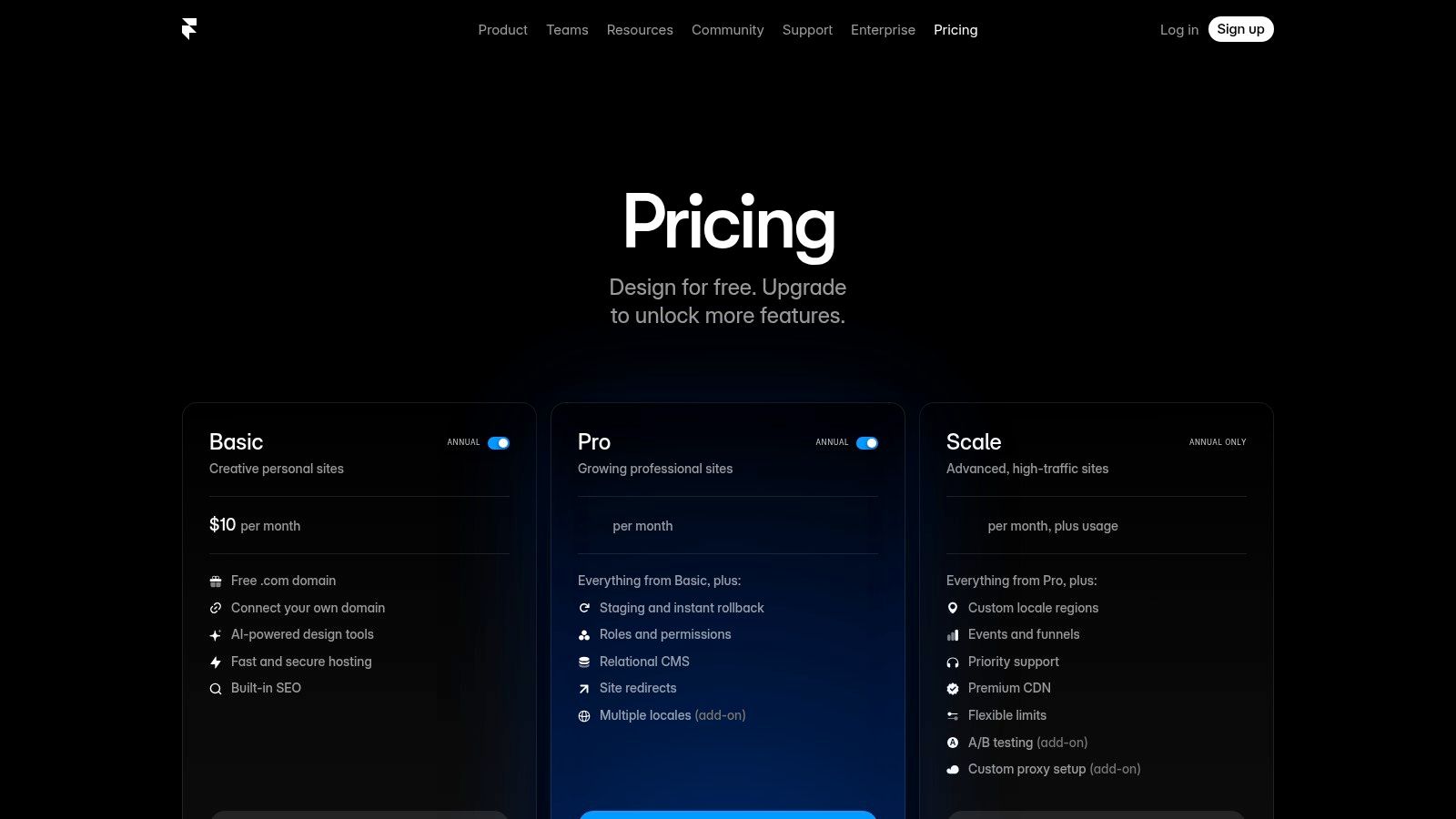
Framer is a design-centric platform that has evolved into one of the best landing page builders for those who prioritize aesthetic polish and high performance. It excels at creating visually stunning, animation-rich marketing sites and interactive landing pages that feel more like native apps than static web pages. Its powerful visual canvas, combined with AI-assisted design features, allows teams to go from idea to a production-ready, highly optimized page with incredible speed.
Key Features & Use Case
Framer's core strength is its visual design canvas that feels familiar to users of tools like Figma, but with the power to publish directly to the web. The platform includes a fast global CDN for hosting, ensuring excellent performance and load times. Built-in analytics for events and funnels, along with staging and rollback capabilities, make it a comprehensive solution for agile marketing teams and startups. For collaboration, it offers roles and permissions, ensuring design consistency and control.
Pros & Cons
| Pros | Cons |
|---|---|
| High-quality design output: Create visually polished, custom pages. | Advanced features are add-ons: A/B testing is not in the base plan. |
| Performance-oriented hosting: Fast global CDN is included. | Potential cost increase: Scaling features can raise the price. |
| Integrated analytics: Built-in tools for tracking funnels and events. | Design-focused learning curve: May be complex for non-designers. |
Who It's For
Framer is best suited for startups, design teams, and marketers who want to build sophisticated, high-fidelity landing pages without writing code. It's ideal for launching new products, creating marketing microsites, or any campaign where a premium, custom-designed feel is essential for branding. If your team already designs in tools like Figma, the transition to Framer will be exceptionally smooth, allowing for a seamless design-to-publish workflow.
Website: https://www.framer.com/pricing
11. G2 — Landing Page Builders Category
While not a builder itself, G2's Landing Page Builders category is an indispensable research hub for anyone comparing software options. It aggregates hundreds of real-user reviews, rankings, and detailed feature comparisons, providing a crucial layer of social proof and validation. Instead of relying solely on vendor marketing, G2 allows you to benchmark alternatives, see unfiltered feedback, and understand how different tools perform in real-world scenarios, making it one of the best landing page builders research platforms.
Key Features & Use Case
G2’s core value lies in its side-by-side comparison functionality and robust filtering system. You can directly compare up to four tools on criteria like ease of use, quality of support, and specific features such as A/B testing or dynamic text replacement. This is invaluable for creating a final shortlist before committing to free trials. The platform is best used at the start of your buying journey to identify top contenders based on company size, industry, and feature needs, or at the end to validate your choice against authentic user sentiment.
Pros & Cons
| Pros | Cons |
|---|---|
| Real user feedback: Authentic reviews provide unfiltered insights. | Sponsored placements: Top-ranked results may be influenced by ads. |
| Excellent for shortlisting: Powerful filters help narrow options quickly. | Not a tool itself: Acts as a research directory, not a builder. |
| Fresh, updated content: Reviews are constantly added and updated. | Overwhelming choice: The sheer number of options can be daunting. |
Who It's For
G2 is for any decision-maker, from a solo founder to an enterprise marketing manager, who needs to make an informed choice about a landing page builder. It’s particularly useful for teams conducting due diligence and wanting to see beyond marketing claims. If you are creating a comparison matrix to present to stakeholders or simply want to ensure you're not missing a better alternative, G2 provides the comprehensive, user-vetted data needed to choose with confidence.
Website: https://www.g2.com/categories/landing-page-builders
12. Capterra — Best Landing Page Software
Capterra isn't a landing page builder itself, but rather a comprehensive software discovery platform that is an essential research tool for finding one. It functions as a massive directory where you can compare hundreds of options side-by-side, making it an invaluable starting point for your search. Its main strength is the sheer volume of listings, which helps you move beyond the most heavily-marketed tools and discover niche builders that might be a perfect fit for a specific use case or budget.
Key Features & Use Case
Capterra’s most powerful feature is its extensive filtering system, allowing you to narrow down over 200 landing page software options by specific features, pricing models, and target industries. You can use its Shortlist reports to see top-rated products based on verified user reviews. This is particularly useful for SaaS founders or marketers who need to justify a software purchase with objective data. The platform provides detailed product pages with pricing snapshots, feature breakdowns, and direct links to start trials, streamlining the vendor evaluation process.
Pros & Cons
| Pros | Cons |
|---|---|
| Extensive directory of tools: Great for discovering niche software. | Not a builder: It's a directory for discovery, not a platform to build on. |
| Verified user reviews: Provides real-world feedback and ratings. | Sponsored placements: Be aware that some results may be promoted. |
| Detailed comparison filters: Helps narrow options based on specific needs. | Information can be outdated: Always verify details on the vendor's site. |
Who It's For
Capterra is best for anyone in the initial research phase of selecting one of the best landing page builders. It’s ideal for startup teams, marketing managers, and agency professionals who need to conduct due diligence and compare a wide array of tools. If you are creating a shortlist of potential platforms and want to base your decision on user reviews and a comprehensive feature comparison, Capterra is an indispensable resource. It's the place to begin your search before committing to free trials.
Website: https://www.capterra.com/landing-page-software/
Top 12 Landing Page Builders — Features & Pricing Comparison
| Product | Core features ✨ | Quality ★ | Price / Value 💰 | Target audience 👥 | USP / Best for 🏆 |
|---|---|---|---|---|---|
| Unbounce | A/B testing, Smart Traffic AI, large template & integrations ✨ | ★★★★☆ conversion-focused | 💰 Premium — plan caps & overages | 👥 Marketers, agencies, PPC teams | 🏆 Advanced testing & AI-driven traffic routing |
| Leadpages | Fast builder, 250+ templates, pop-ups & site features ✨ | ★★★★☆ easy & speedy | 💰 Affordable — unlimited traffic on plans | 👥 Small teams, non-technical marketers | 🏆 Quick time-to-publish & strong value |
| Webflow | Pixel-level design, CMS, staging, enterprise hosting ✨ | ★★★★☆ production-grade | 💰 Mid–High — site vs workspace pricing | 👥 Designers, complex sites, enterprises | 🏆 Design control + scalable hosting |
| Instapage | Collaboration, AdMap, personalization, governance ✨ | ★★★★☆ enterprise post-click | 💰 Enterprise — sales-led, pricier | 👥 Large ad teams & enterprises | 🏆 Post-click personalization & governance |
| Carrd | One-page templates, custom domain (Pro), free tier ✨ | ★★★☆☆ minimal & fast | 💰 Very low-cost / free tier | 👥 Indie makers, MVPs, personal projects | 🏆 Ultra-affordable, fastest to publish |
| ClickFunnels | Funnel builder, checkout, email, memberships ✨ | ★★★☆☆ comprehensive but complex | 💰 Mid–High — all-in-one cost | 👥 Entrepreneurs selling courses/products | 🏆 End-to-end funnel + monetization stack |
| Swipe Pages | AMP, server-side A/B, dynamic text replacement ✨ | ★★★★☆ speed & ad performance | 💰 Mid — good SMB value, traffic caps | 👥 Agencies & SMBs focused on ad landers | 🏆 Mobile-first speed (AMP) + performance |
| HubSpot Landing Pages | CRM-integrated pages, adaptive testing, automation ✨ | ★★★★☆ CRM-native & scalable | 💰 Variable — can rise at Pro/Enterprise | 👥 Teams using HubSpot, inbound marketers | 🏆 Native CRM alignment & automation workflows |
| Mailchimp Landing Pages | Templates, ecommerce links, campaign integration ✨ | ★★★☆☆ simple & effective | 💰 Low–Mid — cost-effective with Mailchimp | 👥 Small teams using Mailchimp, email-first | 🏆 Seamless email & ecommerce integration |
| Framer (Framer Sites) | Design-first editor, AI assist, CDN hosting, analytics ✨ | ★★★★☆ polished & performant | 💰 Mid — add-ons for A/B/multilocale | 👥 Designers, startups wanting polish | 🏆 High-fidelity design + staging/rollback |
| G2 — Landing Page Builders | Reviews, rankings, side-by-side comparisons ✨ | ★★★★☆ fresh user feedback | 💰 Free to browse (marketplace) | 👥 Buyers researching tools | 🏆 Real-user reviews & comparison tools |
| Capterra — Landing Page Software | Large directory, Shortlist reports, pricing snapshots ✨ | ★★★★☆ broad coverage | 💰 Free to browse, vendor links | 👥 Buyers needing wide options | 🏆 Breadth of listings & buyer guides |
Making Your Final Choice: How to Select the Right Builder for Your Goals
Navigating the landscape of the best landing page builders can feel overwhelming. We've journeyed through powerful conversion-focused platforms like Unbounce, user-friendly options such as Leadpages, and design-forward tools like Webflow and Framer. Each tool offers a unique blend of features, usability, and pricing, but the ultimate decision isn't about finding a single "best" platform; it's about identifying the right platform for your specific context.
The ideal choice hinges on a clear understanding of your resources, goals, and technical comfort level. What works for a bootstrapped indie maker launching a simple MVP is vastly different from what a high-spending enterprise marketing team requires. The key is to move beyond feature checklists and focus on the operational fit.
A Decision-Making Framework for Your Needs
To bring clarity to your selection process, let's distill the core considerations into a practical framework. Before you commit to a subscription or even a free trial, honestly assess your position across these four critical pillars.
Your Primary Goal: Conversion vs. Design:
- Conversion-First: If your world revolves around CVR, A/B testing, and squeezing every last drop of performance from your ad spend, your shortlist should include Unbounce and Instapage. These tools are built from the ground up for optimization, with features like dynamic text replacement and AI-powered testing that directly impact your bottom line.
- Design-First: If brand expression, pixel-perfect control, and creating a unique, high-fidelity user experience are paramount, then Webflow and Framer are your top contenders. They offer unparalleled design freedom, allowing you to build pages that are indistinguishable from custom-coded sites, which is crucial for design-led brands.
Your Team's Skillset: Marketer vs. Designer/Developer:
- For the Agile Marketer: Platforms like Leadpages and Swipe Pages are designed for speed and ease of use. Their intuitive drag-and-drop interfaces and robust template libraries empower marketers to launch campaigns quickly without needing design or development resources.
- For the Technical Team: While tools like Webflow have a steeper learning curve, they provide the depth and flexibility that technical users crave. If you have design or front-end development skills on your team, these platforms become powerful assets for building sophisticated, interactive experiences.
Your Stage and Budget: Startup vs. Enterprise:
- Lean and Scrappy: For early-stage startups, indie makers, and solo founders, every dollar counts. Carrd is the undisputed champion for simplicity and affordability, perfect for single-page sites and validation experiments. Free or low-cost tiers from Mailchimp or HubSpot can also be excellent starting points if you're already in their ecosystem.
- Scaling and Established: As your team grows, so do your needs for collaboration, security, and performance. Instapage shines here with its AdMap and Global Block features, designed for teams managing numerous campaigns. Unbounce also scales well, offering plans that support growing traffic and testing volumes.
Your Existing Tech Stack: Integration Needs:
- Don't evaluate these tools in a vacuum. Consider how they will connect with your CRM, email marketing platform, and analytics tools. HubSpot Landing Pages offer seamless, native integration if you're a HubSpot user. Most top-tier builders provide extensive integration options via direct connections or Zapier, but always verify that your must-have tools are supported before you commit.
Your Actionable Next Steps
Armed with this framework, your path forward is clear. Don't fall victim to analysis paralysis. The best way to make a final decision is to get hands-on experience with your top two or three choices.
- Sign up for free trials: Almost every builder on this list offers a free trial or a limited free plan. Use this time to build a test page.
- Evaluate the user experience: Does the interface feel intuitive or clunky? Can you build what you envision without constantly consulting help docs?
- Test the support: Ask a question to their support team to gauge their responsiveness and helpfulness. Good support can be a lifesaver when you're on a tight deadline.
Ultimately, the best landing page builder is the one that empowers you to execute your marketing strategy efficiently and effectively. It should feel less like a complex piece of software and more like a trusted partner in your growth journey, helping you turn clicks into customers and ideas into impact.
Once you've built the perfect landing page, the next challenge is getting it in front of the right audience. For SaaS founders, a successful launch is critical. That's where SubmitMySaas comes in, helping you get your new product listed on over 40 top directories and platforms to generate early traction and user feedback. Visit SubmitMySaas to streamline your launch and ensure your beautifully crafted landing page gets the attention it deserves.