10 SaaS Onboarding Tool Platforms Compared
Compare 10 saas onboarding tool platforms by features, use cases, pricing models, analytics, limitations, and implementation needs.
The most feature-rich platform isn't automatically the best SaaS onboarding tool. A product tour won't solve an instrumentation problem, and deeper analytics won't help much if your team can't launch a useful first flow without engineering support. The right choice depends on the bottleneck: reaching first value quickly, understanding behavior, supporting complex workflows, connecting onboarding to customer success, or governing experiences across several applications.
That distinction matters because benchmark data from 62 B2B SaaS companies found an average activation rate of 37.5%, leaving roughly 62.5% of signups short of the measured value milestone. The same benchmark recorded average time-to-value of 1 day, 12 hours, while 69% of products that ranked among the strongest performers for seven-day activation also ranked highly for three-month retention. The activation benchmark makes the buying question practical: can the platform help you define, trigger, and measure the event that proves users are getting value?
This comparison evaluates each platform by the onboarding problem it addresses, then separates its capabilities from fit, pricing approach, and implementation burden.
1. Appcues
Best for launching and extending in-app experiences
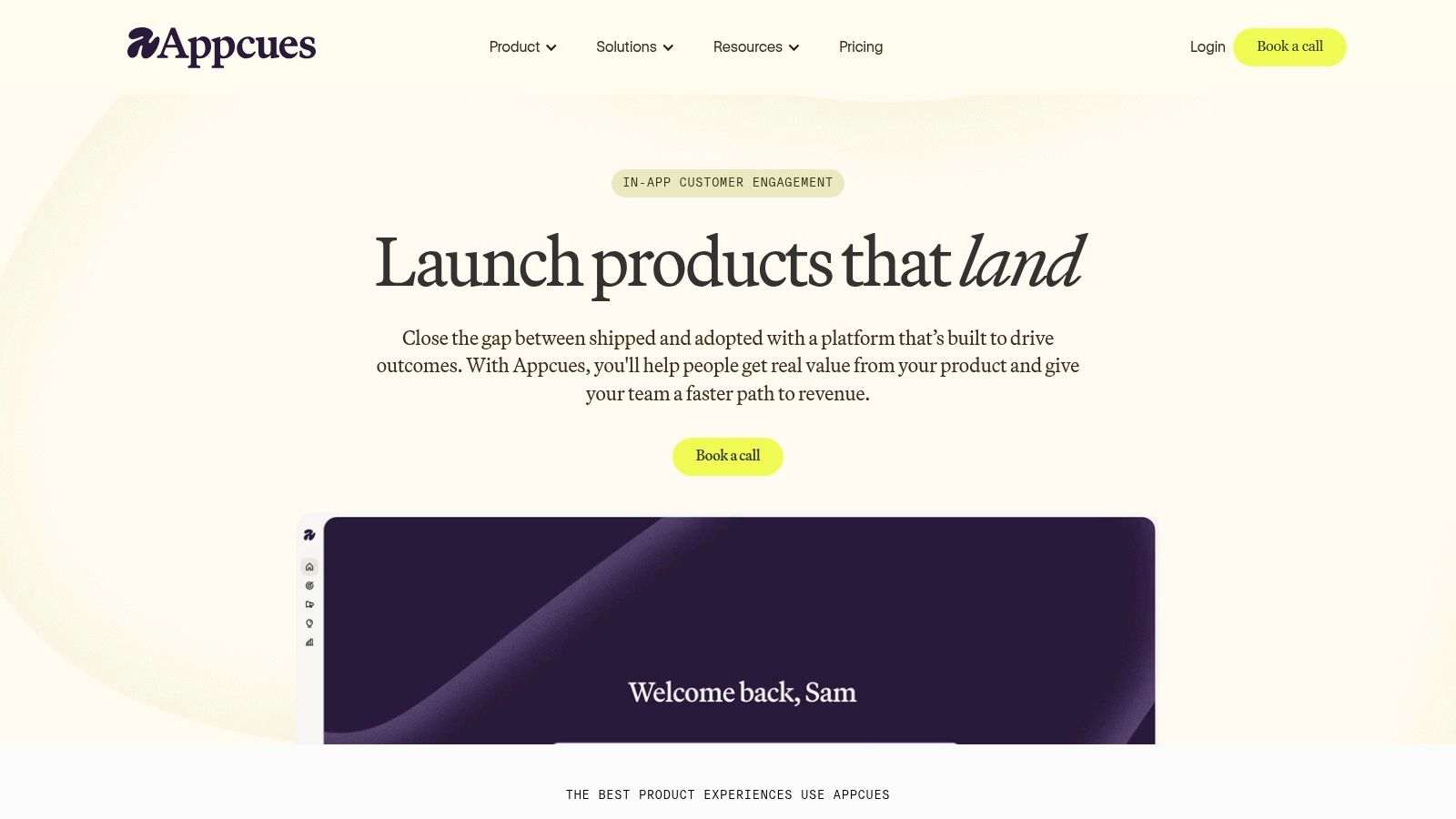
Appcues is a strong starting point when the bottleneck is getting a product team from “we need onboarding” to a live, targeted experience without a long development queue. Its visual builder supports flows, checklists, launchpads, banners, pins, surveys, and resource content, so teams can address more than the first-login tour.
The important distinction is breadth of orchestration. Targeting, goals, and workflows let product or growth teams connect a guide to a later prompt, re-engagement message, or adoption objective. That makes Appcues more suitable for teams treating onboarding as an ongoing product surface rather than a one-time welcome screen. Teams improving a broader onboarding process can use that range to map guidance to setup, activation, and follow-up behavior.
Appcues isn't the obvious choice for every company. Usage-based, tiered packaging can make cost modeling harder as active audiences expand, particularly when higher tiers require a sales conversation. Its built-in analytics can support operational decisions, but teams seeking deep funnels, retention cohorts, or detailed behavioral diagnosis may still pair it with a dedicated analytics platform.
Fit: Product-led teams that need fast experimentation and varied in-app patterns.
Implementation: Relatively light for initial flows, with increasing maintenance as targeting and workflows multiply.
Pricing approach: Tiered and usage-based, with higher-tier evaluation likely sales-led.
2. Userpilot
Best for combining guidance with accessible product insight
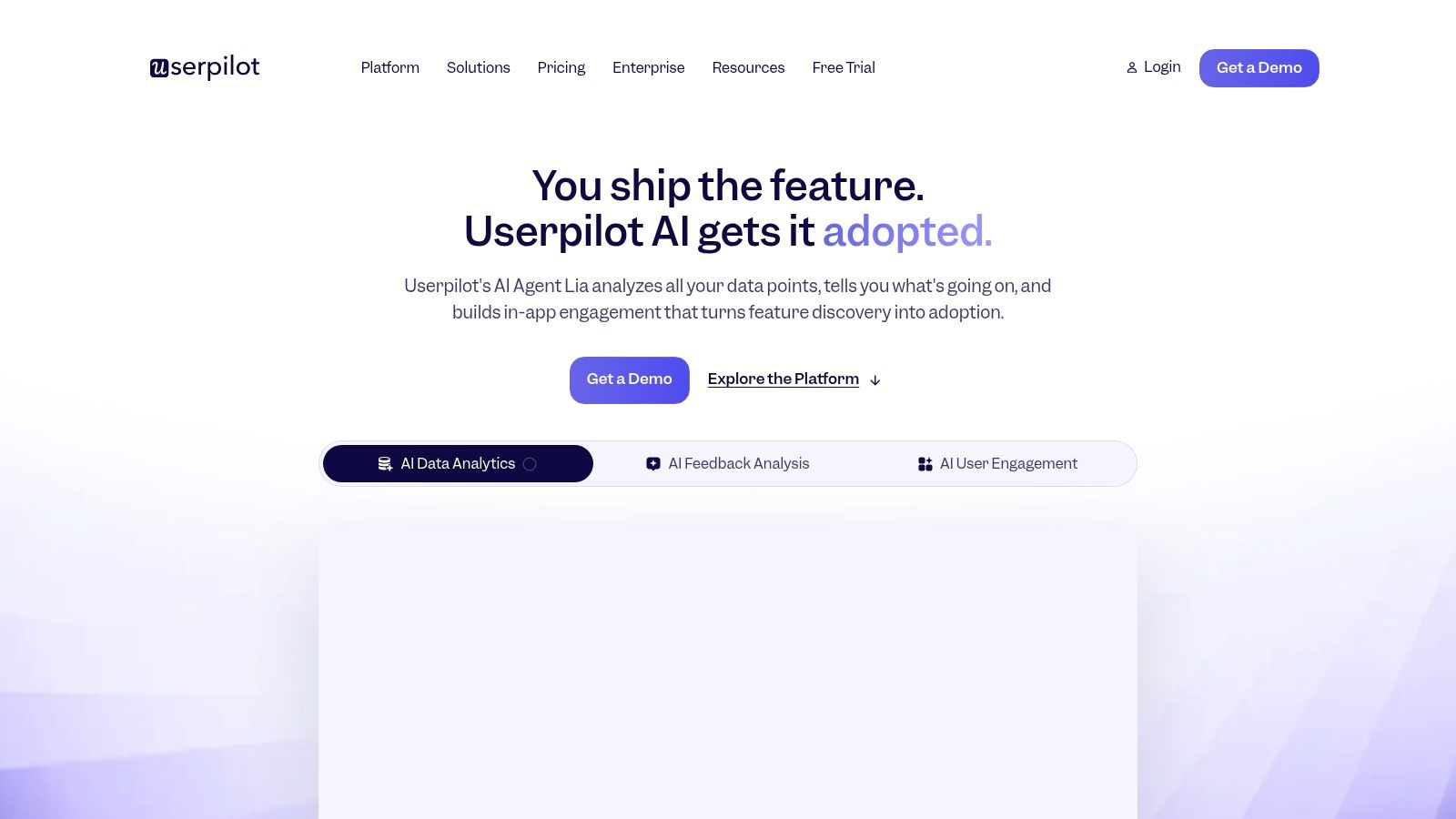
Userpilot addresses a common gap between basic onboarding builders and larger product experience suites. It combines tours, tooltips, checklists, resource content, surveys, NPS, segmentation, goals, and feature-tagging analytics in one no-code environment. That combination suits SaaS teams that want to launch guidance and inspect adoption without assembling a large stack immediately.
Its practical strength is the connection between an experience and the behavior around it. A team can target users by attributes or actions, guide them toward a meaningful task, and examine whether feature usage changes afterward. That supports a more useful approach than judging success by whether users clicked through a tour. Teams exploring product-led growth should still define the activation event first, rather than allowing the platform's available reports to dictate the product strategy.
Userpilot may be less suitable when governance, services, or highly complex enterprise data controls are central requirements. Advanced AI helpers can assist with flow creation and insight generation, but they don't replace a clean event taxonomy or a clear definition of value. Smaller teams should also confirm how data exports, permissions, and integrations fit their existing stack before treating the platform as the system of record.
Fit: Growing SaaS teams that want guidance and useful analytics without a heavy enterprise rollout.
Implementation: Fast for initial experiences, with more planning required for analytics and governance.
Pricing approach: MAU-based packaging, with a free trial available for evaluation.
3. Pendo
Best for analytics-led onboarding across web and mobile
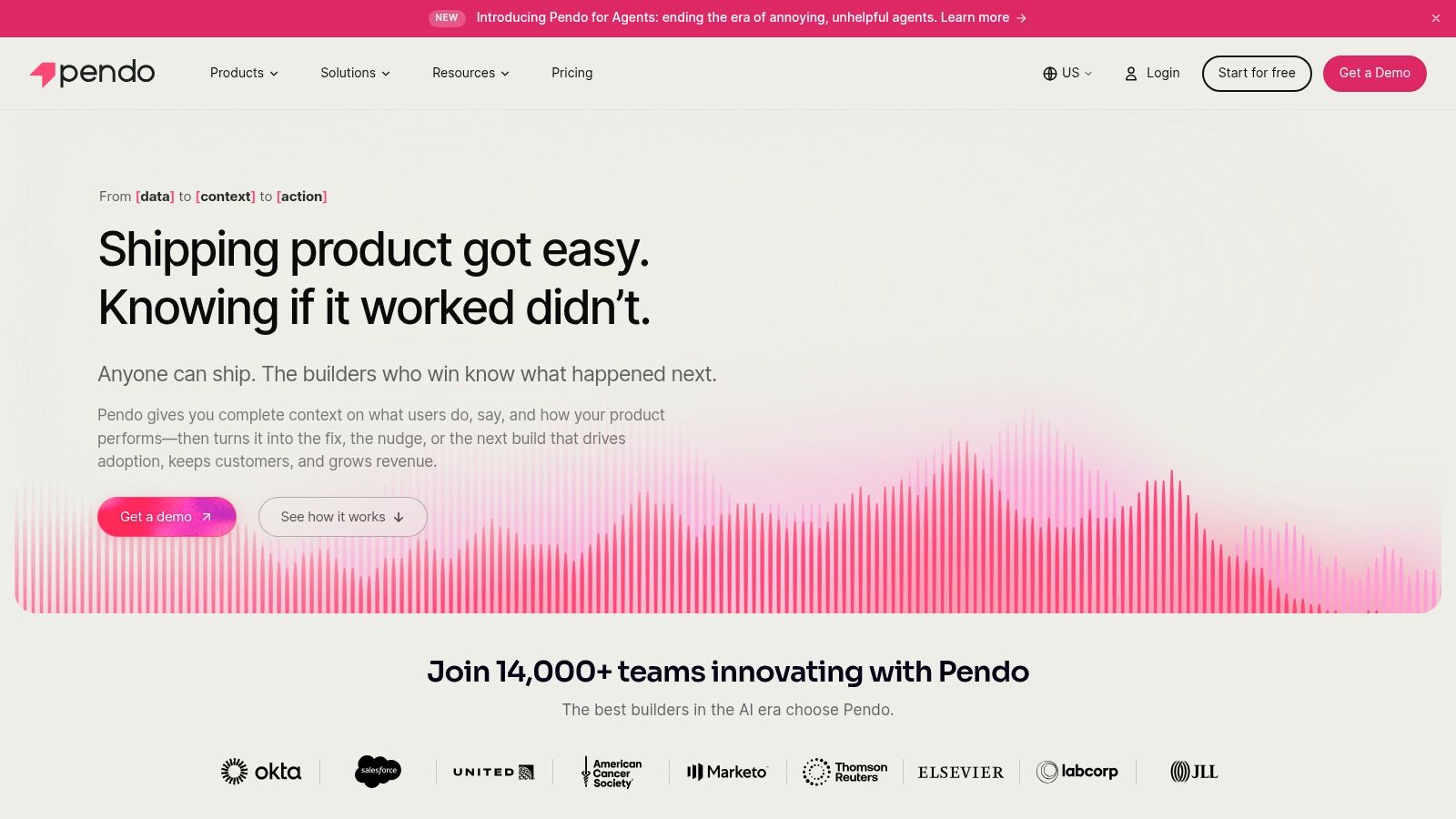
Pendo suits teams whose primary question is behavioral: which actions show that users are progressing? It combines in-app guides, product tours, resource content, funnels, retention analysis, cohorts, segmentation, and feedback across web and mobile experiences.
That analytical depth helps teams connect guidance to a specific onboarding problem. They can define the path to observe, locate the point where users stop, and then test a product tour, checklist, or contextual guide against that obstacle. A controlled academic study found activation completion of 40.54% among users offered a step-by-step introduction, compared with 30.95% among users who were not offered one. Among users who accepted the introduction, completion reached 54.07%. The academic study supports testing targeted guidance, while interaction with a guide alone does not establish business impact. Teams planning more detailed user behavior tracking should define events and success criteria before configuring funnels or cohorts.
The trade-off is operational weight. Quote-based pricing can be difficult for a small team to model, while a broad guide library needs ownership, naming conventions, permissions, and release controls. Pendo rewards organizations prepared to manage onboarding as a cross-functional program.
Fit: Product, analytics, and customer-success teams that need guidance and behavioral analysis together.
Implementation: Structured and potentially demanding across mobile and multiple teams.
Pricing approach: Quote-based and potentially premium for smaller organizations.
4. Chameleon
Best for flexible guidance connected to an existing stack
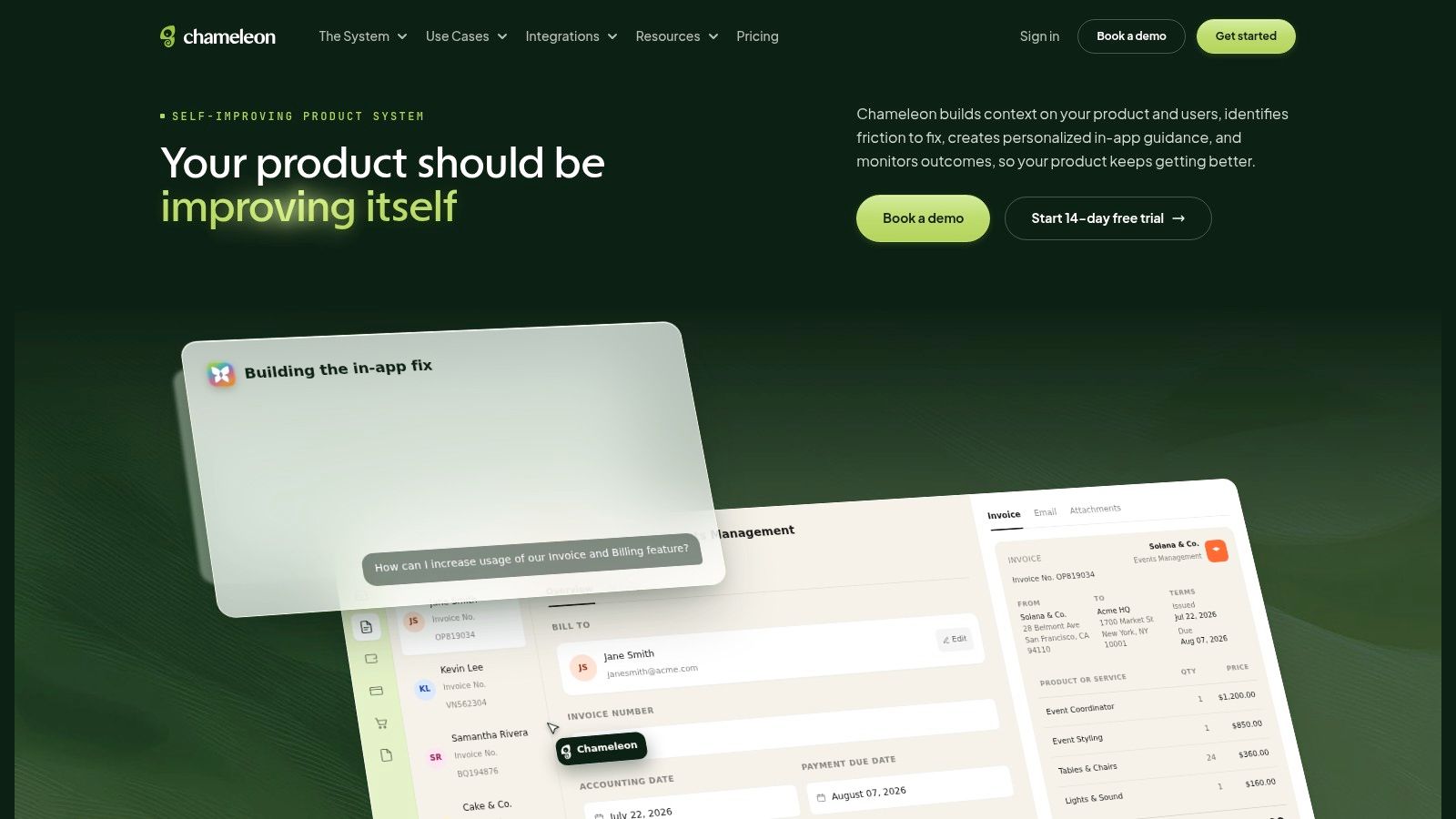
Chameleon focuses on the guidance layer. Tours, microsurveys, checklists, and launchers give teams several ways to help users complete a task, discover a feature, or provide feedback without forcing every scenario into a modal sequence. Behavioral and attribute-based targeting supports onboarding that changes according to user context.
The platform makes particular sense when a company already relies on tools such as Amplitude, Mixpanel, Heap, or HubSpot. Rather than replacing the team's analytics system, Chameleon can deliver an in-product response to an insight found elsewhere. A drop in integration completion, for example, can lead to a contextual launcher or targeted guide instead of another generic welcome tour.
That architecture is also the limitation. Chameleon leans guidance-first, so teams seeking deep retention analysis will generally keep a separate product analytics platform. MTU-based, quote-driven pricing can complicate comparisons with products that publish clearer tiers. Buyers should model not only active users, but also the work required to maintain event definitions and integrations as the product changes.
Practical rule: Choose Chameleon when your analytics stack already explains the problem and you need a flexible in-product way to respond.
Fit: Product and growth teams with established analytics and communication tools.
Implementation: Moderate, with integration quality directly affecting value.
Pricing approach: MTU-based and typically quote-driven.
5. Userflow
Best for lean teams that need controlled, fast deployment
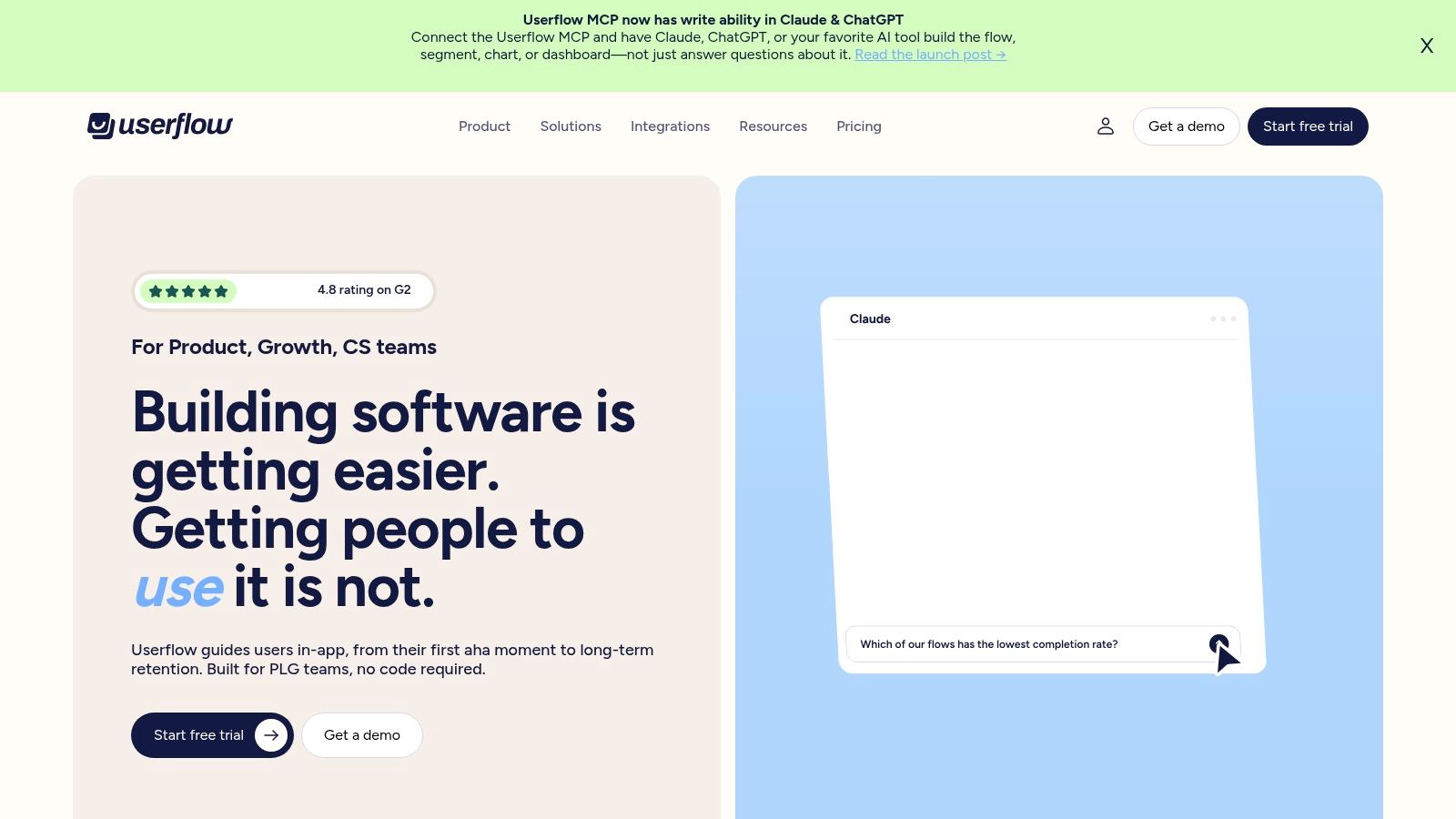
Userflow targets the team that wants a clean no-code builder without taking on the operating model of a larger digital adoption platform. Its tours, tooltips, checklists, surveys, segmentation, goals, and core analytics cover the main mechanics of self-serve onboarding.
The useful differentiator is control around environments and administration. Staging and production environments help teams test changes before exposing them to customers, while SSO and US or EU data-region choices matter for organizations that need clearer operational boundaries. Those features don't eliminate governance work, but they make it easier to establish a release process before onboarding becomes a collection of unreviewed overlays.
Userflow is less convincing when the central need is advanced behavioral analysis, extensive enterprise services, or a broad integration catalog. A lean product team may appreciate that restraint, while a larger organization may experience it as a reason to add another platform. Clear MAU tiers make initial planning easier, but buyers should still account for analytics, support, and data infrastructure outside the subscription.
Fit: PLG startups and smaller product teams prioritizing speed, usability, and basic governance.
Implementation: Lightweight for standard web onboarding, with external analytics often needed for deeper diagnosis.
Pricing approach: Transparent MAU tiers, making it easier to estimate an initial plan.
6. UserGuiding
Best for affordable first experiences
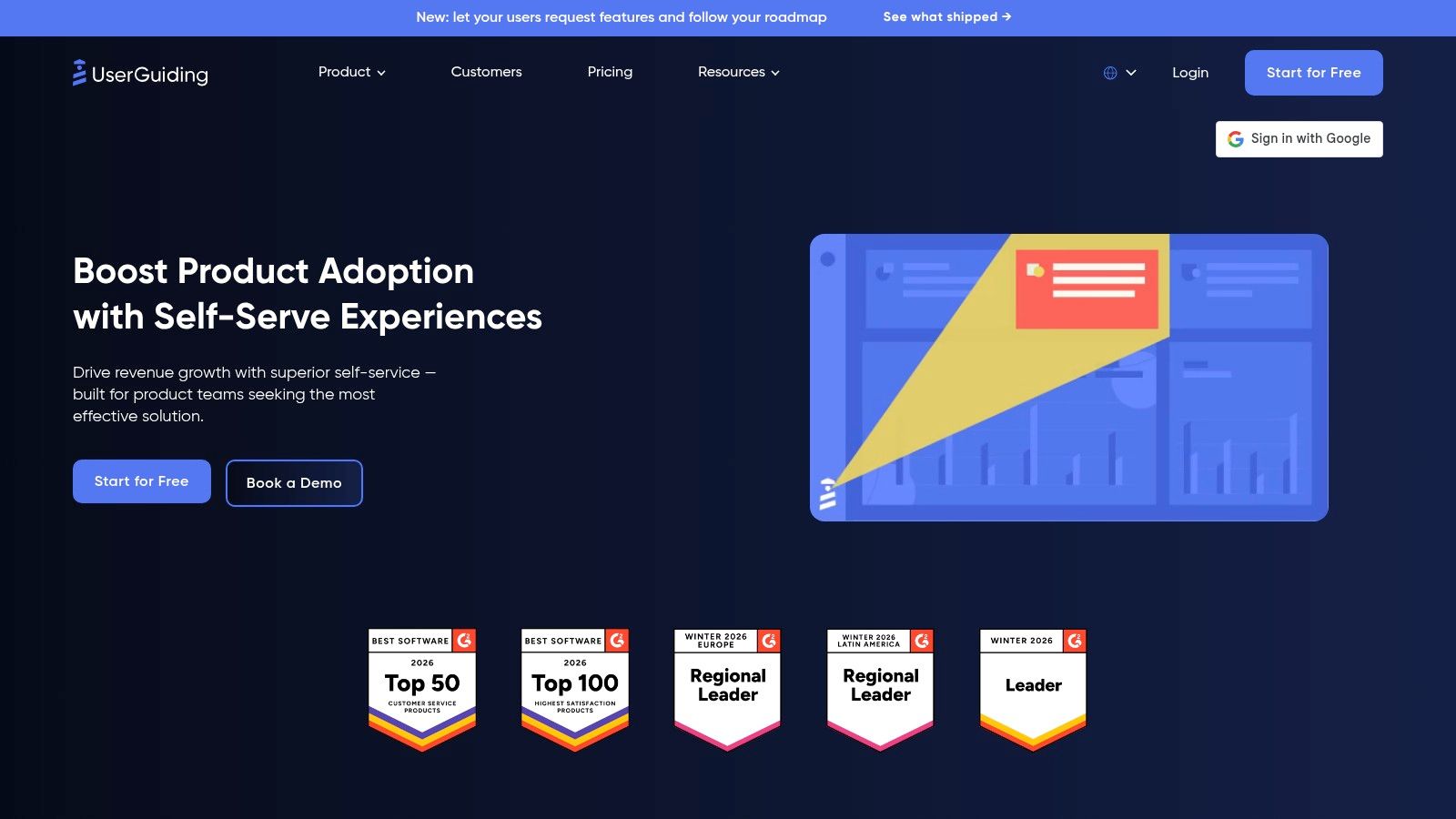
UserGuiding solves the speed and budget problem. Its builder covers walkthroughs, tooltips, checklists, surveys, NPS, resource content, segmentation, and multilingual experiences, giving SMB and mid-market SaaS teams a practical way to publish their first onboarding layer.
The platform's value depends on keeping the initial problem narrow. If a team needs to guide users through a small number of repeatable tasks, a quick-to-ship experience may be more useful than a suite that takes longer to configure. A transparent MAU slider also helps founders connect expected usage with a plan before starting a procurement process.
The trade-off appears when onboarding becomes more conditional. Advanced targeting, reporting, governance, and cross-system analysis may require external tools or a move to a more capable platform. Buyers should test a real flow with different roles and languages, not just a simple demo path. Accessibility also deserves direct verification, including keyboard navigation, screen-reader behavior, reduced motion, and responsive layouts. These details are often absent from feature comparisons, yet a benchmark cited in the available research recorded average checklist completion of only 19.2%, with a median of 10.1%. The onboarding checklist benchmark shows why a checklist's existence isn't evidence that users find it useful.
Fit: Small teams that need essential onboarding capabilities and fast deployment.
Implementation: Low initial effort, though complex personalization can add external dependencies.
Pricing approach: Competitive, with a transparent MAU-based estimator and quota-related add-ons.
7. Stonly
Best for complex tasks and self-service recovery
Stonly addresses onboarding problems that a linear product tour handles poorly. Its interactive, branching guides can adapt to a user's role, configuration, or answer to a troubleshooting question. Teams can place the same content inside the product, in help surfaces, or within support workflows, connecting onboarding with self-service assistance. Stonly is therefore better suited to decision-heavy workflows than to a simple first-login tour.
Consider a product where activation requires several configuration choices. A user connecting a data source may need different instructions from an administrator managing permissions. Branching keeps those paths within one guide while limiting irrelevant steps for each audience.
Stonly's support-oriented design can reduce repeated explanations, though teams may still need a dedicated analytics platform for retention cohorts, feature adoption analysis, or causal testing. Business-tier pricing is custom, which can slow evaluation for smaller companies. Content owners also need a review process because interface changes can make existing guides inaccurate.
A knowledge base can support the same journey when documentation follows real user tasks; see our comparison of the best knowledge base software. Teams comparing options should assess whether Stonly reduces repeated support work while still pointing users toward the product's activation event.
Fit: SaaS products with branching workflows, configuration complexity, or substantial support demand.
Implementation: Moderate content effort, with maintenance tied to workflow changes.
Pricing approach: Often custom or quote-based for business requirements.
8. Fullstory Guides & Surveys
Best for turning behavioral evidence into action
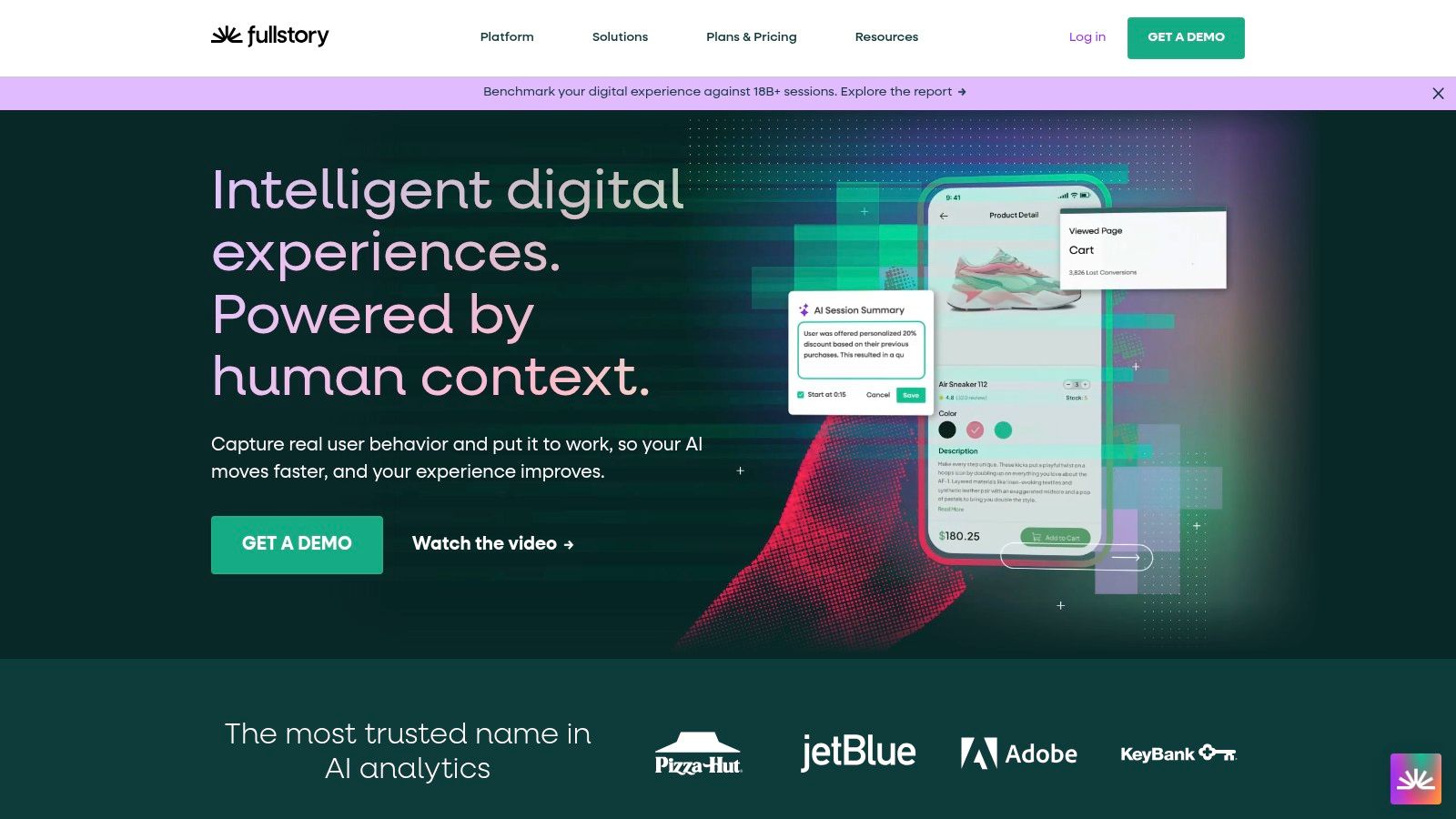
Fullstory Guides & Surveys, formerly associated with Usetiful, addresses the gap between observing user behavior and responding inside the product. Its in-app guides, checklists, and surveys can be connected to Fullstory's behavioral analytics and session insights, creating a tighter loop from diagnosis to intervention.
That loop matters when funnel data identifies a problem but doesn't explain the user's experience. Session evidence can reveal confusion, an overlooked control, or a workflow that behaves differently from the team's assumptions. The onboarding team can then use a targeted guide or survey to investigate and address the specific context rather than publishing another broad tour.
The product's post-acquisition packaging is still an important buying consideration. Pricing and packaging have shifted from the earlier Usetiful context and are sales-led, so teams should request a current explanation of included guide volume, analytics access, data retention, permissions, and export options. A small company that only needs a checklist may find the combined platform unnecessarily broad.
Governance is especially important when behavioral recording and in-app targeting operate together. Review consent requirements, access controls, retention policies, and the ability to separate diagnostic data from customer-facing experiences before rollout.
Fit: Teams already using Fullstory or those that want behavior diagnosis and in-app action closely connected.
Implementation: More involved than a standalone tour builder because analytics and guidance need shared definitions.
Pricing approach: Evolving and sales-led after the acquisition.
9. Whatfix
Best for governed onboarding across applications
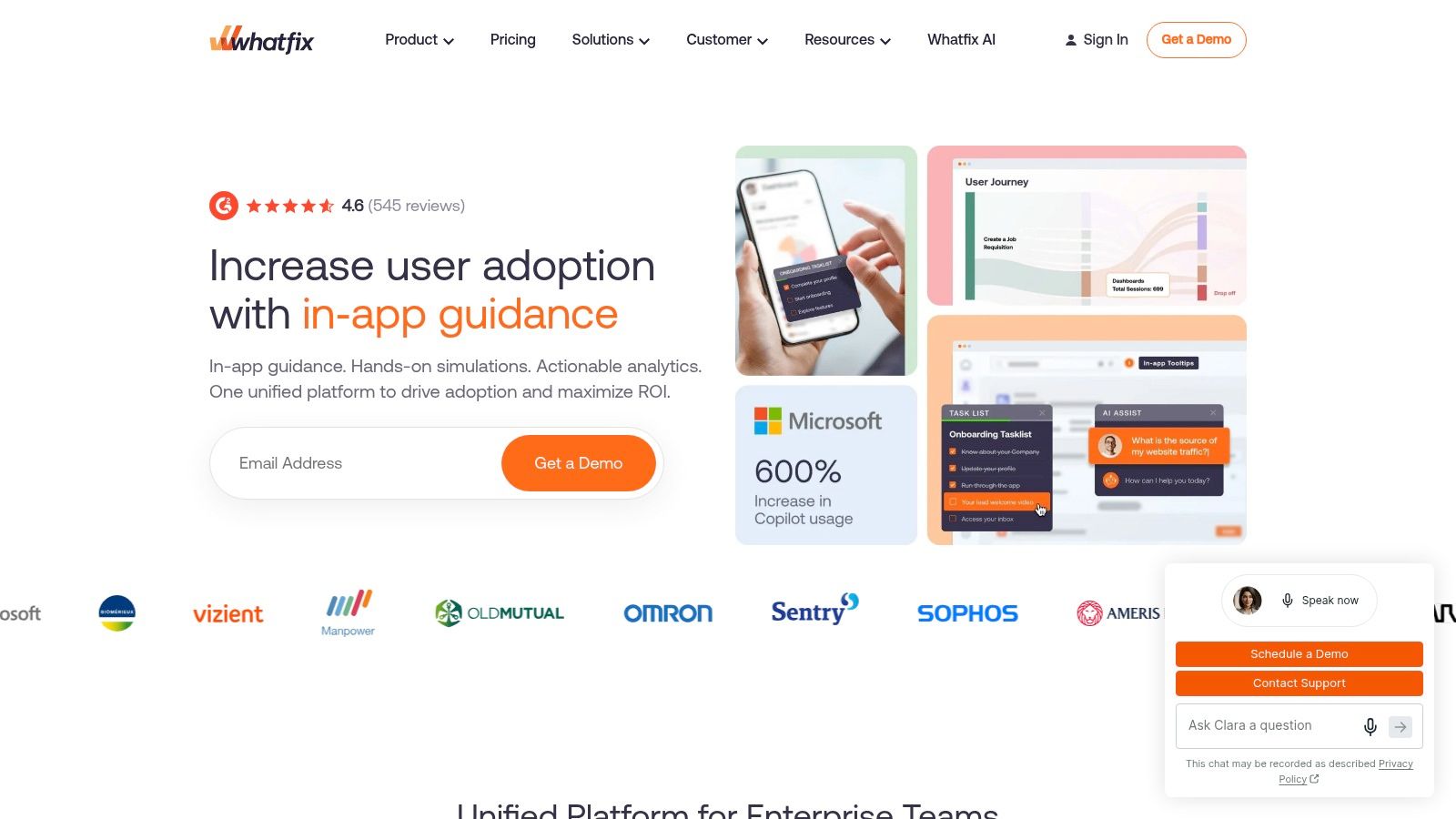
Whatfix is designed for organizations that need more than onboarding inside one web application. Its digital adoption platform supports in-app flows, self-help, surveys, content management, and deployment across web, desktop, and mobile environments. That cross-application reach is the reason to consider it.
For a large SaaS business, the user journey may span an administrative console, a desktop tool, a mobile companion, and employee-facing systems. A lightweight product-tour platform may work well in one surface but struggle to coordinate content, permissions, and ownership across all of them. Whatfix is a better fit when governance, lifecycle management, and broad deployment options matter as much as the guide itself.
The cost is organizational. Quote-based pricing is usually difficult for smaller teams to justify, while implementation and content maintenance require named owners. Cross-application support can also expose differences in selectors, release schedules, accessibility behavior, and security review. Buyers should ask who will update flows after application releases and how the platform reports failures.
Whatfix is therefore not just a more powerful version of a lightweight onboarding tool. It solves a different problem: consistent assistance across a complex software estate.
Fit: Enterprise organizations with multiple applications, large user groups, and formal governance needs.
Implementation: High relative to no-code web tools, with process ownership required after launch.
Pricing approach: Quote-based and generally oriented toward enterprise procurement.
10. Gainsight PX
Best for connecting adoption to customer success
Gainsight PX suits teams that need onboarding data to influence customer-success work. It combines product analytics, feature mapping, cohorts, segments, tours, tooltips, resource content, surveys, and feedback, allowing product behavior and engagement performance to sit closer to CS processes.
That connection changes what the team can ask. Instead of only measuring whether an onboarding guide was completed, it can examine whether accounts adopted the relevant feature, whether different cohorts followed different paths, and where a customer-success intervention may be appropriate. This supports a more disciplined approach to reducing customer churn, provided the team defines activation and retention events before configuring reports.
Gainsight PX can be more setup than a small team needs. Sales-led pricing and tier limits require a careful review of included events, environments, admin controls, integrations, and reporting access. Customer-success alignment also creates governance demands: product, growth, and CS teams must agree on definitions and decide who owns each engagement.
The platform is strongest when product usage is already part of account health and renewal conversations. It's less compelling when a founder only needs to publish a simple first-session tour.
Fit: Mid-market and enterprise SaaS teams linking product adoption with CS motions and account outcomes.
Implementation: Substantial for smaller teams, but valuable when analytics and operational handoffs are already established.
Pricing approach: Sales-led, with package tiers and defined limits.
Top 10 SaaS Onboarding Tools, Feature Comparison
| Product | Core features ✨ | Quality ★ | Value / Pricing 💰 | Target audience 👥 | Unique selling point 🏆 |
|---|---|---|---|---|---|
| Appcues | Flows, Checklists, Launchpads, Banners, NPS, targeting, visual builder | ★★★★ | 💰 Tiered / usage-based; sales-led at higher tiers | 👥 Product & growth teams, mid‑enterprise | 🏆 Category leader; broad pattern library & playbooks |
| Userpilot | Tours, Tooltips, Checklists, Resource center, NPS, analytics, AI helpers | ★★★★ | 💰 MAU-based; good value; free trial | 👥 SMBs & mid-market SaaS teams | 🏆 Strong guidance + built-in analytics; quick time-to-first-flow |
| Pendo | In-app guides (web & mobile), funnels, retention, cohorts, NPS | ★★★★☆ | 💰 Quote-based; premium for small teams | 👥 Teams needing deep analytics & mobile support | 🏆 Product analytics + guides in one stack |
| Chameleon | Tours, Microsurveys, Checklists, Launchers, analytics integrations | ★★★★ | 💰 MTU-based; typically quote-driven | 👥 Product teams wanting orchestration & analytics | 🏆 Flexible UI patterns; rich ecosystem integrations |
| Userflow | Tours, Tooltips, Checklists, NPS, envs, SSO, data-region choices | ★★★★ | 💰 Transparent MAU tiers; startup-friendly | 👥 PLG startups & lean product teams | 🏆 Fast, clean builder with clear pricing |
| UserGuiding | Tooltips, Walkthroughs, Checklists, NPS, Resource center, multi-language | ★★★ | 💰 Competitive & affordable; MAU slider | 👥 SMBs & mid-market looking for value | 🏆 Strong cost-to-capability ratio; quick to ship |
| Stonly | Interactive branching guides, embeddable help, analytics & KB workflows | ★★★★ | 💰 Custom/quote for business tiers | 👥 Support teams & complex onboarding flows | 🏆 Branching step-by-step UX for task complexity |
| FullStory Guides & Surveys | In-app guides & surveys tied to FullStory behavioral insights | ★★★★ | 💰 Sales-led post-acquisition; packaging evolving | 👥 Teams wanting analytics→action loop | 🏆 Tight loop from session replay to targeted onboarding |
| Whatfix | In-app flows, self-help, surveys, cross-app (web/desktop/mobile), AI authoring | ★★★★ | 💰 Quote-based; enterprise pricing | 👥 Large enterprises & employee-facing tools | 🏆 Scales across apps with strong governance |
| Gainsight PX | Guides, tooltips, surveys, product analytics, cohorts, CS integration | ★★★★ | 💰 Sales-led; mid-market / enterprise budgets | 👥 Teams linking adoption to CS & business outcomes | 🏆 Adoption metrics tied directly to customer success |
Choose the Smallest Stack That Proves Activation
The right onboarding platform isn't the one with the longest feature list. It's the smallest stack that can prove whether users reach a meaningful outcome, show where they stop, and help the team improve that journey without creating unnecessary operational work.
Start by defining the activation event in product terms. It might be creating a project, inviting a teammate, connecting data, or publishing an output. The event should represent a real first outcome, not a cosmetic interaction such as opening a tour. This definition gives every vendor evaluation a common test: can the platform trigger guidance before the event, record completion reliably, and connect the result to later usage?
Next, identify the primary gap. If users fail to progress inside the first session, begin with an in-app guidance platform such as Appcues, Userpilot, Userflow, or UserGuiding. If the team can't explain where users drop off, prioritize analytics through a platform such as Pendo, Fullstory, or Gainsight PX. If users struggle with branching procedures or repeat support questions, Stonly may be more relevant than a conventional tour builder. If experiences span applications and require formal ownership, Whatfix addresses a different class of problem.
Then estimate usage and governance requirements before comparing plans. Record expected active users, environments, roles, languages, applications, data regions, permissions, integrations, and accessibility requirements. Don't treat a free trial as proof of production readiness. Test keyboard navigation, responsive behavior, screen-reader compatibility, reduced-motion preferences, consent controls, event exports, selector maintenance, and rollback procedures with a representative flow.
Pricing should be documented as a model, not guessed as a total. Note whether the vendor uses MAU or MTU limits, usage-based tiers, published plans, sales-led packaging, add-ons, or defined package limits. A lower subscription can become expensive if the team must also buy analytics, data infrastructure, support tooling, or engineering time to maintain the experience.
Finally, run one controlled evaluation. Build the same activation flow in the shortlisted tools, expose it to a defined audience, and compare activation completion, time to activation, task depth, and retention cohorts. The academic evidence cited earlier found that guided introductions can improve activation, but it also shows why acceptance and completion alone aren't enough. Your test should establish whether users reach value and continue using the product.
SubmitMySaas can be a practical discovery option for founders and teams exploring SaaS, AI, productivity, marketing, and design tools. Browse current listings and platform details at SubmitMySaas, because vendor capabilities, packaging, and availability may change.
SubmitMySaas helps founders and product teams discover modern SaaS and AI tools through daily launches, trending lists, and curated roundups. If you're evaluating onboarding software or preparing your own product launch, visit SubmitMySaas to explore relevant tools and submit a product for focused discovery.