By Outrank
10 OpenAI SaaS Products and Plans Compared in 2026
Compare 10 OpenAI SaaS options, from ChatGPT Free and Plus to the API and Codex, with use cases, pricing notes and limits for founders.
On this page
OpenAI's paid business is not mainly a developer API shop, whatever the launch posts suggest. When OpenAI announced 3 million paying business users in June 2025, up from 2 million in February 2025, that total was made up of ChatGPT Enterprise, Team and Edu users, as CNBC's coverage of the announcement reported. Seat revenue, not token revenue, is where most of the money starts.
Founders searching for OpenAI SaaS options usually want one of two things: a subscription their team can use today, or an API they can build into a product tomorrow. Those two paths have different costs, different owners and very different failure modes.
The list below separates them. Each entry names what the option is for, who should buy it, and the limit the marketing page tends to soften.
Prices and plan details change often. Treat every figure here as a starting point to verify on the provider's site before you sign, and check seat minimums, annual terms and whether usage limits reset the way you expect.
1. ChatGPT Free
Start with the version that costs nothing, because the free tier answers a question paid plans can't. It tells you which of your tasks the model handles well and which it turns into a copy-editing job, using nothing but a browser tab, a login and a question box.
The scale behind free access is real. ChatGPT reached roughly 100 million weekly active users by November 2023 and about 200 million by August 2024, figures OpenAI presented at its first DevDay and compiled by Botmemo's OpenAI statistics page. The same source records that more than 92% of Fortune 500 companies had registered ChatGPT accounts by August 2024, measured through corporate email domains. Free access created the familiarity every later plan sells into.
Where free access stops being enough
The limit is structural, not cosmetic. Free access doesn't come with centralized administration, audit trails or a data-processing agreement you can hand a customer's security team, and no ChatGPT subscription includes API access. The day you need per-user provisioning or a per-call billing line, you've outgrown it.
Run three tests before you pay for anything.
- A real support ticket. Paste one from last week and judge whether the reply is usable as written.
- A document you already know. Ask for a summary and check what it missed.
- A costly wrong answer. Give it a task where an error costs money and watch how it fails.
The free tier goes as far as ChatGPT currently allows, which is far enough to learn the shape of the problem.
2. ChatGPT Plus
Plus is the plan most solo founders end up buying, and the reason is unglamorous. It's one payment, one login and an assistant that works today, with Codex access included subject to plan-specific usage limits.
Why one seat is often correct
A single paid seat gets you real work without an integration project. For writing, research and light coding-agent tasks, that's the fastest route from curiosity to habit, and you learn which prompts deserve to become product features before you touch an API.
The limit appears the moment a second person wants in. Two Plus seats are two billing relationships and two separate data settings, not a team workspace. Usage limits still apply to each account, and API usage is billed separately, so nothing transfers from the seat to your application.
Cost is the other pressure point. If budget is the binding constraint, pooled subscriptions for budget-conscious AI users is a route makers discuss, though a shared seat gives you no admin console, no audit log and no clean answer when a client asks who can see their data.
Practical rule: if more than one person edits the same prompt library, you're already buying a team plan badly.
Current limits sit on ChatGPT and change more often than founders expect.
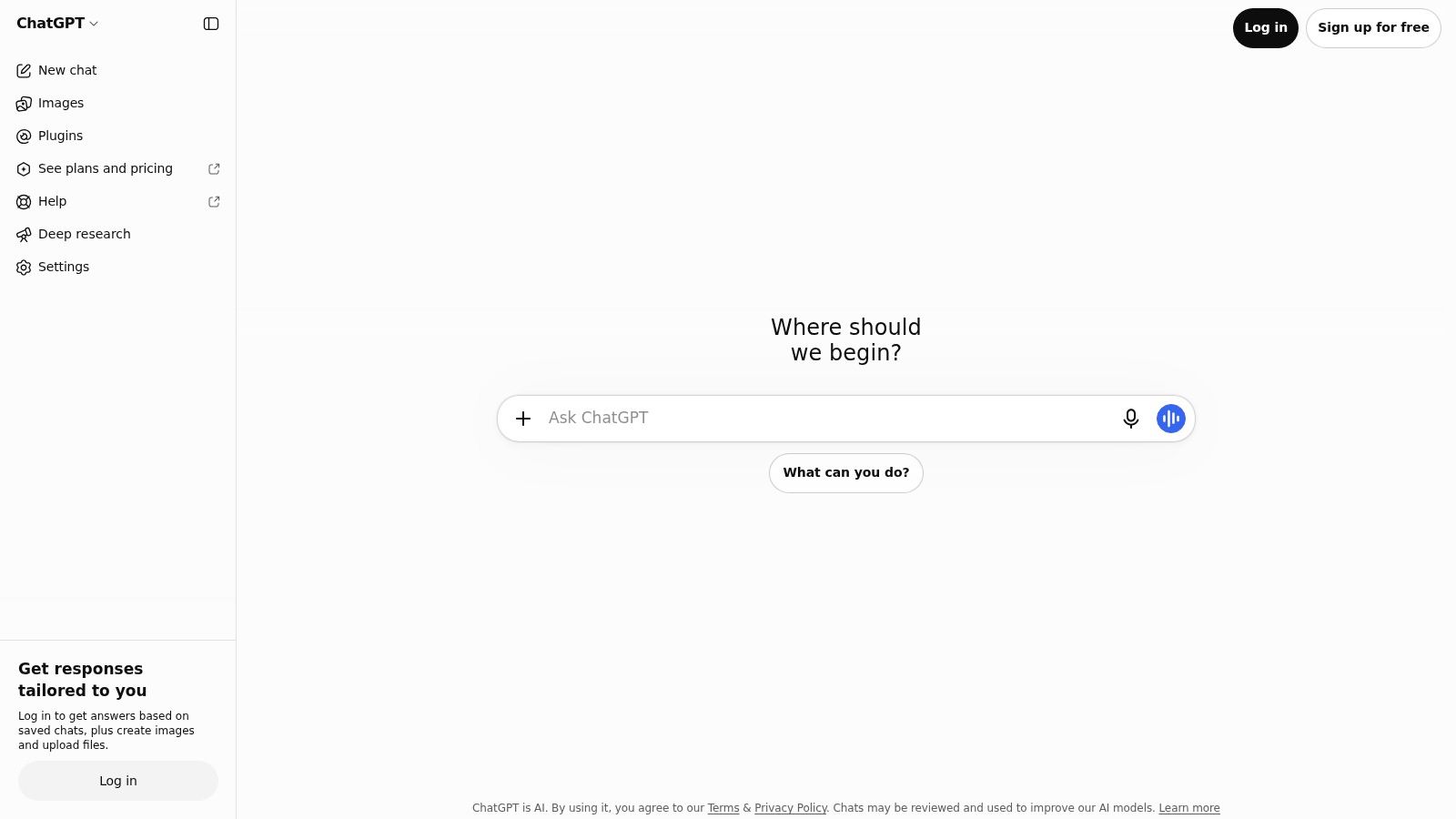
3. ChatGPT Pro
Pro exists because a small group of users hit the ceiling on lower tiers every week. It buys higher usage allowances for ChatGPT and Codex under a personal subscription, and that's the entire pitch.
Who actually needs the headroom
Sustained, higher-intensity work is the use case. Long research sessions, repeated coding-agent runs, days where you'd otherwise be watching a limit reset instead of finishing a task. If the tool is where you spend your working day, the headroom pays for itself in interruptions that don't happen.
The limit isn't price, it's scope. Pro is a personal plan, so it doesn't give you centralized team billing or administration, and it doesn't produce a production endpoint you can call from your own product. Higher usage is also not unlimited usage, and the applicable usage policies still apply to whatever you do with it.
Work out what you're running out of before you upgrade.
- Running out of message volume. Pro helps, and so does moving routine work into a smaller model.
- Running out of admin control. Pro doesn't help at all. You need a team tier.
- Running out of product capability. You're looking at the wrong product. This is an API conversation.
Compare the current allowances at ChatGPT before you commit.
4. ChatGPT Business
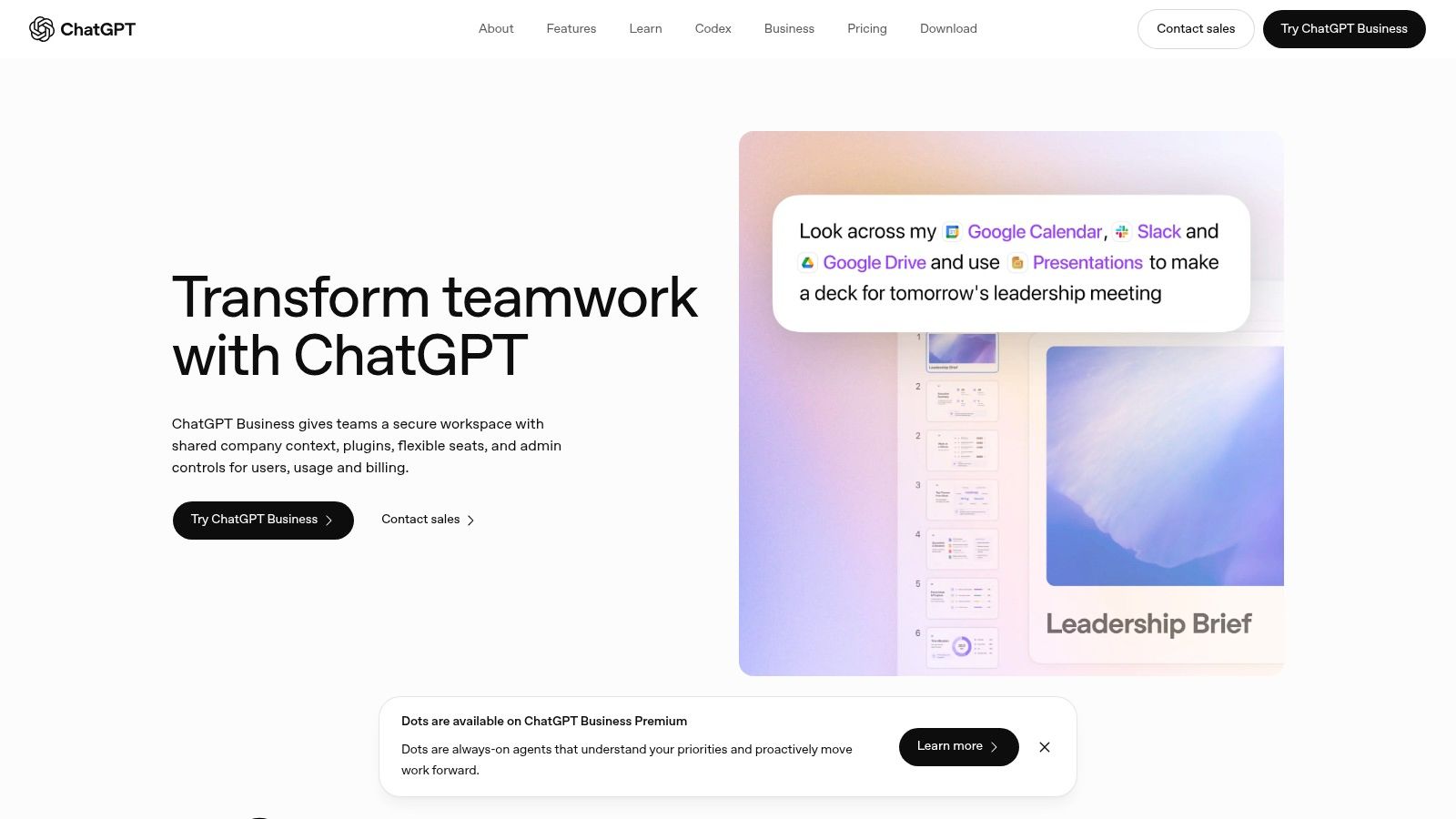
The team plan is the first entry here that changes how a company buys AI rather than how one person uses it. ChatGPT Business gives you a shared workspace with centralized billing, administration and connectors into the tools your team already lives in.
The admin features that justify the upgrade
The controls are the product, not the model access.
- SAML SSO and MFA. Identity stays with your provider, and offboarding happens in one place.
- Usage analytics and spend controls. You can see which teams use the tool and where an allowance is being burned.
- Connectors for Google Workspace, Slack, GitHub and Microsoft 365. The assistant reaches your documents rather than being pasted into them.
- No training on business data by default. That's the sentence your IT lead needs to hear.
Adoption is broad enough that the plan isn't a gamble. OpenAI reports more than 7 million ChatGPT workplace seats in 2025, and in a survey of 9,000 workers at nearly 100 enterprises, 75% said workplace AI improved either the speed or quality of their output, per OpenAI's state of enterprise AI report. Perceived value isn't audited productivity, so measure task-completion time yourself.
The limits are seat minimums and billing terms that can catch very small teams, plus a ceiling on advanced controls that pushes regulated organizations toward Enterprise. API usage stays separate. If you're assembling the surrounding stack, this roundup of AI tools for business covers the adjacent categories.
Terms are listed at ChatGPT Business.
5. ChatGPT Enterprise
Enterprise isn't a bigger Business plan. It's a procurement process with a product attached, and the questions it answers are governance questions rather than feature questions.
Usage inside those contracts runs deep. OpenAI reports that weekly ChatGPT Enterprise message volume grew roughly 8x year over year, use of Projects and Custom GPTs rose 19x year to date, and average organizational reasoning-token consumption climbed about 320x over 12 months, per the 2025 state of enterprise AI report. People aren't only chatting. They're building reusable assistants and running heavier analytical workloads.
The compliance question buyers get wrong
Buyers often ask whether their data trains the model. The harder question is operational control across retention, deletion and regional obligations. OpenAI states that API inputs and outputs may be retained for up to 30 days for abuse monitoring unless a zero-data-retention control or endpoint exception applies, and that business data isn't used for model training by default, as set out on OpenAI's enterprise privacy page. A Data Processing Addendum is available.
"No training" is not the same as "no processing," and it isn't "no retention" either. Ask for the endpoint-by-endpoint data flow before you sign anything.
The commercial limit is the sales process itself. Pricing and contract terms require a conversation, the commitment can be excessive for a small company with plain needs, and none of it removes the work of assessing workflows, data handling and output quality. Role-based controls and data-residency options reduce risk. They don't transfer responsibility to the vendor.
Scope is described at OpenAI for business.
6. ChatGPT Edu
Edu is the plan most commercial teams shouldn't buy, which is exactly why it belongs on a list about buying decisions. It's an institution-managed workspace for universities and campus organizations, covering teaching, learning, research and administrative work.

Built for institutions, not for your startup
Treat Edu as a different buyer with a different contract. The institution usually owns the agreement, the admin console and the rollout, so a single department can't expense a seat the way a founder buys a personal plan. That structure is the point, because a university needs term-by-term provisioning and one place to answer student questions about data handling.
What it isn't is a general SaaS plan for commercial companies. Availability and purchasing terms depend on the institution, and included features and controls have to be confirmed for each agreement. A startup that wants that same shape should be looking at the business tier instead.
Four questions settle a campus rollout before anyone signs.
- Who owns the admin console, and can IT revoke access the same day someone leaves.
- Which features are included in this particular agreement, since catalogues and contracts drift apart.
- What happens at the end of a term, both to accounts and to anything built on top of them.
- Whether research use is covered by the same terms as classroom use, which it often isn't.
Education buyers can review the current terms at ChatGPT for education.
7. ChatGPT for Healthcare
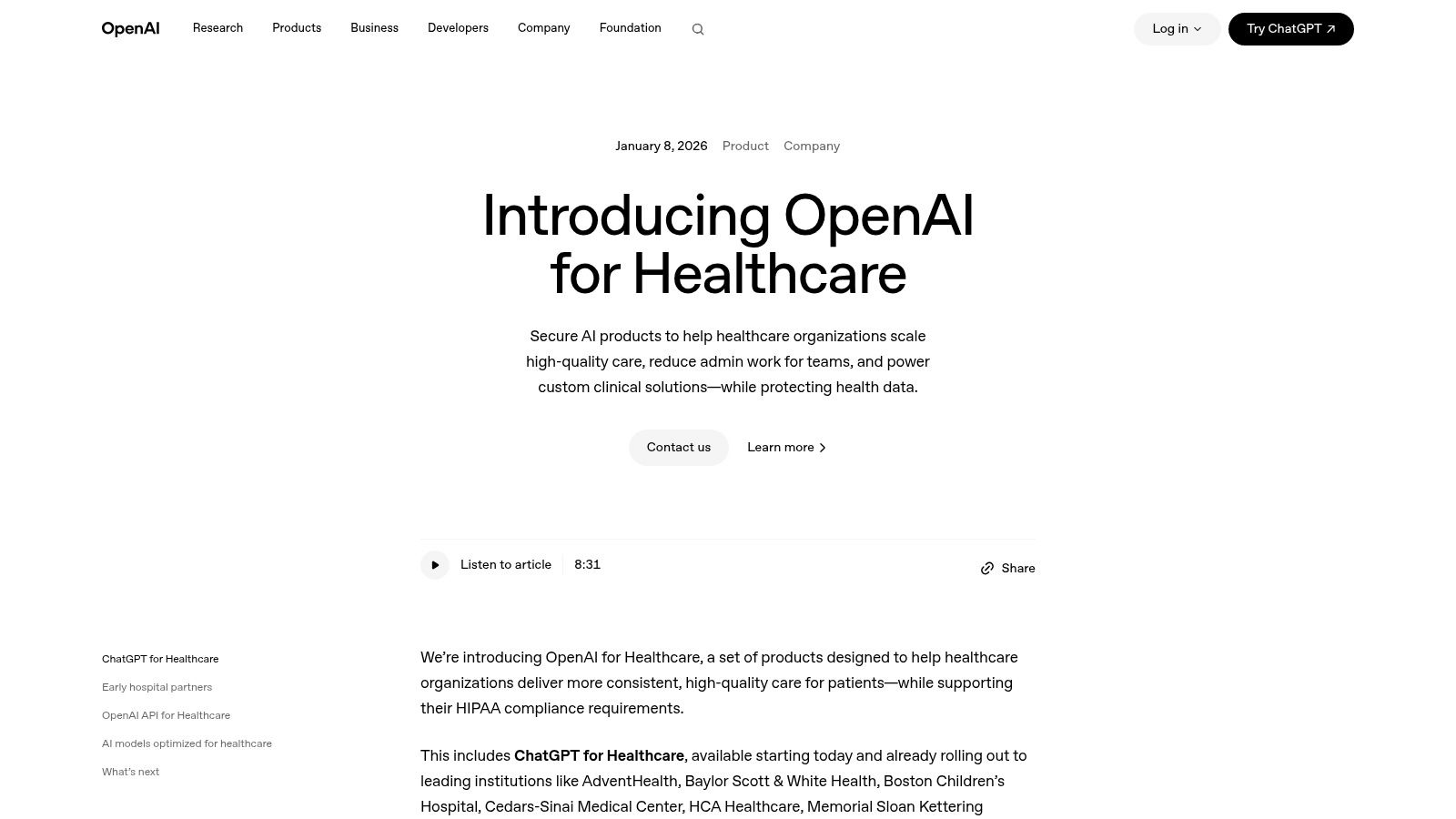
Healthcare is where output that merely looks adequate stops being an acceptable answer. This offering adds clinical answers grounded in medical sources with citations, connections to organizational knowledge systems subject to setup and permissions, reusable templates for documentation and patient communications, and enterprise controls including role-based access, SSO and audit logs.
The controls that matter after go-live
Certifications answer a narrow question well. OpenAI describes independent SOC 2 Type 2 examinations for its API and business services, ISO/IEC 27001 and ISO/IEC 27701 certifications, and an ISO/IEC 42001 certification for AI management, per OpenAI's security and privacy page. Those confirm formal controls exist. They don't tell you what happens when a model update changes an answer a clinician relied on last month.
That is the limitation. Citations let a reviewer check the evidence, but the product isn't a substitute for clinical judgment, HIPAA coverage doesn't automatically apply to every feature or use, and access runs through an organizational sales process. A Business Associate Agreement covers a use rather than a product, so confirm in writing which features your agreement reaches.
Three things to build before rollout.
- An evaluation set of real questions with known correct answers, rerun after every model change.
- A version pin where the platform allows one, so clinical workflows don't shift underneath you.
- A human review step before anything patient-facing leaves the building.
Start at OpenAI for healthcare.
8. ChatGPT for Financial Services
This one is a research and work aid for eligible financial institutions, not a general plan and not investment advice. It combines ChatGPT with selected financial data from providers including PitchBook, Crunchbase, Daloopa and LSEG News, plus tools for financial analysis and document workflows.
Where the citations help and where they stop
Source references that link a claim to an underlying table or passage are the feature worth paying for. They shorten the distance between a plausible number and a checkable one, which is most of the review work in a deal document.
The citations don't do the interpretation. Data coverage, access rights and update schedules vary by source, so the same question can return a different answer depending on which provider a figure came from. Outputs can be incomplete, delayed or inaccurate, and the analyst is still accountable for what reaches a client.
If your compliance team can't name the source of a figure in one sentence, the workflow isn't ready for a client deliverable.
Access is limited to eligible organizations, which rules it out for individual investors and most startups. A product team building its own financial tool should be on the API instead, where it controls the data pipeline and the review step.
Eligibility and current scope are set out at ChatGPT for financial services.
9. OpenAI API Platform
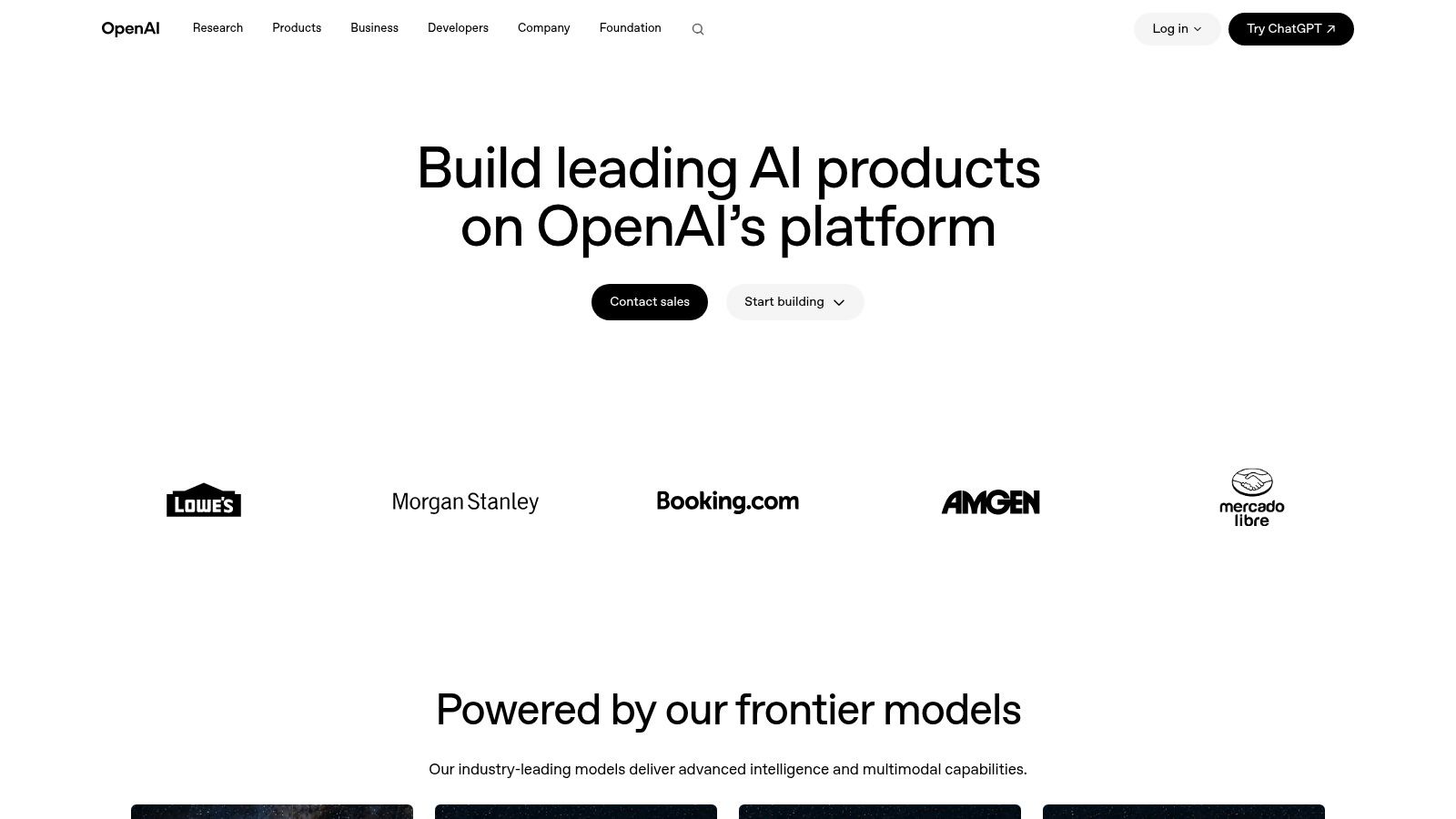
The API is the only entry here that changes your product rather than your team's workflow. You embed models and tools into your own application, whether that's a customer-facing feature, an internal automation or an agent workflow, and you pay for consumption instead of seats.
Why the developer channel is bigger than it looks
The API launched in 2020, and the ecosystem around it now sits at roughly 4 million developers, with the API processing more than 6 billion tokens per minute in 2025, per this OpenAI global affairs analysis. That's a second distribution channel. Seats monetize employees, usage monetizes builders.
Design rule: set a per-tenant spend cap and a hard retry budget before launch, not after the first invoice.
The limit is everything the meter doesn't show. You own the engineering, the monitoring, the evaluation harness and the safeguards, and variable usage can turn a healthy margin into a surprise. Model and tool charges vary separately, so a feature that adds web search or file search costs more than the token line implies.
Picking the model is a separate decision from picking the platform. This comparison of ChatGPT models covers the capability, latency and price trade-offs. When your feature needs live pages rather than training data, a web data API closes the gap between the model's knowledge cutoff and the current web.
Endpoints and published pricing are listed at OpenAI API.
10. Codex
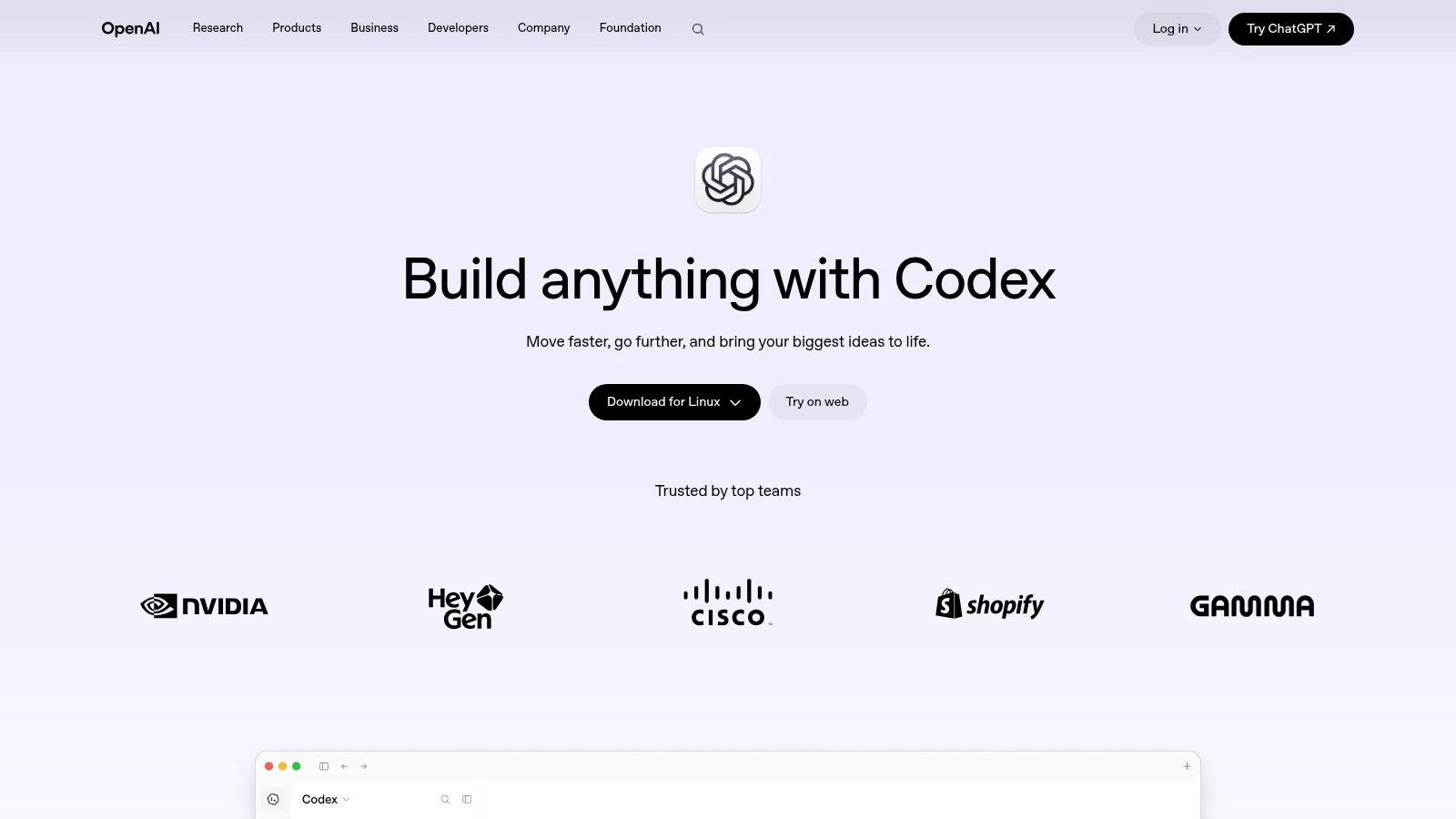
Say a two-person team inherits a service with no tests and a release date on Friday. That's the situation Codex is built for: an agent that writes, reviews and helps ship code, available through supported ChatGPT plans with usage limits that vary by plan.
Where a coding agent earns its keep
The tasks that pay off are unglamorous.
- Reading an unfamiliar codebase. Ask what a module does and where its side effects land.
- Drafting the first version of tests. You review and correct, which is faster than a blank file.
- Mechanical refactors. The same rename or interface change across forty files.
- Pull request review. Checking a diff against the conventions already in the repo.
The limits are real. Generated code needs human review and testing, usage limits vary by plan and task, and cloud features aren't available on every plan or account. Connected tools appear on some plans and not others, so confirm eligibility before you design a workflow around them.
Then decide where the agent sits in your process. An agent that opens pull requests for a human to approve behaves very differently from one that commits directly, and the second version is how teams get burned in week two. Usage limits also change the economics of a long refactor, because an agent that stalls halfway leaves you reconciling a half-finished branch.
If you're weighing alternatives across the category, this AI coding assistant comparison covers where each one fits.
Start at Codex.
OpenAI products at a glance
| Item | Best for | Pricing model | Team administration | Main limitation |
|---|---|---|---|---|
| ChatGPT Free | Individuals trying everyday AI tasks | Free | No centralized team administration | Restricted usage and features |
| ChatGPT Plus | Individuals who use ChatGPT regularly | Paid individual subscription | Personal account, not team-managed | Usage limits apply; API access costs extra |
| ChatGPT Pro | Individuals with intensive ChatGPT and Codex use | Higher-cost individual subscription | No centralized team administration | Not unlimited; no team billing controls |
| ChatGPT Business | Teams needing a shared ChatGPT workspace | Per-user monthly or annual subscription | Centralized billing, administration, and controls | API usage is separate; minimum-seat terms may apply |
| ChatGPT Enterprise | Large organizations needing advanced controls and support | Custom, sales-led pricing | Enterprise user management and governance | Requires a sales engagement |
| ChatGPT Edu | Educational institutions | Institution-specific terms | Institution-level workspace administration | Availability and features depend on the agreement |
| ChatGPT for Healthcare | Healthcare organizations and clinical teams | Sales-led organizational pricing | Enterprise access controls, SSO, and audit logs | Not a substitute for clinical judgment; coverage varies by use |
| ChatGPT for Financial Services | Eligible financial institutions | Organization-specific pricing | Enterprise access management | Limited eligibility and data coverage |
| OpenAI API Platform | Teams building AI into products or workflows | Usage-based pricing | Enterprise administration options available | Requires engineering and usage-cost monitoring |
| Codex | Developers working on coding tasks | Available through eligible ChatGPT plans | Depends on the associated plan or workspace | Usage limits and cloud availability vary |
Choosing Your First OpenAI Product Without Overbuying
Start with who will use the tool, not with which model scores highest. If the answer is one person learning what AI is good for, a personal plan is enough, and the cheapest mistake available is buying administration nobody opens.
If the answer is a team that needs shared billing and admin controls, go to a business tier and read the limits before rollout. Seat minimums, billing terms and usage allowances decide fit better than any feature comparison. Watch two people who use it daily and see where they hit a wall.
- One person, exploratory use. A personal plan, monthly, for at least four weeks before you commit annually.
- A team of five or more with an IT owner. The business tier, with SSO and spend controls switched on from day one.
- A product feature your customers touch. The API, with a per-tenant cap, an evaluation set and a fallback model planned before launch.
- A regulated workflow. Enterprise or a vertical offering, plus a written data-flow map and a named human reviewer.
If the answer is a feature your customers will use, plan for the API from the start, with budgets for usage, evaluation and safeguards. The recurring cost isn't the model call. It's the review step, the retries and the engineer who owns output quality. Teams that skip the evaluation harness spend the difference on support tickets and apology emails.
The right plan is the smallest one that removes the constraint you actually have. Everything above that is insurance you may not need yet.
Two failure patterns are common. The first is buying Enterprise to solve a prompt problem, which is a training issue wearing a procurement costume. The second is buying personal plans for a team and discovering six months later that nobody owns the billing, the data settings or the offboarding list. Both are purchasing mistakes, not model mistakes.
Whichever path you take, write down what success looks like as a number you can measure, such as tasks completed per week or review minutes per output, and revisit it at renewal. Once your AI feature is live, a launch on SubmitMySaas can put it in front of people already looking for new SaaS tools, though it doesn't replace testing and support on your own side.
SubmitMySaas is built for exactly the moment when your OpenAI-powered product is ready to be seen, with daily launches, weekly Top Projects rankings and a SaaS category that lists 268 projects for readers to work through. If you've built something on top of the OpenAI platform, submit it and let an audience compare it against the alternatives on the same shelf. Visit SubmitMySaas to pick a launch date and see what shipped this week.