10 Lean Startup Tools for Validating Ideas and MVPs
Compare 10 Lean Startup Tools for idea validation, MVP prototyping, user testing, analytics, experiments, and feedback, with use cases and honest limitations.
You've spent months building what looks like a promising product. The interface is polished, the backlog is full, and the team has shipped features. Then customer conversations reveal that the original problem was too narrow, the buyer is different, or nobody wants the offer at its planned price. The failure wasn't a lack of effort. It was a disconnected learning process. Interviews lived in one place, the prototype in another, and measurement arrived too late to influence the next decision.
The best lean startup tools don't eliminate that risk by themselves. They connect one learning step to the next, from problem discovery and offer testing to prototyping, behavioral measurement, experimentation, and feedback management. No single product covers the whole build, measure, learn cycle well, so the practical choice is a small stack where every tool has a clear job and a defined stopping point.
Lean startup emerged from Steve Blank's customer-development work and was formally proposed by Eric Ries in 2008. Blank's framework emphasized customer discovery, validation, creation, and company building, while Ries popularized the minimum viable product and build, measure, learn cycle. The method focuses on replacing assumptions with evidence gathered through short experiments, not releasing software quickly (historical overview of the Lean Startup).
1. LEANSTACK
LEANSTACK is the strongest starting point when your biggest problem is not execution, but unclear assumptions. Ash Maurya's platform is built around the Lean Canvas and the questions founders need to answer before a roadmap becomes expensive. It supports problem and solution interviews, experiment design, traction tracking, and AI-assisted planning through LEANSpark.
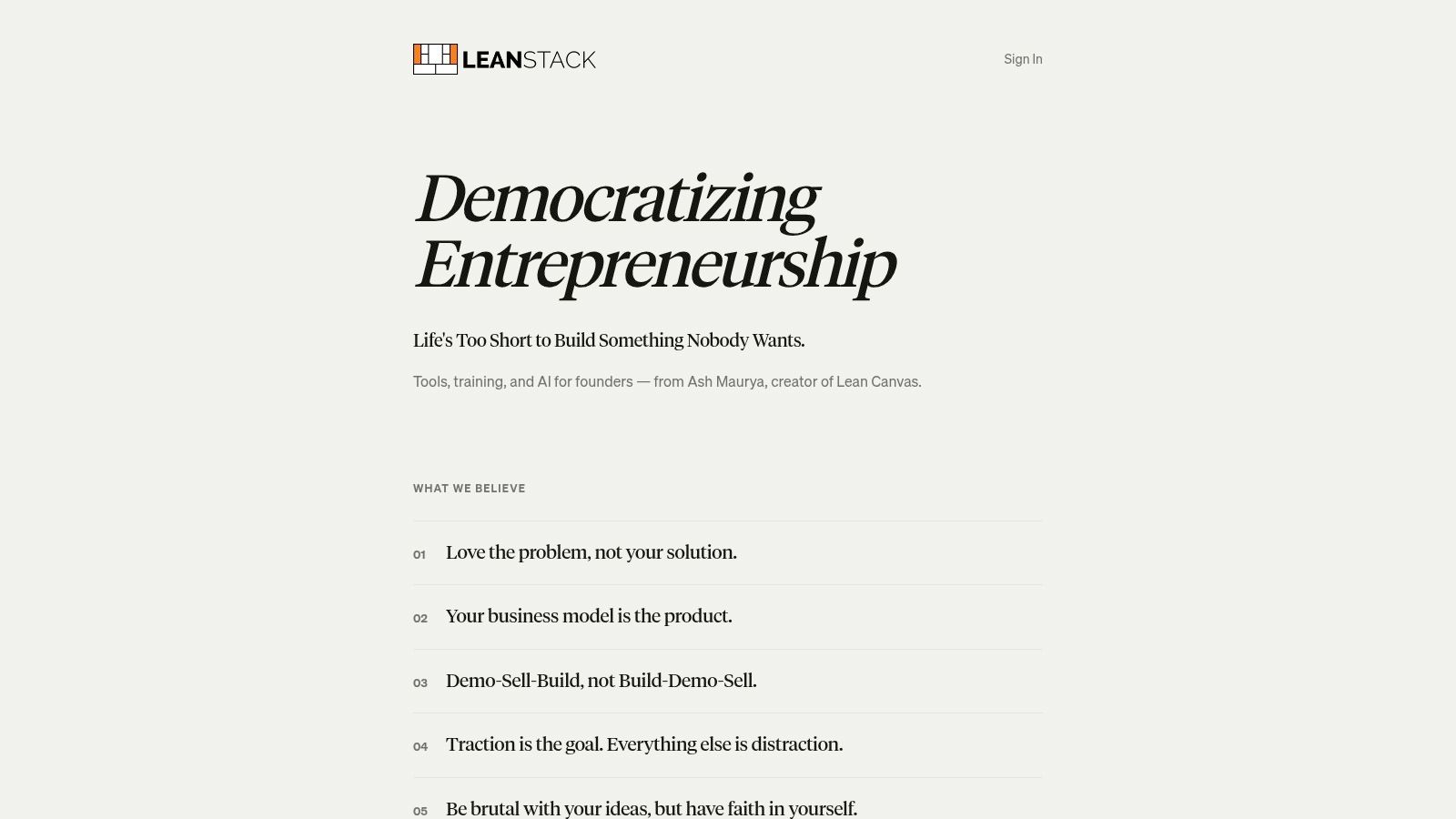
The useful distinction is that LEANSTACK treats a canvas as a living decision record rather than a presentation artifact. You can capture the customer segment, problem, proposed solution, channels, revenue assumptions, and unfair advantage, then connect those assumptions to interviews or experiments. The templates and guidance draw on Running Lean and Scaling Lean, which helps teams avoid replacing a disciplined framework with a collection of disconnected worksheets.
Where LEANSTACK stops helping
LEANSTACK is excellent for hypothesis capture and learning milestones, but it isn't a general product-management system. It won't replace Linear, Jira, GitHub Projects, or a delivery workflow once engineering work becomes complex. LEANSpark's public pricing also isn't prominently listed, so teams should confirm the commercial model before making it central to their process.
Use it before building a prototype, then pair it with Carrd or Figma for the test itself. The key setup habit is to write a falsifiable assumption in every canvas block. “Small businesses need this” is too vague. “A defined buyer will commit to a specific workflow or payment action” gives the team something it can test.
Practical rule: Don't update the canvas to make the idea look healthier. Update it because customer evidence changed your belief.
2. Carrd
Carrd earns its place when you need to test an offer before developing a product. It creates simple, responsive one-page sites quickly, which makes it useful for smoke tests, waitlists, concierge-service offers, preorder pages, and narrow landing-page experiments.
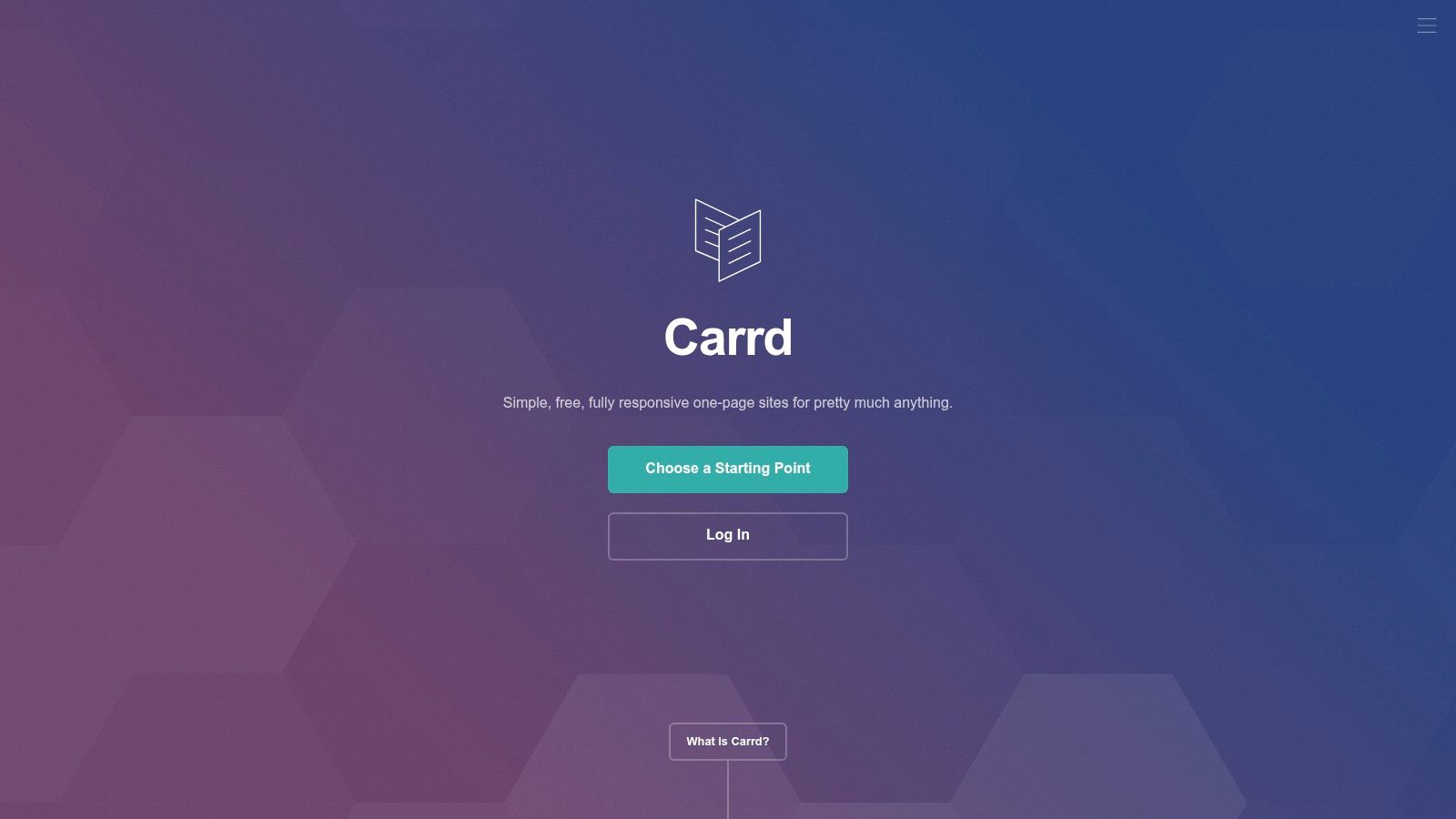
The tool's constraint is also its advantage. You're forced to express one audience, one problem, one promise, and one action without hiding weak positioning behind a large website. Custom domains, forms, payment embeds, and integrations with services such as Stripe, PayPal, Gumroad, Typeform, and analytics platforms make it practical for early demand tests. If you're comparing page structures or looking for implementation ideas, this guide to Carrd landing pages is a useful companion.
What Carrd can and can't validate
Carrd can validate whether a message earns attention or an offer generates a meaningful action. It can't prove that users will retain the product, complete a recurring workflow, or pay after experiencing the full service. A click or email address is a signal, not proof of a painful problem or durable demand.
Native A/B testing is limited, so serious comparisons require an external experimentation or analytics layer. That's acceptable at the smoke-test stage. Don't add complex tracking before you know which audience and promise deserve further investigation. Publish one focused page, define the action that would change your decision, and connect submissions to a real follow-up process.
The fastest landing page is useless if nobody has agreed what result would justify building.
3. Stripe Payment Links
A waitlist can tell you that people like an idea. Stripe Payment Links can test whether they'll take a commercial action. The service creates hosted checkout pages for one-time purchases and subscriptions without requiring you to build a payment backend, making it one of the clearest tools for testing willingness to pay.
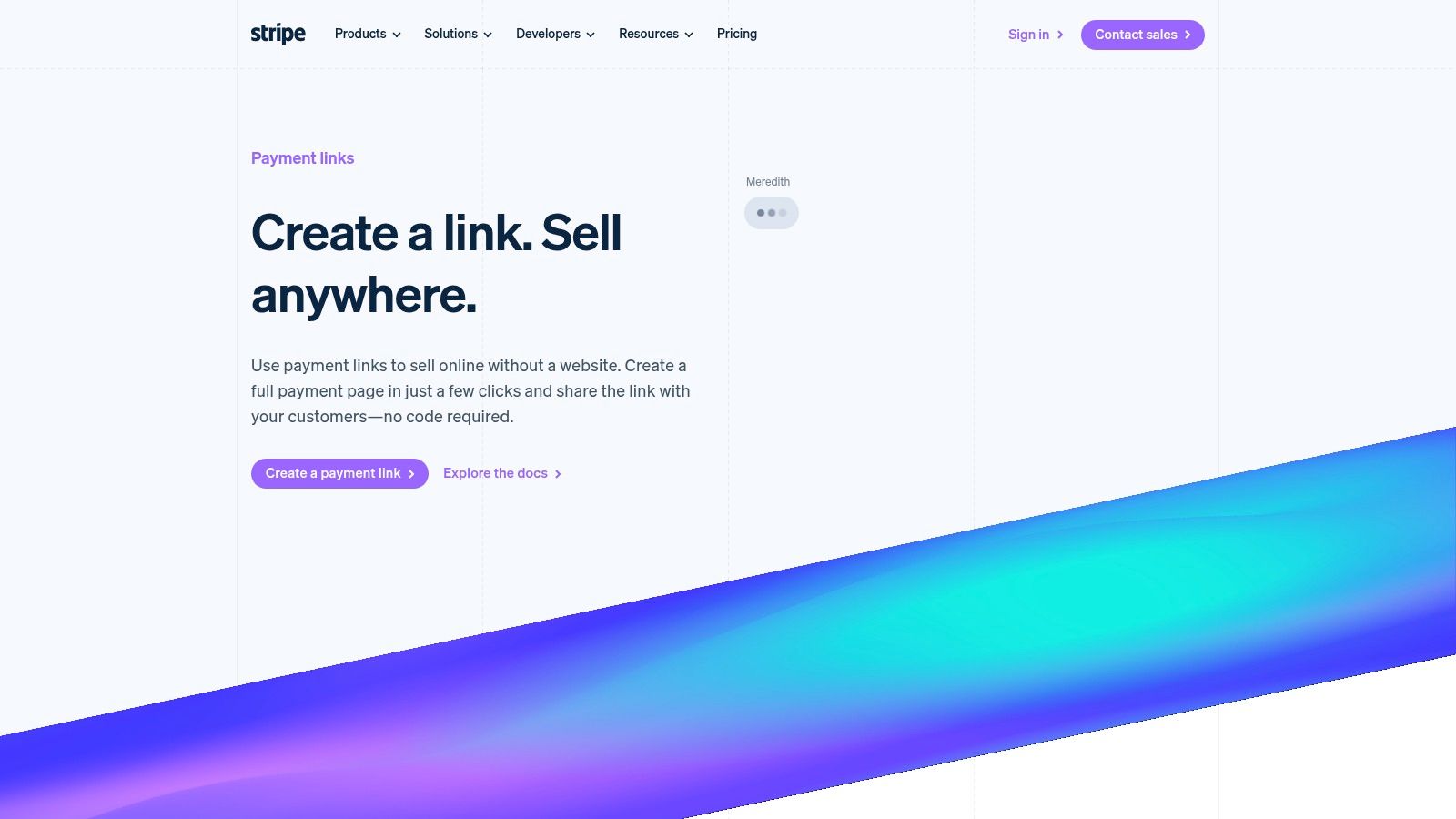
You can share a payment URL from a Carrd page, email, direct message, or sales conversation. Payment Links support multiple payment methods, subscriptions, promo codes, adjustable pricing options, and optional custom domains for hosted pages. That gives a founder a clean way to compare a free pilot, paid pilot, monthly plan, or one-time implementation offer without first building account management and billing infrastructure.
Use payment intent carefully
A completed payment is stronger evidence than a click, but it still doesn't explain why someone bought or whether they'll stay. Interview the buyer after the transaction, record the job they expected to complete, and track whether you can deliver the promised outcome manually. A failed checkout can also reflect trust, copy, payment friction, or an unsuitable audience, so don't automatically interpret it as product rejection.
Stripe's standard transaction fees apply, and advanced requirements may create additional costs. Page customization is also narrower than a full website builder. For a broader view of payment infrastructure, compare it with payment processing software, and review merchant account dispute alerts before transaction volume makes disputes operationally painful.
The right pairing is simple: Carrd tests the message, Stripe tests the transaction, and a customer interview explains the result.
4. Typeform
Typeform is most useful before you need a large research system. Its conversational, one-question-at-a-time interface works well for customer screeners, jobs-to-be-done questionnaires, pricing conversations, onboarding diagnostics, and short surveys embedded into an early landing page.
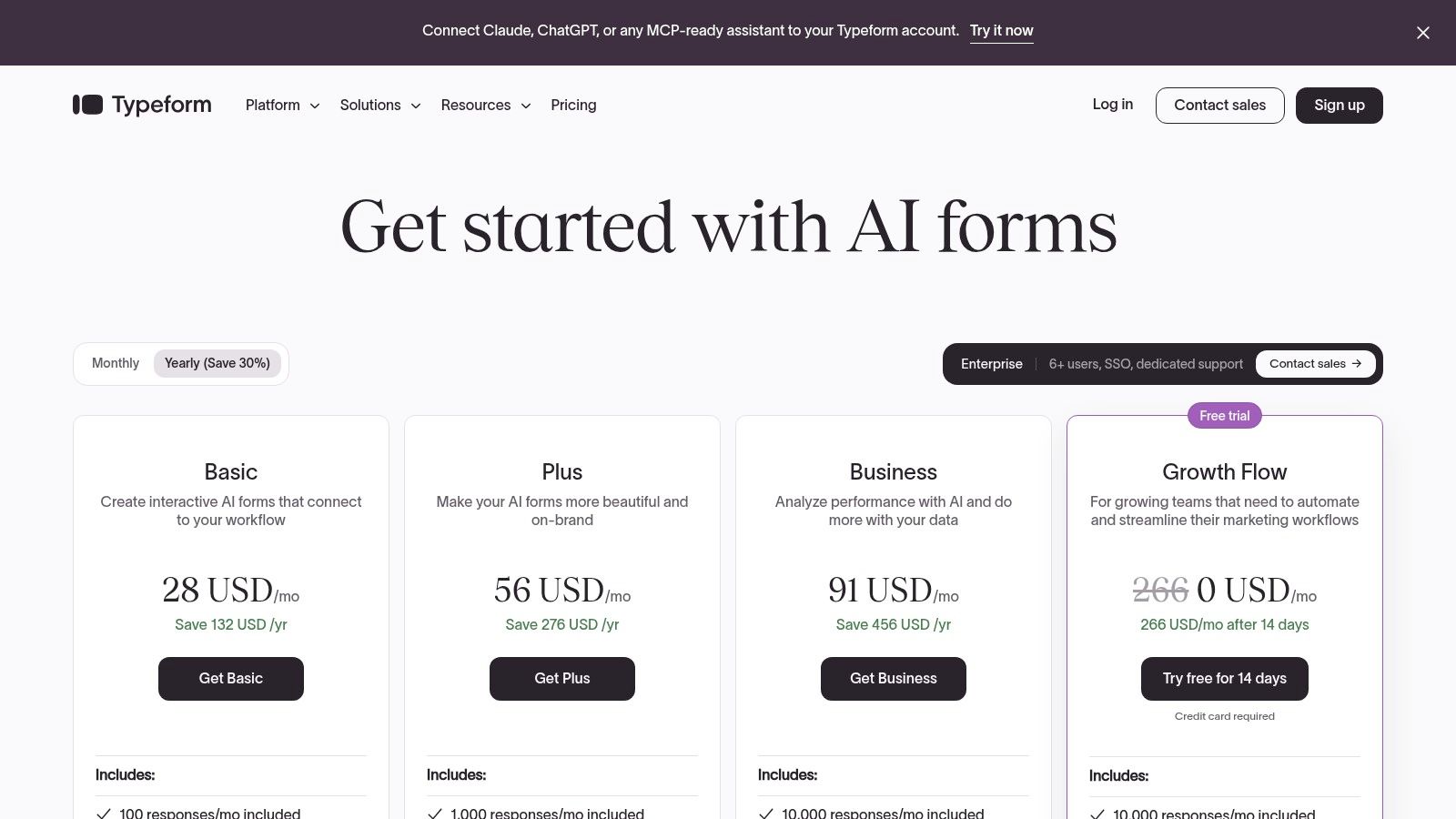
Logic jumps let you route respondents based on their role, current workflow, or previous experience. Calculator fields can make a question more concrete, while research templates support interviews and NPS-style collection. The Stripe and PayPal options on eligible plans also let a form move from qualification to a simple transaction without forcing respondents through a separate flow.
Don't confuse completion with insight
Typeform's polished experience can encourage more people to finish a questionnaire, but good design doesn't fix a bad research question. Avoid asking respondents whether they “like” your concept. Ask what they do today, what triggers the problem, what they've already tried, and what consequence follows when the problem remains unsolved.
Response caps and plan limits can become expensive for high-volume testing. Typeform also doesn't recruit a representative participant pool, so you'll need your own audience, customer list, community, or recruiting service. The best form builder software comparison can help when your requirements move beyond conversational research.
Pair Typeform with LEANSTACK. Store the assumption in the canvas, use the form to qualify or structure conversations, and record the decision that follows. The tool is valuable when it improves the quality of a conversation, not when it produces a larger spreadsheet.
5. Figma
Figma is the practical choice when the question has moved from “Does this problem matter?” to “Can the user understand and complete this proposed workflow?” A clickable prototype lets you test navigation, language, information hierarchy, and the sequence of actions before engineering turns a weak concept into a costly system.
Figma combines interface design, prototyping, collaboration, and developer handoff. FigJam supports quick ideation and story mapping, while plugins, embeds, and AI features extend the workspace. Sharing is straightforward for stakeholders and research participants, which reduces the friction between a design review and a usability session.
Prototype the riskiest behavior
A Figma prototype shouldn't reproduce the entire application. Build only the path that tests the riskiest assumption. If onboarding is uncertain, prototype account creation and the first successful outcome. If the offer depends on reporting, prototype the report and ask a participant to find the decision it supports.
The prototype can reveal confusion, but it can't validate performance, data accuracy, integrations, security, or long-term retention. Participants may also be polite when a founder is present. That's why Figma works best with Maze for task-based testing and Typeform for pre-session qualification. Teams should also account for seat-based pricing and the fact that some AI capabilities use metered credits.
For a focused comparison of design workflows, see Figma versus Adobe XD. Keep the prototype disposable. If the result changes the problem framing, rebuilding a few screens is cheaper than preserving a design that has already failed its test. You can also review this Figma ad creative workflow when the experiment depends on testing acquisition messages alongside product flows.
6. Maze
Maze turns a Figma prototype or live product into a structured, remote research test. It supports prototype tasks, card sorting, five-second tests, surveys, heatmaps, paths, completion reporting, and participant recruitment. That makes it a useful bridge between a clickable concept and a moderated interview program.
The strongest use case is a narrow task with a clear expected outcome. Ask users to locate a setting, choose a plan, explain what they think a dashboard means, or complete the first step of a workflow. Maze can show where people abandon the path or take an unexpected route, which gives the team something more actionable than a general opinion.
Choose the right research question
Maze is not a replacement for discovery interviews. Unmoderated testing can show that participants struggled, but it usually won't uncover the full context behind their behavior. Use it after interviews have identified a concrete workflow, then use moderated conversations to explain surprising results.
Participant-panel recruiting creates variable costs, and the platform is best suited to task-based UX. Teams should define the decision before launching the study. If the outcome is “participants eventually complete the task,” the test may hide serious confusion. A better threshold might involve finding the right feature, understanding the value proposition, or choosing the intended next action without assistance.
The practical pairing is Figma for the artifact, Maze for the task test, and Typeform or live interviews for context. This separation prevents teams from treating a usability score as proof that the business model works. For a deeper research process, follow this guide to conduct usability testing.
7. Hotjar
Hotjar answers a different question from Maze. Instead of asking a recruited participant to complete a designed task, it helps you inspect what real visitors and early users do on a landing page or MVP. Heatmaps, session recordings, on-page surveys, and feedback widgets expose friction that planned tests may miss.
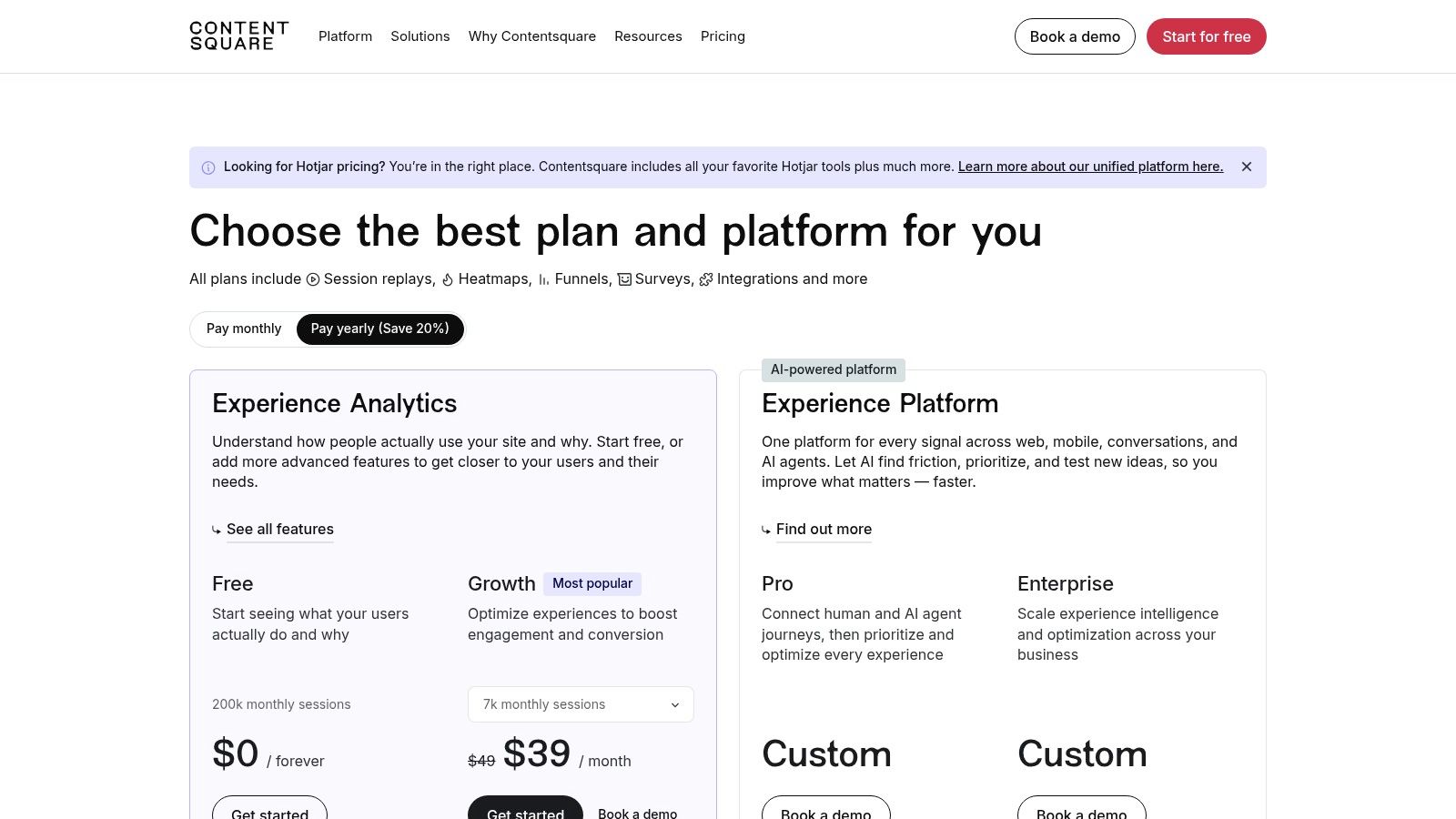
Setup is relatively light, which matters when a founder needs an answer before investing in a full analytics implementation. You might discover that visitors repeatedly click a non-interactive element, stop before a key explanation, or reach a form but abandon it after an unclear question. On-page surveys can then ask what prevented the next action while the experience is still fresh.
Use recordings as evidence, not entertainment
Session replay encourages teams to watch interesting sessions instead of testing a defined assumption. Start with a question, such as whether visitors understand the difference between two plans or whether mobile users can find the primary action. Then segment recordings and compare the behavior against a meaningful outcome.
Hotjar has data caps and retention limits that vary by plan. It also isn't a complete product analytics system. Pair it with Google Analytics, Segment, or a dedicated product analytics platform when you need event definitions, cohorts, retention, or revenue analysis. Integrations can enrich filtering, but they don't replace a measurement plan.
Hotjar is particularly useful after Carrd or Figma has produced a real page or prototype audience. It tells you where the experience breaks. It doesn't tell you whether the underlying problem deserves a company, so keep customer conversations close to the evidence.
8. Canny
Canny becomes valuable when early adopters start requesting different products from the same roadmap. It centralizes feature requests, voting, public roadmaps, status updates, and release notes so the team can see recurring demand and close the loop with people who contributed it.
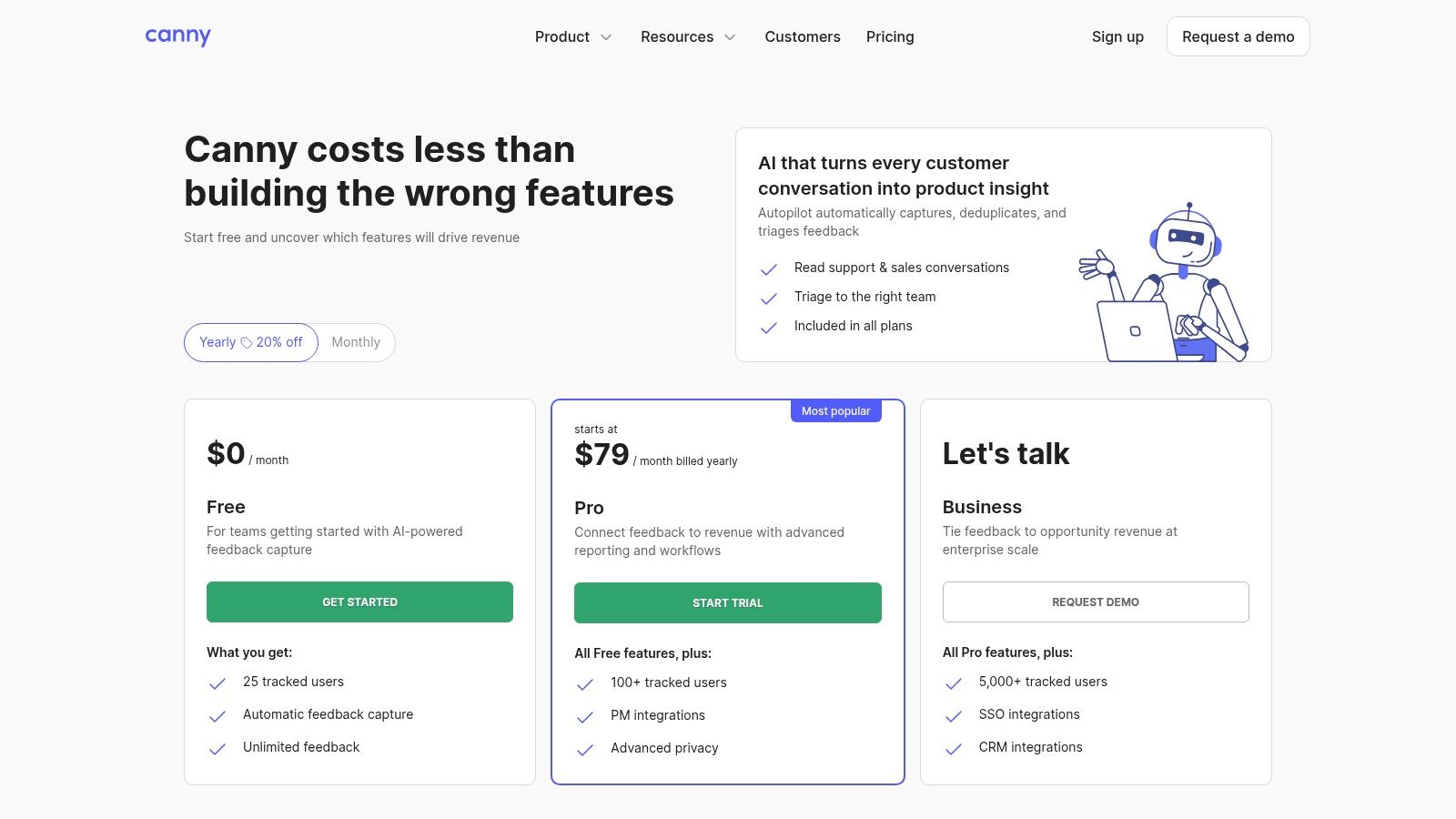
The important benefit is not the voting board itself. It's the ability to deduplicate requests, connect a request to customer context, and communicate what happened after the team made a decision. Integrations with tools such as HubSpot and Intercom can add account information, while revenue-aware prioritization helps separate loud interest from strategically valuable demand.
Votes are not a product strategy
A public vote measures expressed interest inside your user base. It doesn't measure urgency, willingness to pay, implementation cost, retention impact, or whether the request comes from your intended segment. A founder who builds the most popular request can still move away from the original problem or serve a customer group that won't sustain the business.
Use Canny after interviews and usage data have revealed a pattern. Tag requests by customer segment, problem, current workaround, and commercial importance. Ask the requester what outcome they need rather than copying their proposed feature into the backlog.
Pricing scales with tracked users, and free-plan limits may become restrictive during a larger beta. Canny also isn't a research tool, so it complements interviews and analytics rather than replacing them. Its best role is to preserve the decision history and make sure early adopters hear why the team continued, revised, or declined a request.
9. PostHog
PostHog is a strong fit when a lean team wants product analytics, session replay, feature flags, surveys, and experiments in a connected environment. Instead of stitching separate tools together immediately, you can define events, inspect funnels and cohorts, study retention, review sessions, and control feature exposure from one platform.
That breadth reduces integration overhead, but only if the event model is designed before implementation. Define the activation event, the first value event, the return behavior, and the account or cohort attributes that matter. Otherwise, the team will collect a large stream of events and still argue about what happened.
Connect metrics to decisions
PostHog is useful once real users are arriving and the team needs to distinguish acquisition from activation, and activation from retention. Its feature flags support controlled rollouts, while experiments can connect a product change to a defined outcome. The platform's metered pricing and strong free offering can help lean teams control spending, but usage needs monitoring as traffic and replay volume grow.
The trade-off is depth. Specialist analytics products may offer more advanced analysis for mature data teams, while self-hosting provides greater control but adds operational work. Do not self-host because it sounds lean. Choose it when data control and infrastructure capacity justify the responsibility.
Academic research on startup A/B testing found that firms using tests saw approximately a 10% increase in page visits during the first months after adoption, with improvements ranging from 30% to 100% after one year in that study sample (Harvard Business School research on startup A/B testing). Those results support connecting analytics and experimentation, but they aren't a promise that every product change will produce commercial success.
10. GrowthBook
GrowthBook is the specialist option for teams that want experimentation and feature flags without committing their entire analytics stack to one vendor. It supports A/B testing with multiple metrics and guardrails, controlled rollouts, cloud deployment, open-source self-hosting, and warehouse-connected workflows.
The product makes sense when engineers already own event pipelines or when the team wants to keep experiment analysis close to its warehouse. Vendor-neutral deployment also reduces lock-in. A startup can layer GrowthBook onto PostHog, Segment, or another analytics system instead of replacing working instrumentation.
The cost is implementation discipline
GrowthBook isn't a no-code experiment button. Engineers need to implement SDKs, expose flags safely, send reliable events, and identify users or accounts consistently. Without that foundation, the dashboard can make an underpowered test look scientific.
Before launch, define the primary metric, guardrails, exposure rules, relevant cohorts, test duration, and stopping logic. Guardrails matter because a change that improves activation can damage retention, support load, or revenue quality. Don't stop a test because the first users look encouraging, and don't keep it running indefinitely because the result is inconvenient.
The platform offers a startup-friendly entry point and transparent pricing, but the true cost is the engineering time required to make the experiment trustworthy. Pair GrowthBook with PostHog or another product analytics tool for behavioral context. Use it when a meaningful volume of users has arrived and the decision is important enough to justify controlled exposure.
A study of 250 innovation teams in a cleantech accelerator found that teams testing venture hypotheses performed almost three times better in a pitch competition than teams that didn't test hypotheses (evidence on hypothesis testing and startup performance). That finding comes from one accelerator context and uses pitch performance as a proxy, so it supports experimentation as a risk-reduction practice, not a guarantee of commercial success.
Top 10 Lean Startup Tools Comparison
| Product | Core focus | UX / Quality (★) | Price / Value (💰) | Target audience (👥) | Key differentiator (✨/🏆) |
|---|---|---|---|---|---|
| LEANSTACK | Lean Canvas, validation workflows, experiment design | ★★★★☆, methodology-first | 💰 Subscription; LEANSpark pricing by quote | 👥 Founders, early PMs, hypothesis-driven teams | ✨ Canonical Lean Canvas + AI-assisted LEANSpark |
| Carrd | One-page landing sites, payment embeds for smoke tests | ★★★★☆, ultra-fast publish | 💰 Very low-cost Pro (~<$20/yr) | 👥 Makers, solo founders, demand-testers | 🏆 Speed to publish & lightweight payment support |
| Stripe Payment Links | Hosted checkout for one‑time & subscriptions | ★★★★☆, enterprise-grade checkout | 💰 Transaction fees apply; optional domain fee | 👥 Founders validating willingness-to-pay | 🏆 Fastest path to real revenue signals |
| Typeform | Conversational surveys, screeners, logic jumps | ★★★★☆, high completion rates | 💰 Freemium → paid tiers; can be pricey at scale | 👥 Researchers, PMs, growth teams | ✨ One-question-at-a-time UI + embed-friendly |
| Figma | Design, clickable prototypes, FigJam & dev handoff | ★★★★★, industry standard | 💰 Seat-based plans; free tier for starters | 👥 Designers, product teams, stakeholders | 🏆 All-in-one design → prototype → handoff workflow |
| Maze | Unmoderated usability testing + automated reports | ★★★★☆, fast insights from prototypes | 💰 Freemium; panel recruiting costs per response | 👥 UX researchers, PMs testing prototypes | ✨ Built-in panel + heatmaps & automated reports |
| Hotjar | Heatmaps, session recordings, on-page surveys | ★★★★☆, quick behavioral insights | 💰 Freemium; data caps & retention vary by plan | 👥 Product teams, growth, CRO specialists | ✨ Low-effort behavior analytics & feedback widgets |
| Canny | Feedback boards, voting, roadmaps & release notes | ★★★★☆, clear demand signals | 💰 Tiered pricing; scales with tracked users | 👥 Product teams, community managers, early adopters | 🏆 Revenue-aware prioritization + public roadmaps |
| PostHog | Event analytics, session replay, feature flags & experiments | ★★★★☆, powerful & flexible | 💰 Strong free tier; usage-based; self-host option | 👥 Engineering-led teams, privacy-conscious orgs | ✨ All-in-one analytics + optional self-hosting |
| GrowthBook | Stats-sound experimentation & feature flagging | ★★★★☆, developer-friendly experiments | 💰 Free Starter; transparent paid tiers | 👥 Engineers, data teams, experimentation leads | 🏆 Open, vendor-agnostic A/B testing + warehouse-native options |
Build Your Stack One Experiment at a Time
The right stack grows with the question, not with the size of your ambition. Start with a hypothesis record in LEANSTACK, then use Typeform and customer conversations to examine the problem. If the problem survives contact with users, publish a focused Carrd page and connect Stripe Payment Links when you need evidence that buyers will take a commercial action.
Only then should you invest in a richer prototype. Figma is enough to test a critical workflow, while Maze can show whether people understand and complete that workflow without an employee guiding them. When real visitors arrive, Hotjar reveals friction in the live experience. PostHog becomes more valuable when you need event-based analysis, cohorts, retention, feature flags, and a connected view of product behavior.
Canny belongs later than most founders think. A feedback board is useful once you have enough users to generate recurring requests, but it shouldn't become a substitute for discovery. Likewise, GrowthBook is powerful when you have reliable instrumentation and an experiment worth running. Before that point, adding an experimentation platform can create the appearance of rigor without enough evidence to support a sound decision.
The research supports that staged approach. A survey of 1,526 software startups classified 229 firms as lean startups because they had pivoted and applied core lean practices. Across the full sample, 489 startups reported identifying their riskiest business hypotheses for early testing, while 55% reported building MVPs to test hypotheses (research on lean-startup practices among software startups). The practical lesson is to measure the path from assumption capture to evidence, not the number of tasks completed.
Research on 106 failed software startups also found that experimentation develops in stages, from awareness and intention to running tests, analyzing evidence, and acting on learning. The study identified 25 inhibitors that can block that progression (research on experimentation capability in failed software startups). Faster testing won't help if nobody has agreed what the result means or who owns the next decision.
AI makes this discipline more important. A 2025 survey of 22 small AI-native startups reported that 68% had AI writing more than 80% of their production code, while 68.2% used multiple AI coding tools (survey of AI-native startup development practices). Generated code can accelerate prototypes, but it can also accelerate the wrong product. Pair AI-assisted development with customer discovery, instrumentation, security review, and human verification. For some assumptions, a manually delivered concierge test is more informative than a polished application.
Choose one tool for each workflow stage only when that stage has a real question. Define the single metric or behavioral signal each tool must move before the next build decision. If you're expanding beyond validation into acquisition and commercial operations, keep the same job-based discipline when evaluating tools for revenue teams.
SubmitMySaas helps founders launch and discover SaaS, AI, productivity, marketing, and design products through featured launches, trending lists, and focused exposure. If you're ready to put your validated MVP in front of early adopters and build credible discovery signals, visit SubmitMySaas and submit your product for consideration.