By Outrank
7 Launch Page Examples Worth Studying in 2026
Explore 7 launch page examples from SaaS libraries, with the layout, copy and proof patterns founders can reuse for their next product launch.
On this page
You've got a week until launch, a working product, and a blank landing page. Your designer wants references, your cofounder wants a sharper headline, and you're still deciding whether the main button should invite visitors to join a waitlist or start using the product.
The fastest route forward isn't inventing a new layout. It's studying proven page structures, identifying the job each section performs, and adapting those structures to your audience. That starts with matching launch tactics to target customers, not borrowing the visual style of whichever startup looks most impressive.
The seven libraries below help you isolate different parts of that work: hero messaging, page sequence, product proof, mobile layouts, calls to action, visual direction, and implementation choices. They're useful sources of launch page examples, but they aren't interchangeable. Use each with a specific question, leave with a pattern to test, and resist turning reference browsing into another reason to postpone shipping.
1. SaaS Landing Page Examples
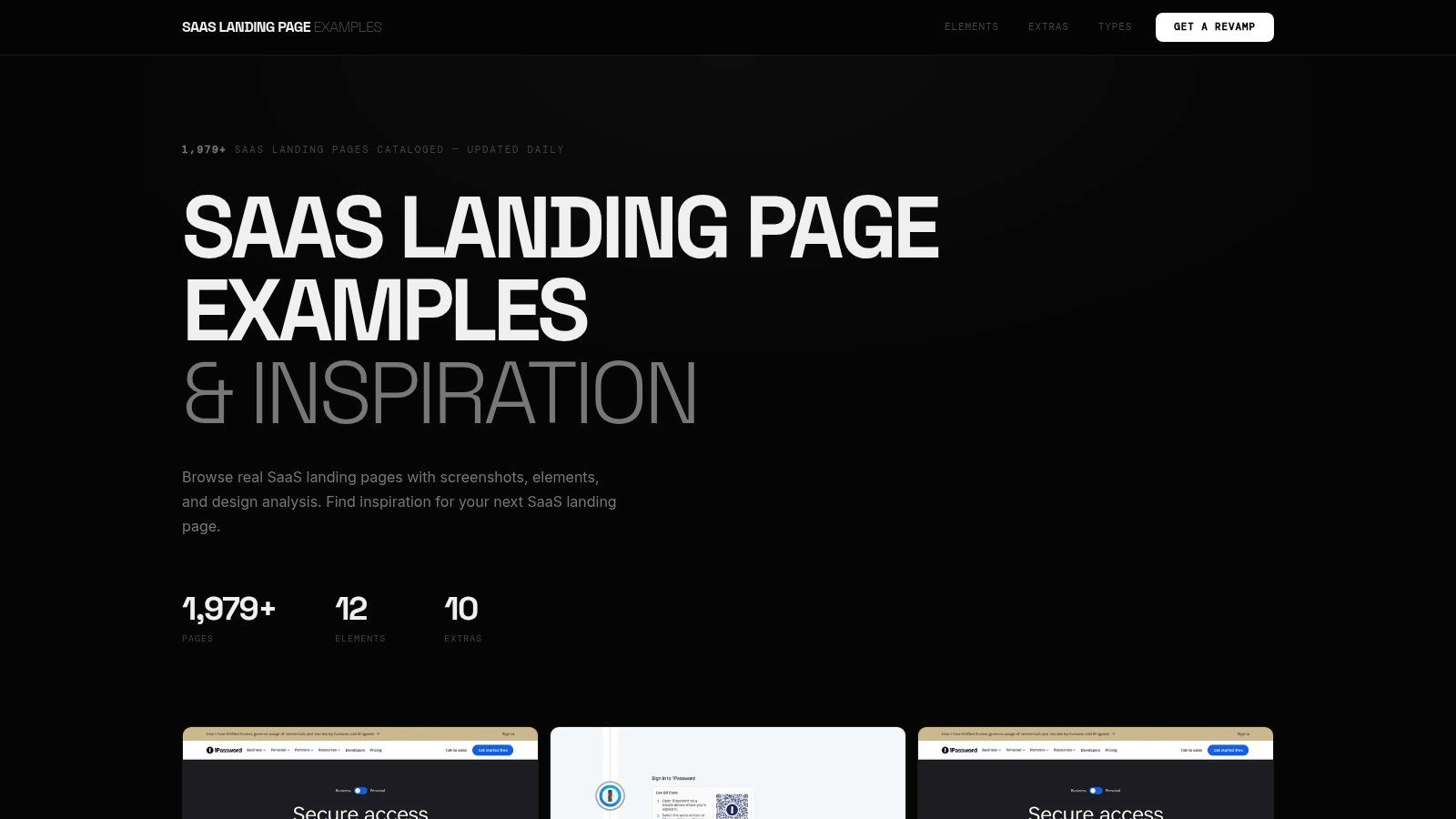
SaaS Landing Page Examples is a strong starting point when you know which component needs work. Its screenshot-led browsing and tags for demos, calls to action, customer logos, and testimonials make it useful for component-level research, rather than open-ended moodboarding.
Start with a decision such as whether to place product proof beside the hero or underneath it. Compare references that solve that same problem, and note what visitors can understand before scrolling. A beautiful dashboard screenshot isn't useful proof if nobody can read the workflow it depicts.
Pattern to Test
Build an outcome-led hero with a product visual and a CTA that describes the next step. In a SaaS example documented by Unbounce, changing “Sign up for free” to “Trial for free” increased trial starts by 104% month over month. That's a reported outcome, not a forecast for your launch, but it gives you a concrete copy hypothesis.
- Copy: The relationship between the promise, visible product evidence, and button language.
- Skip: Decorative elements that don't explain what users get.
- Verify: The live page, because a saved screenshot may show an older offer or interface.
The trade-off is straightforward: this library helps you find recurring visual patterns quickly, but it doesn't establish that those patterns caused higher conversion. Check access details before relying on any paid offering, and measure completed signups rather than button clicks alone.
2. Screenrove
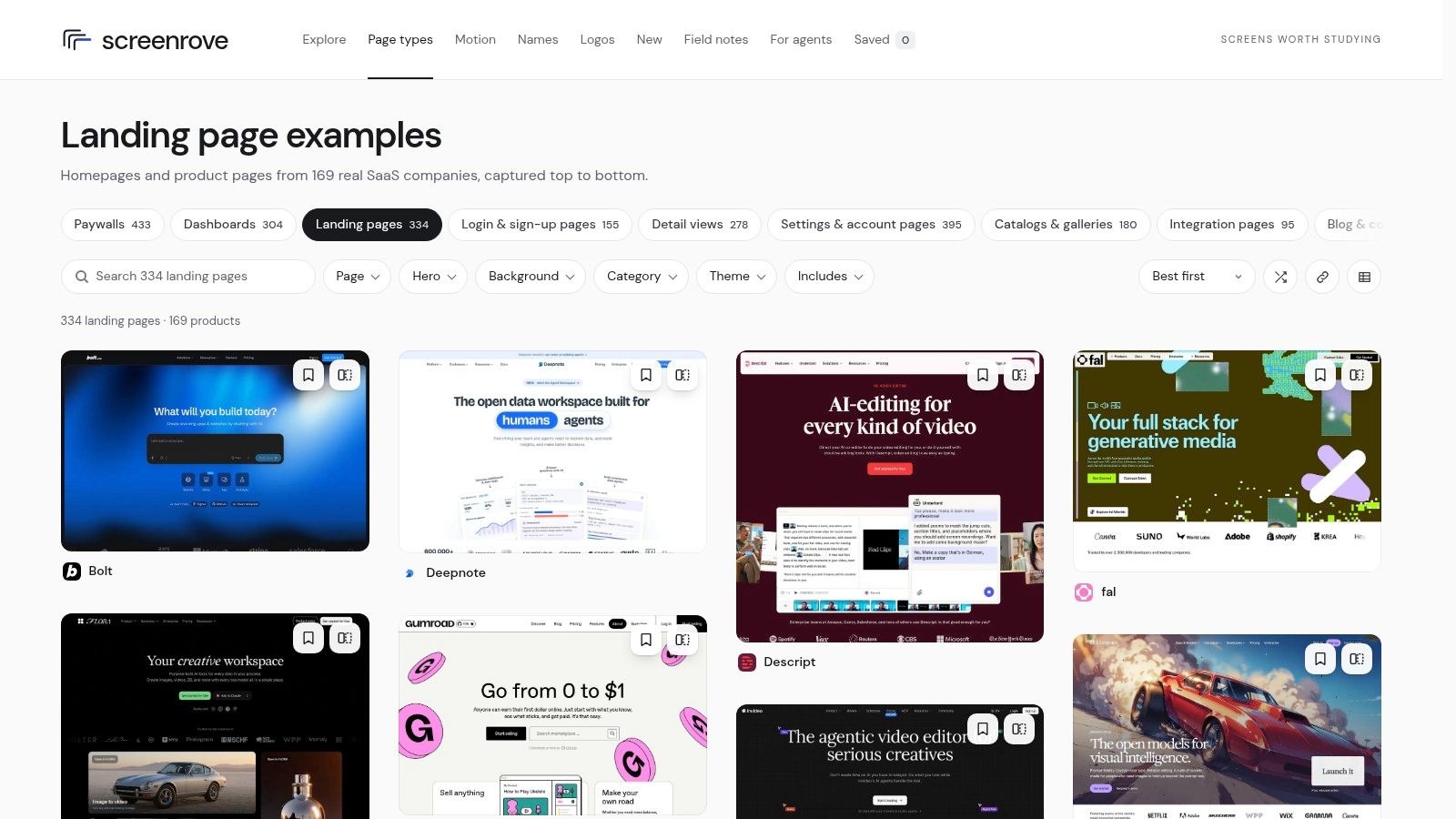
A strong hero can still lead into a confusing page. Screenrove is useful for examining full-page sequences, with captures of SaaS homepages and product pages, visual filters, and links through to the products.
Study what happens after the opening promise. Does the page demonstrate the workflow, explain benefits, establish credibility, and then answer objections? Or does it repeat broad claims without adding evidence?
For a new product, I'd prioritize a sequence that introduces the core task before displaying a large feature grid. Visitors need enough product context to understand why those features matter.
Copy the order in which a page answers buyer questions, not the number of sections it contains.
Pattern to Test
Compare a static product screenshot with a compact interactive walkthrough. A Trainual case-study summary published by Prefinery reported 450% more free-trial signups for the interactive-demo variant after 30 days. The summary doesn't disclose enough experimental detail to treat that lift as a dependable expectation.
Instead, use it to frame a test: can visitors complete a representative workflow before creating an account, and does that improve activation?
Screenrove's strength is structural visibility, not conversion diagnosis. Its homepage references may also include navigation and content that a focused launch page doesn't need. If your launch involves a course or creator product, the Genesize vs Kajabi for first launches comparison can help clarify platform decisions separately from page design.
3. SaaS Landing Page
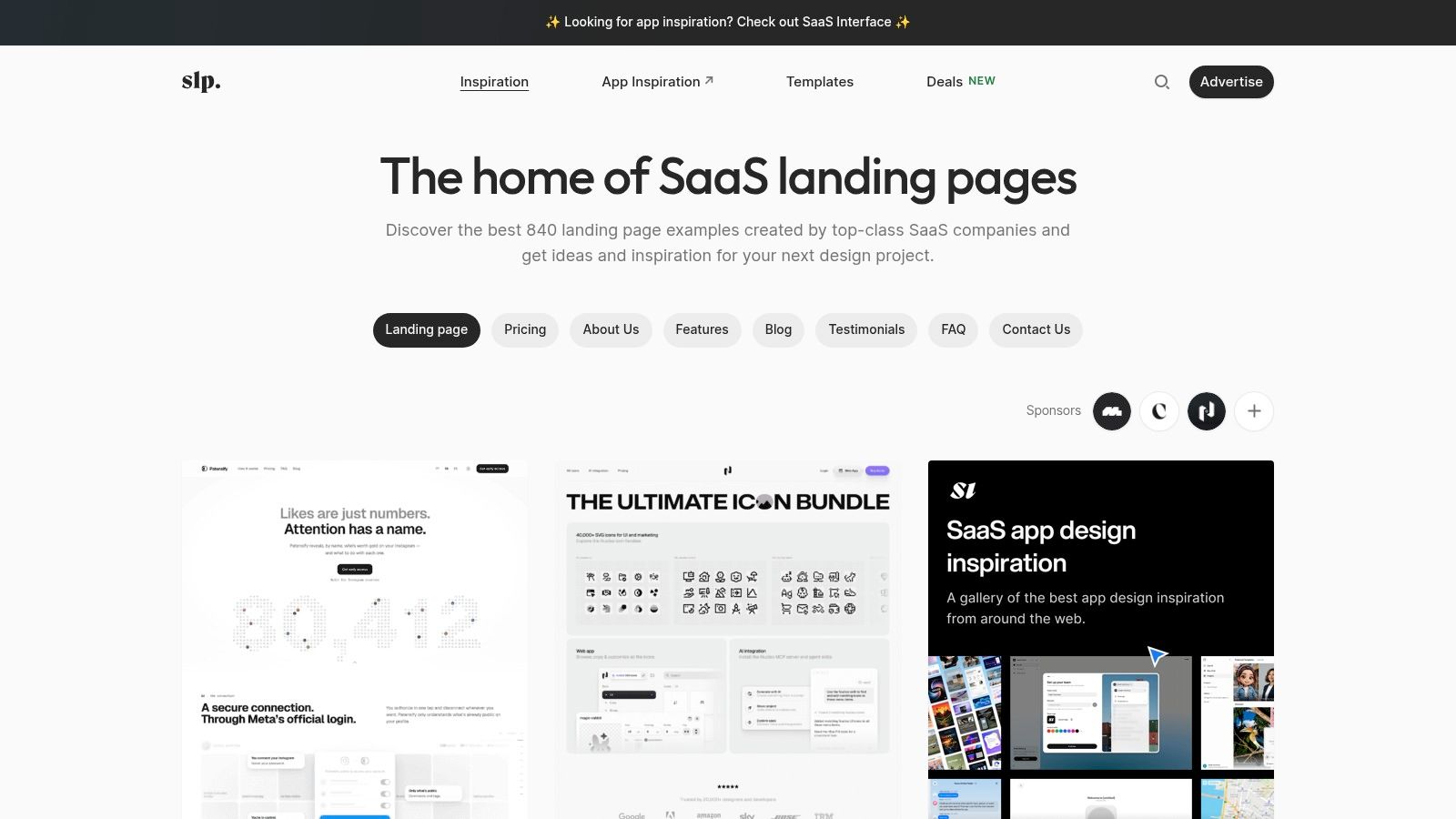
SaaS Landing Page is useful when the hero is finished but the rest of your buying experience isn't. Its categories include pricing, features, testimonials, and FAQs, alongside templates for different development and website-building stacks.
That breadth lets you research supporting decisions, not just opening impressions. A founder launching a collaboration tool might need a pricing explanation, an integrations block, and a clear answer about guest access. Those sections deserve references as much as the headline does.
The downside is browsing overhead. Search by the question you need to answer, rather than collecting entire pages from unrelated SaaS categories.
Pattern to Test
Create a feature-to-outcome section that pairs each important capability with a task the buyer recognizes.
- Capability: Show the actual action available in the product, such as routing incoming requests.
- Outcome: Explain what changes for the user, such as avoiding manual assignment.
- Evidence: Add a readable interface crop or walkthrough that demonstrates the connection.
Use the publisher's SaaS landing page examples for another perspective on design patterns, then translate the reference into your own product language.
Templates can shorten implementation work, but don't confuse available sections with required sections. Remove testimonial placeholders if you don't have genuine testimonials, and don't import enterprise security language your product can't substantiate. Check template access and compatibility before building around a particular stack.
Copy the explanation structure. Skip the borrowed claims. A smaller page that accurately describes your product is a better launch asset than a detailed template filled with vague promises.
4. SaaSFrame
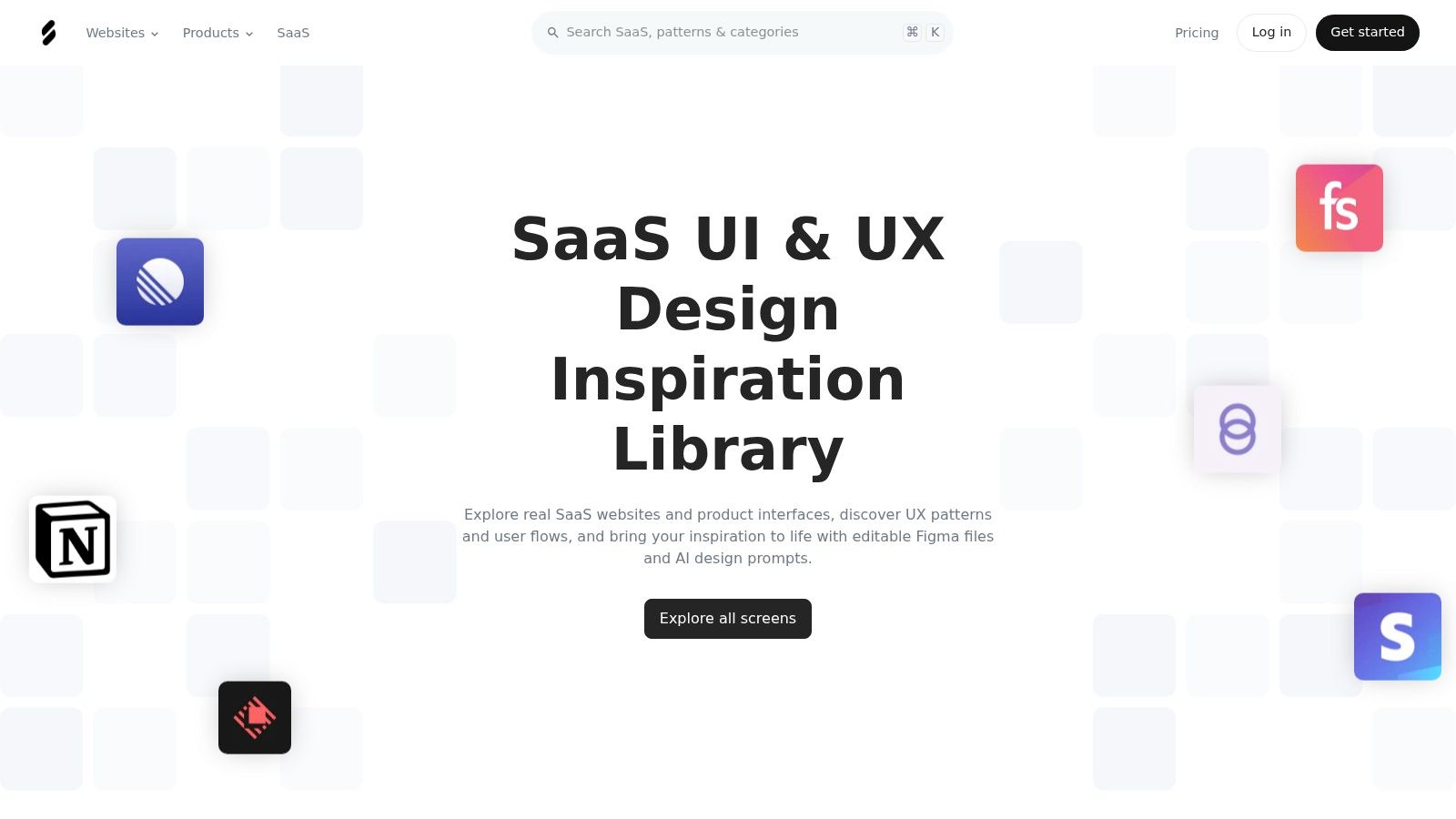
Choose SaaSFrame when your bottleneck is design execution rather than inspiration. Its searchable screens and flows, filters, bookmarks, mobile views, and downloadable Figma files support deeper inspection than a basic screenshot gallery.
The practical advantage is being able to study spacing, hierarchy, and responsive arrangements before rebuilding them. Its broader product-interface coverage also helps you connect the marketing page to the experience visitors encounter after signup.
That depth has a cost. Key research tools require paid access, and founders working against a deadline can spend too long studying interface details that won't resolve an unclear offer.
Pattern to Test
Use mobile-first proof placement. Put a readable product example close to the promise, then check whether visitors can understand it without zooming or opening a modal.
According to MarketingProfs' coverage of Unbounce's analysis, 82.9% of landing-page visits in 2024 came from mobile devices. That benchmark supports prioritizing mobile inspection, not assuming your own traffic mix will match it.
- Copy: Responsive stacking, readable captions, and clear separation between primary and secondary actions.
- Skip: Desktop screenshots reduced until their labels become illegible.
- Check: Form labels, error states, keyboard focus, and whether sticky elements obscure content.
Use these landing page best practices to turn visual references into implementation checks. Figma files can help you understand a layout, but they don't prove the resulting page is accessible or functional. Test the built version, including the signup handoff, on an actual phone.
5. Swipe Pages SaaS Inspiration
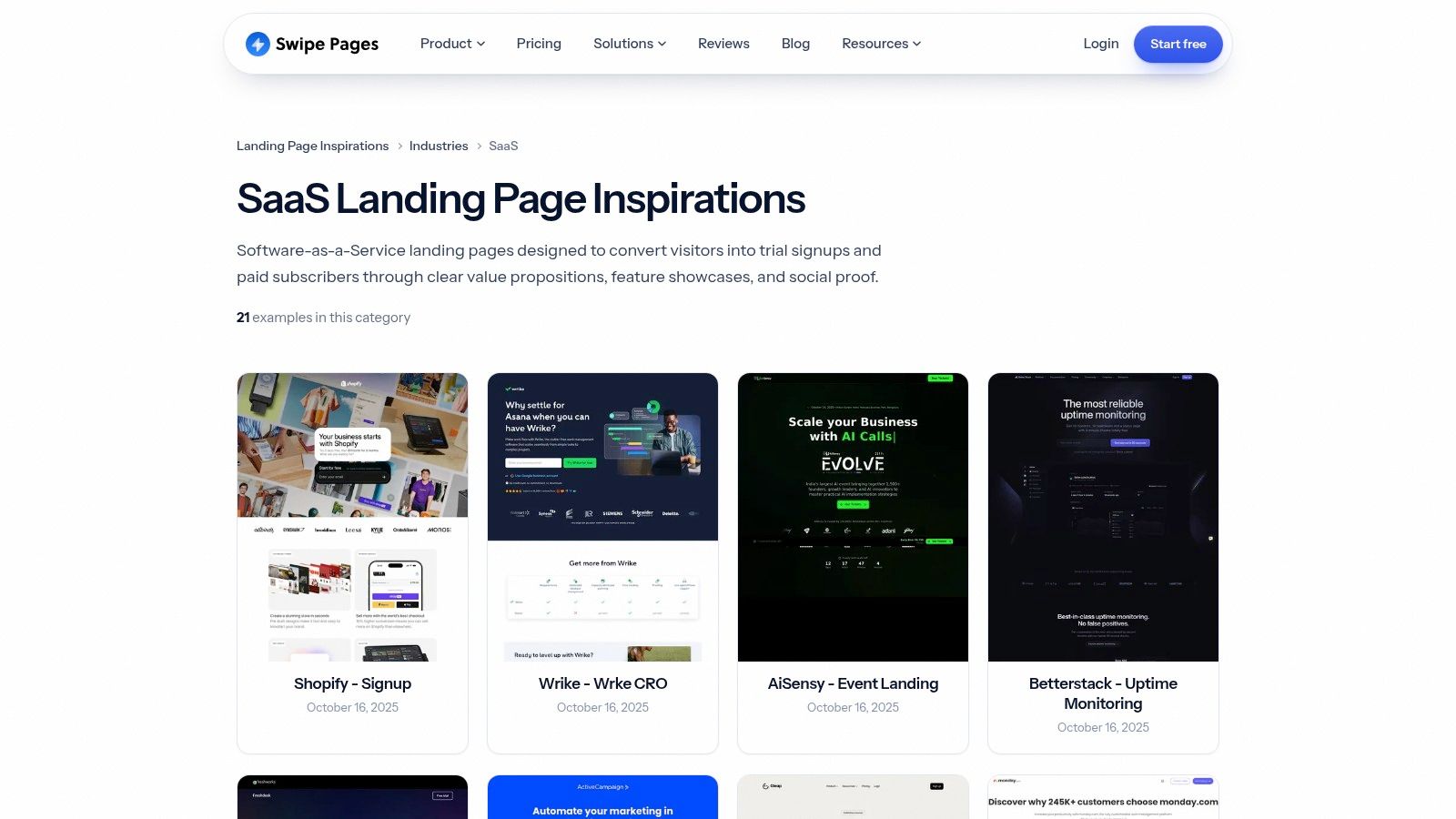
If your headline could describe almost any software company, use Swipe Pages' SaaS inspiration gallery to compare messaging choices within a recognizable product context. Named examples, labels, and dates make it easy to scan different approaches without starting from a completely unrelated industry.
Look for the distinction between category language and buyer language. A category label tells visitors what kind of software they're viewing; an outcome statement explains why they should care. Your launch hero often needs both, especially if the product introduces an unfamiliar workflow.
Pattern to Test
Write a product definition followed by a task-specific promise. For a hypothetical support tool, that means identifying it as shared-inbox software before explaining how a team assigns and resolves incoming requests.
Practical rule: If you remove the logo and your headline still fits every competitor, make the audience or task more explicit.
Use the gallery to compare copy and page styles, but don't mistake established-brand familiarity for something your startup already possesses. A recognized company can leave context unstated that a new product must explain.
Nor should a polished reference become your conversion target. The benchmark summarized by Nine placed the SaaS median conversion rate at 3.8%, compared with 6.6% across all industries. Those figures underline why audience and conversion goals matter more than appearance alone.
This gallery suits fast messaging comparisons. Skip it when you need extensive filtering, detailed experiment notes, or evidence that a particular design outperformed an alternative.
6. GOATED UI SaaS Landing Pages
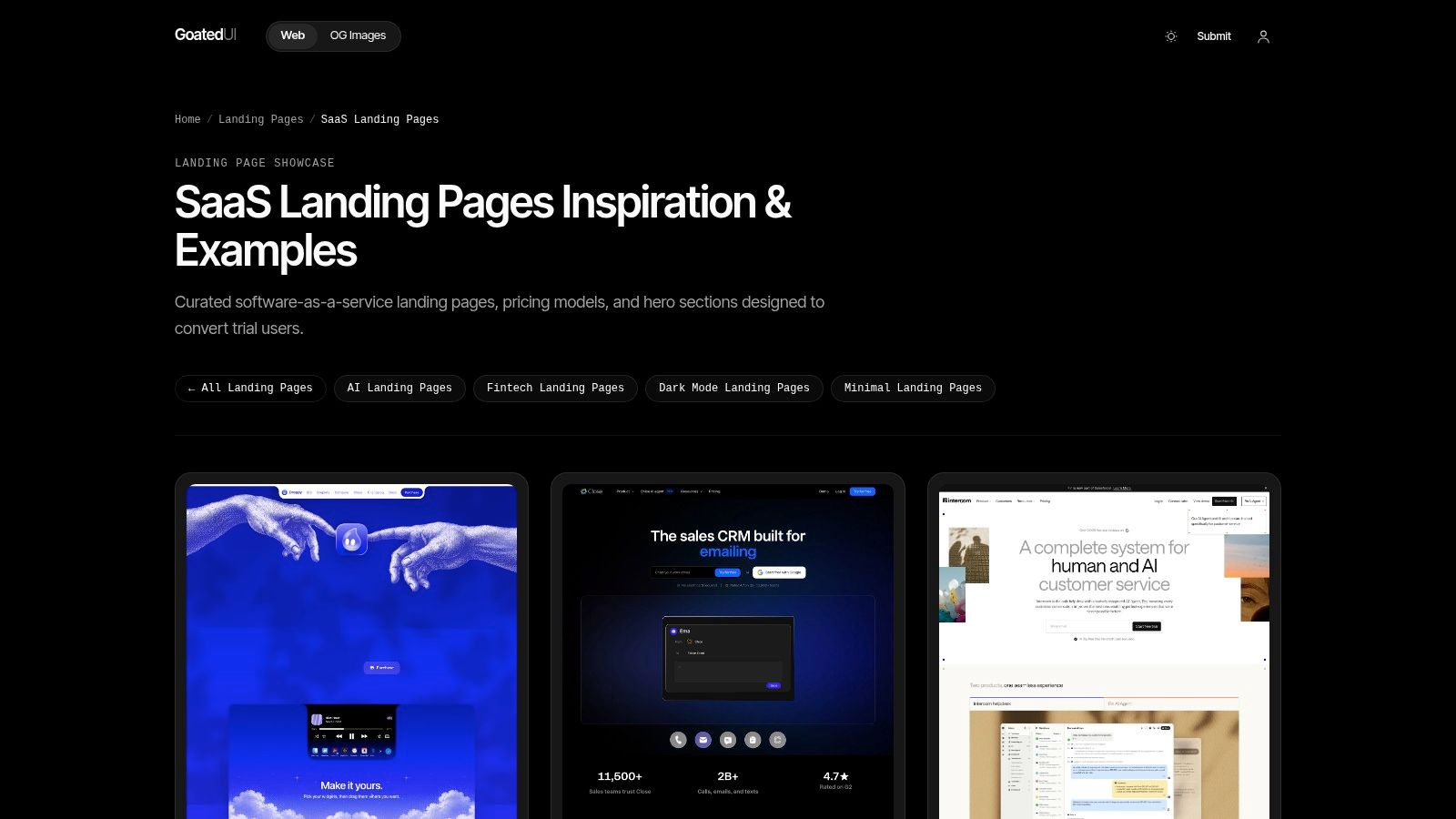
Dark mode isn't a positioning strategy. GOATED UI's SaaS landing-page collection is valuable for choosing a visual direction, particularly when you want to explore adjacent AI, fintech, minimal, or dark-mode categories, but the styling should follow the product explanation.
Use it to decide how to present your interface: a focused crop, an annotated workflow, or a restrained product preview. Then follow the featured product links to inspect what the screenshot leaves out.
Pattern to Test
Pair a distinctive visual treatment with an explicit product definition and visible limits. That matters for visitors evaluating the product themselves and for discovery systems interpreting what the page says.
TechCrunch reported that AI platforms generated 1.13 billion referrals to the world's top 1,000 websites in June 2025. That scope doesn't establish demand for your startup, but it makes accurate, understandable product descriptions worth including in your discovery plan.
- Copy: Visual hierarchy that makes the product and its main workflow easy to identify.
- Add: Explicit audience, use cases, integrations, pricing context, and meaningful limitations.
- Skip: Abstract AI imagery or animated decoration that replaces evidence of functionality.
The collection's main trade-off is analytical depth. Its curation helps you find an aesthetic quickly, but not every featured SaaS homepage is a purpose-built launch page.
For a product still in beta, don't imitate a mature platform's breadth. Show what works today, identify what requires review or setup, and label unavailable functionality clearly.
7. Landing.Gallery
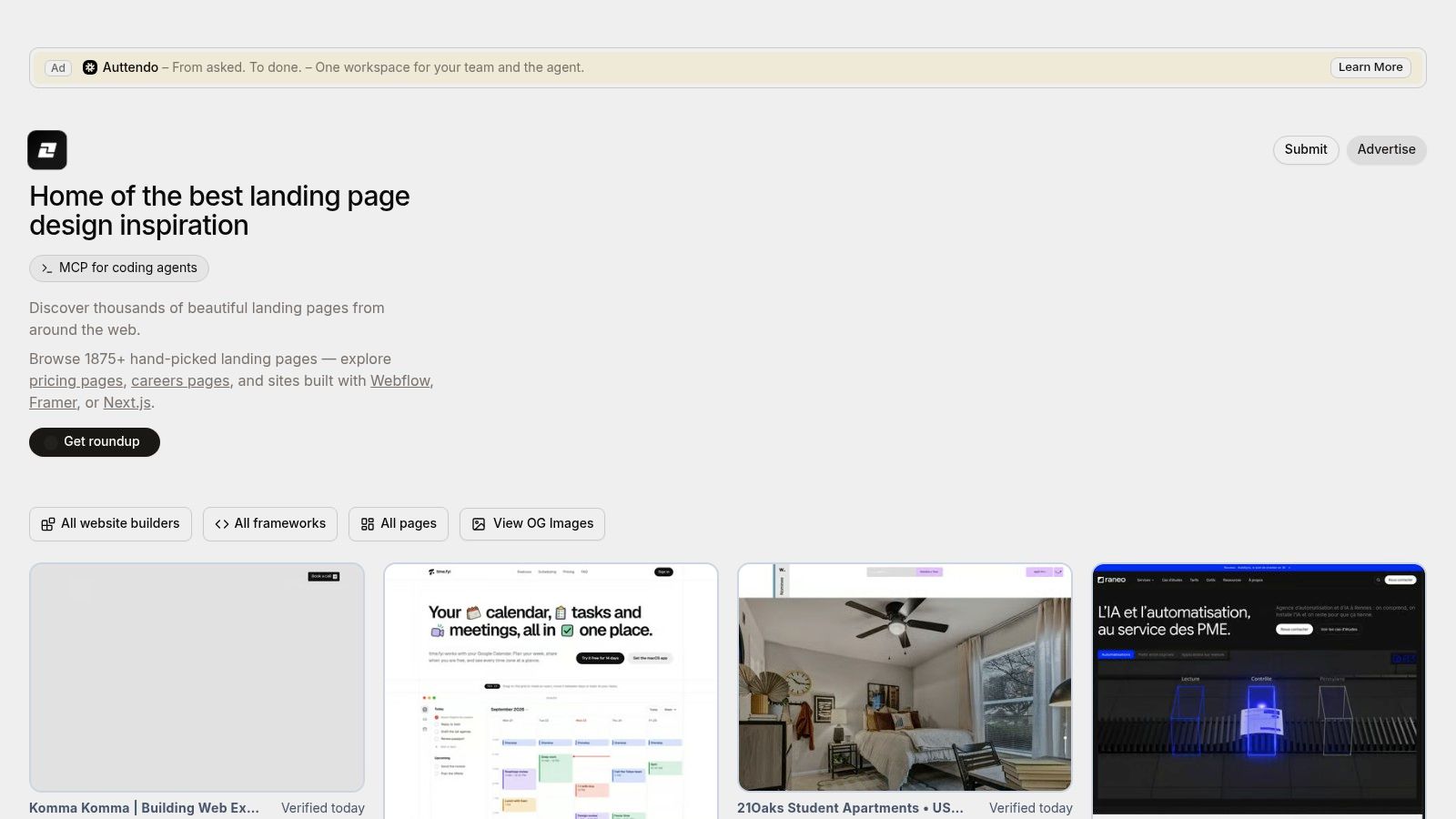
Your best reference is sometimes the page you can ship. Landing.Gallery combines curated examples with page-type and technology tags, making it useful when implementation constraints matter as much as visual ambition.
Browse by the builder or technology you intend to use, then look for layouts that fit your content. A solo founder doesn't need to recreate a complex agency-built experience to explain a focused SaaS product.
Its broader coverage is both the advantage and the limitation. Pricing, about, and other page references can help answer specific questions, but you'll need to filter out examples designed for different audiences and conversion goals.
Pattern to Test
Build a constraint-led launch page: a straightforward layout containing the information visitors need to make a qualified decision. If you're using a lightweight builder, these Carrd landing pages provide a relevant implementation reference.
Place a fit-and-limits block near the final CTA. Explain supported workflows, setup requirements, data handling, and any restrictions that could change a buyer's decision.
A reference is only useful if you can reproduce its clarity without inheriting its complexity.
Copy the content hierarchy and feasible interaction patterns. Skip custom effects that delay publishing or make forms harder to operate.
Before shipping, move through the page with a keyboard, inspect visible focus states, check contrast, and submit the form with missing or invalid fields. A screenshot library won't reveal those behaviors. Also verify whether a listing leads to a live example or a saved reference, and check access terms before depending on premium material.
How the seven launch page example libraries compare on scale, standout features and best use
| Library | Stated Size | Standout Feature | Best For |
|---|---|---|---|
| SaaS Landing Page Examples | More than 1,979 pages | Tags for specific page elements | SaaS component and visual research |
| Screenrove | 334 pages from 169 products | Full-page captures with layout filters | Studying page structure beyond the hero |
| SaaS Landing Page | More than 840 examples | Categories and templates for multiple stacks | Broad SaaS inspiration and implementation ideas |
| SaaSFrame | Size not stated | Search, mobile views, and downloadable Figma files | In-depth design research by SaaS teams |
| Swipe Pages, SaaS Inspiration | Size not stated | SaaS examples organized by industry and use case | Quick comparison of SaaS page styles |
| GOATED UI, SaaS Landing Pages | Size not stated | Categories for SaaS, AI, fintech, and visual styles | Quick visual discovery by product type or style |
| Landing.Gallery | Size not stated | Tags for page types, builders, and technologies | Finding references by page type or implementation approach |
Turn These Examples Into Your Own Launch Page Plan
Stop collecting references when you can explain what you're borrowing and why. You don't need a folder full of attractive screenshots; you need a set of decisions about messaging, evidence, sequence, and the action you want visitors to take.
Use the libraries according to the problem. SaaS Landing Page Examples helps isolate components, Screenrove helps inspect page sequence, and SaaS Landing Page supports research into supporting sections. SaaSFrame suits detailed design work, Swipe Pages helps compare messaging, GOATED UI supports visual direction, and Landing.Gallery helps connect inspiration with implementation.
Before You Publish
- One clear hero promise: Name the audience, explain the product, and describe the task or outcome it supports. Remove language that could apply unchanged to unrelated tools.
- Visible proof: Show a real workflow, a readable product preview, or a genuine testimonial. If the product is new, demonstrate its functionality instead of inventing social proof.
- A focused call to action: Choose the appropriate next step, such as beta registration, trial activation, or demo booking. Keep repeated primary buttons consistent with that destination.
- Features tied to outcomes: Explain what users can do differently, then show the capability that makes it possible.
- Honest qualification: State important limitations, setup requirements, and availability. Don't hide decision-changing information inside a collapsed section.
- Working measurement: Track completed signups and a meaningful activation event. Confirm that campaign attribution survives the transition into your product.
Once the page is ready, distribution becomes the next task. Submitting to a launch and discovery platform such as SubmitMySaas can add visibility and a high-authority backlink, with backlink availability depending on the launch option and its conditions.
Publish the clearest credible version, verify the entire conversion path, and choose a specific hypothesis for your next revision. Your launch page should give you a usable starting point for learning, not another unfinished design project.
We built SubmitMySaas to help makers submit product launches for visibility, feedback, and a high-authority backlink. Once you've turned these launch page examples into a clear promise, visible proof, and a working signup path, visit SubmitMySaas and use Submit Project to prepare your launch submission.