By Outrank
Bug Reporting Software: 10 Tools Compared for 2026
Compare 10 bug reporting software options for SaaS and indie teams, with features, pricing, integrations, and honest limitations to help you choose.
On this page
A client emails a cropped screenshot of a broken checkout button. There's no browser, no device, no account state, and no record of what happened before the click, so your developer spends two days guessing. The bug might be real and urgent. Without reproducible evidence, it still stalls.
That's the gap good bug reporting software closes. The right choice depends less on who has the longest feature list and more on who reports the bug and who has to fix it. A client reviewing a staging site needs a pin, a screenshot, and a comment box. A support agent needs console logs they didn't know to collect. An engineer needs ownership, priority, history, and a link to the pull request that fixed it.
I've grouped these ten tools by that handoff. Marker.io, BugHerd, and Userback serve nontechnical reporters. Jam and Bird Eats Bug capture technical evidence for engineers. Jira, Linear, GitHub Issues, and YouTrack manage triage through release. MantisBT covers self-hosting when data control matters more than convenience.
This isn't an optional QA accessory. In a peer-reviewed survey of approximately 100 software practitioners, 94% considered bug-tracking tools critical to development efficiency, according to the peer-reviewed practitioner survey on arXiv. Treat it as core delivery infrastructure, then check the caps. Free plans, reporter seats, and upload limits often matter more to a small SaaS team than one extra automation.
1. Marker.io
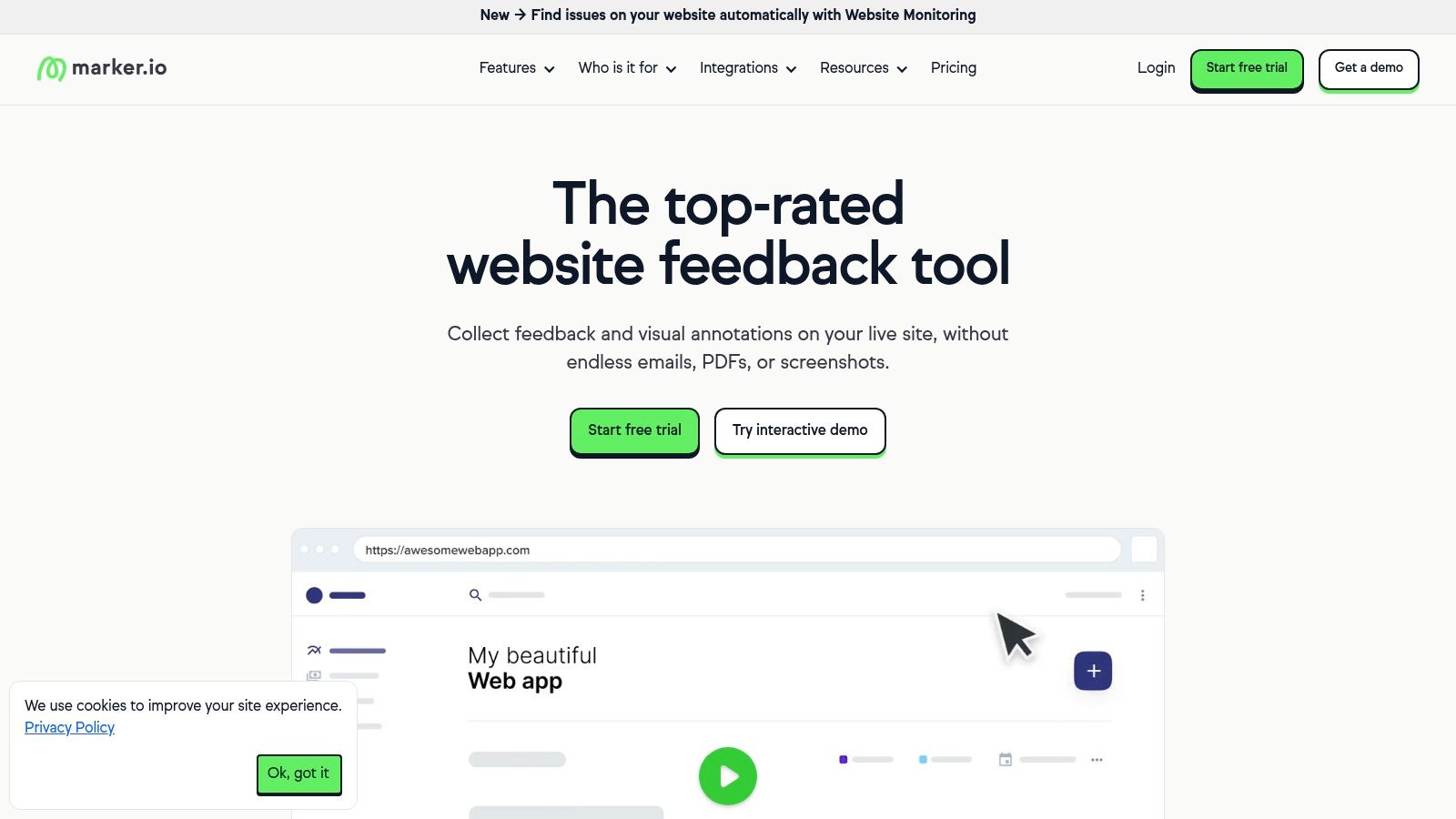
Marker.io is built for people who can see the problem but can't describe it in developer terms. A customer, client, or QA tester annotates the page in front of them, submits without creating an account, and your team receives the screenshot with browser and environment details attached. The report lands in your existing tracker rather than a separate inbox nobody checks.
That no-account intake is the product's real strength. Unlimited reporters on every plan means you don't ration seats during a client review or a beta. Add the 15-day trial without a credit card and you can test it on a live staging site before finance gets involved. Website monitoring with 10 pages included on plans is a useful extra, not the reason to buy.
Where It Fits and Where It Stops
- Best reporter: Clients, stakeholders, and testers who won't learn a tracker
- Best fixer workflow: Engineers already working in a synced project-management tool
- Watch the cost: Paid plans may be costly for very small teams
Don't buy Marker.io to replace your engineering backlog. It captures website feedback in context and syncs it onward. Triage rules, release planning, and long-term defect history still live elsewhere. If your reports almost all start as visual website issues, that's a fair division. If engineers file most bugs, start further down this list.
2. BugHerd
Say an agency client reviews 40 pages the night before launch. Email threads scatter comments across PDFs, screenshots, and revised drafts. BugHerd turns that review into pins attached to the exact page element, then manages each pin as a task on a board your team can assign and close.
Reporters don't need to name a CSS selector or describe where "that blue thing" sits. They click it. BugHerd captures screenshots and technical metadata behind the pin, and reviewers can also leave video feedback when the problem involves motion or a sequence. The same approach works on websites, Figma designs, PDFs, and images, which suits agencies moving from design approval into build review.

The Seat Limit That Matters
Paid plans include unlimited projects and client users, so external review scales well. The constraint is internal. The Standard plan has five team-member seats, which a growing delivery team can outgrow quickly once designers, developers, QA, and account managers all need access.
Visual pinning removes location ambiguity. It doesn't remove triage. Somebody still has to decide whether a client note is a defect, a change request, or an opinion.
Choose BugHerd when structured client feedback is the bottleneck. Skip it if you only want a basic internal issue list.
3. Userback
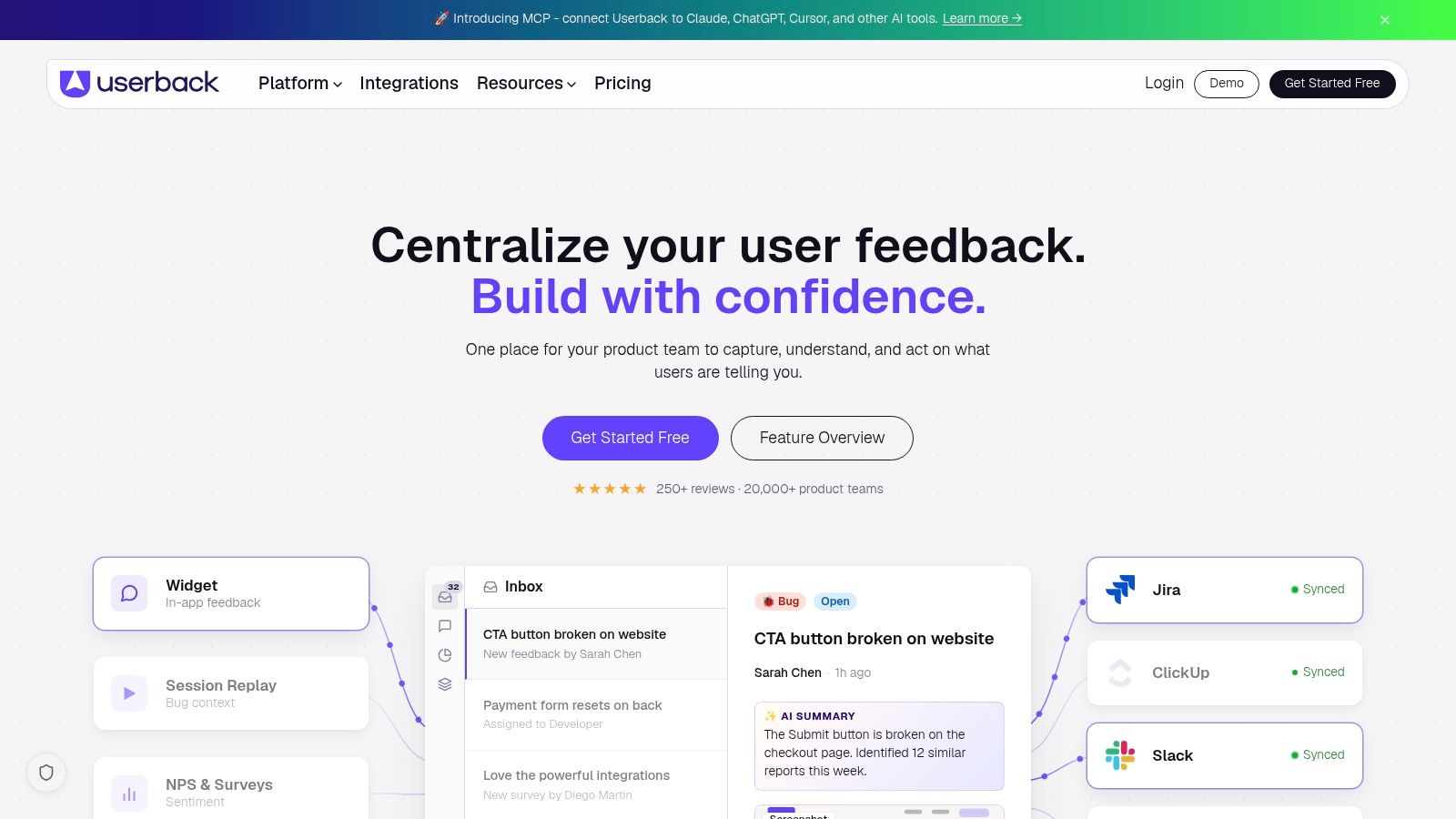
Early-stage SaaS teams rarely suffer from too little feedback. They suffer from feedback split between support chats, spreadsheets, calls, and an issue tracker only engineers open. Userback puts bug reports and broader product feedback behind one widget, then lets you manage it there or route it into tools such as Jira and ClickUp.
Users can submit screenshots and video through a website or app widget or a browser extension. Two-way sync arrives on the Team plan, while higher plans add session replay, developer logs, surveys, and a mobile SDK. That progression is sensible if you're starting with feedback collection and may later need deeper debugging evidence and feature-request collection through the same channel.
Read the Free Plan Carefully
- Generous intake: The free plan allows unlimited feedback submissions
- Predictable billing: Paid plans use flat pricing rather than charging by feedback volume
- Short retention: Free feedback is available for only seven days
That seven-day limit changes how you should trial it. Review submissions daily and pipe anything real into your tracker immediately. I'd recommend Userback for a founder-led product team that wants bugs, surveys, and requests in one place. If developer logs are essential from day one, price the higher tier before rollout, not after your widget is live.
4. Jam
A ticket that says "the button doesn't work" costs an engineer a round of clarifying questions before debugging starts. Jam treats a bug report as evidence, not a writing exercise. A support agent or QA tester records the browser or screen, annotates a screenshot if needed, and shares a report carrying console and network logs, device details, and user actions. The engineer sees the failure and the activity around it instead of asking for a second call.
That changes the first triage question from "Can anyone reproduce this?" to "Which request failed?" Integrations send the capture into Jira, Linear, and other tools, so the evidence lands in the tracker your team already runs rather than a separate queue.
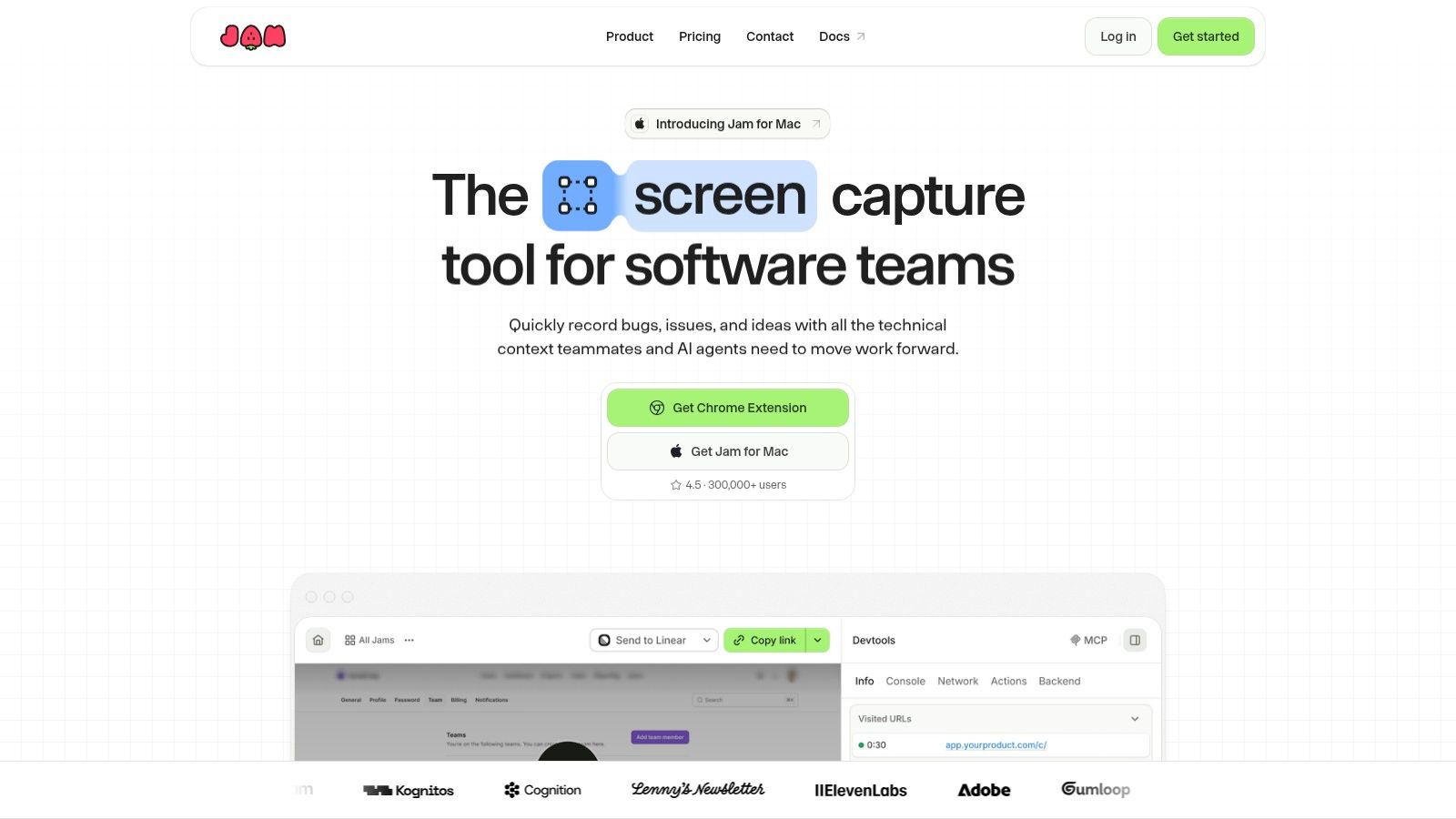
Pricing is per creator rather than per person viewing a report, so engineers can open evidence without every viewer becoming a paid seat. There is a free plan without a time limit, but it applies monthly usage limits on Jams and Recording Links, and recording duration and feature access vary by plan. Check Jam's pricing page for the current limits and feature availability before rollout rather than assuming a pilot's ceiling is permanent.
Who Should Create the Reports
Give Jam to support, QA, and product staff who repeatedly find browser issues. Don't roll it out as a public feedback channel until you've checked the monthly caps against real ticket volume. For a small team, creator pricing is the attraction. Count creators, including every support shift.
5. Bird Eats Bug (Bug Capture)
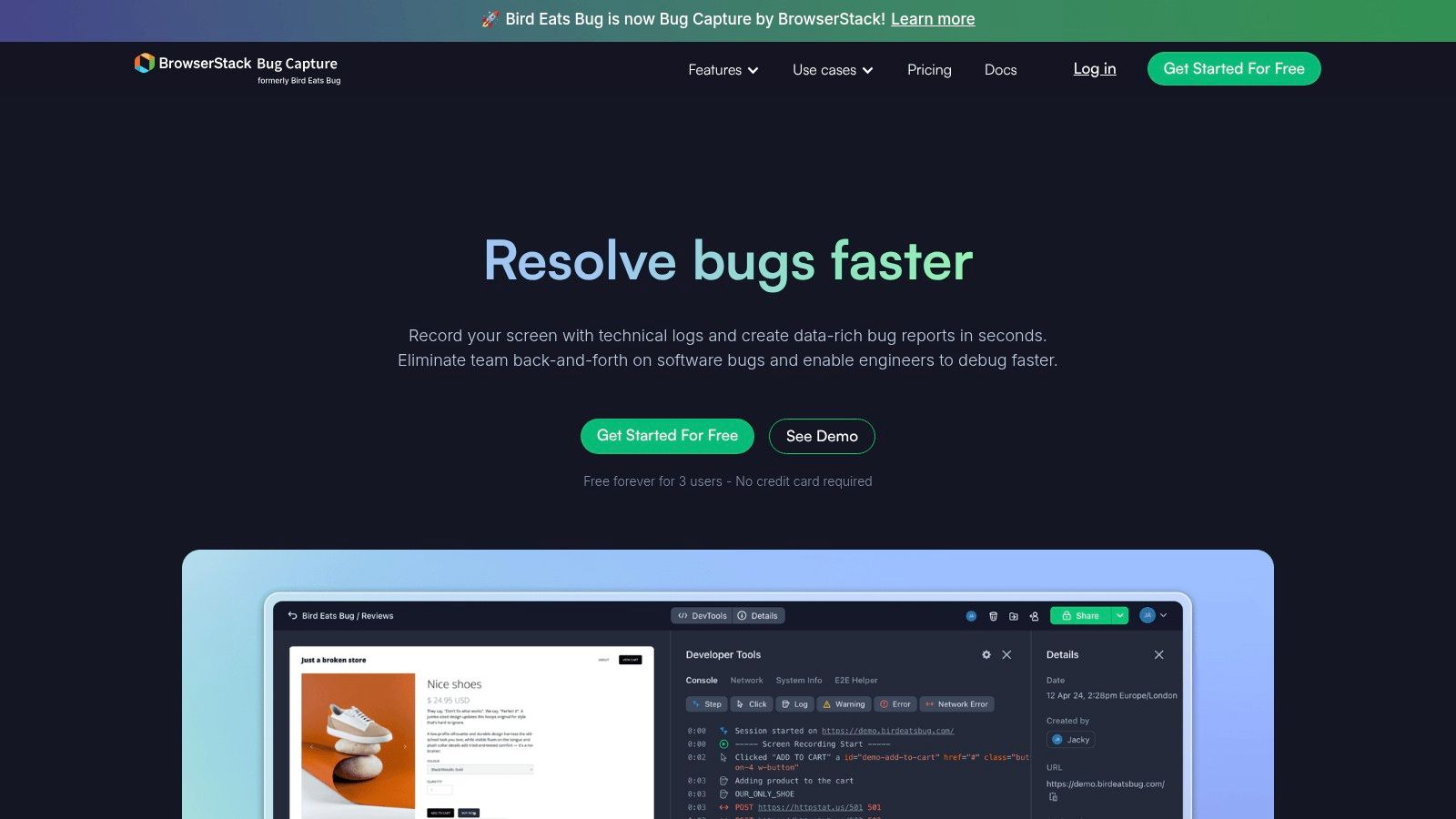
Some bugs vanish the moment a tester opens developer tools. Bird Eats Bug, identified as Bug Capture in some materials, records the browser session first and attaches the technical record automatically. Reports include console and network logs, session replay, and environment information, so engineers can follow the sequence rather than reconstruct it from memory.
A web SDK lets app users submit reports directly, but I see the stronger fit inside QA and support. Those teams can reproduce an issue once, capture it cleanly, and send it through integrations with Jira, GitHub, Slack, Linear, and Trello. Reporters don't need a full paid member seat, which keeps occasional contributors from inflating the bill.
Limits and a Useful Bundle
- Free workspace: The free plan includes a shared team workspace
- Monthly cap: Free use stops at 15 uploads per month
- Existing contract value: The vendor notes that it's free with BrowserStack plans
Fifteen uploads is enough for a focused pilot, not a busy support queue. Run it against your hardest browser bugs for two weeks and count how many follow-up questions disappear. Paid plans may cost more than lighter capture tools, so the purchase only makes sense when logs and replay routinely save engineering time.
6. Jira
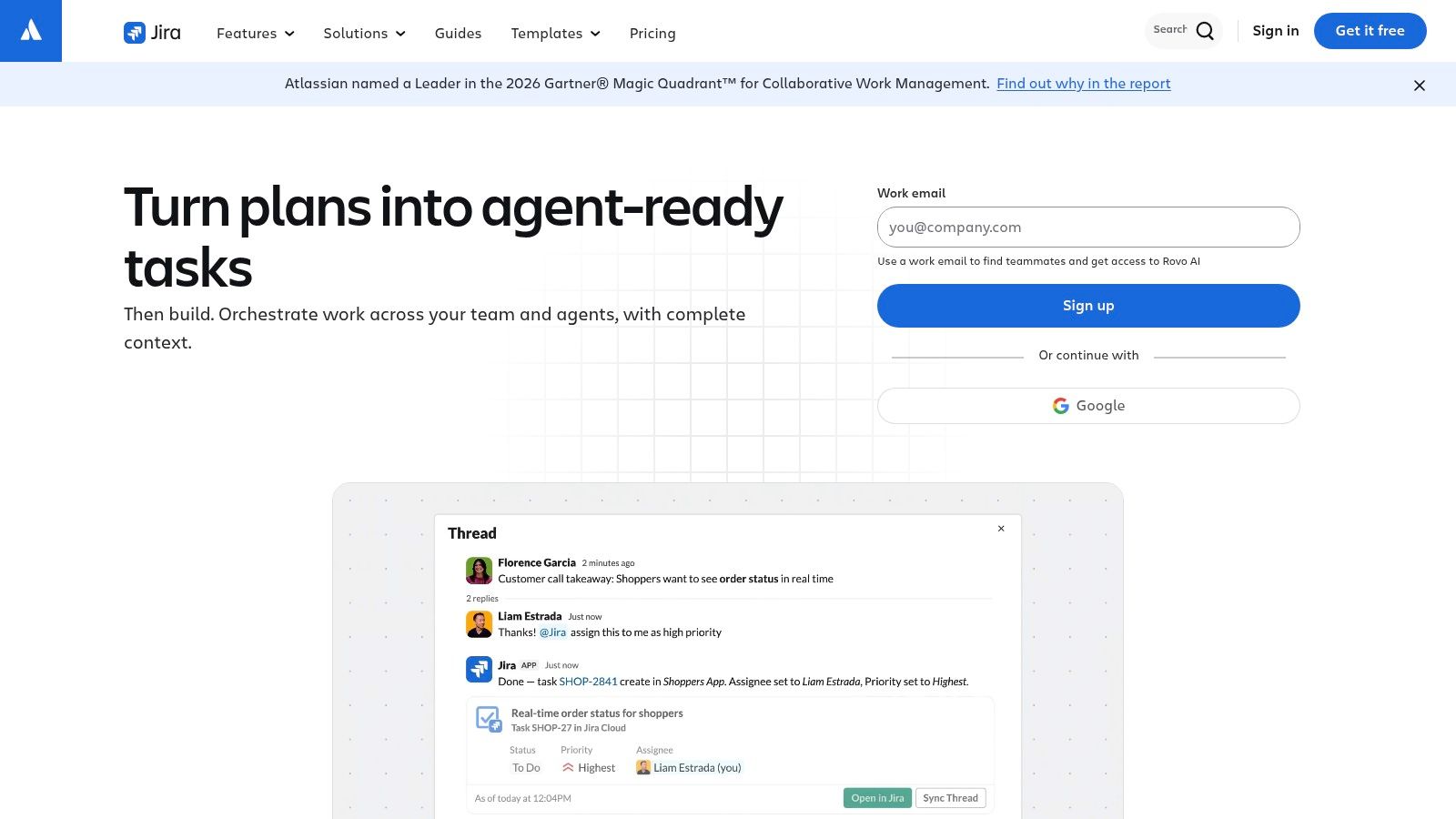
Jira begins where capture tools stop. Once a bug needs an owner, severity, release target, escalation path, and audit history, its custom issue types, fields, and workflows give you control. Backlogs, boards, automation, and reporting let different teams run different triage processes inside one system.
That control helps when defects aren't all alike. Historical NASA lessons-learned data examined 2,500 non-conformance software change requests over 10 years and found coding faults, requirements faults, and data problems accounted for 82% to 86% of software change requests in each release, according to the NASA software faults, failures and fixes report. Your categories will differ. The lesson holds. Structured cause, severity, release, and detection fields turn ticket closure into prevention.
Power With an Admin Tax
The free plan supports teams of up to 10 users, and Jira can scale far beyond that. The cost isn't only licensing. Somebody owns permissions, workflow changes, field sprawl, and automation rules, or every squad invents its own definition of "done."
Practical rule: If nobody on your team wants to administer the tracker, don't buy the most configurable tracker.
I'd choose Jira when release governance and cross-team reporting are real requirements. It's excessive for basic website feedback intake.
7. Linear
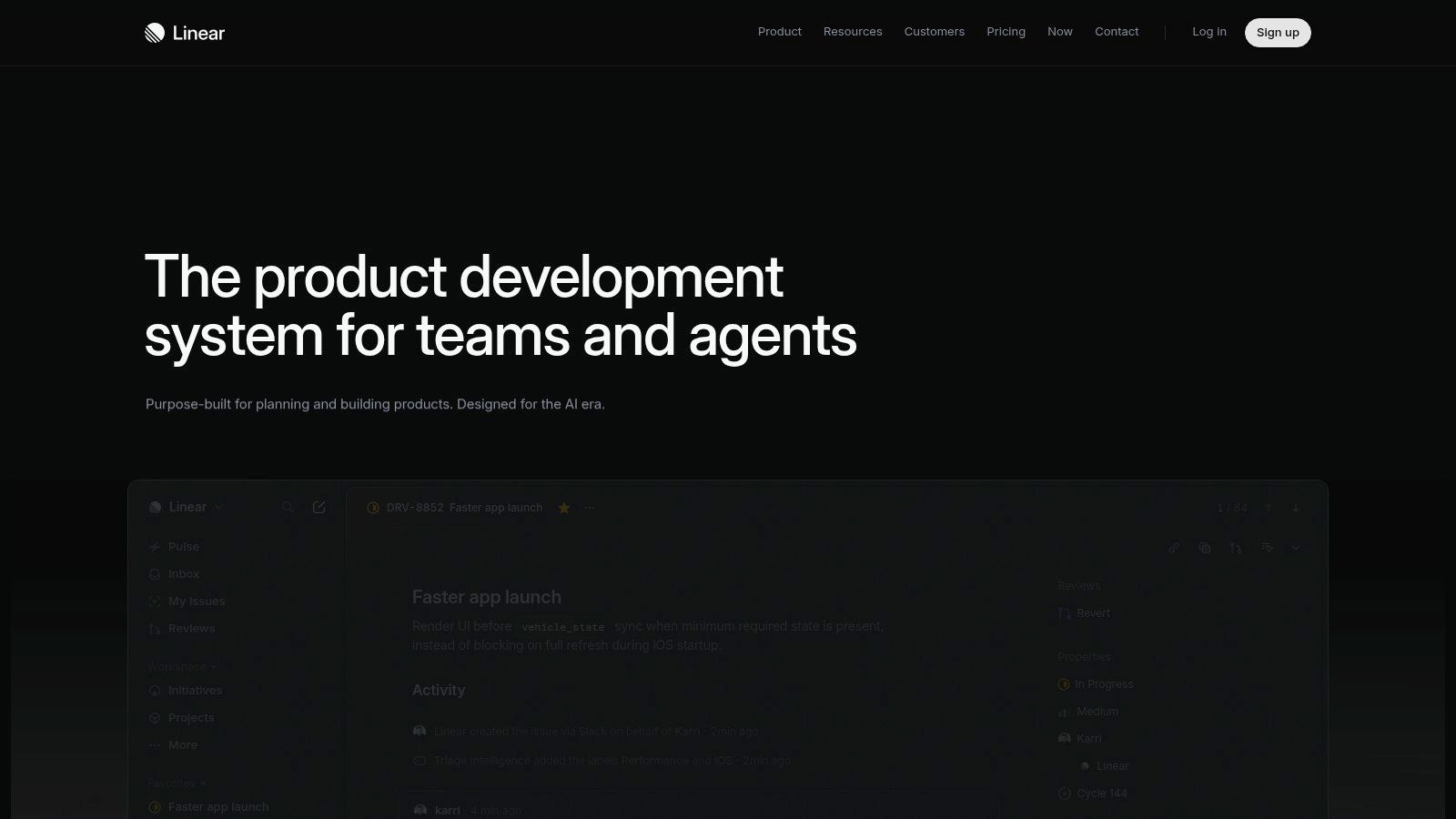
Engineers who find and fix their own bugs don't need a reporting portal. They need a queue that stays out of the way, and Linear is built around that idea. Issues sit beside projects and cycles, so a defect gets scheduled like feature work instead of piling up in a separate backlog. Creation stays quick, the keyboard-oriented workflow lets a triage owner work through a queue without touching configuration screens, and API and webhook access lets capture tools file into Linear without reporters ever opening it.
The free plan includes unlimited members, which sounds ideal for a growing startup. It caps how many issues and teams you can use, though, so an active product can reach those limits through normal use even though the seat count looks generous. Advanced features and broader team management require paid plans, so budget for the upgrade before the cap becomes the reason a bug never got filed.
AI Needs a Verification Step
Linear includes AI or agent features across plans. Treat them as drafting help rather than triage. A 2025 empirical study on LLM-generated bug reports highlighted incorrect information and software-engineering privacy concerns, according to the 2025 study of LLM-generated bug reports. Let the AI cluster duplicates and organize evidence. Keep a human on root cause, severity, customer impact, and anything drawn from sensitive logs.
Linear fits the loop where the person reporting the bug is the person fixing it. Clients and nontechnical testers shouldn't have to learn it just because your engineers like it; give them a capture widget that files into Linear instead.
8. GitHub Issues
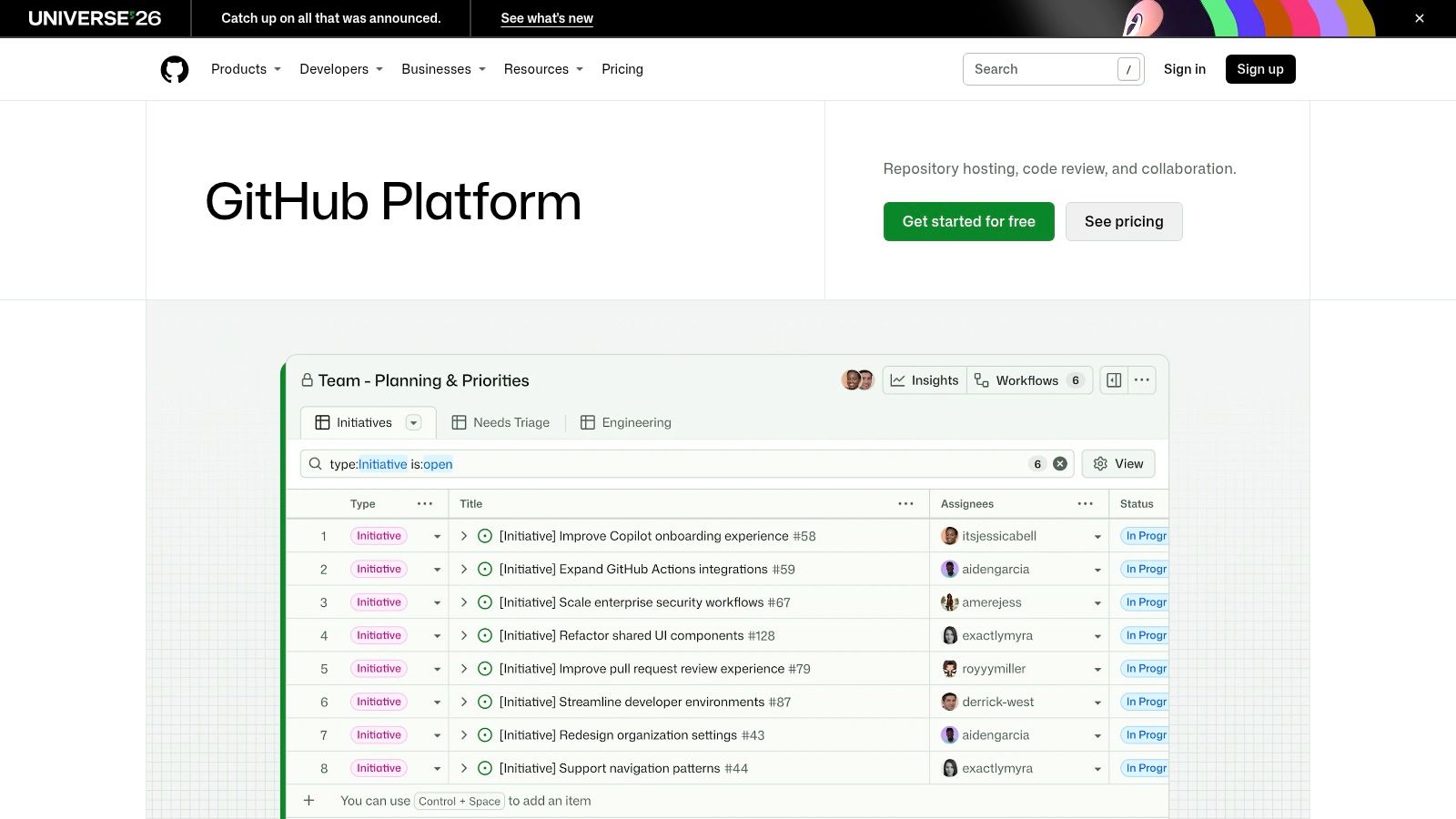
For a team already living in GitHub, GitHub Issues removes an entire handoff. The bug discussion sits beside the repository, with labels, assignees, and milestones for triage and links between issues, branches, and pull requests for the fix. When the pull request merges, the evidence trail stays with the code.
That traceability matters more than ticket volume. NASA flight-software research on ground mission software of approximately 1.36 million source lines of code recorded 1,779 issues over four years, while researchers analyzed 573 change requests explicitly marked as defects, according to the NASA flight-software research report. Not every issue is a confirmed defect. Labels and status history need to separate defects from questions, duplicates, configuration problems, and feature requests.
What You Give Up
Issues and Projects are included in GitHub's Free plan, so cost rarely blocks adoption. The gaps are user-facing. There's no rich bug-report form for customers and no built-in session recording, and repository permissions can be the wrong boundary for support or client reporters.
I'd keep GitHub Issues as the engineering system of record and add Marker.io, Jam, or Bird Eats Bug for intake. That pairing beats forcing nontechnical users into a developer workflow.
9. YouTrack
YouTrack sits between a minimal issue list and a heavily governed enterprise tracker. JetBrains gives software teams customizable workflows, Agile boards, and project-management features, with both cloud and server deployment options. Small teams get more structure than a basic board without immediately paying.
That free allowance covers teams of up to 10 users. The helpdesk option adds a useful second door for customer-submitted tickets, and its tier includes unlimited reporters for small support teams. That distinction is exactly what small SaaS companies should look for. Your customers need to report problems. They don't need project seats, and you shouldn't pay as if they do.
When Breadth Helps or Hurts
- Good fit: A small team combining product bugs, project work, and support tickets
- Deployment choice: Cloud for convenience, server when hosting control matters
- Growth trigger: Paid pricing applies when you exceed the free allowance
The breadth can slow setup if all you need is a title, an assignee, and a status. Start with one workflow and a short field list. Add boards, custom states, and helpdesk routing only when a real queue demands them. YouTrack rewards deliberate configuration. It won't rescue a team that never triages.
10. MantisBT
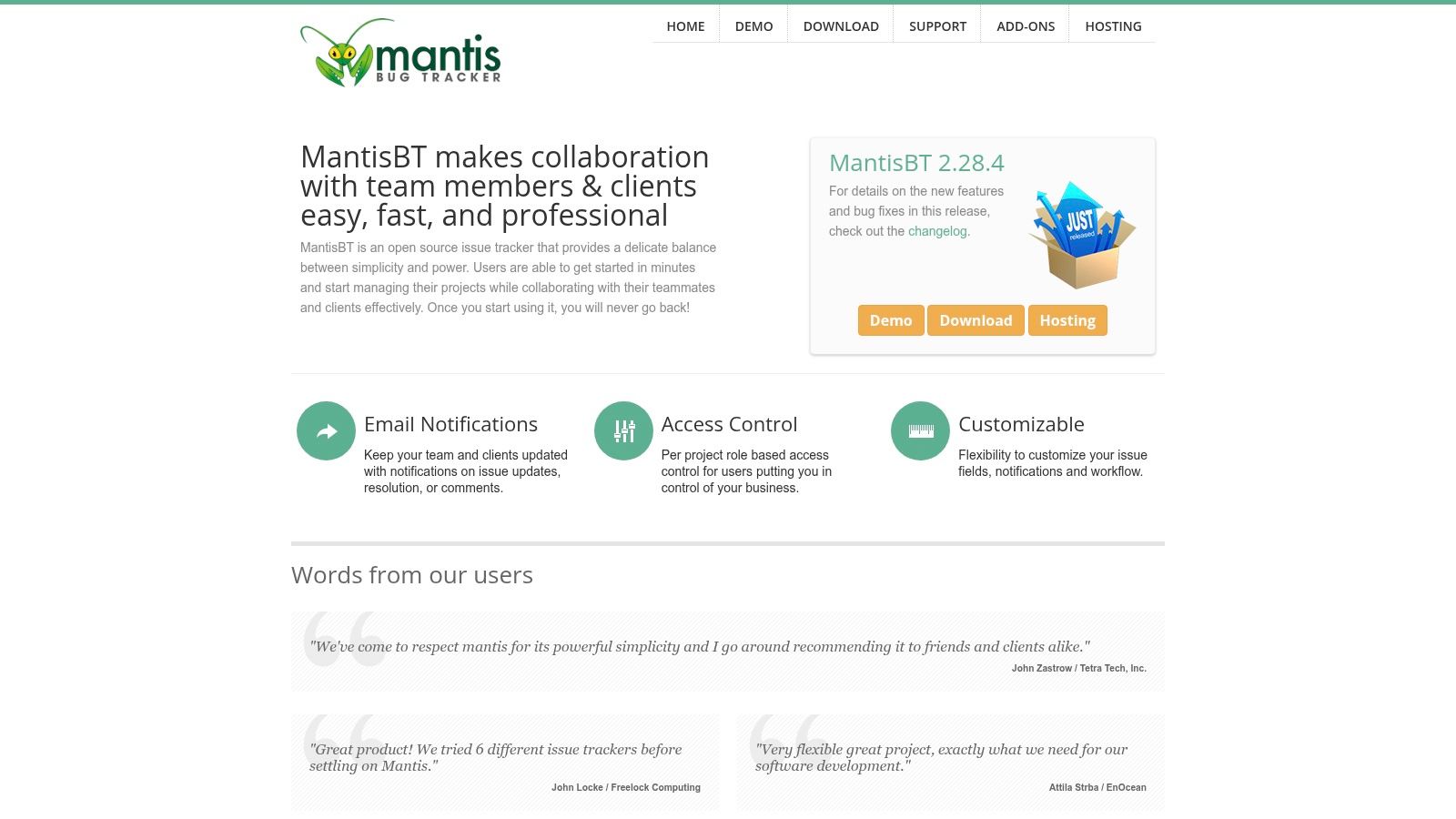
MantisBT is the control-first option. It's free, open source, and web based, and you install it on your own infrastructure. That removes per-seat SaaS pricing and puts deployment and data decisions in your hands. For a team with hosting skills and a tight budget, that's a legitimate trade, not a compromise.
The fundamentals are all here. Teams get issue reporting, assignment, priority, and status tracking, plus role-based access, configurable workflows, email notifications, filtering, plugins, and custom fields. You can adapt categories and access rules to your process instead of fitting your process around a vendor's plan tiers.
The Invoice Arrives as Maintenance
Your team owns hosting, upgrades, backups, security patching, and recovery. Setup needs a compatible PHP and database environment, and there's no managed service absorbing weekend failures. If the tracker goes down during a release, that's your incident too.
Free software is not free operations. Price the maintenance hours before you celebrate the absent seat fee.
I'd choose MantisBT when self-hosting is a policy requirement or the team already runs similar infrastructure confidently. Solo founders without operations support usually get better value from a managed free plan, even with its caps.
Free plans, best-fit scenarios, and integrations across the 10 bug reporting software options
Read the free column as the first bill. Client-facing widgets spend value on easy reporting; engineering trackers spend it on seats, issues, or captures.
| Item | Free plan | Best for | Key integrations |
|---|---|---|---|
| Marker.io | No free plan listed; 15-day trial | Visual website feedback from clients and testers | Project-management tools |
| BugHerd | Paid plans; Standard tier includes five team-member seats | Agencies collecting visual website feedback | Project-management tools |
| Userback | Unlimited submissions; feedback available for seven days | SaaS teams collecting bugs and feature requests | Jira, ClickUp |
| Jam | Free plan with limits of 30 Jams and five Recording Links per month | Reproducible bug reports with diagnostic context | Jira, Linear, webhooks |
| Bird Eats Bug (Bug Capture) | 15 uploads per month; shared team workspace | Browser-based issue reproduction for QA, developers, and support | Jira, GitHub, Slack, Linear, Trello |
| Jira | Up to 10 users | Teams needing configurable issue workflows | Development and collaboration tools |
| Linear | Unlimited members; capped at 250 issues and two teams | Product and engineering teams wanting fast issue triage | Integrations and API |
| GitHub Issues | Included in GitHub Free | Teams tracking bugs alongside code | GitHub repositories, branches, and pull requests |
| YouTrack | Up to 10 users | Small teams needing configurable issue and project tracking | Helpdesk for customer-submitted tickets |
| MantisBT | Free and open source; self-hosted | Teams prioritizing self-hosting and customization | Plugins and extensions |
Matching Your Bug Reporting Software to Your Team
Start with the reporter, not the feature list. If clients, customers, or nontechnical testers file most reports, use a visual widget such as Marker.io, BugHerd, or Userback. They capture the page, the annotation, and technical context at the moment of failure. If support and QA reproduce issues for engineers, Jam or Bird Eats Bug will usually save more time because logs and recordings answer the questions that normally bounce a ticket back.
If engineers create and triage most work, don't force them through a feedback widget. Pick the tracker that matches how they already ship. Linear suits fast, product-led triage. Jira suits custom workflows, release governance, and larger organizations. GitHub Issues is hard to beat when the repository is already the center of work. YouTrack fits small teams that want configurable tracking plus a customer helpdesk. MantisBT makes sense when self-hosting and avoiding per-seat cost outweigh the maintenance you'll own.
Check the Cap That Will Hit You First
- Reporter seats: Marker.io and BugHerd reduce friction for external reviewers
- Usage volume: Jam and Bird Eats Bug limit free monthly captures or uploads
- History and scale: Userback limits free feedback availability, while Linear caps free issues and teams
- Internal seats: Jira and YouTrack give small teams a clear free threshold
Don't evaluate these limits against a quiet week. Run a two-week trial with real bugs from your last release, including the messy customer reports your current process handles badly. Count uploads, creators, internal seats, and issues. Then check whether the next plan solves the first cap you'll hit or creates a jump you can't justify.
Accessibility deserves its own fields in whichever tool you choose. A study of 30,266 Android bug reports identified 1,308 accessibility-related reports, with median fix times of 52.5 days on Android and 83.0 days on iOS, according to the ACM study of accessibility bug reports. Capture the assistive technology, blocked task, affected user limitation, and relevant WCAG criterion. Detection alone doesn't create priority. If an accessibility bug blocks checkout, signup, or another core workflow, your severity rules should say so explicitly.
Market forecasts point the same general direction, but they don't agree on scope. One estimate values the market at USD 4.79 billion in 2024 and projects USD 24.51 billion by 2034, while another places the 2025 market at USD 3.76 billion, according to the Market Research Future bug tracking software forecast. Don't buy a category projection. Buy the workflow that removes your current bottleneck, whether that's Agile delivery, CI and CD integration, cloud collaboration, automation, or compliance.
My direct recommendation is simple. Buy the intake tool your reporters will use. Buy the tracker your engineers will maintain. Connect the two, assign one owner for triage, and review blocked, duplicate, and accessibility reports every week. That's where bug reporting software earns its cost, not in a longer checklist.
Building the next bug reporting tool, or still hunting for a niche SaaS product your team missed? SubmitMySaas helps founders launch for visibility, feedback, and a high-authority backlink, while users can browse weekly Top Projects and monthly best lists by category. Visit the site to submit your product through the Submit Project option or discover what's launching next.