By Outrank
10 Best Web Applications for Work in 2026
Discover the best web applications of 2026 for design, project tracking, collaboration and more — with honest pros, cons and use cases for each tool.

On this page
Feature counts sell subscriptions. They don't survive contact with a real team. Every roundup of the best web applications starts by counting checkmarks and crowning whichever tool has the longest features page, and that method collapses in week one, when the free plan caps at two seats, per-user pricing triples the bill at onboarding, or a workspace so flexible that nobody can find the document they wrote last Tuesday.
The better question isn't "what does this tool do?" It's "who is this for, what breaks first, and what will my team have to agree on before it works?" A tool that fits a five-person studio can be a liability for a 40-person product org, and the reverse happens just as often.
This list covers ten web applications across work, design, data, and collaboration. Each entry leads with the team it suits, names a limitation you'll hit after the honeymoon, and includes the implementation note teams tend to learn the hard way. No feature dumps and no copy-paste marketing claims. Just practical use cases, honest trade-offs, and the setup decisions that separate a tool that sticks from one you cancel in month three.
1. ToolSift - Platform Category
A directory can shorten the search, but it cannot choose software for your team. SubmitMySaas's Artificial Intelligence category offers one place to browse AI products; use it to identify candidates, then check the details that affect fit.
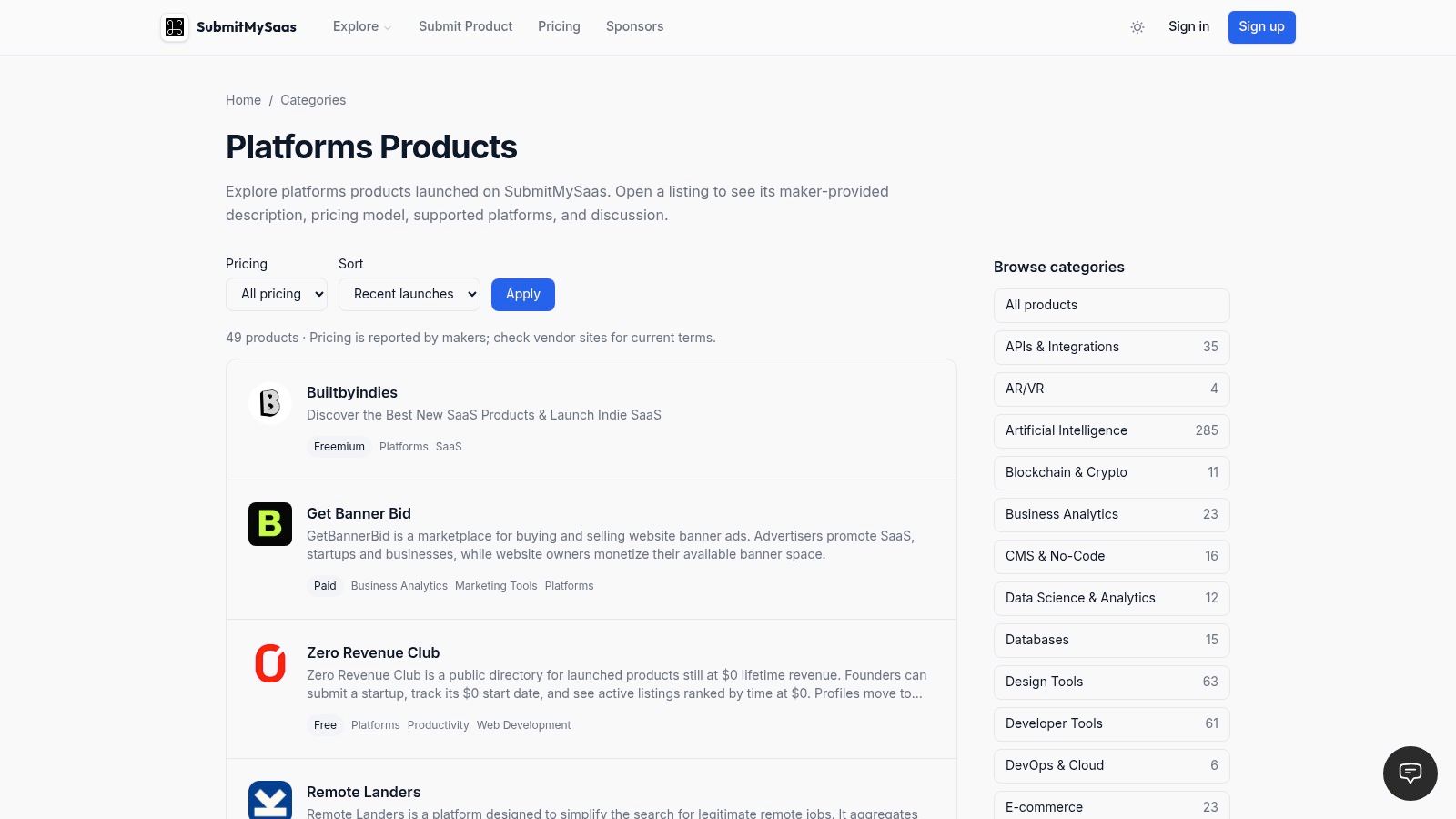
The volume argument is real. Nearly all organizations deploy at least one SaaS application, and enterprise environments commonly operate between 100 and more than 300 of them depending on size and industry, according to JumpCloud's SaaS usage breakdown. A category view can make discovery more manageable, but a listing alone cannot settle a purchase.
Who it's for: founders and ops leads starting a shortlist, and makers browsing recently launched products.
Where the category stops helping
A listing confirms that a product exists. It may not answer whether the API is documented, whether SSO is included in the free tier, or whether exported data will be usable. Check those points in the vendor's own documentation before booking a demo.
Practical rule: treat a directory listing as a lead, not a verdict. Verify authentication and data export directly with the vendor.
Browsing helps with breadth. The buying decision still depends on product details, so check the vendor's status page and changelog before investing time in evaluation. If the changelog has been inactive for months, keep looking.
Use the Artificial Intelligence category to find candidates, then verify their fit at the source.
2. Notion
Notion wins the consolidation argument and then hands you the bill in week three, when five people have built five different systems for the same project.
For a team that wants documents, wikis, and lightweight project tracking in one browser tab, that trade is worth making. The flexibility is the product. Notion gives you pages, databases with multiple views, and connections to tools like Slack and Google Drive.
Keep it if you're a small team or a solo operator who wants one adaptable hub. Skip it if you need enforcement rather than suggestion.
The setup nobody budgets for
Conventions decide whether Notion stays useful. Pick one naming scheme for databases, one property that marks status, and one owner per workspace area, then write those rules into a page nobody can delete. Without them, search becomes your primary navigation, and it degrades fast as the workspace grows.
If you're weighing it against a plain-files setup, this Obsidian vs Notion comparison covers where each one stops being comfortable.
- Free plan: workable for an individual, thinner for a team.
- Advanced team features: paid.
- Migration: export works better than most, but relational databases never travel perfectly.
The free tier is a genuine trial, not a team plan, so price the seats before you move a department's knowledge base into it.
3. Figma
Figma's main trade-off is straightforward: browser-based collaboration reduces file handoffs, while seat types can make costs harder to predict. It suits product teams where designers, developers, and marketers need to review the same work. Teams with only occasional reviewers should check who needs an editing seat before inviting everyone.
Figma supports interactive prototypes, in-context comments, and developer handoff through Dev Mode. FigJam adds workshops and diagramming, while the product family also includes tools for slides and web publishing. The range is useful, but teams should decide which workflows they need before rolling it out.
The browser is the platform
Browser compatibility matters for a design tool that reviewers access through shared files. StatCounter's 2025 worldwide browser market share data reports Chrome at 68.79%, Safari at 16.59%, Edge at 5.36%, and Firefox at 2.57%. Test comment flows and prototype playback in Safari as well as your team's primary browser before standardizing.
For teams with legacy Adobe XD files, this Figma vs. Adobe XD comparison can help frame the migration decision.
Seat types are the other implementation detail to settle early. Editors, viewers, and Dev Mode seats are priced differently, so model the cost around actual responsibilities rather than headcount. Assign editing access to people who change files, use viewer access for reviewers, and check assignments again after the first month.
4. Airtable
Airtable fits teams whose spreadsheets have become hard to maintain, but who do not need a custom database. Content calendars, inventory, editorial pipelines, and lightweight CRMs are practical uses.
Who it's for: Operations and marketing teams that need linked records, different views of the same data, forms, and automations without building an app. Airtable combines a database-style grid with automations and API access. Check the plan limits against your expected usage before moving a process into it.
The question to ask before you commit
The key risk is how Airtable fits into the rest of your systems. Integration failures can create data errors, poor visibility, security exposure, and manual work. IBM's analysis of SaaS sprawl explains the operational costs that can follow when businesses accumulate disconnected services.
Test the exit before you test the demo. Export a base with its linked records and attachments, then open the files. If the relationships disappear, migration will take more than a simple export.
- Seat pricing: Paid plans charge for editors, so reserve editing access for people who maintain the base.
- Usage limits: Automation and API ceilings can become a constraint as a base grows. Estimate usage before relying on them for a core workflow.
- Permissions: Set access rules early. Retrofitting them after a base becomes widely used takes more care.
5. Canva
You don't need a design tool. You need non-designers to produce material that doesn't look improvised, and Canva is the cheapest route to that outcome.
Templates, a drag-and-drop editor, stock media, and brand controls all live in the browser, and the free tier covers a lot of everyday work. Canva is the right call for presentations, social posts, and recurring marketing graphics that need to look consistent across a distributed team.
Where the polish breaks
Accessibility is the gap most roundups skip. The 2025 Web Almanac found that only about 31% of mobile sites met minimum color-contrast requirements, and roughly 95.9% of homepages failed at least one WCAG 2.2 criterion, according to the HTTP Archive accessibility findings. Templates are where that failure gets mass-produced. A brand palette applied to a template can push text below contrast minimums, and nobody notices until an audit or a complaint.
Three habits that fix most of it:
- Check contrast in the brand kit before templates multiply the problem.
- Use real text, not baked-in image text, so screen readers and translation both work.
- Lock the elements people shouldn't move, or every deck will drift by quarter two.
Free tier reality: template and media selection is generous, but brand kits, premium content, and heavier AI usage sit behind paid plans. Budget for one paid seat on the marketing team rather than six.
6. Slack
Slack's failure mode isn't the product. It's the notification debt a team builds in month one and never pays down.
Channels, direct messages, search, file sharing, and a deep integration catalog make it the default for workplace conversation. Slack keeps project threads and connected services in one searchable place, which beats scattered email chains for anything time-sensitive.
Habits that decide whether it works
Adopt a channel naming convention on day one, archive aggressively, and move decisions out of threads into the document or ticket where they belong. The teams that end up hating Slack are usually the ones that let a single channel carry four projects at once.
Treat channels as rooms, not inboxes. If a conversation needs a decision, it needs a document, and the thread should link to it.
Free and paid plans differ on message history and app access, and those limits change, so check them against how far back your team needs to search before you migrate a whole department. Paying per active user for people who mostly read is a common overspend.
- Keep channels for teams and projects, not every passing topic.
- Set notification defaults for the org instead of asking people to defend themselves.
- Review app installs quarterly, because integrations are the quiet path to sprawl.
If your team already runs on Google Workspace or Microsoft 365, Slack is an addition rather than a replacement. Budget attention for that, not just seats.
7. Linear
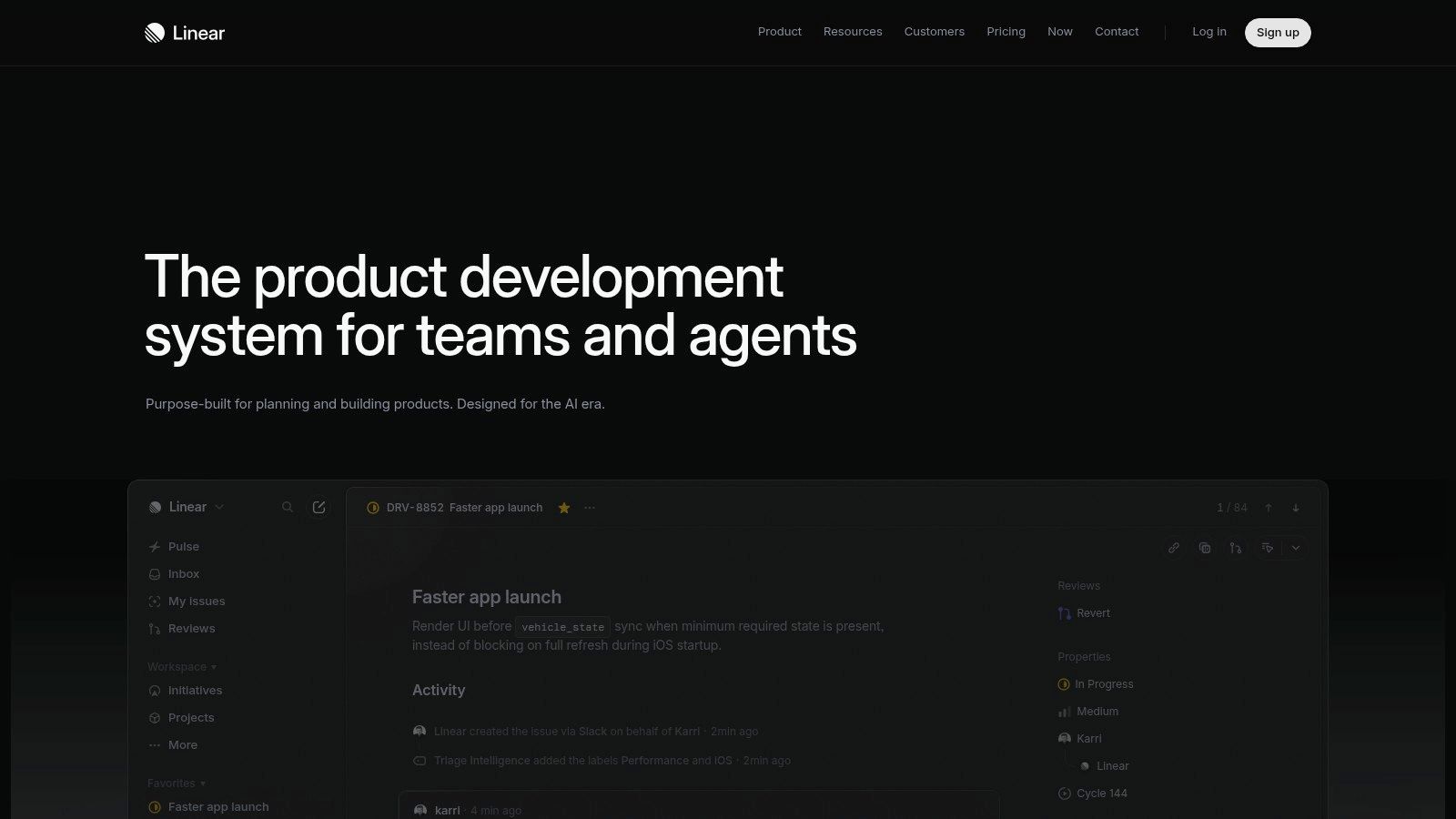
As engineering work grows, a shared board can lose track of issues, projects, and ownership. Linear gives software and product teams a focused way to manage that work without turning a general-purpose tool into a bug tracker. Its keyboard-driven interface is fast, but its opinionated workflow may not suit teams that need flexible, cross-functional project management. Linear is best for teams willing to standardize how they track engineering work.
Speed is a feature, and you can measure it
A work app used all day should stay responsive under real working conditions. Google's Core Web Vitals thresholds are a 75th-percentile Largest Contentful Paint of 2.5 seconds or less, Interaction to Next Paint of 200 milliseconds or less, and Cumulative Layout Shift of 0.10 or less. The 2025 Web Almanac performance report found 77% of mobile sites achieved a good INP score, while only 48% of mobile sites and 56% of desktop sites passed all three Core Web Vitals.
Use those thresholds as a practical screen: open the app on a mid-range laptop with your own data, rather than judging performance from a sales demo.
The free plan's team and issue caps can surprise growing companies. Choose a paid tier before those limits constrain how the team tracks work. Linear is also a poor document hub, so keep specs and decision records in a tool designed for prose.
8. Miro
Workshops are the test. A tool that works for solo diagramming but collapses when 14 people join a canvas isn't a collaboration tool, it's a drawing app.
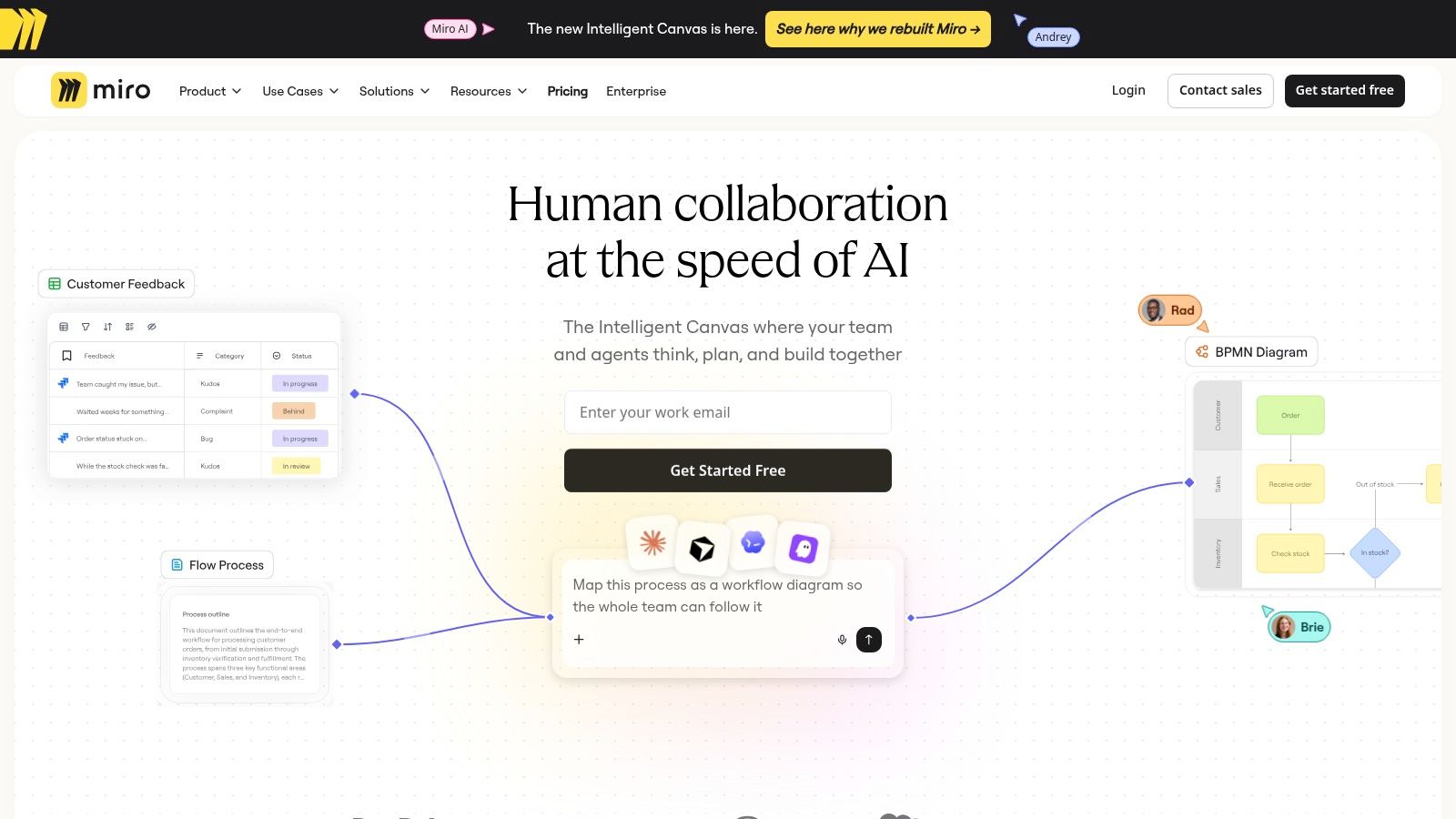
Miro passes that test. Shared boards, templates, and structured formats for timelines and tables make it useful for remote brainstorming, journey mapping, and planning sessions. Miro mixes freeform ideation with enough scaffolding to keep a workshop on the rails.
Facilitation beats features
A large canvas gets messy in about four minutes. Assign a facilitator, pre-place frames with instructions, and set a timer per activity. The teams that get real value from Miro treat the board like a meeting agenda rather than a whiteboard to be filled.
Plan limits matter more than most comparisons admit. The free plan allows unlimited team members but caps you at three editable boards, and it has more open sharing defaults. Three boards disappear quickly when every project wants its own.
Rules that keep boards usable:
- One board per workshop, not per quarter.
- Title every frame so latecomers can orient without a tour.
- Lock finished sections and start a new frame instead of sprawling sideways.
Skip it if your team works asynchronously and rarely meets live. Static documents handle that better and cost less attention.
9. Asana
Project management tools fail on ownership, not features. Asana's design bet is that making the owner and the status visible fixes more problems than another view type ever will.
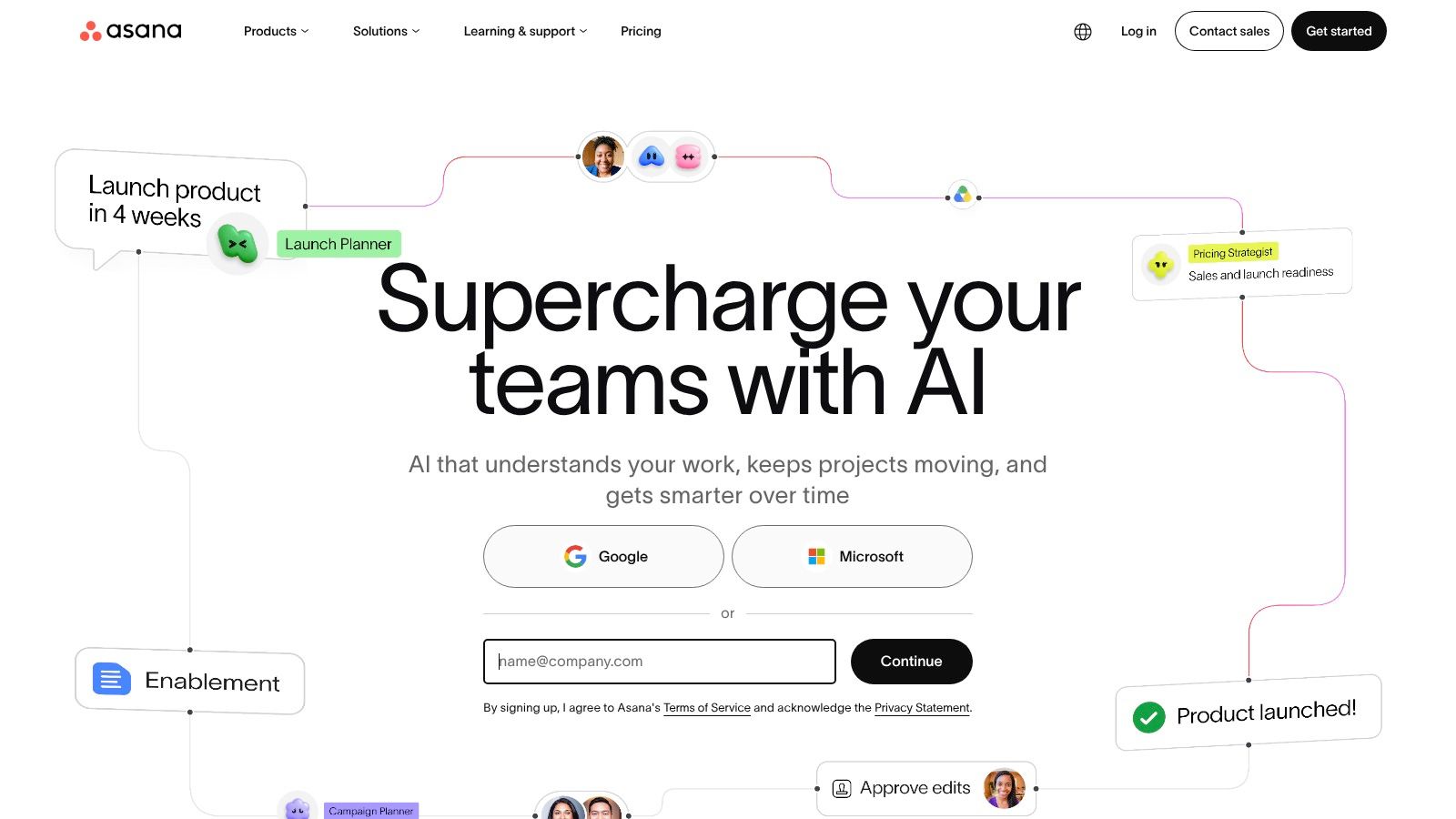
Tasks and projects live in list, board, or calendar views, and status updates give stakeholders somewhere to check progress without booking a meeting. Asana suits marketing, operations, and cross-functional teams that need to assign and monitor work across people.
The limits you'll hit
The free Personal tier caps at two users, so treat it as a trial rather than a plan. Time tracking and several reporting capabilities arrive through integrations instead of the core product, which means your real stack is Asana plus two other tools and two more subscriptions to govern.
Setting up Asana kanban boards matters more than the pricing page. A board with vague columns and no work-in-progress limit becomes a list with extra steps.
Assign every task exactly one owner. Shared ownership is how work goes quiet for a week.
Pick it when the team is five to fifty people and the work crosses departments. Look elsewhere when you need heavy resource planning or billable time tracking built in.
10. Google Workspace
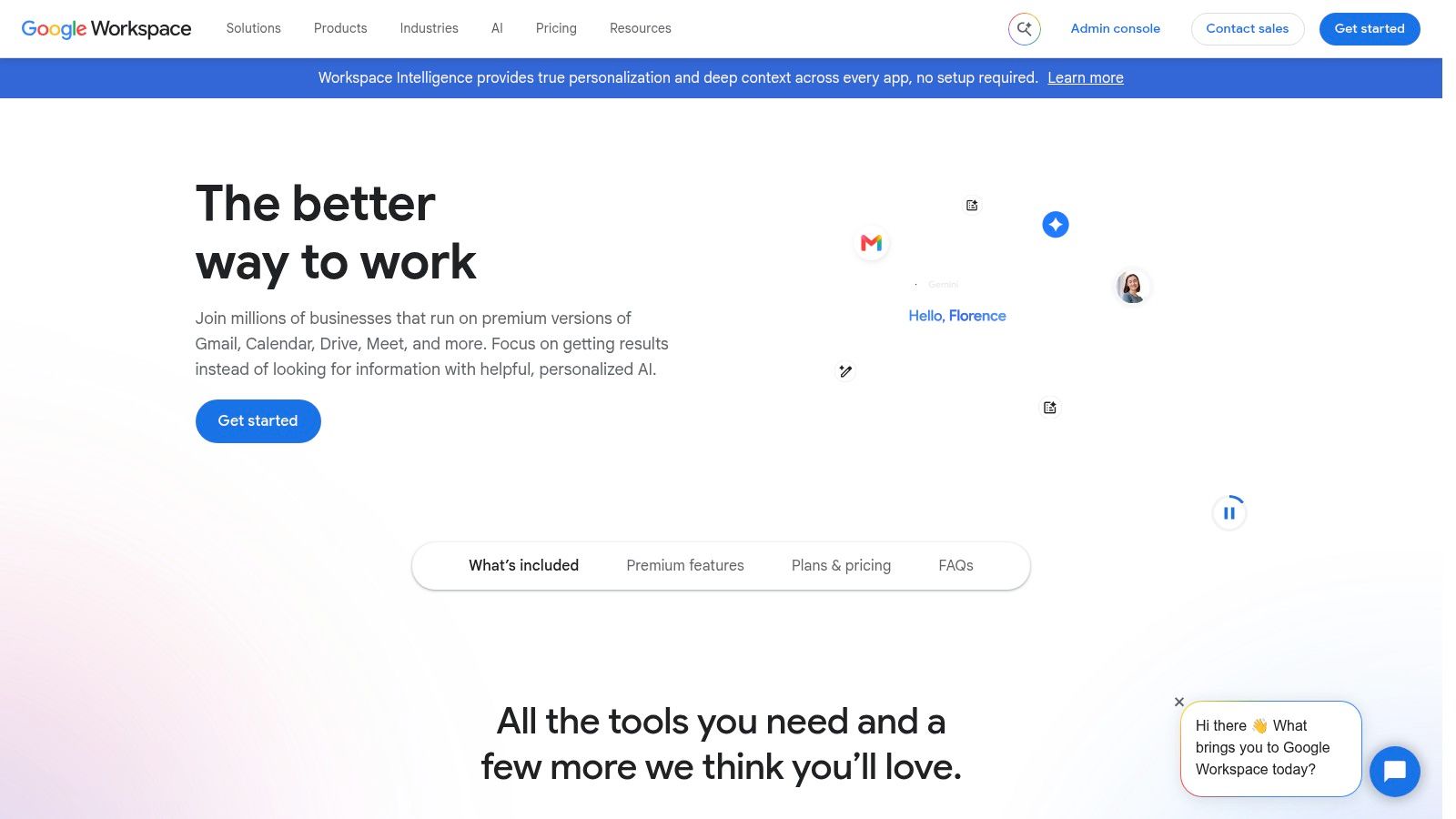
A familiar suite is useful only if the way your team stores and shares files stays clear. Google Workspace combines business email on a custom domain with Drive, Docs, Sheets, Slides, and meetings under one account system. Business tiers add admin and security controls.
The admin tax
Per-user pricing means costs rise as the team grows, while storage and features depend on the tier. The admin console also has more settings than a small team may need. Set up shared drives before people begin keeping team files in personal My Drive accounts; changing file ownership later takes extra work.
Choose it when one identity system for mail, files, and meetings is worth paying one vendor. Look elsewhere if you're solo and need only email and storage.
The 10 Best Web Applications at a Glance
The right tool depends on the work it needs to support, and every option has a trade-off. Use this table to narrow the field, then check whether each tool's limits fit your team's workflow.
| Best For | Free Plan | Main Limitation | Category |
|---|---|---|---|
| Discovering platform-focused AI tools and web apps | Not a software product; no plan to compare | Listings may lack detailed comparisons, and freshness can vary | Software directory |
| Organizing notes, wikis, databases, and lightweight projects | Available for individual use | Flexible setups can become inconsistent without shared conventions | Workspace and productivity |
| Collaborative product design, prototyping, and developer handoff | Starter plan available | Plan and seat options can be complex; advanced features require paid seats | Design and prototyping |
| Structuring team data and building workflow apps | Available for trying core features | Usage limits and paid editing seats can affect growing teams | Database and workflow management |
| Creating presentations, social posts, and marketing graphics | Available with templates, media, and cloud storage | Some content and tools require a paid plan or add-on | Visual design |
| Organizing workplace conversations and connecting team tools | Free and paid plans; free plan limits message history | Message volume can be distracting, and plan limits differ | Team communication |
| Tracking issues and projects for product and software teams | Available with limits of two teams and 250 issues | Free plan has team and issue limits; less suited to document hubs | Issue and project tracking |
| Running visual brainstorming sessions, workshops, and planning | Available with limits of three editable boards | Board and sharing limits; large canvases can be hard to organize | Visual collaboration |
| Assigning and tracking project work across teams | Personal plan available for up to two users | Free tier is limited to two users | Project management |
| Using business email, file storage, documents, spreadsheets, and meetings together | No free plan specified | Business plans are per user, and storage and features vary by tier | Business productivity suite |
How to Choose and Where to Find What Launches Next
Ten tools, no single winner. The selection work starts with two numbers you already know: how many people need access, and how much attention a switch will cost.
Map each candidate against your team size first. A tool priced per editor is cheap for a five-person marketing team and expensive for a 60-person one. Then check the free plan against your actual usage, not the marketing page. If a trial caps at two seats or three boards, that's a demo, and you should price the paid tier before anyone gets attached.
Run a one-week pilot, not a rollout
Pick one tool at a time and put it through a real workflow with real data. Invite the skeptic on your team, because they'll find the broken export or the permission gap in a day. Adopting a four-tool stack in a single month means you'll never know which one failed when the workflow breaks.
Two more checks that save painful renewals: confirm who can export everything, and confirm what happens to your data if you stop paying. If the answer to either is vague, the tool isn't ready for critical work regardless of its feature list.
Where to find what ships next
The tools your team standardizes on next are probably launching right now, not sitting on last year's roundup. SubmitMySaas runs weekly launches every Monday at 8:00 AM UTC, with a free option at $0 in the standard queue and a premium option at $19 per launch for priority placement. Makers get visibility at the moment of release, and buyers get a steady stream of new web applications to evaluate against the criteria above.
If you're building one of these tools, the same logic applies in reverse. Launch on a Monday, watch which listings get discussed, and treat the first week's feedback the way you'd treat a pilot: as evidence, not applause.
The most useful thing a directory can do is shorten the distance between a launch and the people who need it. SubmitMySaas does that every Monday, ranking the week's entries in its Top Projects list and giving makers a way to reach buyers at the exact moment a product goes live. Browse the categories, watch a launch, and visit SubmitMySaas to see what shipped this week.