By Outrank
Best SEO Tools for Digital Marketing: Top 10 Picks
The best SEO tools for digital marketing compared: features, pricing trade-offs, strengths, weaknesses, and which tool fits your marketing stack.
On this page
There's no single best SEO tool for digital marketing. The popular advice to buy the biggest platform you can afford confuses feature coverage with a useful working stack. A founder choosing topics, a technical specialist investigating indexing problems, and an agency preparing client reports aren't hiring software for the same job.
Organic search still deserves serious measurement. Research cited by Shopify from BrightEdge attributes 53% of trackable website traffic in 2024 to organic search. That's a reason to understand your search performance, not a reason to subscribe to every platform with an SEO dashboard.
Start with the work you can't do reliably today. Can't identify relevant competitors? You need research. Can't explain why product pages aren't indexed? You need technical diagnosis. Can't tell whether published content attracts qualified buyers? You need first-party measurement connected to conversion tracking.
Buying rule: Pay for the missing capability, not another version of a report you already have.
The best SEO tools for digital marketing fall into distinct roles: all-in-one suites, technical crawlers, rank trackers, content optimizers, and reporting tools. Semrush and Ahrefs cover broad research needs; Screaming Frog handles detailed crawling; AccuRanker specializes in rankings; Surfer supports editorial optimization. Google Search Console supplies the first-party foundation, while SE Ranking, Moz Pro, Mangools, and SEOptimer suit different combinations of research, monitoring, and reporting.
Identify your gap, then shortlist within the matching role.
1. Semrush
Best role: Full-suite platform for teams coordinating SEO and paid search.
Semrush makes sense when your marketing team needs to move between keyword discovery, competitor analysis, technical checks, and campaign reporting without constantly exporting data between unrelated products.
For a SaaS launch, start in Keyword Magic Tool with your product category and the problems buyers describe. Separate comparison searches from implementation questions, inspect competing pages, then assign relevant terms to existing or planned landing pages. Use Site Audit to identify technical obstacles and Position Tracking to monitor the chosen queries by location and device.
Where the breadth earns its keep
The strongest use case is a team that uses the wider marketing capabilities. Paid-search intelligence can inform landing-page priorities, while backlink analysis and competitor research help explain why competing domains attract visibility.
- Choose it for: Shared research and reporting across SEO, content, and paid-search responsibilities.
- Watch the limits: Projects, tracked keywords, reports, and access requirements can affect the plan you need.
- Skip it when: Your main task is occasional keyword discovery for a small website.
The trade-off is complexity. A broad interface takes time to learn, and paying for unused capabilities doesn't make your marketing better.
Before committing, compare alternatives to Semrush against your actual workflow. Test whether you can move from a competitor's ranking page to a defensible content brief, rather than judging the platform by how many menus it contains.
2. Ahrefs
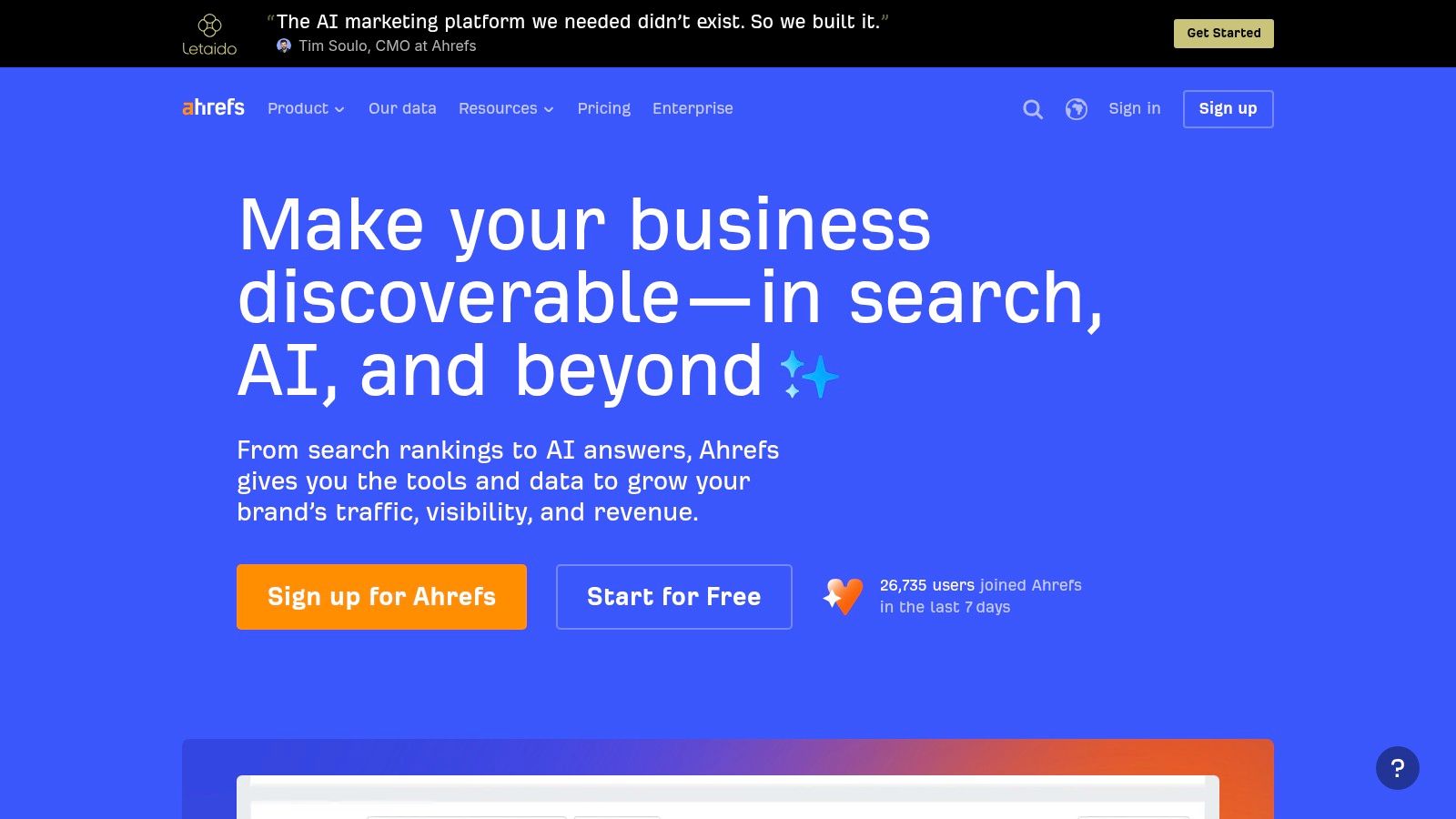
A competing SaaS keeps appearing for your most valuable searches. Ahrefs is a strong choice for investigating what supports that visibility, particularly competing pages, referring domains, and content gaps.
In Ahrefs, use Site Explorer to inspect relevant competitor pages rather than treating the whole domain as your benchmark. Filter backlinks for editorial relevance, investigate the pages attracting links, and distinguish useful resources from placements you wouldn't want associated with your product.
Keywords Explorer and Content Explorer help turn that investigation into publishing opportunities. Site Audit and Rank Tracker extend the workflow beyond research.
Research depth versus monitoring needs
The useful output isn't a copied keyword list. It's a decision about which page your team can build with better product evidence, clearer implementation guidance, or a more relevant answer.
- Strong fit: Competitor research, link prospecting, and finding gaps in an established content library.
- Main trade-off: Paid access and usage allowances need to match how heavily your team researches.
- Important boundary: Estimated competitor traffic isn't the same as measured visits or revenue.
Verified site owners can also use Ahrefs Webmaster Tools for a narrower starting point. Don't assume that access reproduces the broader paid research workflow.
If monitoring is your primary need, use this Ranktracker versus Ahrefs comparison to separate specialist tracking requirements from research requirements. Buying a research suite just to watch positions can leave much of its value unused.
3. Google Search Console
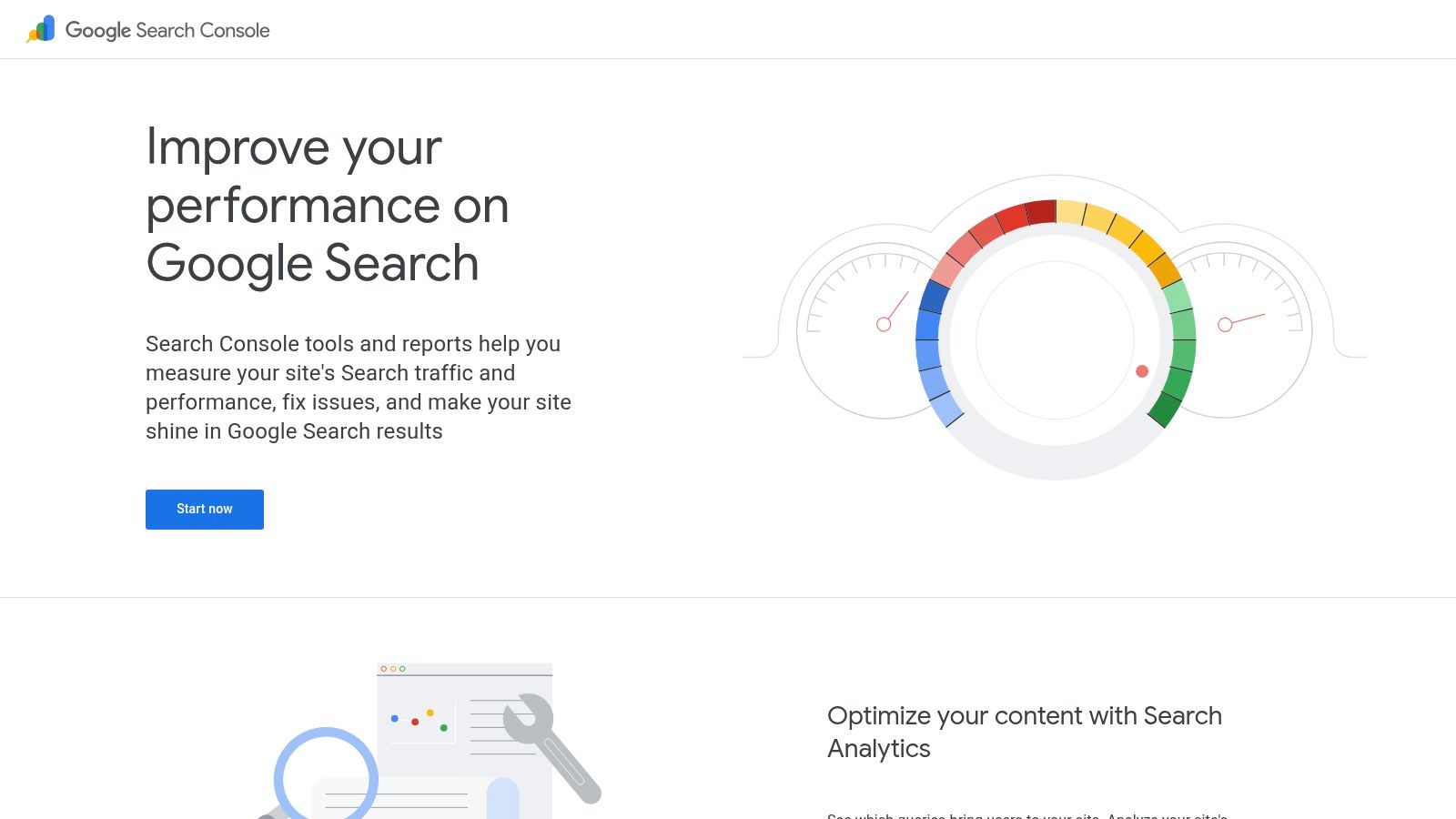
Best role: First-party search measurement and indexing diagnosis.
Set up Google Search Console before buying a research platform. It shows how your verified property performs in Google Search, including clicks, impressions, click-through rate, and average position.
A practical content-review workflow starts with pages losing clicks. Compare equivalent periods, inspect their queries, and separate falling impressions from weaker click-through rates. Those patterns call for different responses: refreshing a page won't necessarily solve reduced demand or a changed results layout.
For indexing problems, inspect the affected URL, review its reported status, and compare Google's selected canonical with your intended canonical. Sitemap monitoring and security or manual-action reports support ongoing site management.
Understand what the reports omit
Search Console is first-party, but it isn't an exhaustive query log. Google's Search Analytics documentation describes an API ceiling of 50,000 rows per day per property and search type, alongside privacy filtering and omitted queries.
Missing long-tail queries don't prove that nobody searched for them.
Use scheduled API reporting when repeatable segmentation matters. For larger properties that outgrow API output, consider BigQuery bulk export.
The limitations are clear: Search Console won't replace competitor research, broad keyword discovery, or conversion analytics. Its essential job is validating actual Google search performance, so third-party estimates don't become your only account of what's happening.
4. Screaming Frog SEO Spider
A redesign can preserve your homepage while breaking the paths that lead buyers to important feature pages. Screaming Frog SEO Spider helps you inspect those paths at URL level.
Best role: Technical crawler for diagnosis, migrations, and verification.
Use it to investigate status codes, redirect chains, page titles, canonicals, robots directives, hreflang, and internal links. JavaScript rendering is useful when important content or navigation depends on client-side execution.
The difference from a dashboard audit is control. You can filter affected URLs, inspect their inlinks, and export a development-ready list instead of handing engineers a general site-health score.
Turn crawl findings into fixes
- Before a migration: Crawl existing URLs and preserve the information needed to map redirects.
- During diagnosis: Group problems by template, directory, or response type to identify shared causes.
- After deployment: Recrawl affected pages and verify that the intended fix shipped.
Prioritize by business impact. A canonical problem affecting product pages deserves attention before cosmetic metadata inconsistencies on unimportant archives.
The trade-off is that someone must interpret the findings. Desktop setup, crawl configuration, and memory requirements make Screaming Frog less approachable than a lightweight browser-based audit.
It also doesn't replace keyword or backlink research. If you're evaluating crawling and automated monitoring options, compare SEO bot software around rendering, exports, and repeatability. The useful deliverable is a verified fix, not an impressive crawl size.
5. SE Ranking
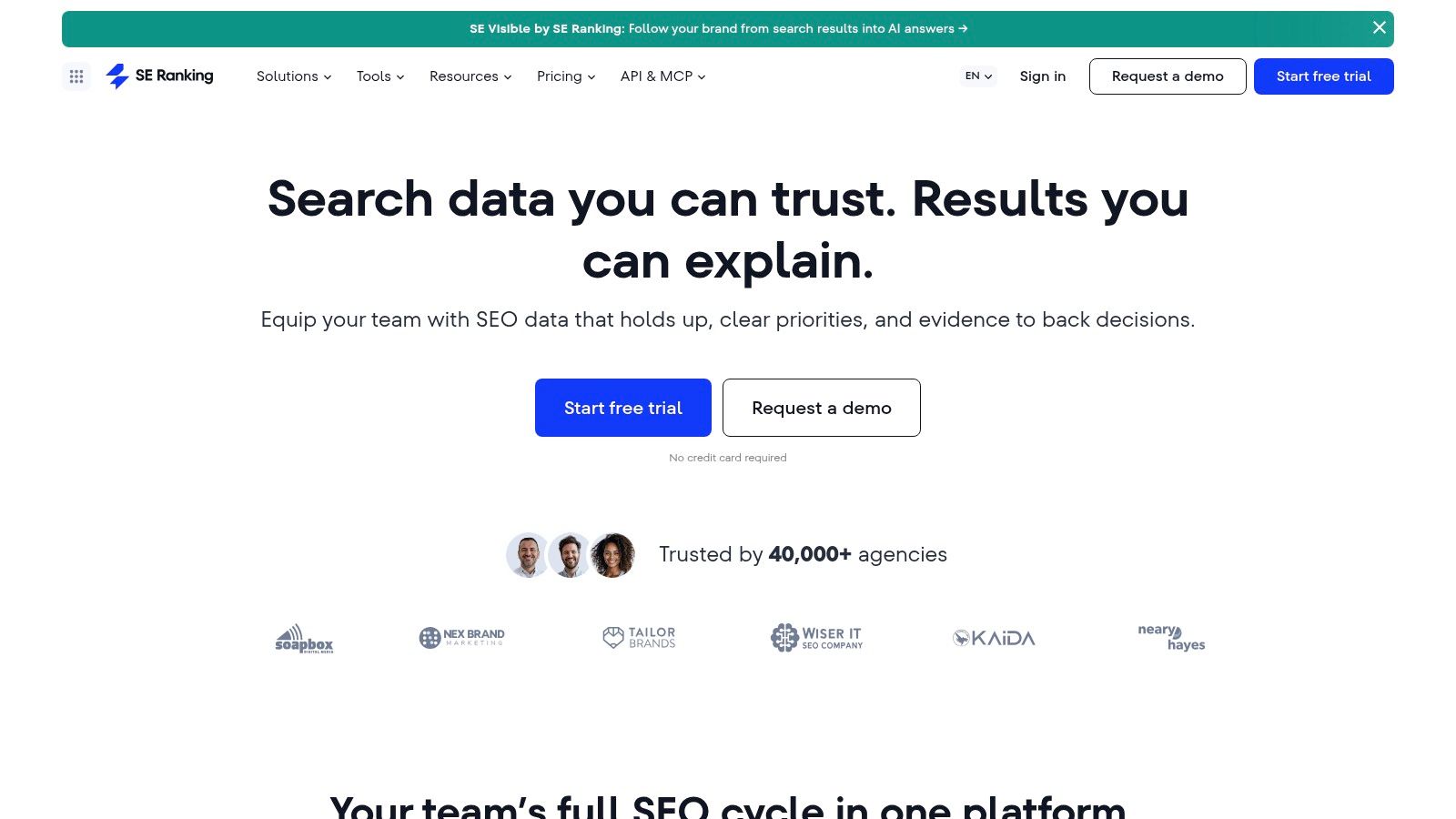
SE Ranking suits teams that want rank tracking at the center of a broader SEO workspace. It combines keyword and competitor research, audits, backlink monitoring, and reporting in a platform that can support multiple projects.
Use SE Ranking to organize keywords around the decisions your team needs to make. For a SaaS business, separate branded searches, category terms, competitor comparisons, and integration queries. Then track the appropriate country and device rather than mixing unlike results into a single visibility trend.
Its broader tools help connect a ranking change with possible explanations. You can review on-page issues, investigate competing pages, and monitor backlinks without immediately adding another subscription.
Compare the working configuration
Don't compare entry plans in isolation. Compare the configuration you'll use, including tracked keywords, ranking frequency, project allowances, reporting needs, and any required advanced features.
- Best fit: Agencies and in-house teams combining regular rank monitoring with routine research.
- Useful advantage: A broad workspace can reduce handoffs between monitoring, auditing, and reporting.
- Main limitation: Validate research coverage in your target market instead of assuming every database is equally detailed.
The SE Ranking vs Semrush comparison is useful for narrowing that broader-platform decision. Run representative searches from your own market in both candidates.
I'd favor SE Ranking when the team's recurring job is monitoring and explaining progress. I'd favor a more research-heavy alternative when deep competitive investigation drives most of the work.
6. Moz Pro
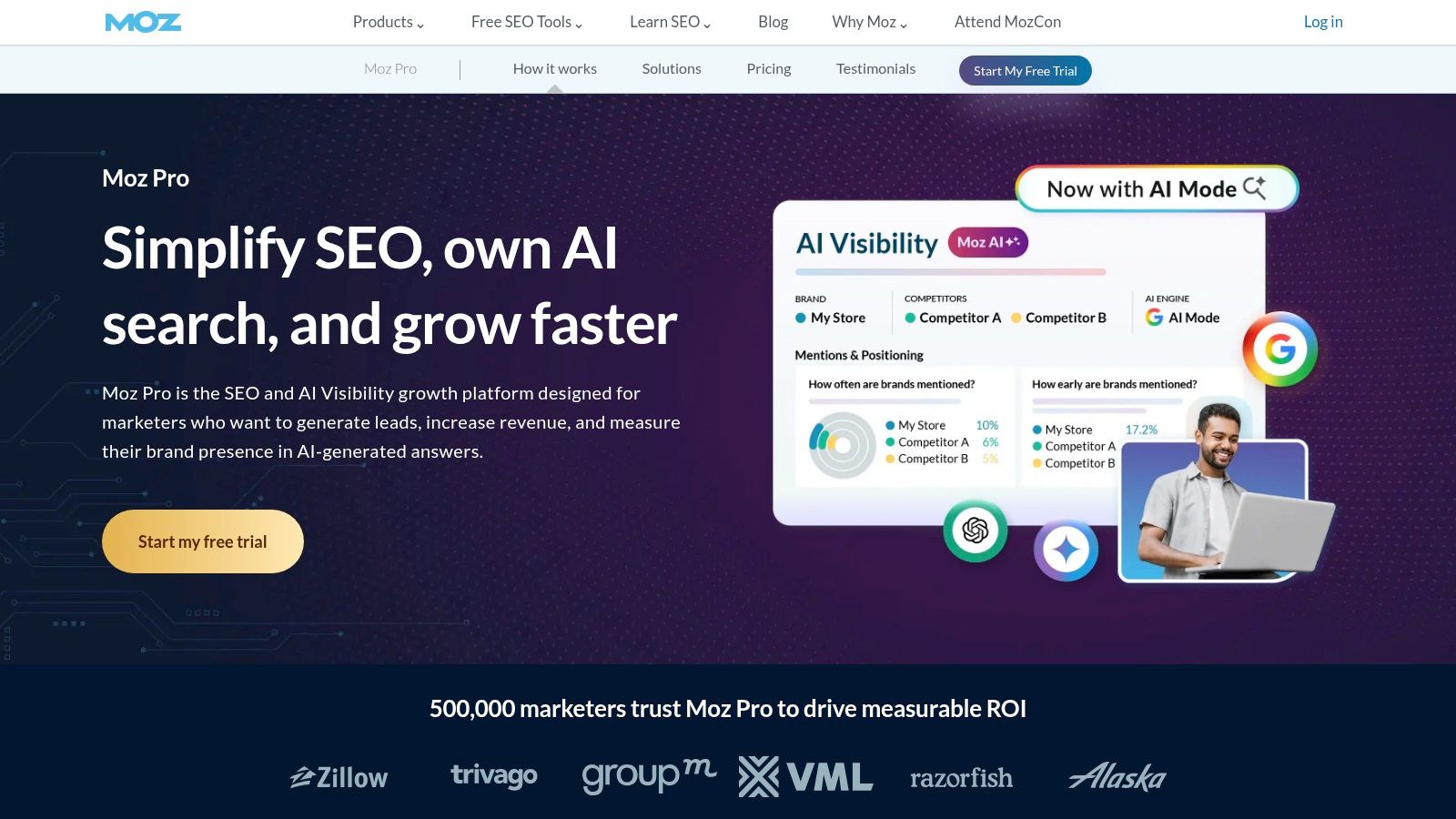
Best role: An approachable core suite for generalist marketers.
Not every marketing team needs a highly configurable research environment. Moz Pro is worth considering when the person managing SEO also handles newsletters, landing pages, and product announcements.
Keyword Explorer, Link Explorer, campaign-based rank tracking, and Site Crawl cover the central workflow. Its educational resources are useful when a team needs to understand why it's making a change, not just follow a recommendation.
A manageable operating routine
Start with a focused campaign around commercially relevant pages. Review crawl findings, investigate keyword opportunities, and use on-page recommendations to improve those pages without turning every suggestion into an urgent ticket.
For example, a project-management startup could compare search intent across workflow templates, software comparisons, and feature queries. The marketer can then choose the page type that matches the buyer's task before writing.
- Choose it for: Core SEO work handled by a small team developing its skills.
- Validate first: Keyword and backlink coverage for your category and geography.
- Don't misuse: Third-party authority metrics as Google ranking factors or business goals.
The trade-off is flexibility. Advanced specialists may prefer more detailed filtering or a different research workflow, especially when investigating complex competitors.
Moz Pro makes more sense when accessibility improves execution. A team that understands and acts on a focused report gets more value than a team that owns a powerful suite but can't turn its exports into priorities.
7. Surfer
Best role: Content optimization after you've selected the right topic.
Surfer helps writers and editors review topic coverage, headings, terminology, and structure against search results. Its Content Editor is most useful when your team already has a target query and needs a consistent briefing and editing process.
Start with intent, not the content score. Inspect the ranking pages and decide whether buyers expect a tutorial, comparison, template, or product page. Then use Surfer's recommendations to identify omissions in a draft.
Keep editorial judgment in charge
Say you're publishing an integration tutorial. Related-term recommendations can reveal a missing setup step, but they can't replace testing the integration, documenting permissions, or explaining what happens when authentication fails.
Editorial boundary: Use a content score to find questions worth checking, not to decide whether an article is true or useful.
Automated briefs and AI-assisted features can help prepare drafts and organize coverage. Editors still need to verify claims, remove repetition, and add product-specific evidence that competing pages don't contain.
The main weakness is mechanical optimization. Chasing every suggested term can produce awkward prose and articles that resemble everything already ranking.
Surfer also doesn't solve technical crawling or backlink research. Add it when editorial consistency is the bottleneck, not when your website's main problem is poor indexing or when nobody has established which topics support acquisition.
8. AccuRanker
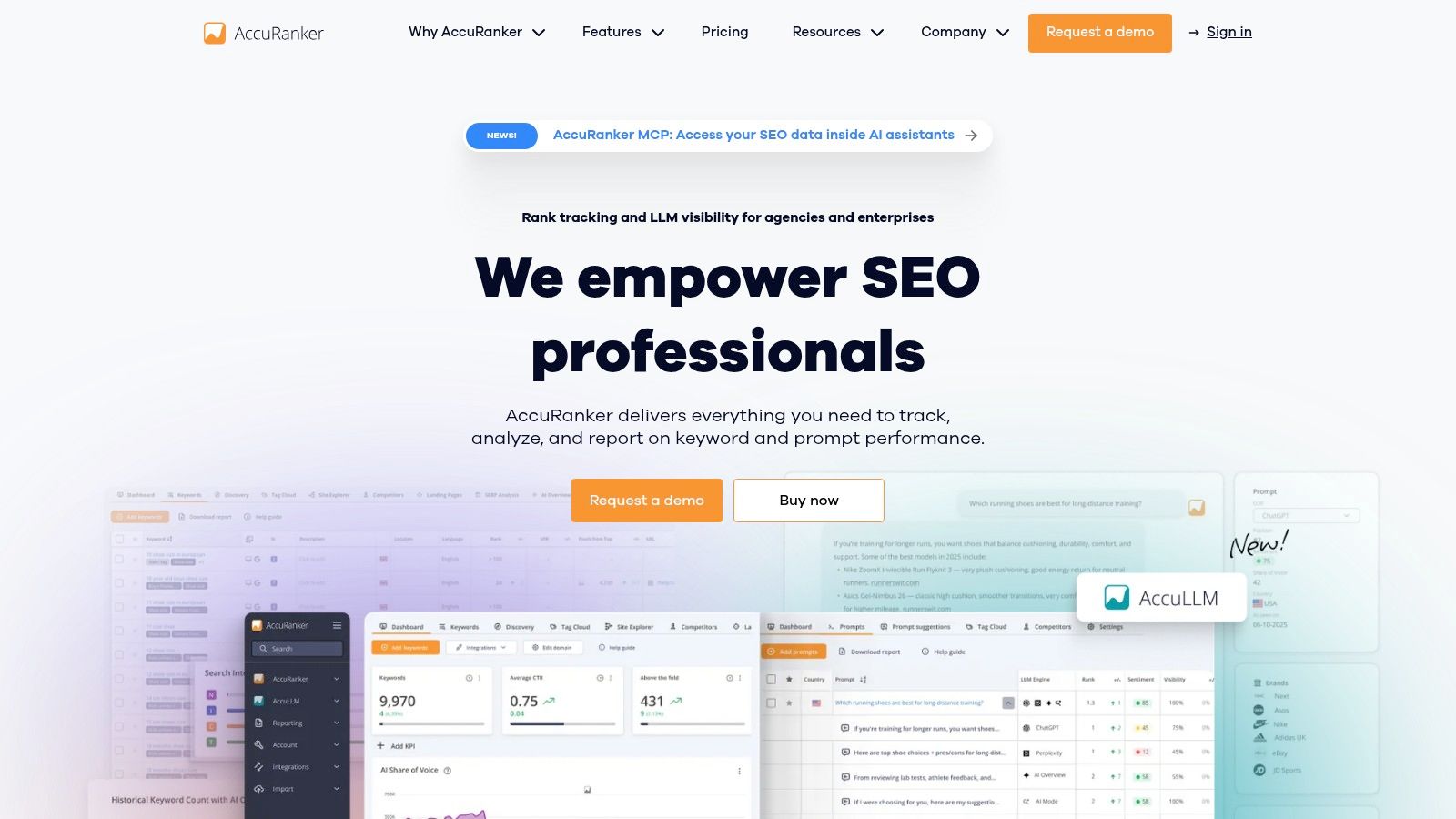
AccuRanker is for teams that need to explain ranking changes precisely, not teams looking for an entire SEO research suite.
AccuRanker focuses on rank updates, segmentation, competitor comparisons, SERP features, and share-of-voice reporting. Organize tracked queries by product line, intent, market, and device so a broad trend doesn't conceal losses on commercially important searches.
Measure visibility without promising clicks
Rankings aren't a traffic forecast. An Ahrefs analysis of AI Overviews reported that their presence correlated with a 58% lower click-through rate for the top-ranking page in December 2025, using aggregated Search Console data across 300,000 keywords.
That finding supports a practical requirement: inspect the results layout alongside position changes. A ranking improvement on a heavily answered informational query may be less valuable than a smaller improvement on a product-comparison query.
- Track separately: Branded, non-branded, informational, and purchase-oriented searches.
- Compare with: Search Console clicks and relevant landing-page conversions.
- Budget carefully: Keyword coverage across locations and devices affects the scope you need.
For AI-specific monitoring requirements, review AI Overview rank trackers and verify what each product records.
AccuRanker's specialization is its appeal and its limitation. You'll still need other tools for technical audits, backlink investigation, and content planning. Buy it when better segmentation and monitoring will change decisions, not just make ranking reports more frequent.
9. Mangools
A solo founder doesn't need an enterprise workflow to decide whether a useful comparison page is worth writing. Mangools is a practical research starting point when simplicity matters more than advanced configuration.
Mangools separates its core jobs into recognizable tools: KWFinder for keyword discovery, SERPChecker for examining competition, SERPWatcher for monitoring, and LinkMiner and SiteProfiler for backlink and domain research.
Use KWFinder to explore the language buyers use around a problem. Then inspect the actual search results before accepting a difficulty score as permission to publish.
A focused founder workflow
- Find the task: Explore specific searches around the problem your product solves.
- Inspect the results: Check whether Google favors tutorials, directories, product pages, or comparisons.
- Choose your contribution: Identify an example, template, or product demonstration you can provide better.
- Monitor the page: Track relevant queries and validate actual clicks in Search Console.
The approachable interface is useful when SEO is only part of your job. You can research a topic without first building a complex reporting system.
The trade-off is depth. Mangools isn't the obvious choice for extensive technical audits, complex agency operations, or research that demands advanced filtering across large datasets.
Don't buy it expecting to reproduce every premium-suite workflow. Buy it if a clearer path from keyword idea to page decision will help you publish useful material consistently. Keep a crawler available for technical investigations rather than trying to stretch keyword tools into that role.
10. SEOptimer
Best role: Accessible audit reporting for agencies, consultants, and small businesses.
SEOptimer is useful when you need to explain a website's broad SEO condition to someone who doesn't work in technical reports. Automated audits cover on-page, technical, performance, and usability factors, while branded reports and embeddable audit forms support client communication and prospecting.
For an agency reviewing a potential SaaS client, start with the automated report, then manually examine the findings that affect important landing pages. Turn confirmed problems into a prioritized scope rather than forwarding every warning.
Reporting isn't diagnosis
A missing description and an indexing directive aren't equivalent problems. Before presenting either as urgent, determine what the affected page does, whether it should appear in search, and what evidence supports the proposed fix.
- Use it for: Clear initial audits, branded summaries, and prospect-facing website reviews.
- Validate manually: Recommendations affecting indexing, redirects, canonicals, or important templates.
- Pair it with: Search Console for observed search performance and a crawler for detailed technical investigation.
Its limitation is the same reason it's accessible: a high-level report can't explain every underlying implementation problem. Screaming Frog is better suited to inspecting URL relationships and preparing detailed development exports.
SEOptimer also doesn't replace advanced keyword or backlink research. Treat it as the communication layer for an audit workflow, not proof that an automated score captures the full health of a website. The report should help a client choose the next action, not merely admire a better grade.
The 10 Best SEO Tools for Digital Marketing at a Glance
| Tool | Best For | Core Strength | Main Limitation | Learning Curve |
|---|---|---|---|---|
| Semrush | Agencies and marketing teams needing an all-in-one platform | Broad SEO and digital marketing research and reporting | Can be expensive and feature-dense | Steep |
| Ahrefs | Teams focused on backlink and competitor research | Backlink analysis and content-gap discovery | Paid plans can be costly | Moderate |
| Google Search Console | Website owners monitoring Google Search performance | First-party search visibility and indexing data | Limited competitor and keyword research | Easy |
| Screaming Frog SEO Spider | Technical SEO audits and site migrations | Detailed website crawling and issue detection | Desktop software can be demanding for beginners | Steep |
| SE Ranking | Startups, agencies, and teams seeking broad SEO tools at accessible pricing | Rank tracking and a wide range of SEO features | Data depth may trail premium platforms | Moderate |
| Moz Pro | Beginners and small marketing teams learning core SEO | Accessible workflows and educational resources | Less database depth in some markets | Easy |
| Surfer | Teams optimizing articles and landing pages | Practical, SERP-based content recommendations | Does not replace technical or backlink tools | Easy |
| AccuRanker | Agencies monitoring many keywords, locations, and devices | Frequent rank updates and segmentation | Requires other tools for broader SEO tasks | Moderate |
| Mangools | Beginners, solo founders, and small teams | Straightforward keyword and competitor research | Limited advanced and technical capabilities | Easy |
| SEOptimer | Small businesses and agencies needing automated audits and reports | Fast, accessible audits and white-label reporting | Less detailed for technical diagnosis | Easy |
Read the table as a stack map, not a leaderboard. Every row answers one question: which job does this tool own, and where does it stop? Semrush and Ahrefs overlap heavily, so running both is a budgeting decision rather than a coverage one. Google Search Console is the only row here with first-party query and indexing data, which makes it the foundation regardless of what else you buy.
Screaming Frog and AccuRanker earn their place through depth in one narrow area. The trade-off is that neither will brief a writer or draft a client report. Surfer, Moz Pro, and Mangools sit closer to the workflow end: faster to learn, lighter on raw data volume. SEOptimer finishes the chain by turning findings into something a client can read.
Match the row to the recurring task you perform each month. If audits consume your week, the crawler row matters more than the suite row. If reporting does, SEOptimer and Search Console carry more weight than a second research platform.
Building Your Stack Without Buying Duplicate Capabilities
Build around Google Search Console plus a research platform that fits your workload. Choose Semrush for broad marketing coordination, Ahrefs for competitor and backlink investigation, or a more approachable option such as Moz Pro or Mangools when a small team needs manageable workflows.
SE Ranking is worth shortlisting when ongoing tracking and multi-project management dominate. Don't automatically buy competing suites together. First establish which recurring decision requires information your existing platform can't supply.
Add specialists when the work justifies them
Bring in Screaming Frog when you need detailed technical diagnosis, migration checks, or deployment verification. Add AccuRanker when your existing tracking can't support the segmentation you need. Add Surfer when briefing and editorial consistency slow down an otherwise sound content process.
For client-facing work, SEOptimer can make audit findings easier to communicate. The broader principle behind a practical SEO toolkit for startups is useful: connect each purchase to a task, an owner, and an output.
- Research output: A prioritized set of pages with defensible intent and product relevance.
- Technical output: Confirmed problems, clear development tickets, and verified fixes.
- Measurement output: Search performance connected to qualified visits, trials, demos, or purchases.
AI visibility deserves a place in measurement without replacing conventional reporting. The SEO FOMO survey on AI-search optimization identified reliable visibility measurement and connecting it to business outcomes as the leading challenge in a 2026 survey of 171 search professionals from 36 countries.
Record relevant citations and check whether AI answers describe your product accurately. Keep measured referrals and conversions separate from inferred signals such as mentions or branded-search movement. A visibility score isn't revenue.
Support discovery beyond the dashboard
Tools alone don't build authority. Your team still needs useful product documentation, credible comparisons, original examples, and distribution that introduces the product to relevant people.
For a newly launched SaaS or tech product, we offer launch visibility, feedback, and a high-authority backlink through SubmitMySaas. Our Free Launch earns a dofollow backlink only when the product ranks in the top 3 weekly and displays our badge; Premium Launch includes a guaranteed high-authority dofollow backlink. Treat launch exposure as a complement to useful pages and ongoing SEO work, not a ranking guarantee.
Audit your current subscriptions against the roles above. Choose the tool that fills your biggest operational gap, define the work you'll complete with it, and commit to a ninety-day evaluation before adding anything else. Judge the purchase by better decisions and completed work, not dashboard activity.
We help makers introduce SaaS and tech products through launches that support visibility, feedback, and discovery. Pair your SEO improvements with a focused product launch, and visit SubmitMySaas to submit your project and choose the launch option that fits your needs.