By Outrank
10 Best SaaS Tools for Startups in 2026
Compare the best SaaS tools for startups across productivity, marketing, analytics, and customer success, with pricing tiers and use-case guidance.

On this page
The popular advice to buy a full software suite as soon as you start building is usually backwards. Early teams rarely lose because they lack a polished roadmap or another dashboard. They lose time and money when founders debate tools instead of making decisions, or pay for overlapping products before anyone owns the workflows.
A better way to choose the best SaaS tools for startups is to ask three questions: Does this tool fit the company's current stage? How painful would it be to switch later? And what specific limitation makes the free tier no longer enough? That keeps the stack focused on work the team does, not features that might become useful someday.
The stakes grow as the stack does. Tech startups with 100 or fewer employees used an average of 47 applications, according to Okta data cited by Torii. That makes integration, access management, and ownership practical concerns, not problems reserved for large companies. For a focused approach to winning customers without overbuying software, see these B2B SaaS lead generation tactics for 2026.
1. SubmitMySaas
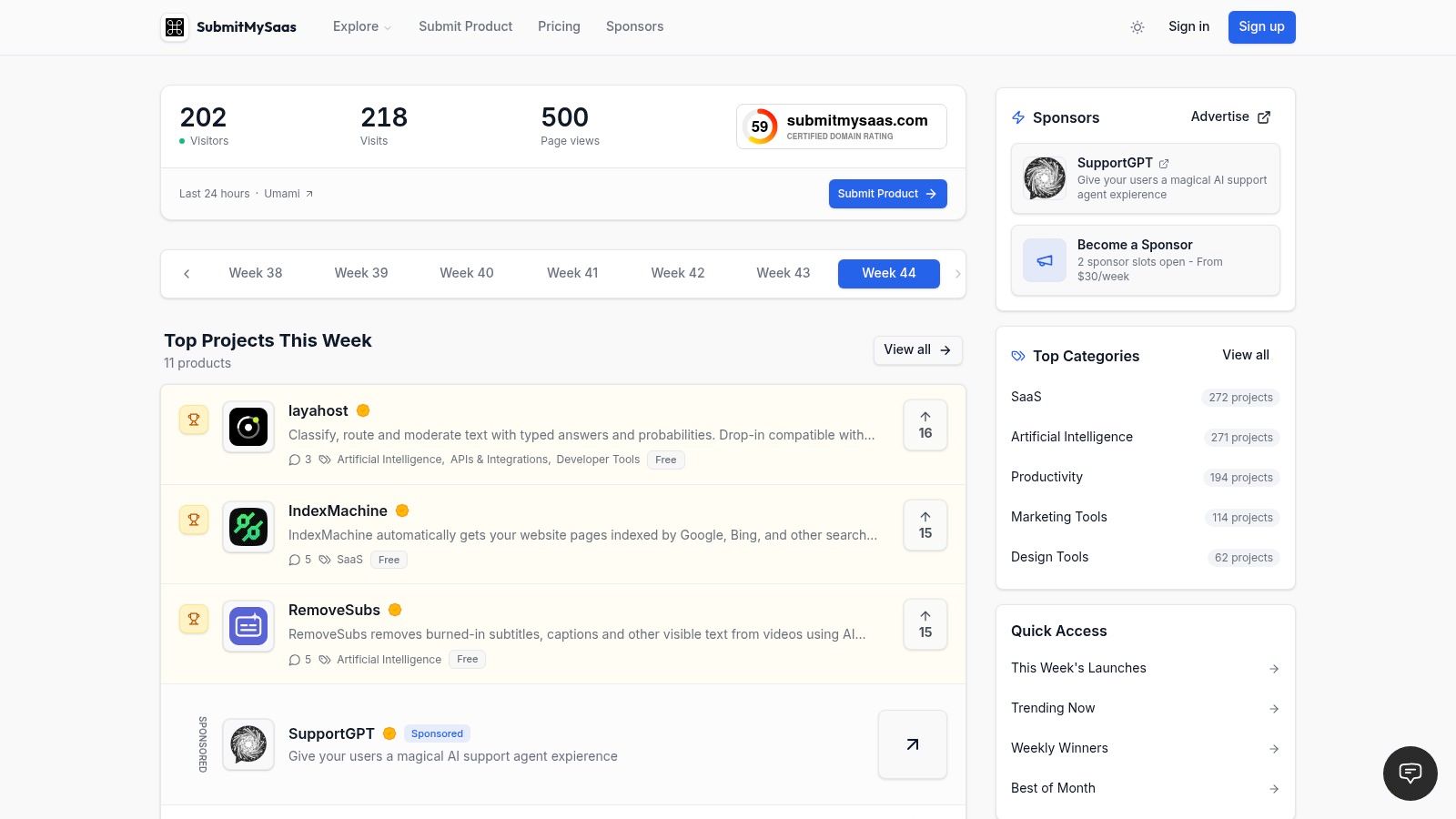
A launch directory earns its place when you have something real to show, not when you're still debating the product name. SubmitMySaas helps founders submit products for discovery, feedback, and launch visibility. Visitors can browse by category, while makers can pursue placement in weekly rankings and monthly roundups. It's a distribution option for a launch, not a substitute for a customer acquisition plan.
The featured package is aimed at teams that want an additional visibility push. The listing plan describes a badge and 35+ DR backlinks as part of the offer, but don't treat a backlink count as a promise of traffic, rankings, or customers. SubmitMySaas also offers Premium Launch for $19 per launch, with priority placement in an available Monday launch and homepage featuring. Free Launch costs nothing and uses the standard queue.
When it earns a place
Submit when your landing page works, your product is usable, and you can respond to feedback. Before paying for promotion, decide what success means: qualified visits, product feedback, or launch visibility. Then track those outcomes independently instead of assuming a directory placement will deliver all three.
The main cost trap is buying exposure before the product and message are ready. If visitors can't quickly understand who the product serves and what it does, a launch slot won't fix the positioning. Earlier on, the free queue may be enough to test your launch materials. The platform publishes weekly Top Projects and Last Week's Best lists, along with a monthly roundup, giving makers a defined discovery context without replacing their own launch channels.
2. Notion
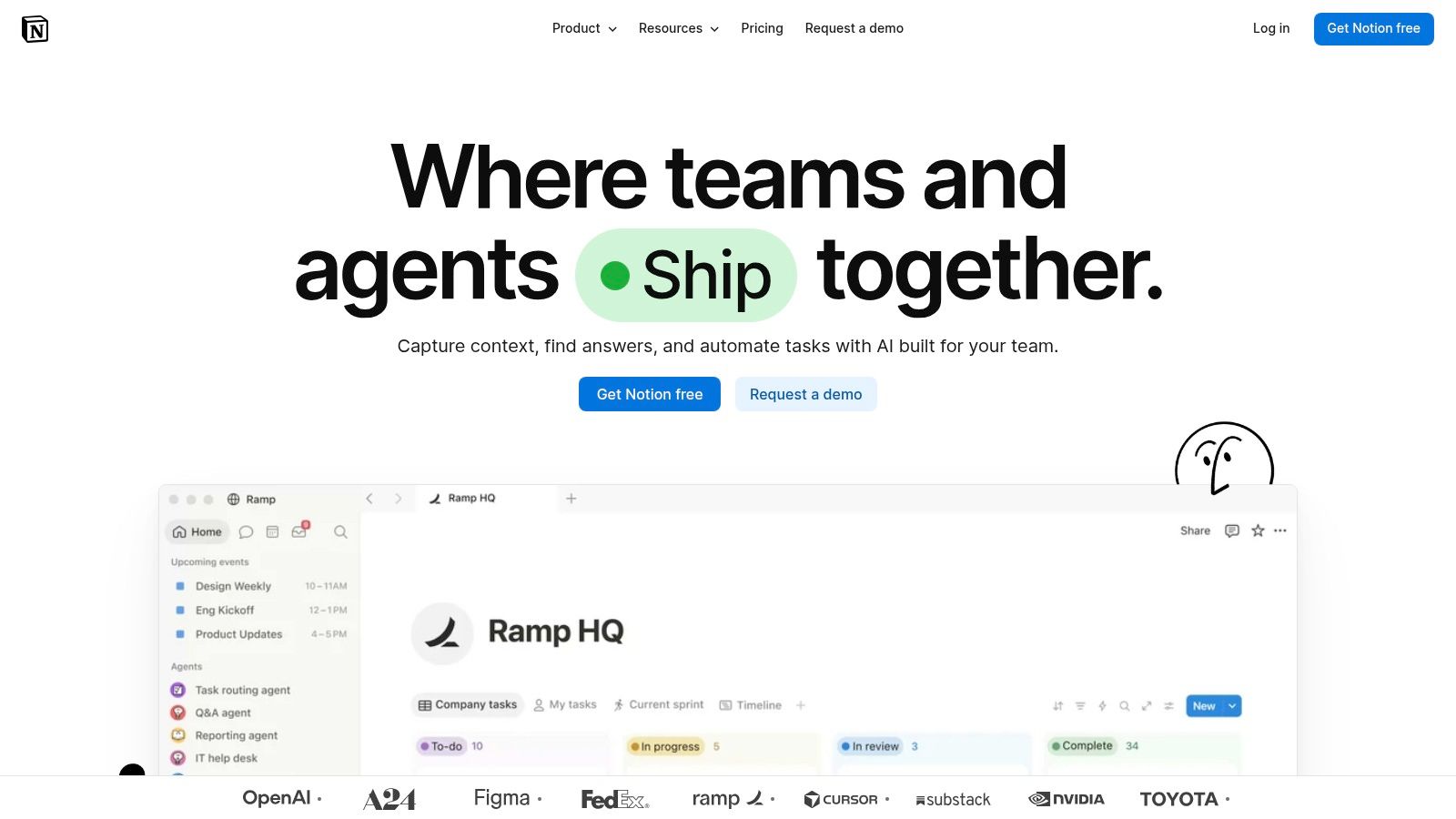
Notion is a strong first home for company knowledge because the same workspace can hold meeting notes, operating procedures, project plans, and onboarding material. A small team can start with a few clearly named pages and databases rather than buying a dedicated tool for every internal process.
Keep the workspace boring
Notion earns its cost when multiple people need to find and update the same company information, especially as a second hire joins and founders can no longer relay every decision directly. Start with a small number of shared areas: company handbook, meeting notes, product plans, and recurring processes. Give each area an owner.
Flexibility is also the main risk. If every person invents a new database, workspace navigation becomes another task. Notion can support lightweight planning, but it isn't a dedicated issue tracker for a product team with complex development workflows. The free plan is a sensible starting point; eligible startups may also qualify for the company's startup program. For a deeper look at the trade-offs between note-taking approaches, see this Obsidian versus Notion comparison.
3. Slack
Slack helps when a team needs conversations organized by project or function instead of buried in email threads. Channels can keep product discussions separate from customer questions, while integrations can bring updates from development, sales, and file-sharing tools into the places people already work.
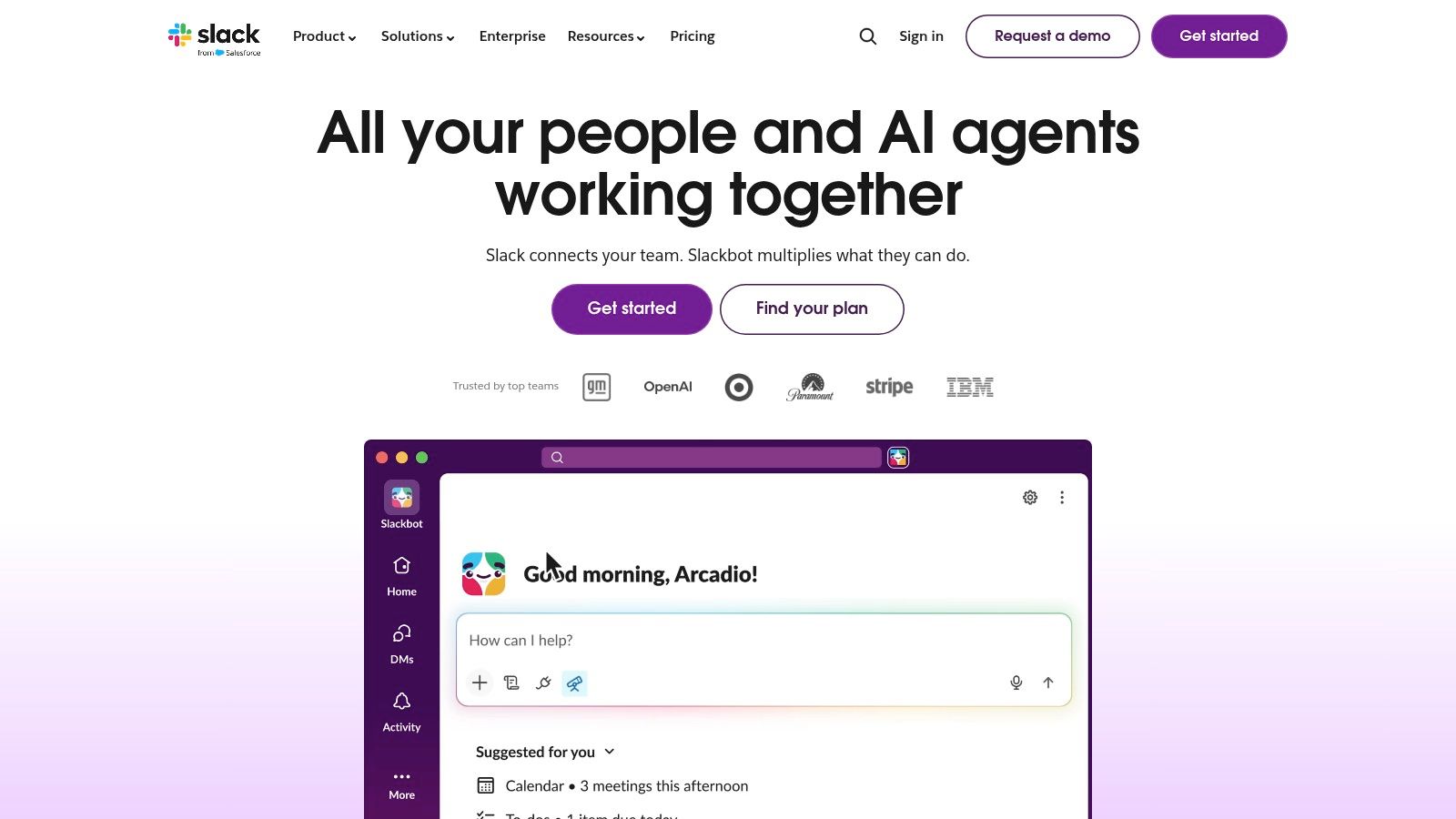
Adopt it when distributed work or active collaboration makes email cumbersome. A founder and one cofounder may not need a separate messaging subscription if they already communicate effectively through existing tools. Once Slack becomes the team's daily hub, agree on channel names, what merits a notification, and where decisions are recorded.
Practical rule: Use Slack to discuss a decision, then record the decision in the relevant project or documentation tool.
The free plan's limits include 90-day searchable message history and a cap on connected apps. That can make old decisions harder to retrieve, so don't treat chat as your permanent knowledge base. Paid per-user plans can also become a recurring cost as the team grows. Slack is valuable when it reduces coordination friction, not when every update creates another notification.
4. Stripe
A startup that needs to collect online payments shouldn't build payment infrastructure from scratch. Stripe offers hosted Checkout and Payment Links for simpler launches, plus APIs for teams that need to integrate payments and subscriptions into their product.

Stripe becomes essential when you're ready to charge customers. Before that, a clickable prototype or manual customer research may tell you more than a billing integration. For an early test, hosted checkout or a payment link can avoid engineering work; custom billing logic makes sense when your product needs it.
The trap is focusing on the headline processing rate and overlooking the full cost of your payment setup. Standard US domestic-card pricing is 2.9% plus 30¢ per successful transaction, and additional fees may apply. Rates can differ by payment type and transaction circumstances, so review the applicable terms for your setup. As payment volume increases, track transaction costs and the engineering time spent maintaining custom billing flows. The platform supports a quick start, but advanced subscription requirements can still demand implementation work.
5. Linear
For a software team, Linear is useful when product work needs a dedicated home for issues, projects, and development workflows. It gives engineers and product leads a shared view of what's planned, what's in progress, and what needs attention.

A small team can begin on the free plan, which includes up to two teams and 250 issues. That's enough for an early product backlog when the team needs structure but not advanced planning or analytics. Adopt it once work has enough parallel development that a shared list and regular conversations no longer make priorities clear.
Skip it if your team only needs a simple set of general tasks. Linear isn't a replacement for company-wide documentation or broad operations planning, so don't force every team workflow into it. The cost trap is upgrading for features before the team has outgrown its current process. Linear earns its place when product and engineering need a consistent issue-tracking system, not just because a startup builds software.
6. Figma
Figma helps a product team test an interface before developers commit to building it. Designers can create screens and prototypes, teammates can comment in shared files, and developers can inspect designs during handoff. FigJam also provides a space for collaborative diagrams and whiteboarding.
Adopt it as soon as interface decisions need feedback from people beyond the person designing them. A free Starter plan can support early exploration. A founder making rough sketches for a first conversation may not need a team design system or expanded administration yet.
Watch the seat model as collaborators grow. Some users may be able to view and comment without a paid seat, but plan differences and seat types can make total costs less obvious. Advanced shared libraries and administration may require an upgrade. Figma doesn't replace product requirements or issue tracking; teams still need a clear way to capture what a design is meant to solve and who will build it. If you're weighing other design software, this Figma versus Adobe XD comparison can help frame the choice.
7. Vercel
Vercel is a managed deployment option for teams building modern web applications. Connecting a code repository to builds and preview deployments helps developers review a change before it reaches the live product, without first assembling every piece of the deployment workflow themselves.
It earns a place when the team is shipping web changes regularly and needs a consistent path from code to preview. The Hobby plan is intended for personal projects, while Pro adds team collaboration and included usage credit. Don't assume a personal-project plan is appropriate for a commercial team just because it works during a prototype.
The cost trap is overlooking usage-based infrastructure charges. Monitor usage and set budget controls before traffic or builds rise; an easy deployment workflow doesn't automatically make costs predictable. Vercel is less suitable when a product depends on infrastructure outside its strengths or needs a more customized environment. For scheduled deployment tasks, use this guide to Vercel Cron Jobs to understand how that workflow fits the platform.
8. HubSpot
A spreadsheet can track early conversations, but it gets unreliable when several people need to log customer interactions and manage follow-ups. HubSpot's CRM gives a team a shared place for contact records and sales activity, with the option to add customer-facing products as the process develops.
Start with the free foundational tools when you first need a shared customer record. The trigger to adopt is operational: leads are being missed, context is trapped in one founder's inbox, or a growing pipeline needs consistent stages. Before then, a well-maintained spreadsheet may be enough.
HubSpot's broader suite can be more than a very early company needs. Paid features and limits vary by product and plan, so check which specific capabilities or usage levels incur costs before building processes around them. Don't purchase a larger bundle because it might be useful someday. HubSpot works best when the team defines how it will use the CRM, who maintains records, and what counts as a qualified next step.
9. AWS
AWS can support a wide range of technical workloads, including application hosting, compute, storage, and data needs. It's an infrastructure choice, not an automatic requirement for every startup. A team with an existing deployment platform and modest technical needs may be better off avoiding extra setup and operational work.
AWS earns its cost when the product's technical requirements call for its services or when a team needs the flexibility to build on a broad cloud ecosystem. Eligible startups can apply for AWS Activate credits. The available routes and credit amounts depend on program eligibility, so treat credits as a possible offset, not a reason to choose an architecture that the company can't maintain.
The main cost trap is an unmonitored bill. Cloud usage can be difficult to forecast when teams spin up services without clear ownership or budget alerts. Set budgets, tag resources, and review what's running before increasing the number of services. A simple managed deployment option may be cheaper in engineering attention for an early web product; AWS makes more sense when the team can justify and operate the infrastructure it adopts.
10. Airtable
Airtable is a useful middle ground between an ordinary spreadsheet and a custom internal application. Teams can organize content calendars, launch plans, customer research, or inventory in structured records, then use different views to make that information easier to manage.
Adopt it when a spreadsheet has become difficult to maintain but a purpose-built product would be excessive. For instance, a launch tracker may need linked records for tasks, owners, and content assets. Airtable can handle that without requiring a team to build a bespoke app.
The risk is turning flexibility into a maze of connected tables that nobody wants to maintain. Name an owner, document what each table is for, and check plan limits and collaborator costs before inviting a larger team. If your needs are a task list or a sales pipeline, a dedicated project tracker or CRM may be clearer. Airtable is a better fit for a lightweight custom workflow than a universal replacement for every operational tool.
How the Top Startup SaaS Tools Compare on Use Case, Free Options, and Pricing Model
Read this table as a staging map, not a shopping list. The right time to pay for each tool is when a named workflow depends on it, and the free column shows how far you can get before that point.
| Item | Best for | Free option | Pricing model |
|---|---|---|---|
| SubmitMySaas | SaaS launches and product discovery | Free Launch at $0, with 10 free slots each week | Free Launch $0 per launch; Premium Launch $19 per launch; product advertising $79 per product for a month |
| Notion | Team documentation and lightweight planning | Free plan available | Free and paid plans; eligible startups may receive discounts |
| Slack | Team messaging and channel-based collaboration | Free plan with limits | Free and per-user paid plans |
| Stripe | Online payments and subscriptions | No monthly fee on standard pay-as-you-go pricing | Transaction-based; standard US domestic cards cost 2.9% plus 30¢ |
| Linear | Product and engineering issue tracking | Up to two teams and 250 issues | Free and paid plans |
| Figma | Collaborative interface design and prototyping | Free Starter plan | Free and paid plans with different seat types |
| Vercel | Web app deployment and previews | Hobby plan for personal projects | Free and Pro plans; some usage is billed separately |
| HubSpot | CRM and early sales activity | Free foundational tools | Free and paid products; features vary by plan |
| AWS | Cloud infrastructure for technical startups | Eligible startups can apply for credits | Usage-based; startup credits depend on eligibility |
| Airtable | Spreadsheet-style databases and custom workflows | Free plan available | Plan limits and per-seat costs may apply |
Two patterns stand out. Per-seat tools such as Slack, Figma, and Airtable get expensive as headcount grows, so the cost trap is hiring. Usage-based tools such as Stripe, Vercel, and AWS get expensive as volume grows, so the trap is success. Plan the review trigger around whichever axis applies.
Build Your Stack Stage by Stage, Not All at Once
Start with the tools needed to make and deliver the product. A team building software may begin with a code repository and deployment workflow, then add Figma when it needs to review product interfaces collaboratively. Notion can hold internal decisions and operating notes. Keep the setup small enough that everyone knows where information belongs.
Add customer and revenue systems when the work exists to support them. Stripe belongs when you're ready to collect payments, not just because subscriptions are part of the business model you hope to build. A CRM such as HubSpot becomes useful when the first paying customers or active sales conversations need shared records and dependable follow-up. Slack earns its cost when the team needs day-to-day coordination across people or workstreams. Linear makes sense when product issues need more structure than a shared task list can provide.
Delay infrastructure choices that add operational responsibility without solving a current problem. AWS can be a strong foundation, but its breadth doesn't eliminate the need to manage usage and budgets. Likewise, don't pay for advanced features in Notion, Figma, or Airtable until the team can name the constraint those features would remove.
Treat every subscription as an owned workflow. Name the person responsible for the tool, identify the source of truth it supports, and record the event that should trigger a review, such as a new hire, a shift to paid customers, or recurring billing work. That makes it easier to decide whether to keep, consolidate, or cancel a product as the company changes.
Review subscriptions each quarter. For each product, check who uses it, whether the workflow still exists, what information would need to move if you switched, and whether another tool already does the same job. If a tool has no clear owner or outcome, pause before renewing or expanding the plan. AI features deserve the same test: define the task they should improve and verify that the benefit justifies the cost and the data access they require. For a broader view of software choices for AI-focused teams, consult RapidNative's guide to AI startup tools.
This week, list every product your team pays for, assign an owner, and mark each one as essential now, useful later, or redundant. Choose one workflow that still depends on scattered notes or repeated manual work, then add a tool only if it clearly improves that workflow.
SubmitMySaas helps makers launch products for discovery and feedback, with weekly rankings and monthly roundups that can put new SaaS tools in front of people exploring what to use. If you're preparing a product launch or researching software for your startup stack, visit SubmitMySaas to browse products and explore launch options.