By Outrank
10 Best AI Design Tools for 2026: Features Compared
Compare 10 AI design tools for 2026, including Figma, Canva, Framer and Recraft. See features, use cases, limitations and ideal users.
On this page
Popular advice around AI design tools makes them sound like a shortcut straight to finished assets. Type a prompt, skip the tedious layout work, and ship before lunch. In actual product and marketing workflows, that promise breaks down fast because these tools excel at the first draft and struggle with the last ten percent.
Real teams already see the gap between speed and production quality. In Figma's 2025 AI report, a survey of 2,500 product builders across seven countries found that 59% of developers used AI for core tasks like code generation, while only 31% of designers used AI for core design work such as asset generation. Even though one in three respondents were launching AI-powered products in 2025, representing a 50% increase from the prior year, visual craft still demands tight human control over spacing, hierarchy, accessibility, and brand consistency.
Ranking these tools by prompt demos misses the point. A logo generator won't save your SaaS onboarding flow, and a prompt-based image model won't export clean vectors for a component library. If you want to cross-check pure image models alongside wider creative suites, you can also review sourced software comparisons on Mojolin before narrowing your stack.
Below, ten leading AI design tools are grouped by the concrete job they handle best, paired with the workflow limits and free-plan ceilings that decide whether a tool belongs in your daily rotation.
1. Figma
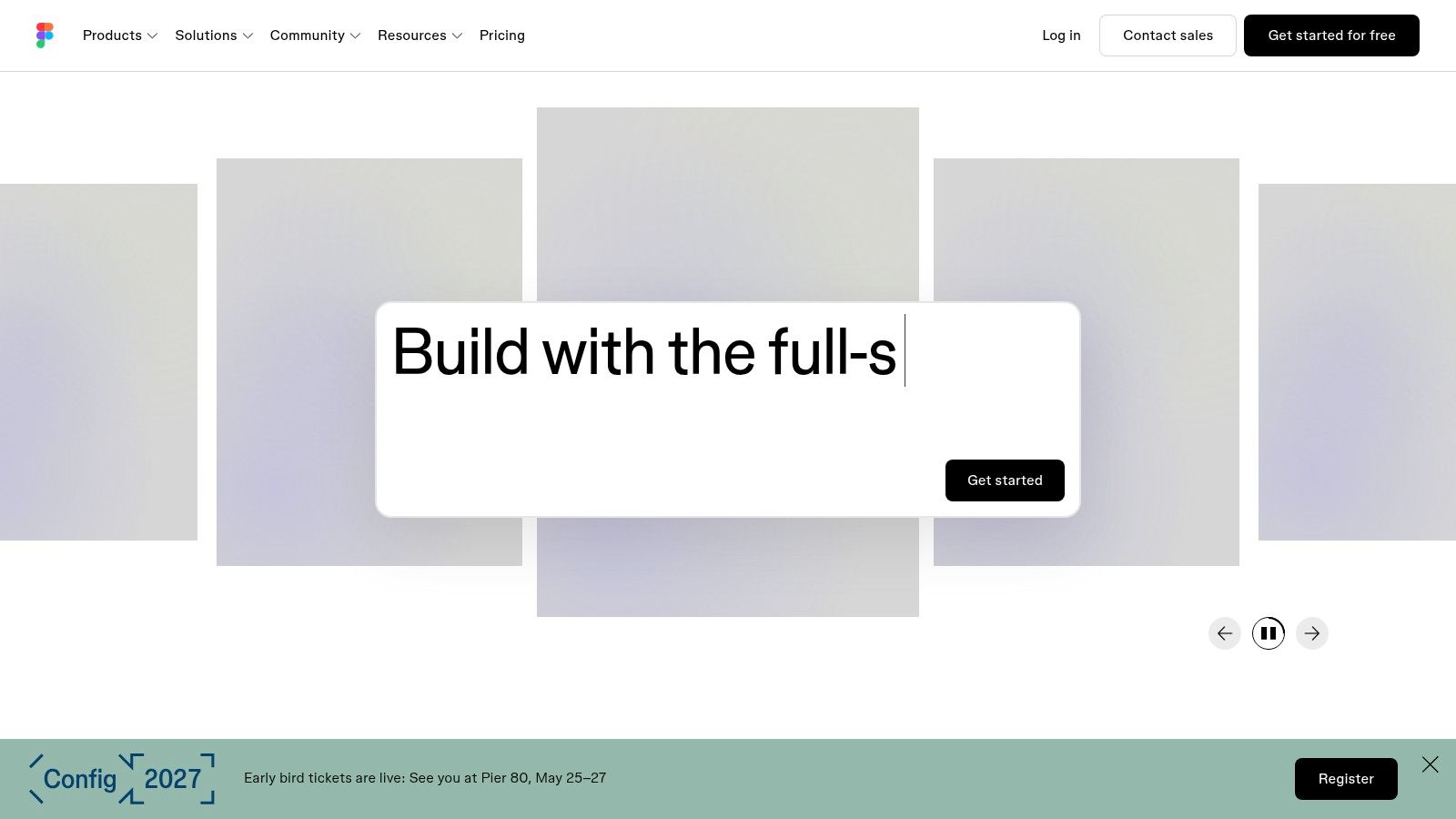
When a product team needs to move from rough wireframes to a shared design system and developer handoff, Figma remains the workspace where real production happens. Instead of bolting a flashy generator onto a thin canvas, Figma weaves AI assistance directly into an environment built for precision spacing, reusable components, and team review.
Where Figma Earns Its Seat
- Integrated Workspace AI: AI capabilities sit across Figma's design and collaboration products, helping you accelerate routine tasks without exporting files into a separate app.
- System-Level Controls: Interactive prototyping, components, variables, and shared libraries let product teams enforce consistent typography, colors, and states across dozens of screens.
- Multiplayer Collaboration: Real-time editing and inline comments keep product managers, engineers, and designers working on the same file instead of trading static screenshots.
- Developer Handoff: Dev Mode bridges design specs and implementation so engineers can inspect spacing, tokens, and component structure directly.
If you're still weighing interface platforms from legacy workflows, check our Figma vs Adobe XD breakdown to see how their ecosystems diverge.
Figma's main limitation is that it isn't a one-click generator for finished marketing graphics, and newcomers face a noticeable learning curve before components and auto-layout feel natural. While a free Starter plan lets you test the workspace, AI credits and feature availability vary by plan, so growing product teams hit paid tiers quickly once they rely on shared libraries and heavier AI usage.
2. Canva
Say a five-person SaaS startup needs a pitch deck, LinkedIn launch graphics, and webinar slides by Friday without pulling a product designer off sprint work. That exact handoff bottleneck is where Canva pays off, pairing an approachable template editor with Magic Design and built-in AI tools for generating or revising everyday business assets.
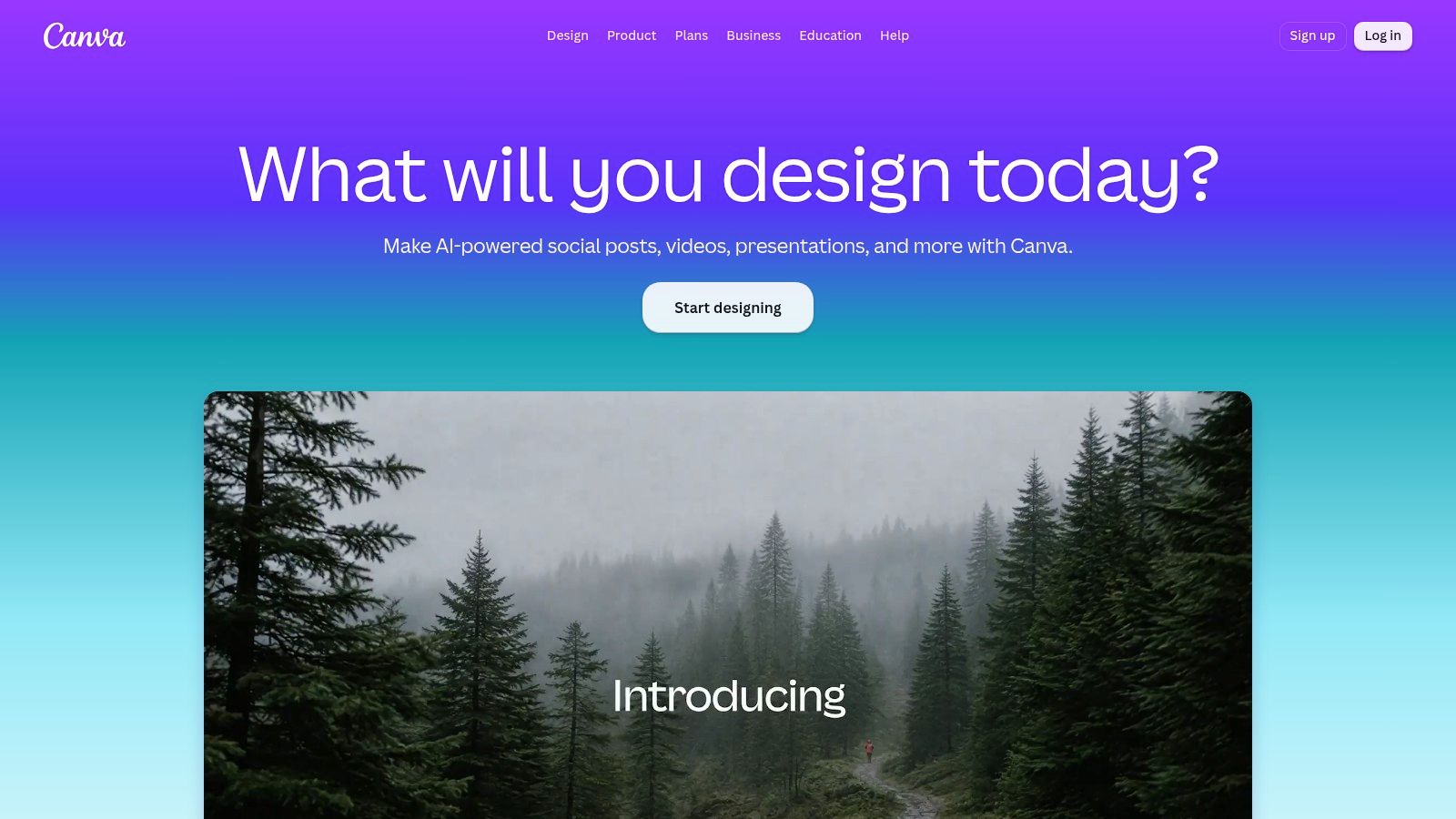
Non-designers pick up Canva fast because presentations, social posts, and promotional graphics all share one familiar canvas. Brand Kit options let you store logos, fonts, and color palettes so marketers can adapt layouts without drifting completely off-brand. You can browse Canva AI features to see how its generation and revision helpers map to different asset types, or compare it with broader production suites in our guide to content creation apps.
The Trade-Off Teams Hit Quickly
Template speed comes with a recognizable look. Out-of-the-box layouts often feel generic until someone edits the typography, swaps stock visuals, and tightens the spacing by hand.
Canva also offers far less granular control than a specialist interface-design tool, which makes it the wrong home for app screens or multi-state component libraries. Its free plan works well for occasional social graphics, but AI features, Brand Kit depth, and usage limits depend on the plan, pushing active marketing teams onto paid subscriptions once daily production ramps up.
3. Adobe Firefly
Commercial safety stops more creative teams from adopting generative visuals than image quality does. According to the Adobe creative AI report, 68% of creatives are concerned about copyright, and 97% believe AI shouldn't train on artists' work without consent. Adobe Firefly targets teams that want generative creation woven directly into Adobe's wider creative ecosystem rather than isolated in a standalone web app.
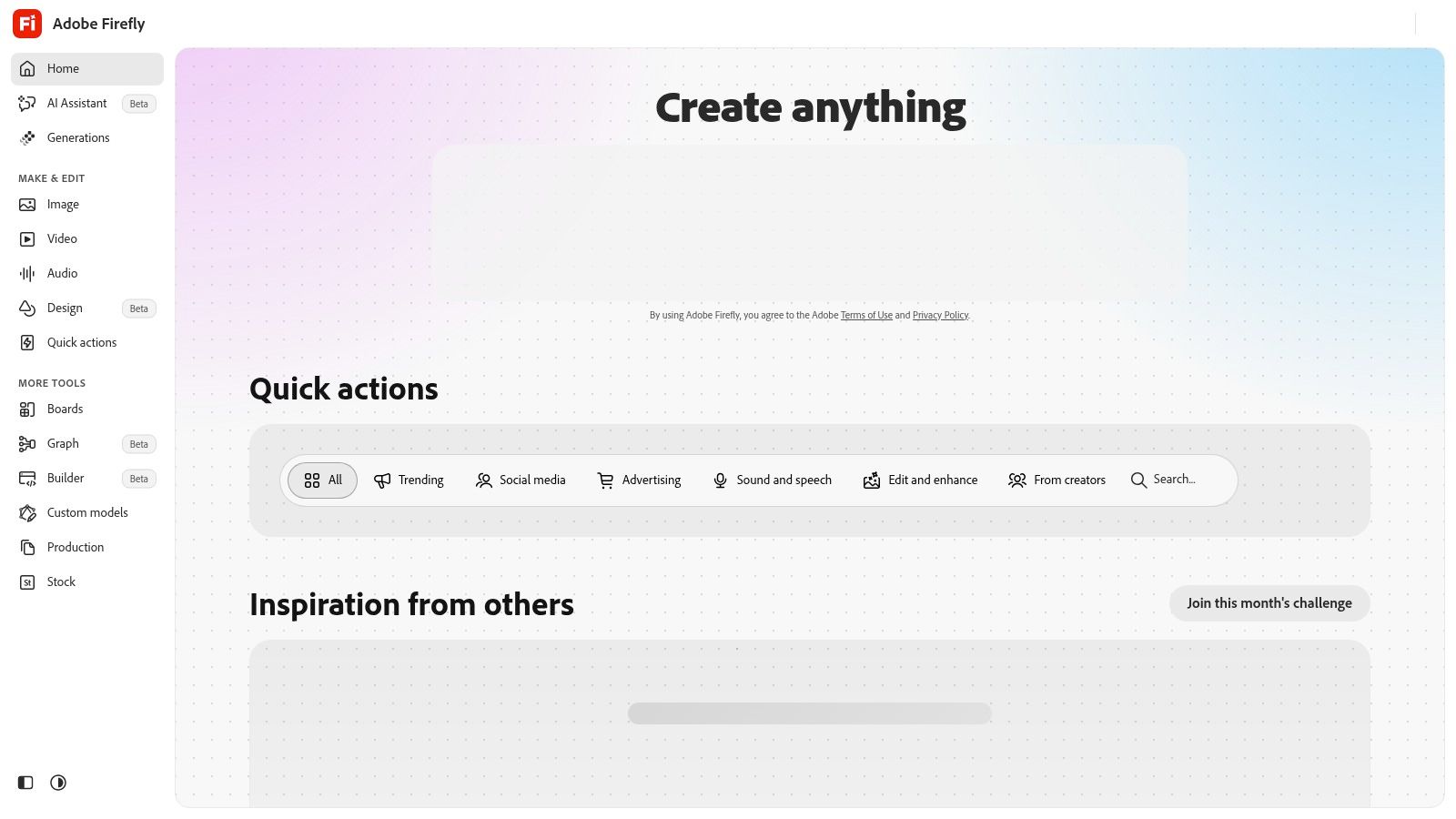
- Image Creation and Editing: Core tools like Generative Fill handle practical production jobs, such as extending backgrounds, removing distractions, or blending new elements into existing photography.
- Multi-Media Coverage: Beyond still images, eligible plans include video and audio generation, letting creative teams prototype motion and sound cues inside one subscription family.
- Partner Model Access: Users can tap into partner generative AI models alongside Adobe's native models when a specific visual aesthetic calls for a different engine.
- Ecosystem Connection: Assets move naturally alongside Adobe's broader creative tools, cutting down the export-and-reimport friction common with standalone generators.
Firefly earns its keep in production retouching and photo adaptation, where fixing an existing asset matters more than conjuring surreal art from scratch.
The constraint to watch closely is metering. Generative-credit allowances vary by subscription tier, so high-volume campaign iteration can burn through credits faster than expected. Teams that only need simple social graphics may find higher-tier capabilities unnecessary, and anyone unfamiliar with Adobe's broader suite will still face an upfront learning curve.
4. Midjourney
Few image generators match Midjourney for exploring visual directions from a written brief. When you're building mood boards, testing campaign lighting, or searching for an illustration style your team hasn't considered yet, the first grid of prompt results frequently sparks stronger art direction than a blank Pinterest board.
The trouble starts when you try to steer a promising draft toward final production. Because Midjourney doesn't include a layout or interface-design editor, every visual needs to move into another tool for typography, grid alignment, and asset sizing. Pushing through repeated prompt edits can also drift away from the composition you liked in the first place.
Plan Limits That Catch Teams Off Guard
- Fast GPU Time vs. Relax Mode: Subscription tiers allocate different amounts of fast GPU time, while Relax Mode for unlimited slower image generation is only available on Standard, Pro, and Mega plans. The Basic plan doesn't include unlimited Relax Mode.
- Public vs. Private Generation: Confidential product concepts or unreleased ad campaigns require Stealth Mode, which is restricted to the Pro and Mega tiers.
- No Production Canvas: You can't manage text styles, vector layers, or responsive components inside Midjourney, so it stays strictly an ideation engine.
Workflow rule: Treat Midjourney as an art-direction sketchbook. Pull winning concepts out early and finish typography, framing, and brand polish inside a real design editor.
5. Uizard
Early product discussions often stall because founders describe screens in bullet points while engineers picture completely different flows. Uizard narrows that gap by turning text prompts, whiteboard sketches, wireframes, or existing screenshots into editable screen mockups you can click through and share.
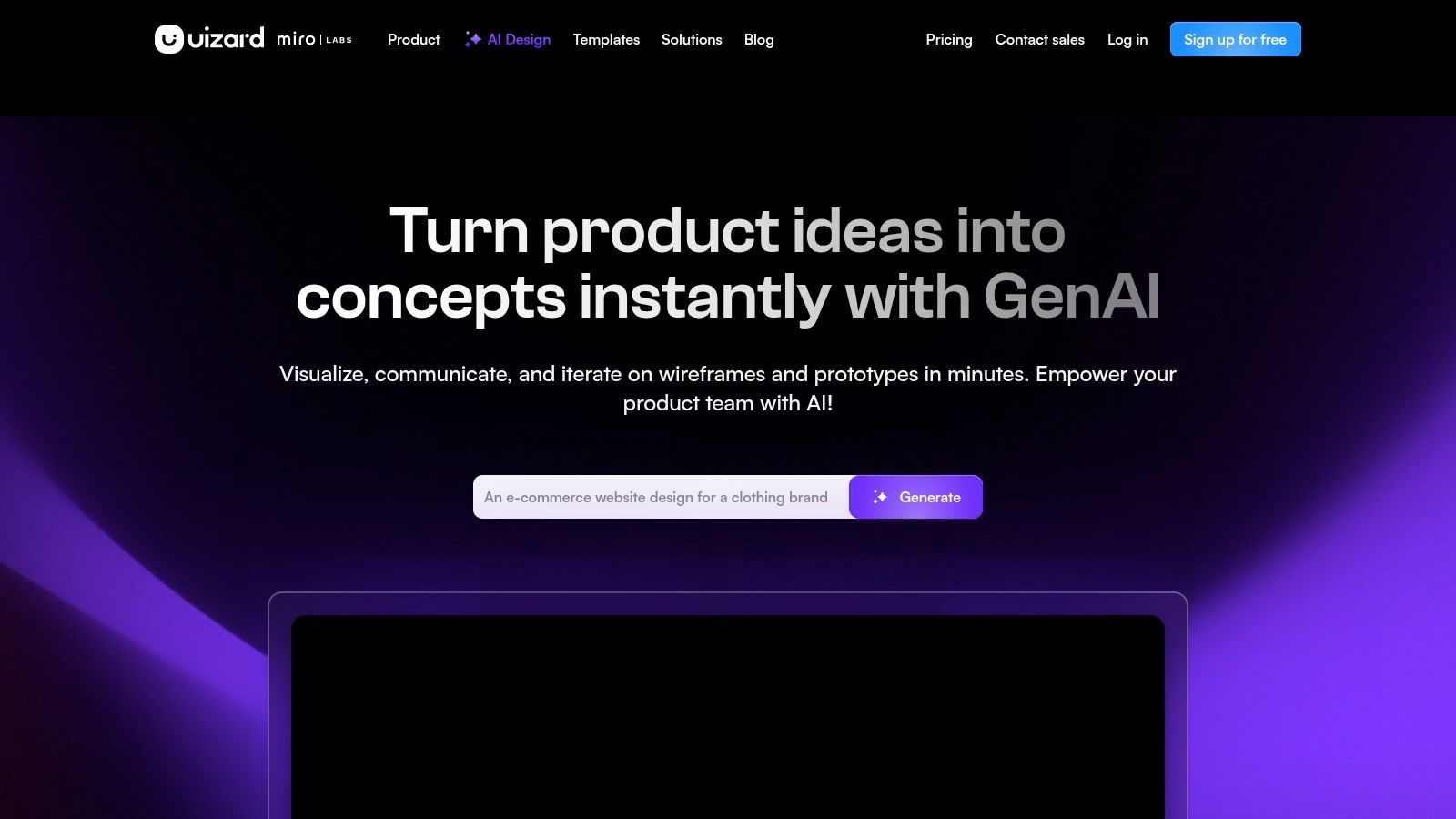
For non-designers validating an app concept or website structure, scanning a napkin sketch into an editable layout saves hours of manual box-drawing. Uizard's text-to-project and text-to-screen features let you map out multi-screen journeys quickly, link interactive flows for stakeholder feedback, and hand cleaner material to developers on paid tiers, where export and handoff options open up beyond what the free tier allows.
Where the Free Tier Stops
Uizard's free plan works strictly as a sandbox. Project count and monthly AI generations are capped tightly enough that you'll hit the ceiling during your first serious brainstorming session, so anyone prototyping beyond a quick test should budget for a paid tier.
That ceiling matters because Uizard's real value sits in speed of iteration, and iteration is exactly what the free limits restrict. If you only need one mockup to pitch an idea, the free tier covers it. If you're shaping actual user flows with a team, plan to pay.
Even on paid plans, treat Uizard's output as a conversation starter rather than shippable product UI. Generated screens rarely follow a strict component system or refined visual hierarchy, so approved concepts still get rebuilt inside a full interface platform before engineering writes production code.
6. Framer
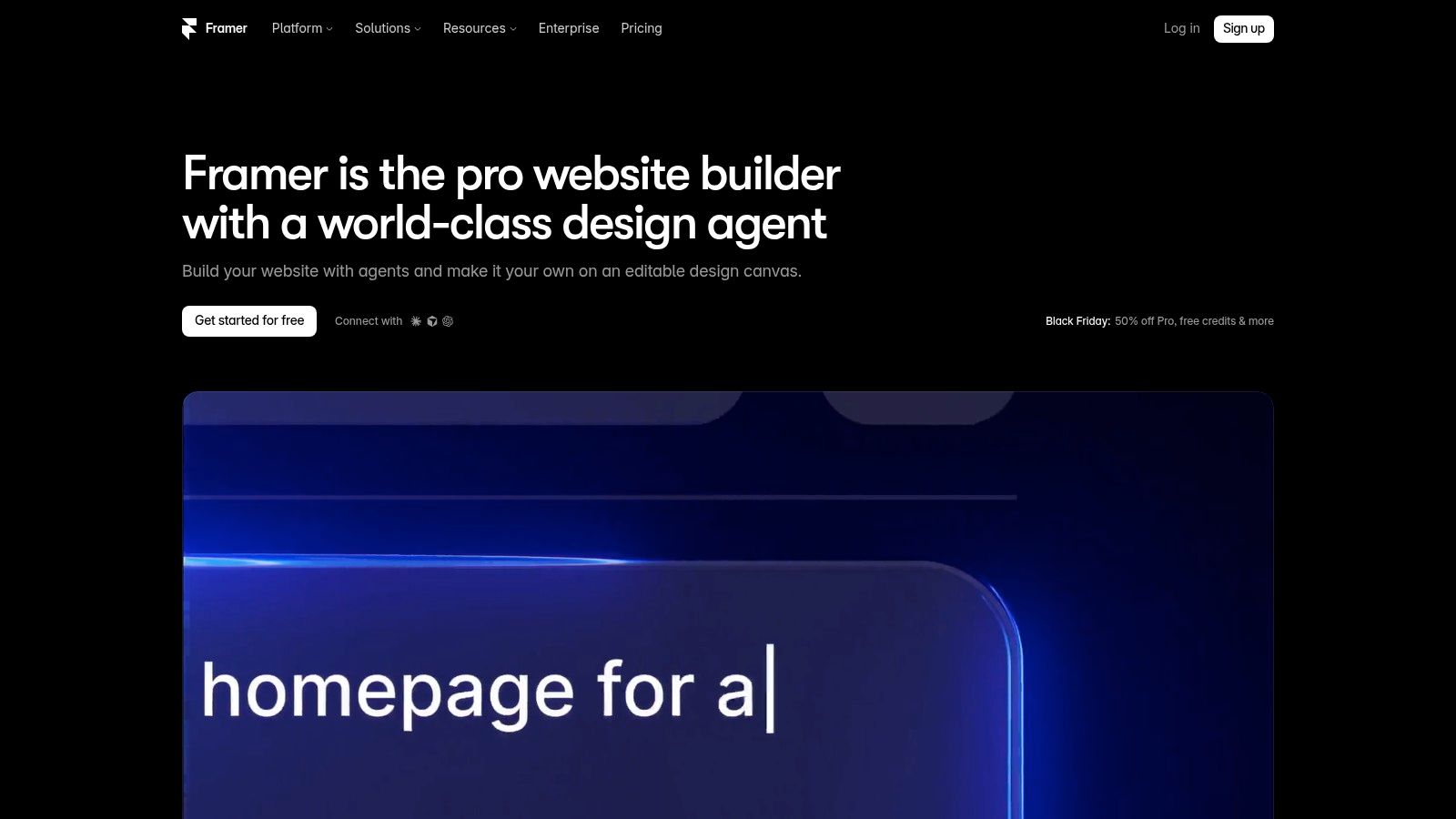
Most AI website builders generate a page and trap you inside rigid section blocks the moment you want to adjust spacing or breakpoint behavior. Framer takes a better route for startups shipping landing pages and marketing sites: its AI agents draft, edit, and review pages directly on a visual design canvas where you can still tweak every layout decision and publish from the same workspace.
Design Control Without Leaving the Browser
- Editable AI Assistance: AI agents help draft initial structures, revise copy or sections, and review pages, while leaving every element open to hands-on adjustment on the responsive canvas.
- Built-In Publishing Stack: Hosting, CMS collections, publishing, and built-in SEO tools sit inside the same platform, removing the usual handoff between a static mockup tool and a separate front-end build.
- Team Collaboration: Eligible plans add staging and branching, letting marketers and designers review site updates safely before pushing live changes.
Framer stays focused on websites rather than general graphic design or native app prototyping. If you're comparing web builders against broader creative platforms, you can browse the design tools category to see how specialized options line up. You can experiment on Framer's free plan, but connecting a custom domain requires a paid site plan, and CMS items, bandwidth, and AI-credit limits all scale with your subscription tier.
7. Ideogram
Here's the catch that catches marketing teams off guard with Ideogram: free generations are public. If you're mocking up confidential launch graphics, unreleased product packaging, or client pitch concepts, testing prompts on a free account exposes those drafts until you move onto a paid plan.
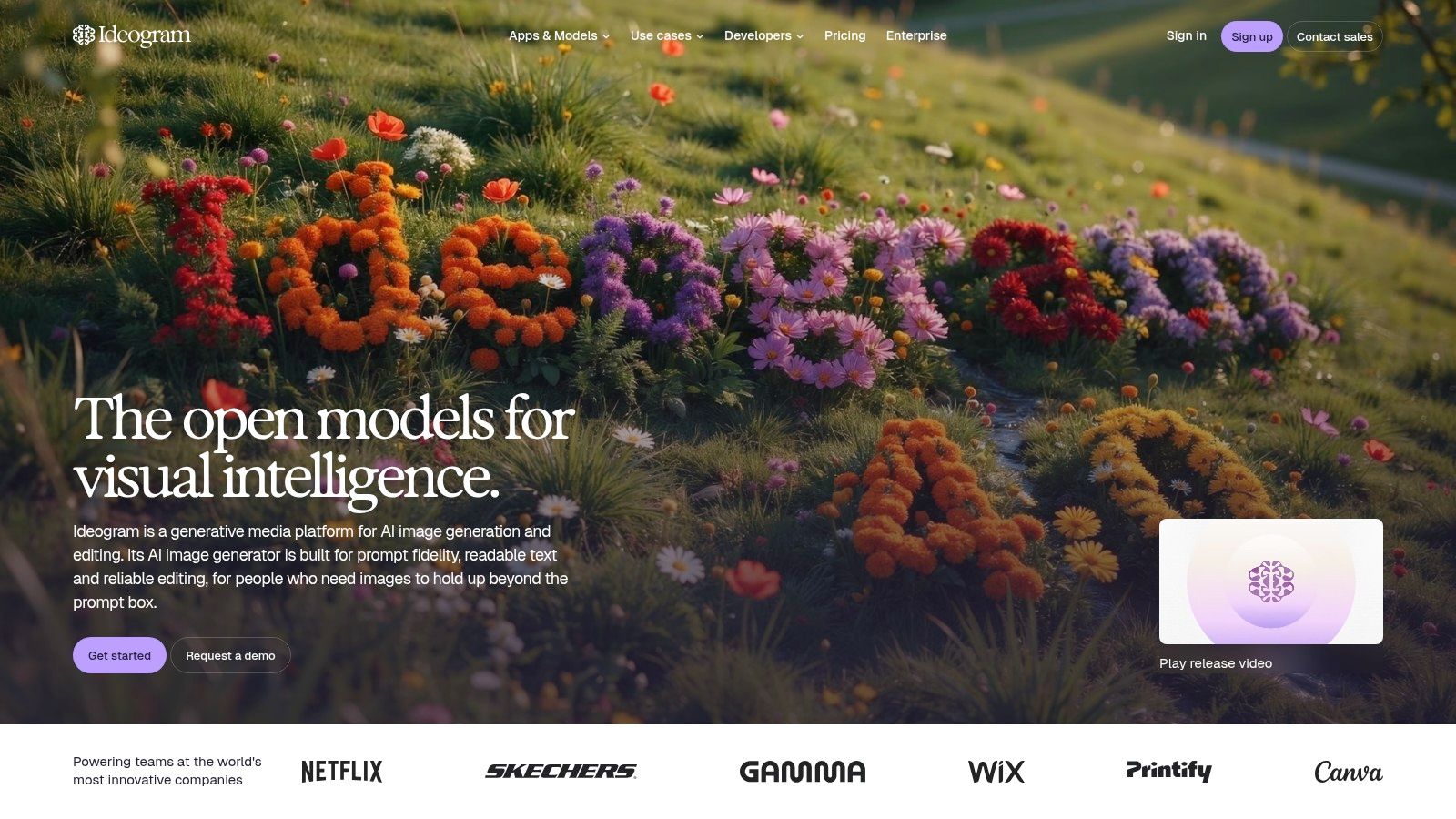
Once you account for privacy, Ideogram is a practical prompt-driven visual studio for generating and refining marketing imagery. Eligible accounts can test image generation for free to evaluate prompt accuracy, while paid subscriptions include private generation alongside access to both image and video models.
Credits, Editing, and Privacy Tiers
Ideogram goes beyond one-shot prompting with built-in AI editing and image-reference features, helping you guide composition or adjust visual details without starting from zero every time. Several subscription tiers scale across different generation volumes, combining priority credits, slower generation queues, and credit top-ups depending on the plan.
Budget carefully before rolling Ideogram out across a team. Both generation and editing consume credits, with credit burn varying by the exact operation you run. Subscription plans also don't include a free trial, so use eligible free public prompts strictly with non-sensitive test briefs before committing to a paid tier.
8. Recraft
Raster PNGs fall apart the moment a designer needs an icon set at three screen densities or an illustration colored to match an updated brand palette. Recraft tackles that exact production bottleneck with a design-focused visual studio built for both raster images and native vector artwork.
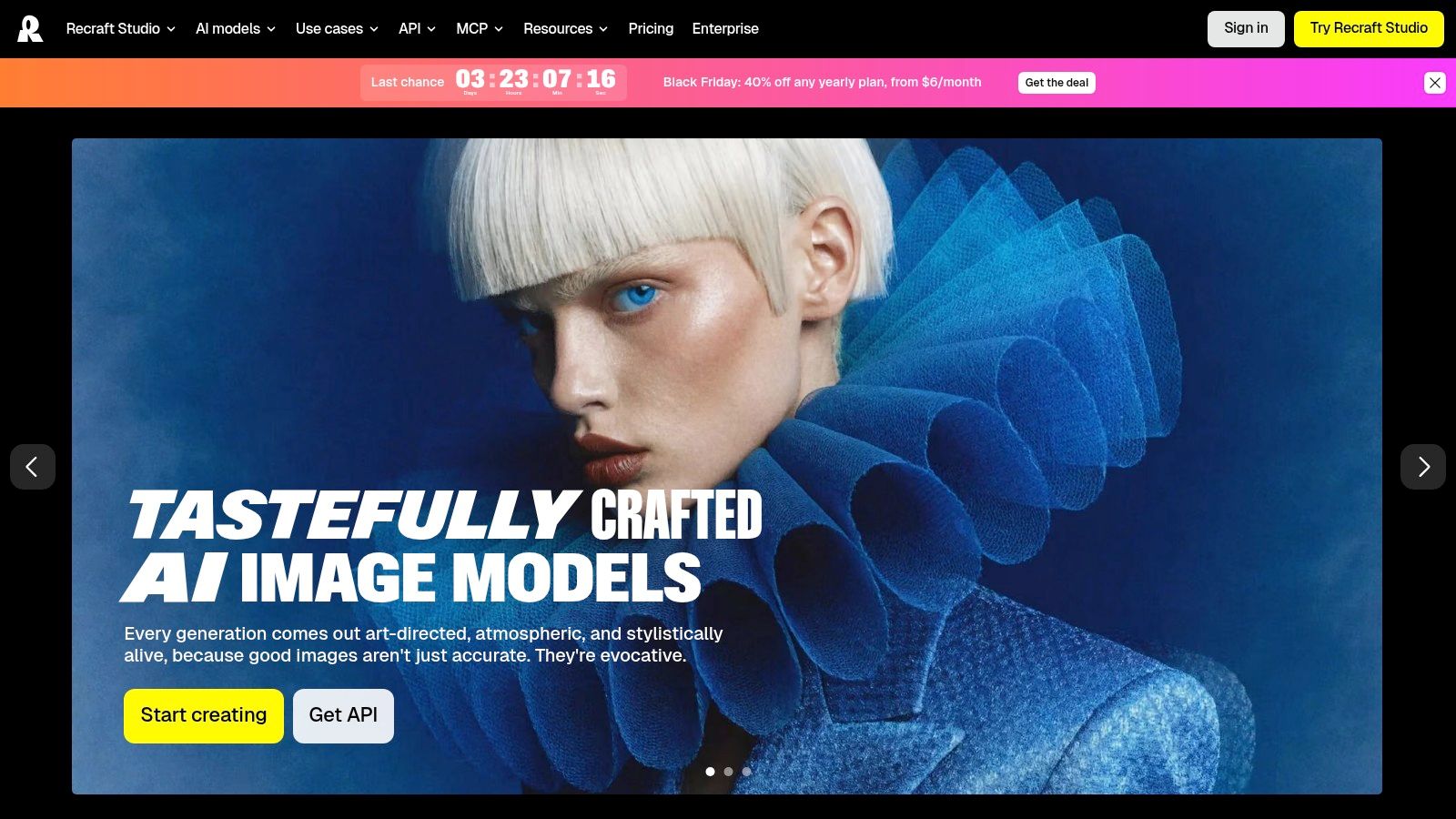
Its standout capability for product and brand teams is its V4 Vector models, which generate editable SVG files directly. Instead of tracing blurry bitmaps by hand, you get scalable illustrations, icons, and graphic motifs that drop straight into your usual vector or interface tools for final polish.
Generated SVGs still need a quick pass in a vector editor to simplify stray anchor points, unify stroke weights, and clean up layer groups before entering a production icon library.
Where Recraft Fits and Where It Stops
- Design-Oriented Models: Recraft focuses heavily on illustration and graphic styles rather than chasing photorealistic scenes alone, making visual sets easier to keep cohesive.
- Product and API Separation: Teams building automated asset pipelines can review separate pricing structures for the web studio and the Recraft API.
- Scope Boundaries: Recraft isn't an interface-design tool or a web publishing platform. Check its pricing page directly for current plan rates and credit allowances before building it into high-volume workflows.
9. Kittl
Independent creatives have moved fast to fold generative utilities into daily client production. In 2024, 52% of more than 10,000 freelance designers surveyed across 135 countries by 99designs by Vista, as reported by Designboom, said they were already using generative AI tools, up from 39% in 2023. Kittl is built directly for that freelance and brand-studio lane, combining AI generation with a browser-based editor suited for promotional graphics, posters, illustrations, and merchandise mockups.
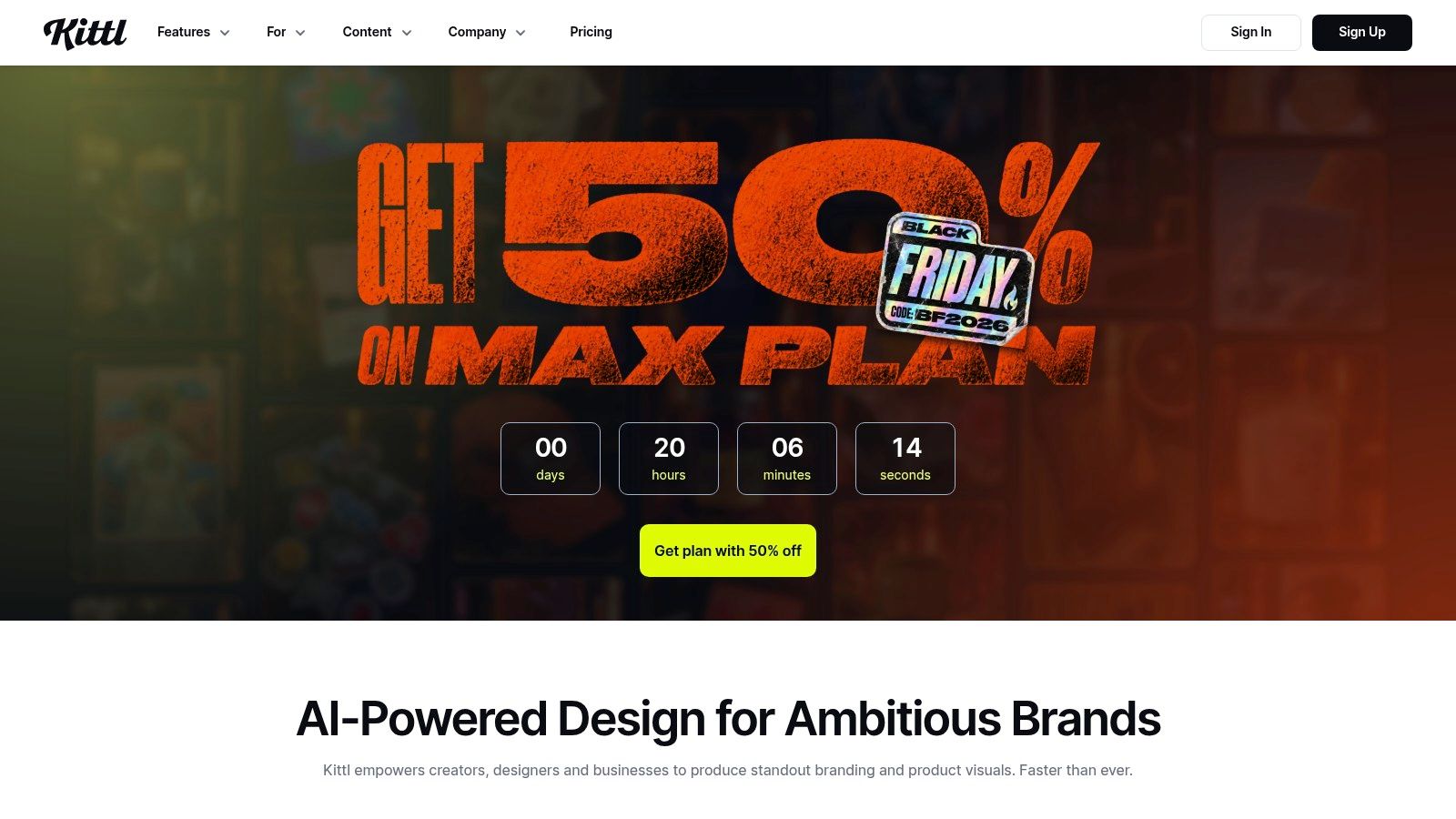
- Generation Inside the Editor: Instead of bouncing between a separate image prompt tool and a layout app, Kittl keeps AI creation and manual graphic editing in one browser tab.
- Templates and Mockups: Built-in templates, vector-oriented tools, and mockup previews speed up branded promotional pieces, packaging concepts, and apparel graphics.
- Tiered Plan Ladder: Access spans Free, Pro, Expert, and Max tiers, scaling included capabilities and AI tokens as your output grows.
Kittl isn't built for interactive app interfaces or multi-screen software prototypes. Its free plan lets you explore the canvas, but AI usage is bound by plan-specific token limits, and most commercial or client-facing projects require upgrading to a paid tier. Always check Kittl's current pricing page and commercial-use terms before shipping client merchandise or paid ad campaigns.
10. Looka
An automated logo maker won't replace a senior brand strategist crafting a custom identity system from scratch. Still, when an indie founder needs a clean wordmark and cohesive launch graphics to ship an MVP this week, Looka delivers a fast first pass without forcing you to pay before seeing options.
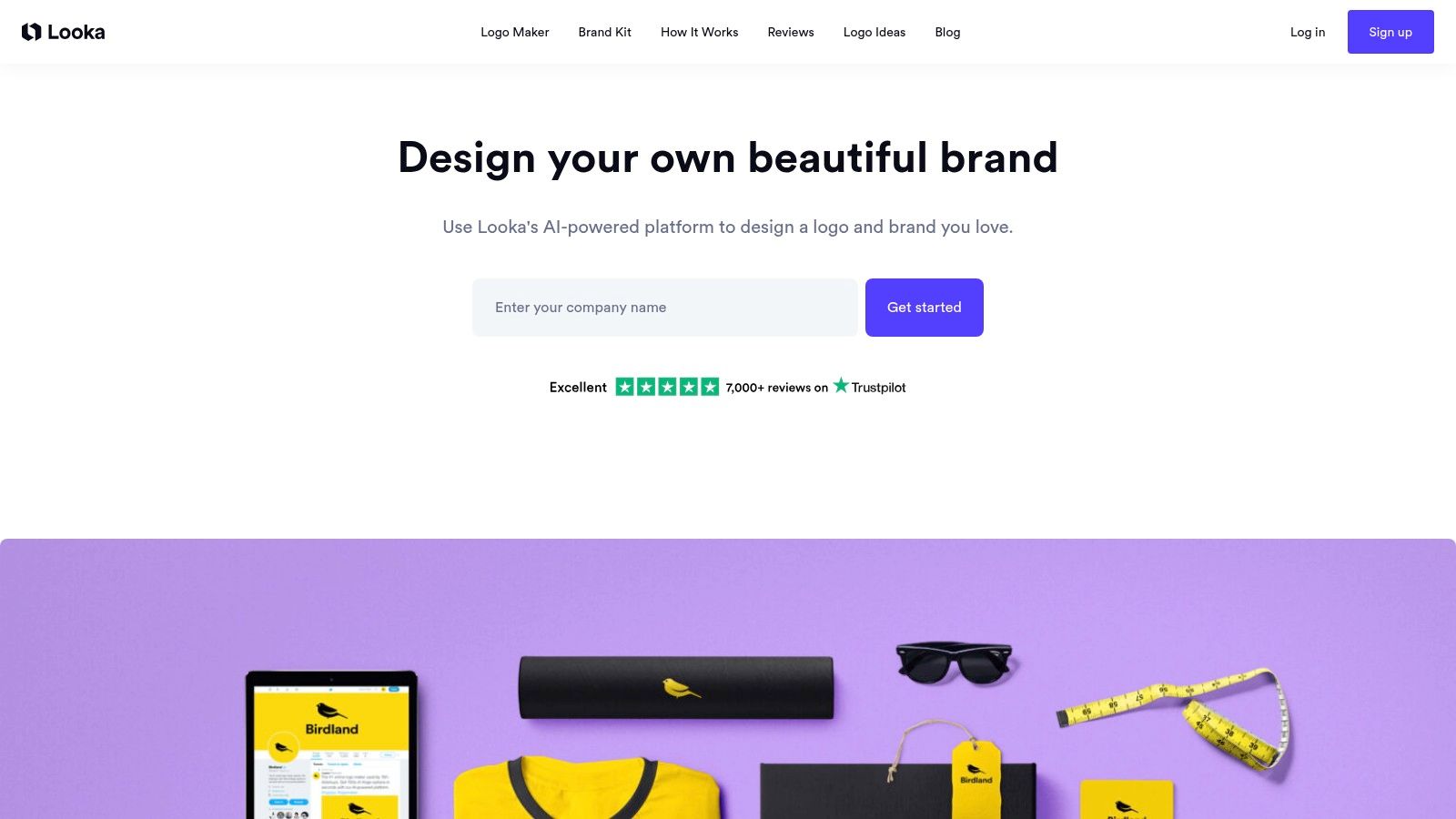
You start by entering your business name and style preferences, then browse generated logo concepts and adjust colors, fonts, icons, and layouts inside Looka's logo editor. Exploring and editing stays free until you decide an option is worth downloading.
One-Time Files Versus Recurring Brand Kits
Looka splits its paid offers into two distinct paths. Logo-only packages work as a one-time purchase, giving you downloadable files in multiple formats and color variations for your site, social profiles, and print materials. If you want matching business cards, social templates, and reusable branded materials, the Brand Kit extends beyond the logo mark itself.
The trade-off is lock-in and originality. Brand Kit runs on an annual subscription rather than a one-time fee, and logo customization stays noticeably more constrained than working directly in a vector editor with a designer. Treat a Looka identity as a structured starter kit, then review spacing, legibility at small favicon sizes, and category distinctiveness carefully before locking it into long-term brand guidelines.
AI design tools compared by primary output, best fit, and main limitation
| Item | Primary Output | Best For | Main Limitation |
|---|---|---|---|
| Figma | Interfaces, prototypes, and design systems | Product teams collaborating from concept to developer handoff | Learning curve; AI features vary by plan |
| Canva | Presentations, social graphics, and marketing materials | Non-designers creating everyday business assets | Template-based results may need editing to feel distinctive |
| Adobe Firefly | Generated and edited images, video, and audio | Creative teams using Adobe tools | Generative-credit limits can constrain frequent use |
| Midjourney | Prompt-generated images | Exploring visual concepts and creative directions | Not a layout or interface-design editor |
| Uizard | Screen-based mockups and prototypes | Founders and teams exploring app or website concepts | Generated screens need refinement; free plan is limited |
| Framer | Designed and published websites | Startups creating landing pages and marketing sites | Focused on websites; custom domains require a paid plan |
| Ideogram | Prompt-generated and edited visual assets | Creating images with paid options for private generation | Free generations are public; usage depends on credits |
| Recraft | Raster images and editable vector artwork | Creating scalable icons and illustrations | Vector output may need cleanup; not a full design platform |
| Kittl | Graphics, illustrations, mockups, and marketing assets | Creating branded graphics and merchandise-style artwork | AI usage and capabilities vary by plan |
| Looka | Logo concepts and branded business assets | Small businesses creating an initial brand identity | Customization is constrained; Brand Kit requires an annual subscription |
Choosing the Right AI Design Tool for Your Next Project
Picking the right AI design tools starts with the deliverable sitting on your desk, not the longest feature grid. When you match software to the exact file type and workflow handoff you need, the shortlist writes itself:
- Interfaces and Design Systems: Choose Figma for production UI, shared libraries, and developer handoff, or Uizard for turning sketches and prompts into early clickable concepts.
- Everyday Marketing and Brand Graphics: Choose Canva for fast cross-team decks and social assets, or Kittl for typography-heavy promotions, illustrations, and merchandise mockups.
- Commercial Imagery and Art Direction: Choose Adobe Firefly when Adobe integration and retouching matter most, Midjourney for early mood boards, and Ideogram for prompt-driven visuals with editing and reference controls.
- Websites, Vectors, and Starter Logos: Choose Framer to design and publish marketing sites on one canvas, Recraft for editable SVG icons and illustrations, and Looka for a quick starter logo and brand kit.
How to Test Before You Subscribe
Visual demos hide the friction that slows teams down. Cross-national academic research cited in the 2026 AI in UX and Product Design Survey Report on professional designers in China and the United Kingdom found that performance expectancy and social influence strongly drove intentions to adopt generative-AI design tools in both markets, while trust weighed especially heavily among UK designers and access to technology and related resources mattered more in China. Those findings reinforce a practical evaluation rule: score every tool on task completion quality, controllability, integration friction, and licensing risk rather than prompt novelty.
Before you pay: Run one real deliverable from your current backlog through your top two picks, from initial prompt all the way to final export, and time how long the last ten percent of manual cleanup actually takes.
Check three things during that test: whether the exported format fits your production stack cleanly, whether privacy and commercial-use terms cover your project, and how quickly you burn through free credits or project caps. That single test saves months of paying for overlapping subscriptions that sit unused after week two.
If you want to compare additional specialized options by category and pricing model, our Artificial Intelligence category lists 288 products within our wider directory of 658 products on SubmitMySaas. You can read each maker's product description and track newly launched design and AI tools alongside your shortlist, keeping in mind that maker-submitted descriptions aren't independent editorial endorsements.
Explore newly launched creative software, browse our Artificial Intelligence and design categories by pricing model, or submit your own product launch for community feedback and visibility on SubmitMySaas. Whether you're evaluating your next design stack or introducing a tool to founders and early adopters, SubmitMySaas puts active launches, archives, and category alternatives in one place.